
10 LinkedIn Automation Tools Compared for 2026
By DMpro team
Compare 10 LinkedIn automation tools by features, pricing, use cases, and limits, so you can pick the right one for prospecting and outreach.
The most popular advice about LinkedIn automation tools is to pick a cloud platform, warm up your account, and increase your sending volume. I wouldn't start there. Start with the job, not the tool, and decide whether the proposed workflow is allowed before connecting an account.
Most founders don't need more outreach software. They need help with a specific bottleneck: finding relevant leads, following up consistently, or managing conversations across a team. Buying several platforms before defining that bottleneck is how you end up paying for the same sequence builder twice.
There's also a boundary no vendor can remove. LinkedIn's prohibited-software policy disallows unauthorized tools that scrape data or automate activity, and warns that accounts can be restricted or shut down. Cloud hosting, delays, and warm-up features don't establish permission.
Buying rule: Compare workflow fit and total cost, but never treat a vendor's safeguards as a guarantee against restrictions.
The tools below serve different jobs, from budget lead management to agency coordination. Compare the plan you need, not just the advertised entry price, and avoid paying twice for overlapping tools. Treat each product as a potential helper, not a substitute for targeting, consent, opt-outs, or human judgment.
1. Linked Helper
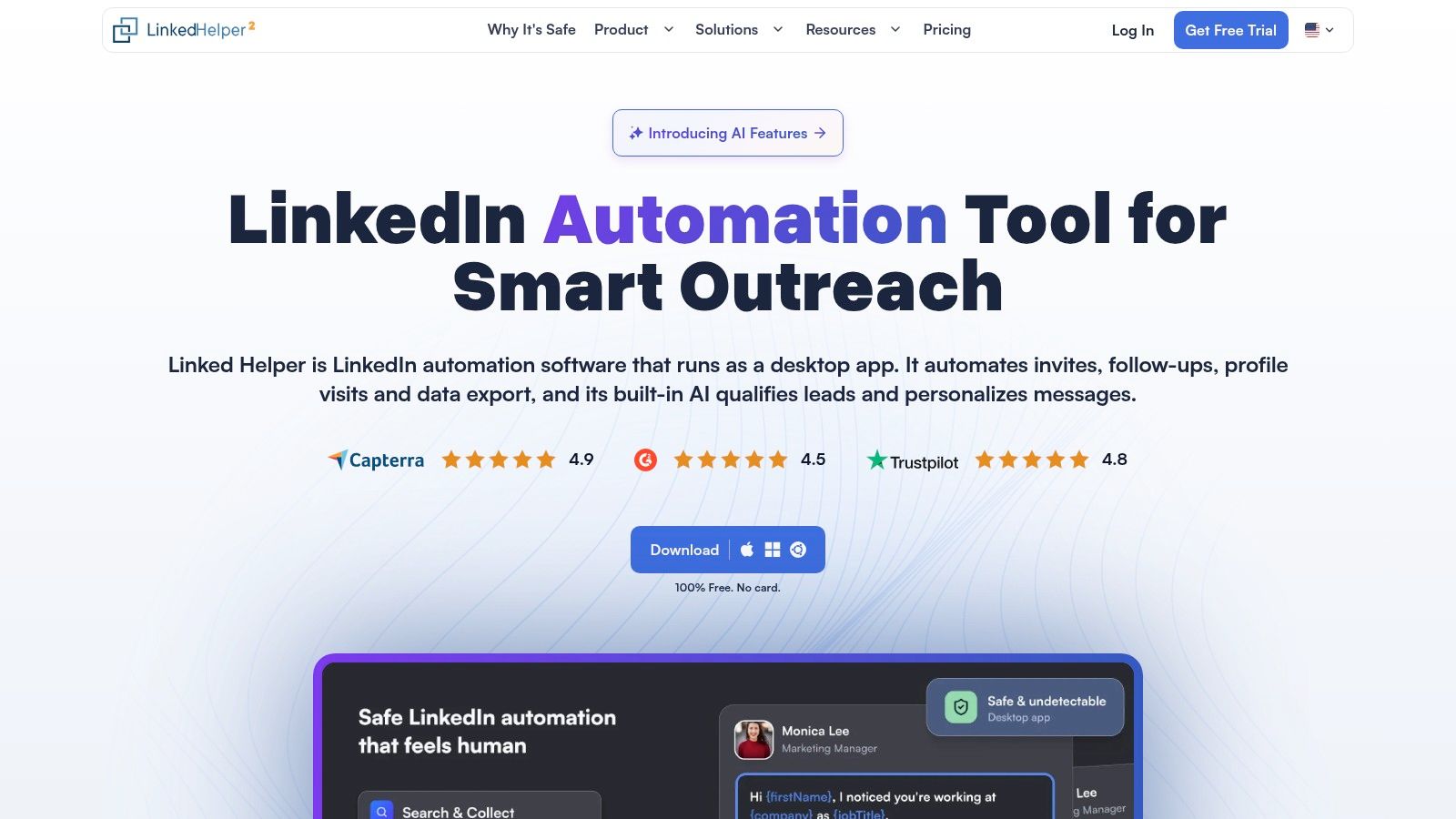
Best for lead organization and configurable campaigns on a smaller budget. Linked Helper combines campaign workflows with data collection, enrichment, and lead management. It's a sensible shortlist option when you want more control than a simple invitation-and-message sequence.
Linked Helper lists prices ranging from $8.25/month for local Standard to $33/month for cloud Pro, a 14-day trial covering Standard and Pro features, and a campaign builder with 30+ action types; each license covers one LinkedIn account. Compare the local and cloud versions carefully because storage choices, capabilities, and pricing differ.
Where it fits
- Campaign control: Build follow-up sequences rather than treating every prospect as a standalone message.
- Lead management: Use tags, notes, integrations, and exports to keep qualification work organized.
- AI assistance: Draft messages, identify ideal-customer fit, and prepare replies, then review the output yourself.
The trade-off is operational effort. The local version is a desktop app, so installation and your daily working routine matter more than they would with a hosted service.
Skip it if you want a lightweight, fully hosted experience with minimal setup. Also skip it if the appeal is collecting every available profile field without a clear business reason or permission basis.
For creators comparing browser helpers with broader prospecting software, this guide to LinkedIn plugins for creators helps separate those jobs. An extension and a campaign platform aren't interchangeable.
2. Waalaxy
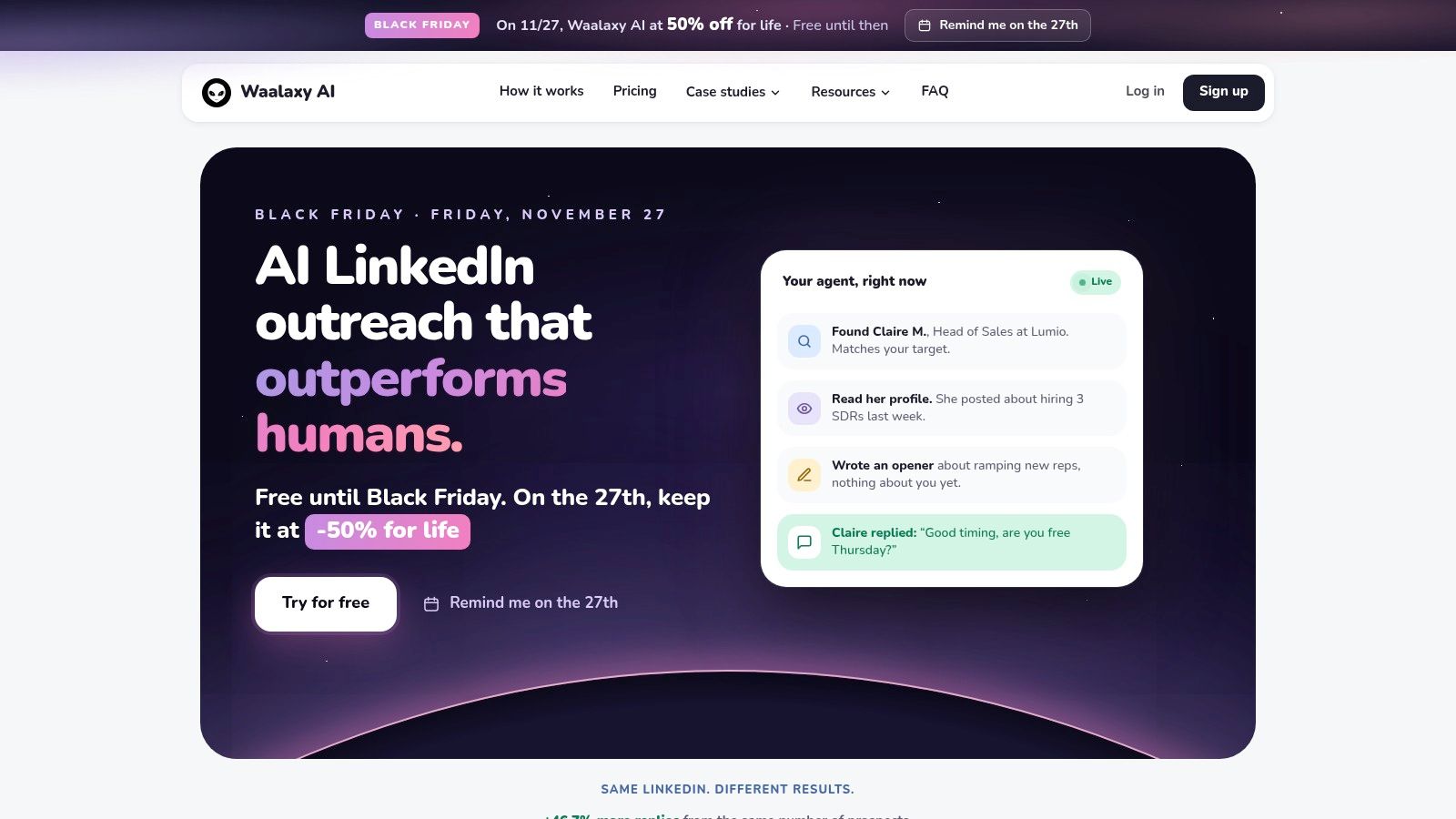
You have a defined audience and don't want to build every follow-up path from scratch. Waalaxy's prebuilt sequences make it worth considering for that job.
Its Classic product gives you a hands-on campaign builder with imports, follow-ups, reply detection, and CRM synchronization. A separate AI-led offering takes over more prospecting and messaging work, so be clear about which product you're evaluating.
- Pricing: Waalaxy lists Pro at €19/user/month, Advanced at €49, and Business at €69, with a 14-day trial on the listed plans.
- Lead inputs: Import prospects from LinkedIn, Sales Navigator, and Recruiter Lite, or work through CSV imports and exports.
- Channel choice: Business supports LinkedIn-and-email campaigns, while lower plans suit narrower workflows.
- Extra cost: The inbox is a paid add-on, and invitation allowances vary by plan.
The practical benefit is a more structured starting point. You can choose a sequence and focus on whether the audience and message make sense instead of drawing every path yourself.
The limitation is that a template can make a weak campaign look finished. Replace generic openings with a real reason for contacting that person, and check what happens after a reply.
Skip it if you need an included inbox or expect the Classic builder and AI-led offering to behave identically. Choose the operating model first, then the subscription.
3. Dripify
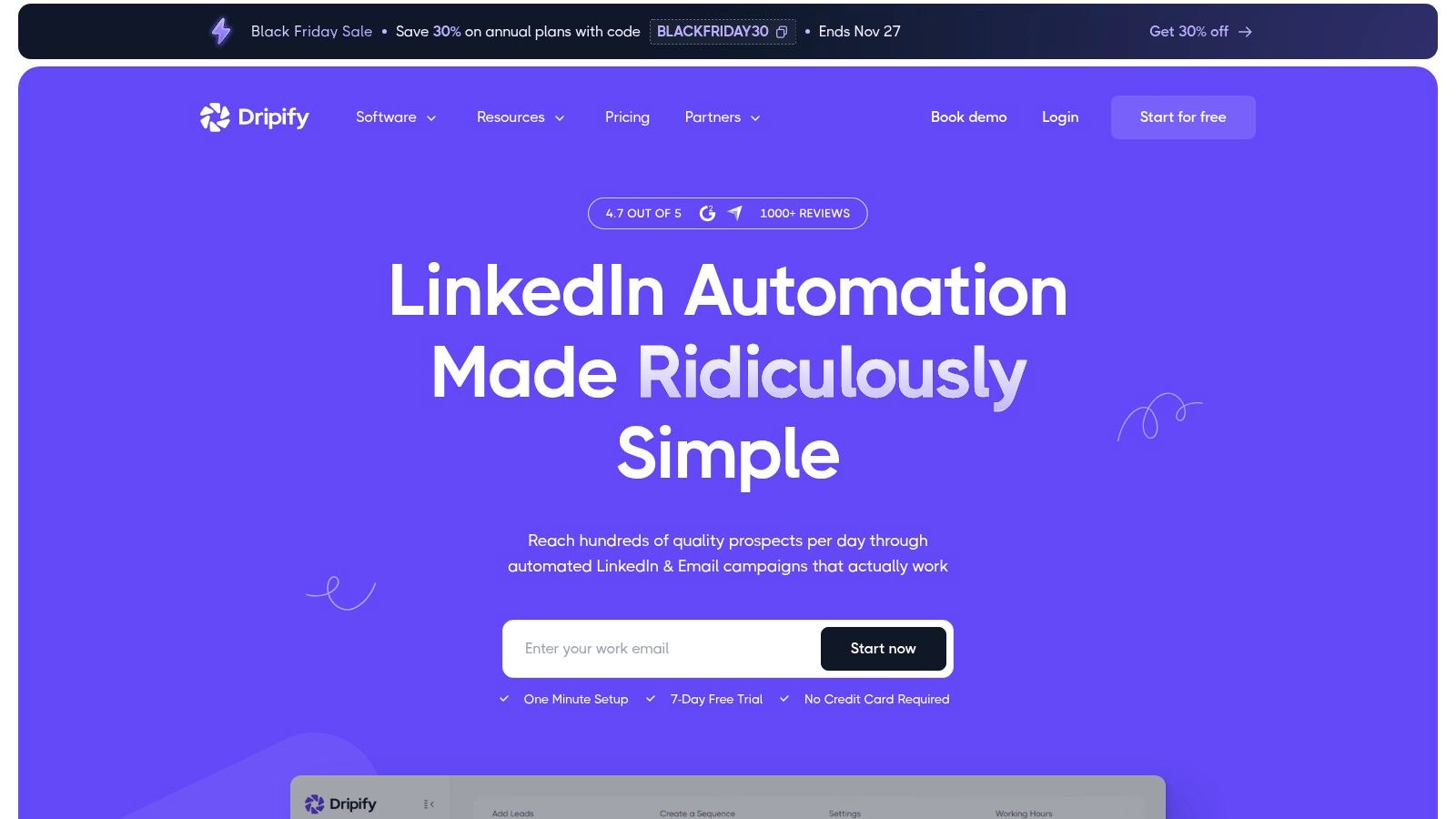
Dripify fits sellers who want cloud sequencing with a clear upgrade path. It combines LinkedIn and email campaigns, templates, and analytics without requiring a desktop app to stay open.
Dripify lists monthly billing from $59/user/month for Basic to $99/user/month for Advanced, lower annual pricing, and a 7-day trial without a credit card; Basic allows one campaign. That entry plan makes more sense for a focused test than for a team running separate offers and audience segments.
Buy for the reporting you need
Pro and above add a dedicated inbox, CSV export, HubSpot integration, webhooks, and API access. Advanced adds A/B testing, lead tagging, step-level analytics, and higher-tier team capabilities.
Those distinctions matter more than the visual builder. Say you're selling onboarding software to SaaS founders and customer-success leaders. You'll want to separate their results, not blend both audiences into a reassuring overall reply rate.
- What works: Cloud execution removes the need to keep a local application running.
- What costs more: Team access and advanced analysis require higher plans.
- What to test: Confirm that exports and integrations preserve the campaign context your CRM needs.
Skip it if you need several campaigns and detailed testing at the entry price. Per-user billing also deserves attention before you roll it out across a sales team.
I would evaluate Dripify around reporting and handoff, not just how quickly you can assemble a sequence.
4. Expandi
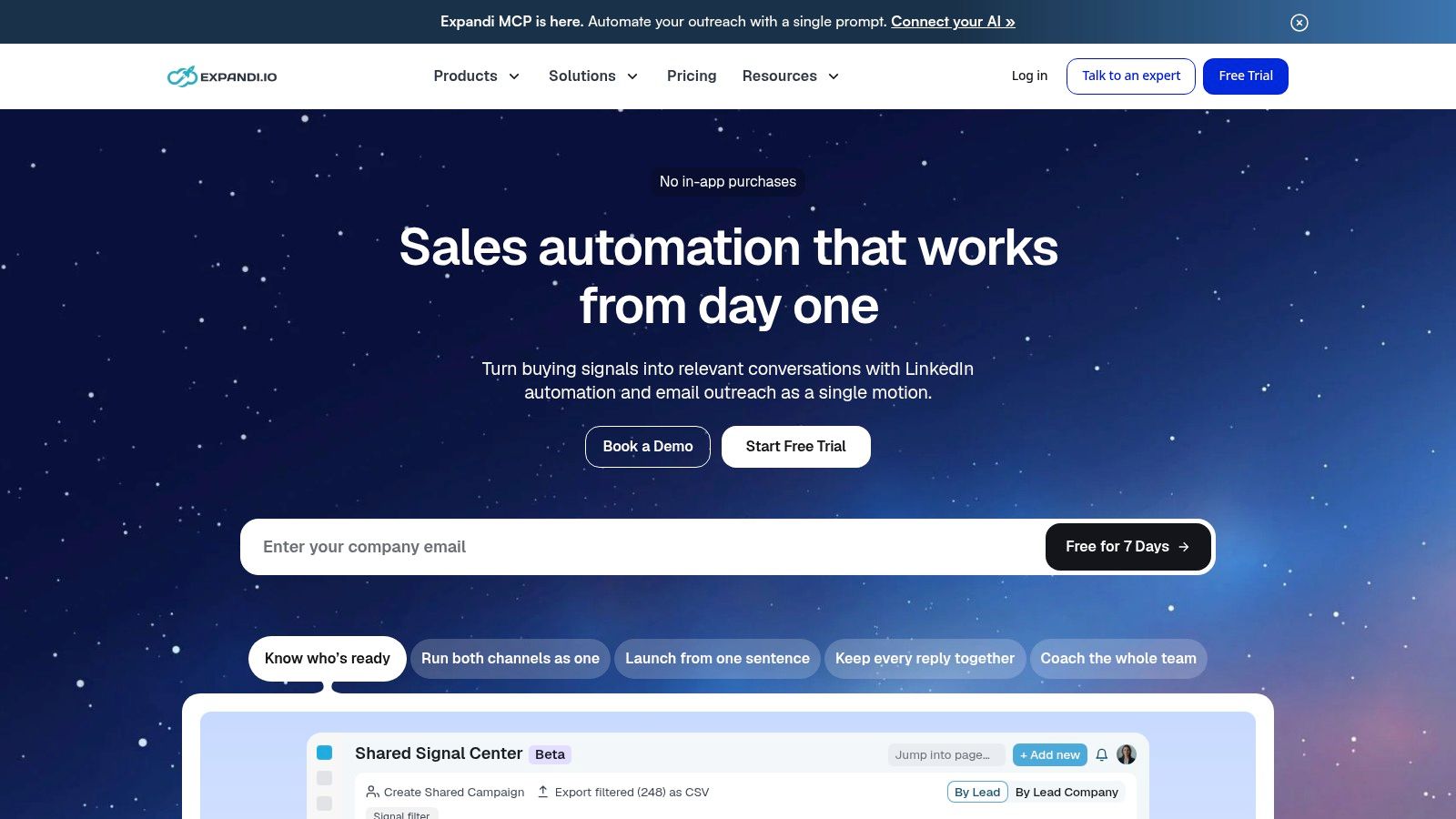
Some campaigns need different paths depending on what a prospect does. Expandi is a stronger fit for conditional workflows than for someone who only needs a basic follow-up reminder.
It combines LinkedIn connection requests, messages, and follow-ups with email steps. If/action logic and campaign statistics help you inspect the path rather than judge everything by total activity.
Expandi lists its standard subscription at $99 per account/month on monthly billing, advertises a 20% annual discount, and offers a 7-day trial, with custom agency pricing. Standard features aren't split across multiple subscription tiers, but image and GIF personalization cost extra.
A more detailed sequence isn't automatically a better sequence. Add a branch only when it changes what the recipient should receive.
Agency roles, reporting, and white-label options support larger setups. Country-based IP and warm-up controls are vendor-described operating features, not proof that LinkedIn authorizes the activity.
Skip it if you're running a straightforward campaign and won't use conditional logic. The standard account price is harder to justify when most of the workflow remains unused.
Before building complex paths, map the audience, message, reply handoff, and stopping conditions. Our outreach automation guide explains that workflow-first approach. A clean handoff to a person usually matters more than another automated touch.
5. HeyReach
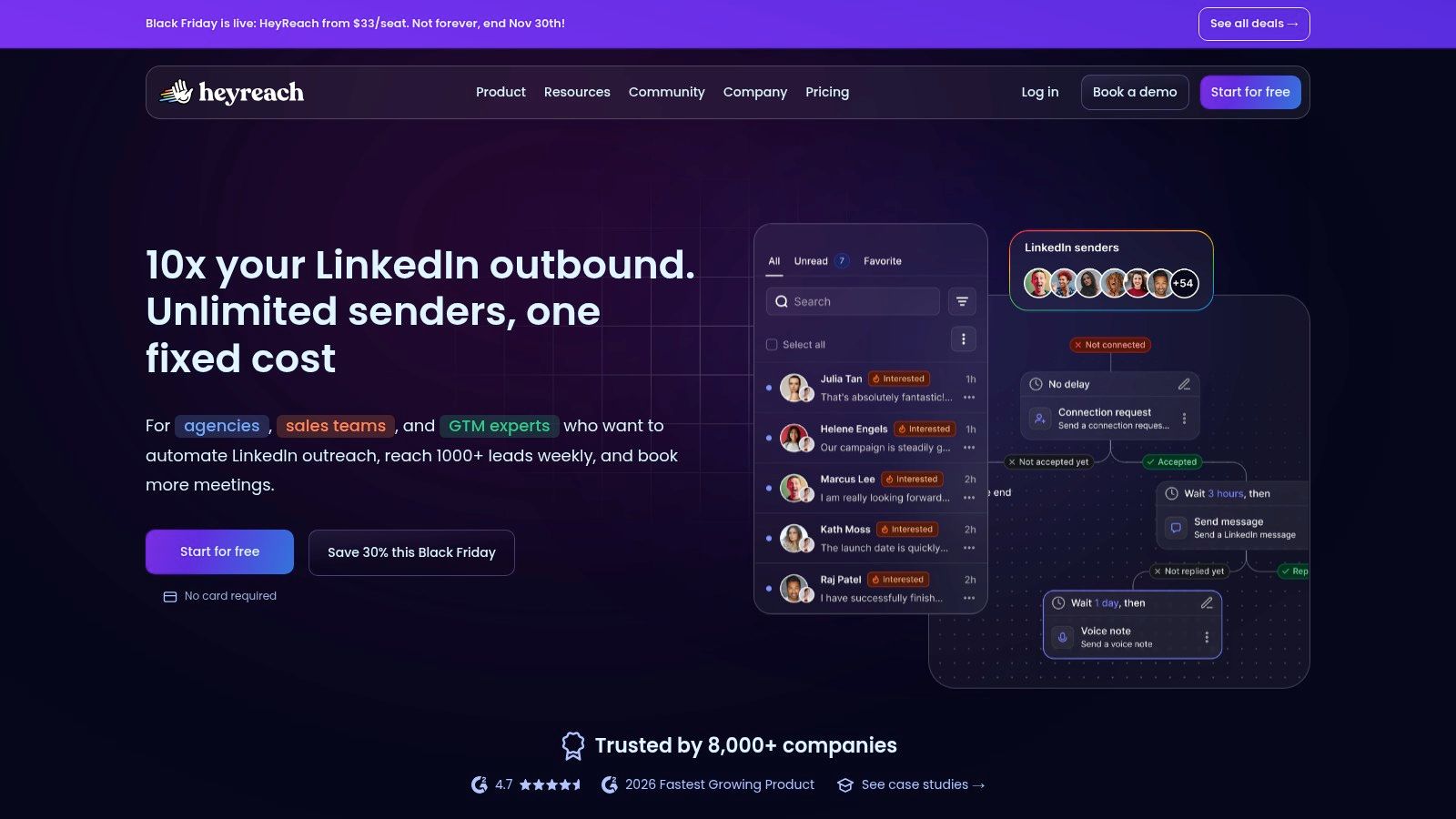
An agency's problem isn't always sending. It's knowing who owns each conversation, which client can see it, and which sender account should handle the next reply.
HeyReach focuses on that coordination problem. Its cloud platform combines campaigns across LinkedIn senders with a unified inbox, separate client workspaces, permissions, and sender management.
- Pricing: HeyReach lists Growth at $79 per sender/month for fewer than 10 senders on monthly billing, agency tiers from $999/month for 25 senders, and a 14-day trial through its help center.
- Agency operations: White labeling, onboarding, and a shared sender pool support centralized management.
- Email connection: Integrations with Instantly and Smartlead connect LinkedIn work with separate email platforms.
The upside is clearer separation between clients and less inbox switching. The downside is that you still need another platform for cold-email delivery, which adds cost and another integration to maintain.
Evaluate ownership, not just capacity
During evaluation, assign conversations to named people and test access from a client-facing role. Check whether your team can identify an unanswered buying question without opening every sender account.
Skip it if you're a solo founder who doesn't need client workspaces or shared inbox management. Multiple senders also don't remove individual account restrictions or platform rules.
For agencies choosing a wider stack, compare outbound lead-generation tools by the work each product owns. Avoid buying another inbox unless it solves an actual handoff problem.
6. Skylead
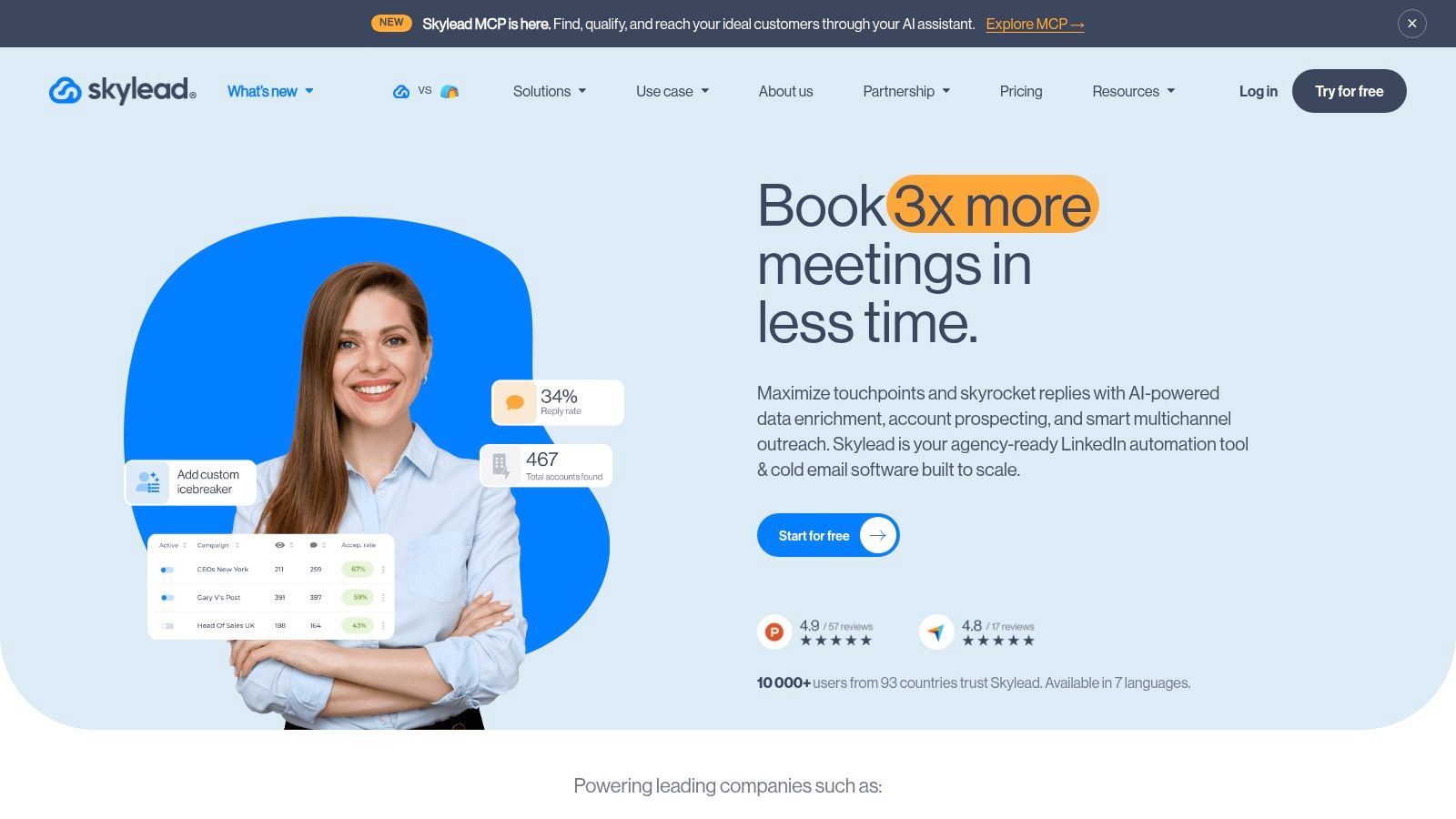
Skylead makes sense when finding email addresses and running sequences belong in the same workflow. It combines LinkedIn outreach, email discovery and verification, campaign reporting, and personalization.
Skylead lists its All-in-one plan at $100/seat/month, agency plans from $999/month for 25 seats, and a 7-day trial; buyers should verify promotional terms before committing. The standard plan includes unlimited email accounts and email automation, while AI SDR and AI enrichment are add-ons.
That bundle can reduce tool switching. It doesn't mean every included feature will help your campaign, or that unlimited email accounts translate into unlimited appropriate outreach.
Where the bundle earns its keep
- Smart sequences: Coordinate LinkedIn and email steps within a shared campaign.
- Contact preparation: Find and verify email addresses before routing prospects into email activity.
- Personalization: Use image and GIF options when they support the message, not merely to demonstrate novelty.
- Agency management: Agency plans add dashboards, client permissions, and centralized conversations.
The trade-off is a higher entry cost than many single-channel products. Agency pricing and some white-label details also need a sales conversation.
Skip it if LinkedIn is your only channel or you already have email discovery and verification covered. Otherwise, you may pay for overlapping infrastructure.
When comparing AI outreach tools, separate message generation from qualification. A polished opening isn't useful if the recipient has no reason to care about the offer.
7. We-Connect
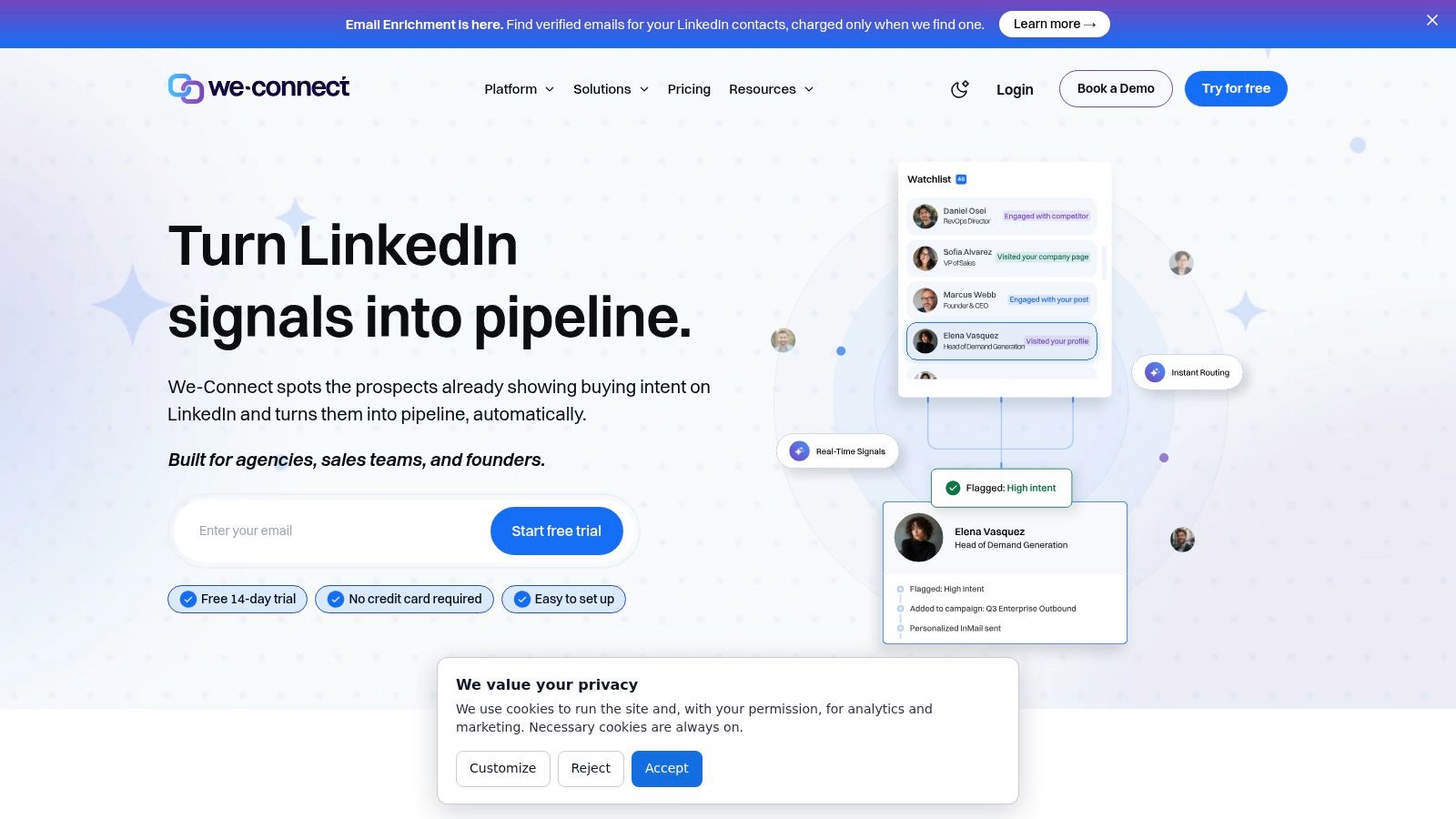
Start with your CRM rather than your message template. We-Connect belongs on the shortlist when prospect routing and CRM continuity matter.
Its visual workflow builder supports conditional logic, including different paths for connected and unconnected prospects. AI-generated icebreakers and reply options help with drafting, while Professional adds email sequences triggered by LinkedIn activity.
We-Connect lists annual-billing prices of $49/seat/month for Growth and $59/seat/month for Professional, with custom Agency pricing for 10 or more seats. Monthly options are also published, so compare commitment length alongside the feature set.
- Integration fit: Listed connections include HubSpot, Salesforce, Pipedrive, Zoho, and Slack.
- Workflow flexibility: Webhook and API access can support processes beyond the native integrations.
- Buying caution: Some capabilities, including Scale intent monitoring, are marked as forthcoming rather than available.
A useful evaluation is to follow a prospect through qualification, a reply, and CRM handoff. Check whether status changes remain clear to the salesperson who didn't build the campaign.
There's an important technical distinction here. LinkedIn's guidance on unauthorized software makes permission a question of the activity itself, not its volume. Integration availability doesn't establish authorization for automated LinkedIn actions.
Skip it if your buying case depends on an unreleased feature. Don't purchase the roadmap, and don't assume account safeguards eliminate restriction risk.
8. La Growth Machine
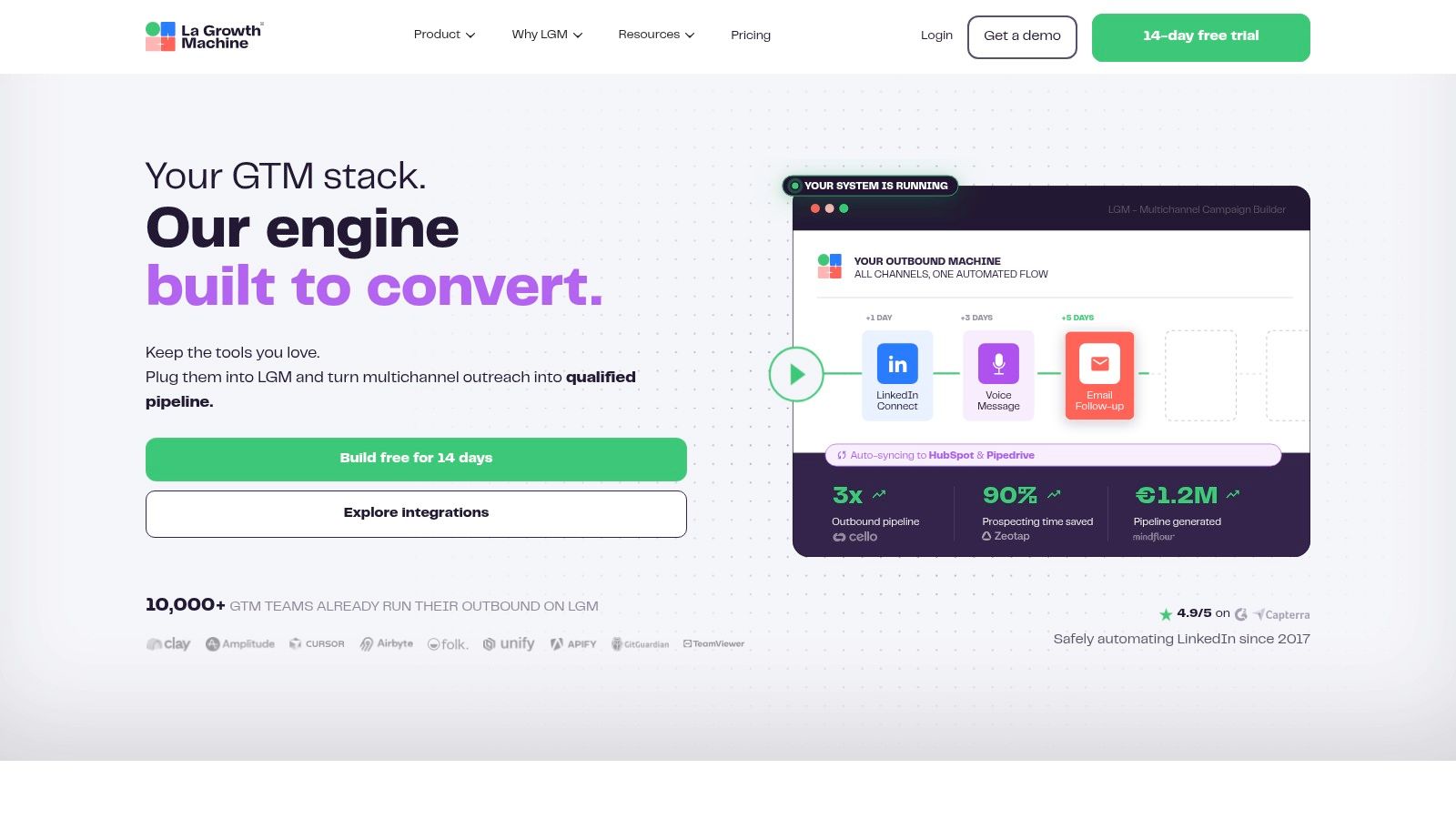
La Growth Machine is for coordinating a broader prospecting process, not just automating LinkedIn messages. Its value is connecting channel steps, conditional logic, and conversations so a sales team can work from shared context.
La Growth Machine advertises LGM Pro at $110/month when billed annually and lists a 14-day trial on its feature page. Check the live plan details because advanced LinkedIn actions, integrations, and enrichment packs can change what you'll spend.
Say a prospect has already replied by email. Your team shouldn't continue treating that person as an untouched LinkedIn lead because another sequence is still active.
Operational priority: Keep conversation context together before adding more channels.
The platform combines LinkedIn invitations, messages, and follow-ups with email and other contact steps. Higher plans extend the available integrations and actions, so map your required workflow before choosing a tier.
Skip it if you only need LinkedIn outreach. You'll have less reason to pay for the breadth, and lead-enrichment packs can increase the total cost further.
Start by learning how to build a targeted prospect list, then decide which channels are justified for those people. Our comparison of sales automation software can help separate prospecting, sequencing, and pipeline-management needs.
More channels should mean better coordination, not more places to repeat the same unwanted pitch.
9. Octopus CRM
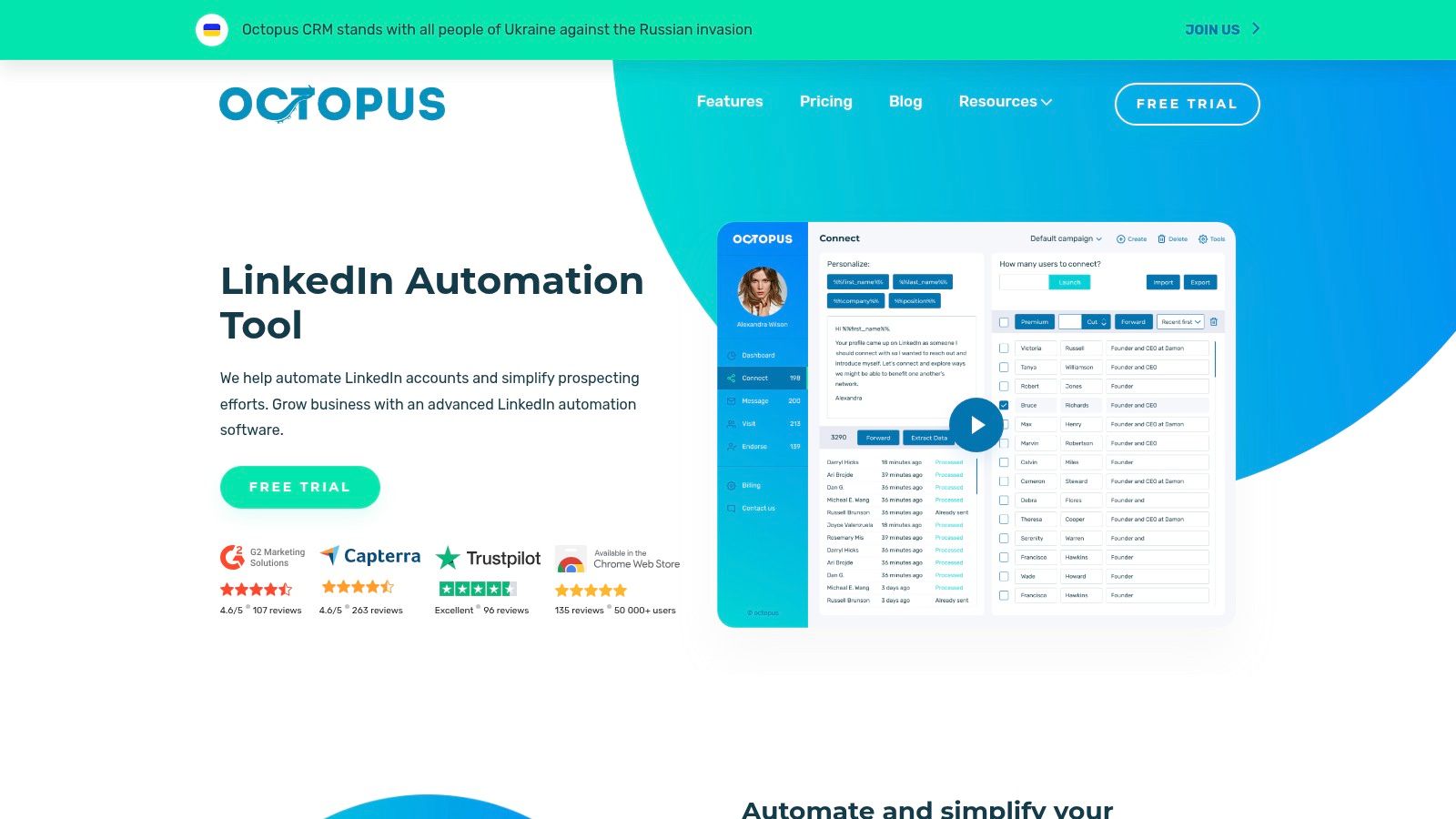
Not every individual seller needs an agency platform. Octopus CRM targets basic LinkedIn outreach and lead management at a lower subscription cost.
It supports invitations, messages, profile actions, campaign funnels, and import/export workflows. CRM and app connections are available through integrations, while the vendor describes activity controls and alerts.
Octopus CRM lists monthly prices from $9.99 for Starter to $39.99 for Unlimited, with a 7-day trial that doesn't require a credit card. Features are distributed across plans, so the lowest price isn't necessarily the price for your intended workflow.
Keep the buying decision narrow
- Good fit: An individual consultant or recruiter comparing core outreach functions.
- Plan check: Confirm that required actions, imports, exports, and integrations are included.
- Account compatibility: Review the support offered for LinkedIn Premium, Sales Navigator, and Recruiter on the selected plan.
- Main limitation: It's narrower than products built around multichannel sequencing.
The benefit is avoiding a large platform purchase for a small operational need. The compromise is less breadth when you later want coordinated email campaigns or a more involved team workflow.
Skip it if you need multichannel orchestration from the start. Also avoid choosing it solely because a low subscription makes experimentation feel consequence-free.
Your LinkedIn account is part of the cost calculation. Activity alerts can help you monitor operations, but they don't make otherwise prohibited automation acceptable.
10. Dux-Soup STACKED
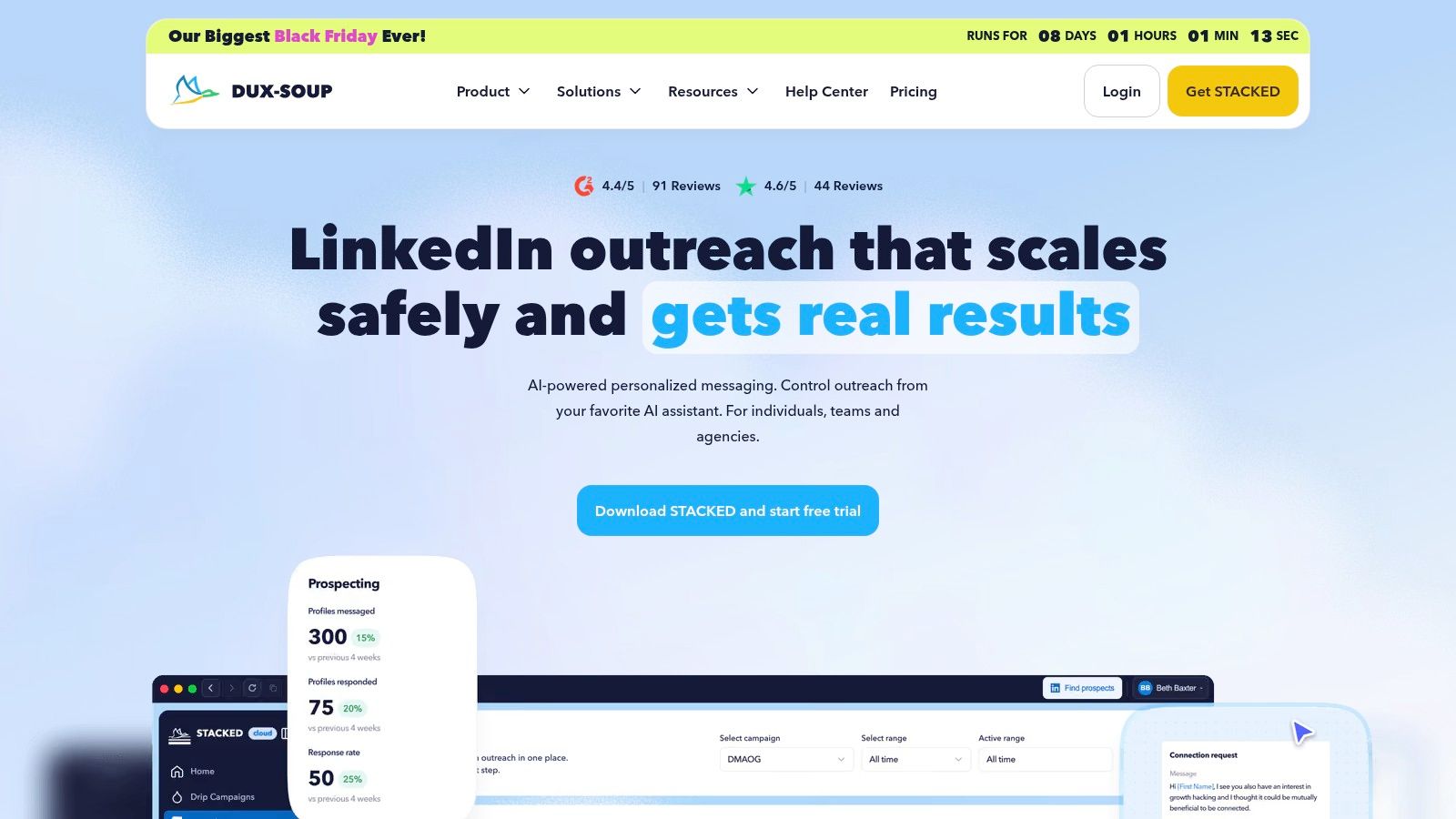
Don't buy Dux-Soup based on an old extension comparison. Its current offering is STACKED, a desktop application covering prospecting, outreach campaigns, AI personalization, and lead management.
Dux-Soup says STACKED replaced its previous Pro, Turbo, and Cloud Chrome-extension plans and draws on more than a decade of Dux-Soup experience. Current pricing, trial terms, capabilities, and migration details should be confirmed directly rather than inferred from legacy reviews.
Evaluate the current product
The desktop operating model is the main practical distinction. It may suit someone who prefers installed software, but it requires a different setup and working routine from a hosted platform.
- Core job: Combine LinkedIn outreach and drip campaigns with lead and campaign management.
- AI support: The vendor describes message personalization and response assistance.
- Migration question: Establish what happens to existing leads, campaigns, and settings before moving from a previous plan.
The brand's history isn't a substitute for checking the current application. Make the evaluation about the workflow you can use now, including how you review messages and stop campaigns.
Skip it if you specifically want a cloud service or need to budget from a fully confirmed price and trial offer before evaluating software. It's also a poor choice if your decision depends on a legacy feature you haven't verified in STACKED.
For existing customers, migration clarity matters as much as the new feature list. For new buyers, the desktop model should be a deliberate preference.
How the ten tools compare on price, trial, and fit
| Item | Starting Price | Free Trial | Model | Best For |
|---|---|---|---|---|
| Linked Helper | $8.25/month | 14 days | Desktop or cloud | Budget-conscious users needing LinkedIn campaigns and lead management |
| Waalaxy | €19/user/month | 14 days | LinkedIn outreach; multichannel on Business | Users wanting prebuilt sequences and follow-ups |
| Dripify | $59/user/month | 7 days | Cloud-based LinkedIn and email sequencing | Sales teams seeking campaign analytics and integrations |
| Expandi | $99/account/month | 7 days | Cloud-based multichannel outreach | Teams and agencies needing conditional campaigns |
| HeyReach | $79/sender/month | 14 days | Cloud-based, multi-sender LinkedIn outreach | Agencies coordinating outreach across sender accounts |
| Skylead | $100/seat/month | 7 days | LinkedIn and email outreach | Teams wanting prospecting, email discovery, and sequences in one platform |
| We-Connect | $49/seat/month | Not specified | LinkedIn outreach with optional email sequences | Users needing visual workflows and CRM integrations |
| La Growth Machine | $110/month, billed annually | 14 days | Multichannel prospecting | Sales teams coordinating LinkedIn and email outreach |
| Octopus CRM | $9.99/month | 7 days | LinkedIn automation | Individuals seeking basic, low-cost LinkedIn outreach |
| Dux-Soup STACKED | Contact vendor | Confirm with vendor | Desktop LinkedIn outreach | Buyers who prefer desktop-based campaigns and lead management |
Pick One Tool, Test One Campaign, Then Decide
Choose around your main job. Linked Helper and Octopus CRM suit narrower budget-led evaluations. Waalaxy and Dripify fit sequence-building needs, while Expandi supports more conditional workflows.
HeyReach deserves attention for shared agency operations. Skylead and La Growth Machine make more sense when email belongs in the same process, We-Connect emphasizes workflow and CRM connections, and STACKED offers a desktop alternative.
Don't connect an account until you've settled the permission question. If the intended LinkedIn actions aren't authorized, keep the workflow to permitted research, drafting, reminders, and manually executed outreach. A small campaign doesn't turn a prohibited method into an approved one.
Measure conversations, not queued actions
Run a narrowly scoped evaluation with a clearly defined audience and offer. Keep a manual baseline so you can judge whether the software reduces work without lowering conversation quality.
LinkedIn outreach guidance summarized by GTM API identifies ignored, pending, and spam-marked invitations as restriction factors. That makes recipient relevance an operating concern, not just a copywriting preference.
- Business outcome: Track positive replies and qualified opportunities by audience segment.
- Time saved: Include setup, list cleanup, reply review, and CRM maintenance.
- Trust signals: Record complaints, opt-outs, and account warnings.
- Stop conditions: Pause when targeting proves weak, recipients object, or an account restriction appears.
If your SaaS distribution happens on X, formerly Twitter, apply the same job-first logic without assuming the platform rules are identical. X's automation rules prohibit unsolicited bulk or automated DMs and require prior recipient intent, an easy opt-out, and prompt handling of opt-out requests.
DMpro is built for X rather than LinkedIn. We combine prospect discovery, AI-personalized messages, visual branching workflows, and response analytics, so founders can organize outreach and evaluate replies in the same platform.
That doesn't make a discovered username permission to send an automated pitch. Use clear contact requests and consent signals, review the message, and make it easy for recipients to stop the conversation.
Pick the smallest tool that solves the problem. Keep it only if it improves qualified conversations, saves meaningful work, and fits the platform's rules.
DMpro offers X prospect discovery, personalized messages, and automated outreach and reply workflows that can run around the clock. If you're tired of handling cold-DM work manually, visit DMpro to try automating your workflow, with recipient consent and opt-outs built into how you run each campaign.
Put your outreach plan into practice
Find relevant leads on X (Twitter), personalize your messages, and manage the replies in DMpro.
Get started