
10 AI Outreach Tools Compared: Where Each One Fits Best
Compare 10 AI outreach tools on personalization, prospecting, workflows, analytics, and channel support. Honest limits, pricing, and who each suits.
Most advice about AI outreach tools starts with writing quality. Which model sounds most human. Which template wins the reply test. Which AI SDR books meetings without a babysitter. That advice is out of date, and Twilio's 2024 State of Customer Engagement shows why. Seven out of ten companies surveyed already use AI to personalize content and marketing. When every competitor's opening line is customized, customization stops being an advantage.
The tools split on channel, not copy. An email platform assumes a warm domain, a sending schedule, and a prospect who checks an inbox twice a day. X assumes a public profile, a per-account daily cap, and a recipient who can report you with one tap.
Stretch an email-first tool into X DMs and you don't get meetings. You get restricted.
So this list is sorted by where the conversation happens, not by feature count. If your prospects are talking on X, the right tool depends on whether the job is finding people, writing to them, running follow-ups, or tracking replies. Some entries here are excellent at research and hopeless at sending. Others send fine and tell you nothing about what happened next. I'll say plainly which is which, and where a tool is the wrong purchase for your motion.
1. DMpro
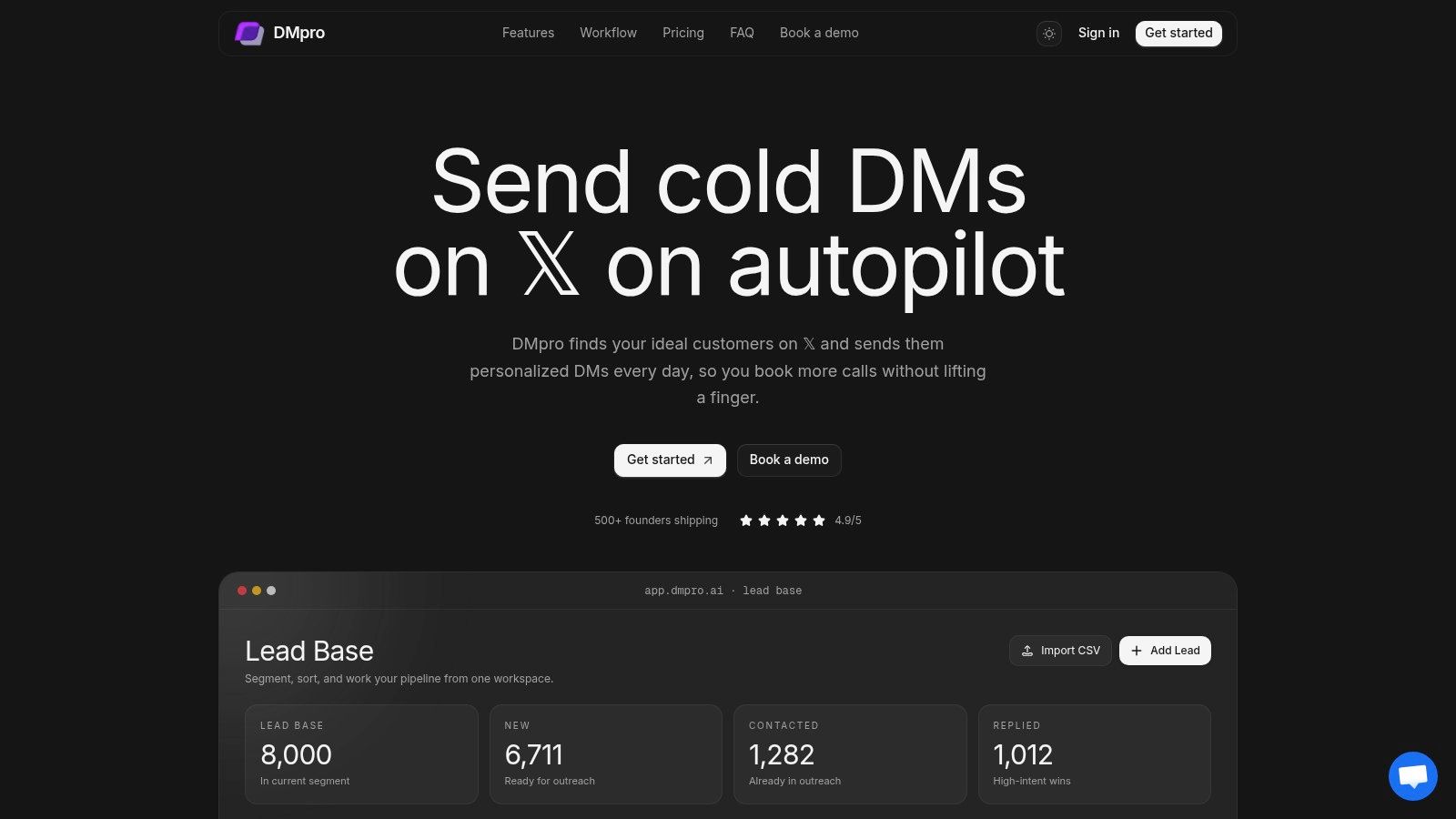
DMpro treats X as the whole job rather than a channel bolted onto an email stack. Prospect discovery, lead storage, AI message generation, campaign sequencing, and reply analytics all live in one workspace, so leads don't get exported between tools halfway through a campaign.
The discovery layer is where it earns its price. You can build lists from account followers, community members, tweet replies, keyword-matched conversations, and bios, or import usernames by CSV. A single scrape can pull up to 20,000 leads, and 50-plus filters narrow them by location, follower count, bio content, and engagement metrics. Scraping engagers, the likers and commenters on relevant posts, gives you warmer prospects than cold follower lists. Groups act as reusable audiences, so a list built in March is still a campaign target in June.
The limits you can't design around
Campaigns run as timed sequences with follow-ups, and the workflow can branch when a prospect replies instead of firing the next message on schedule. AI personalization draws on profile details, recent posts, and website context, so an opening line can reference something the person wrote. The AI also adjusts send times to when each prospect is most active and reaches them in their own timezone, which matters once campaigns run around the clock. Analytics update in real time as messages go out and replies come in.
Practical rule: start your first campaign on a small audience. Check the profiles, the message, and the sending accounts before you expand, because a broken template sent to 20,000 scraped leads is still a broken template.
Every X DM tool hits the same ceiling. X's rate limit documentation lists 15 requests per 15 minutes and 1,440 per 24 hours per user for the conversation message endpoint, plus a 1,440 application-level cap per day. Exceed a window and you get a 429 error until it resets. Daily caps inside a tool aren't marketing caution, they're the API.
Pro is $69 a month with five X accounts, 25 DMs per account per day, 500 monthly AI credits, and 5,000 stored leads. Agency is $199 a month with unlimited accounts, 35 DMs per account per day, 2,000 monthly AI credits, and 100,000 stored leads. Both include unlimited scraping, onboarding, and priority support. The Custom service adds account setup and warm-up, targeting, lead sourcing, script writing, campaign management, and a dedicated strategist at a scoped price.
Pros
- One workflow: discovery, qualification, sending, and reporting live in the same place.
- Several lead sources: followers, communities, tweet replies, keywords, bios, and CSV imports.
- Context-based personalization: messages use profile, recent-post, and website data, not just a first name.
- Agency-ready: unlimited accounts on Agency, plus a managed service if you'd rather not run campaigns yourself.
Cons
- Caps apply per account: X restrictions and account settings can lower the effective ceiling below your plan limit.
- Metered extras: AI credits and lead storage depend on tier, and the managed service is quoted rather than listed.
2. Outpulse
Replies change the economics of X outreach. A tool can find prospects all day, but if it keeps sequencing after someone answers, it spends the account's response window and reads like automation. Outpulse is the lighter X-first option: it scans X for prospect signals, filters against an ideal customer profile, drafts messages in a voice you select, and tracks outbound activity in its own workspace. Separate workspaces help when you manage more than one account.
The reply rule matters because X's older Direct Message event endpoint allows an account to send up to five messages in response within 24 hours of receiving a message, and each new inbound message resets the window (X's DM event API reference). Treat an inbound reply as a branch point: pause the sequence, answer manually, or move the lead to a response path. That is the difference between starting a conversation and nagging someone who already engaged.
A free account includes a starter credit allowance, so you can test scanning and drafting before paying. Paid tiers scale by usage rather than seats, which suits a solo operator testing X and penalises teams that jump to high send volume early.
Pros
- Built for X: signal scanning and drafting were designed around DMs, not adapted from email.
- Drafting doesn't burn send credits: scanning and AI writing sit outside the sending allowance.
- Free tier: enough to check whether prospects reply before you commit.
Cons
- Sending consumes credits: costs climb with volume.
- Narrow by design: no email or phone engagement for a team that needs both.
- Account risk stays yours: safeguards do not remove X's restrictions.
If you run outreach for many clients and need hard separation between accounts, this is the wrong tier; choose an agency plan or a tool built for that workload.
3. Apollo.io
A team can know the exact title, company size, and industry it wants and still have no verified address to send to. Apollo fills that gap. It is a B2B contact database with AI assistance and email sequencing built in, which is why it appears in almost every outbound stack.
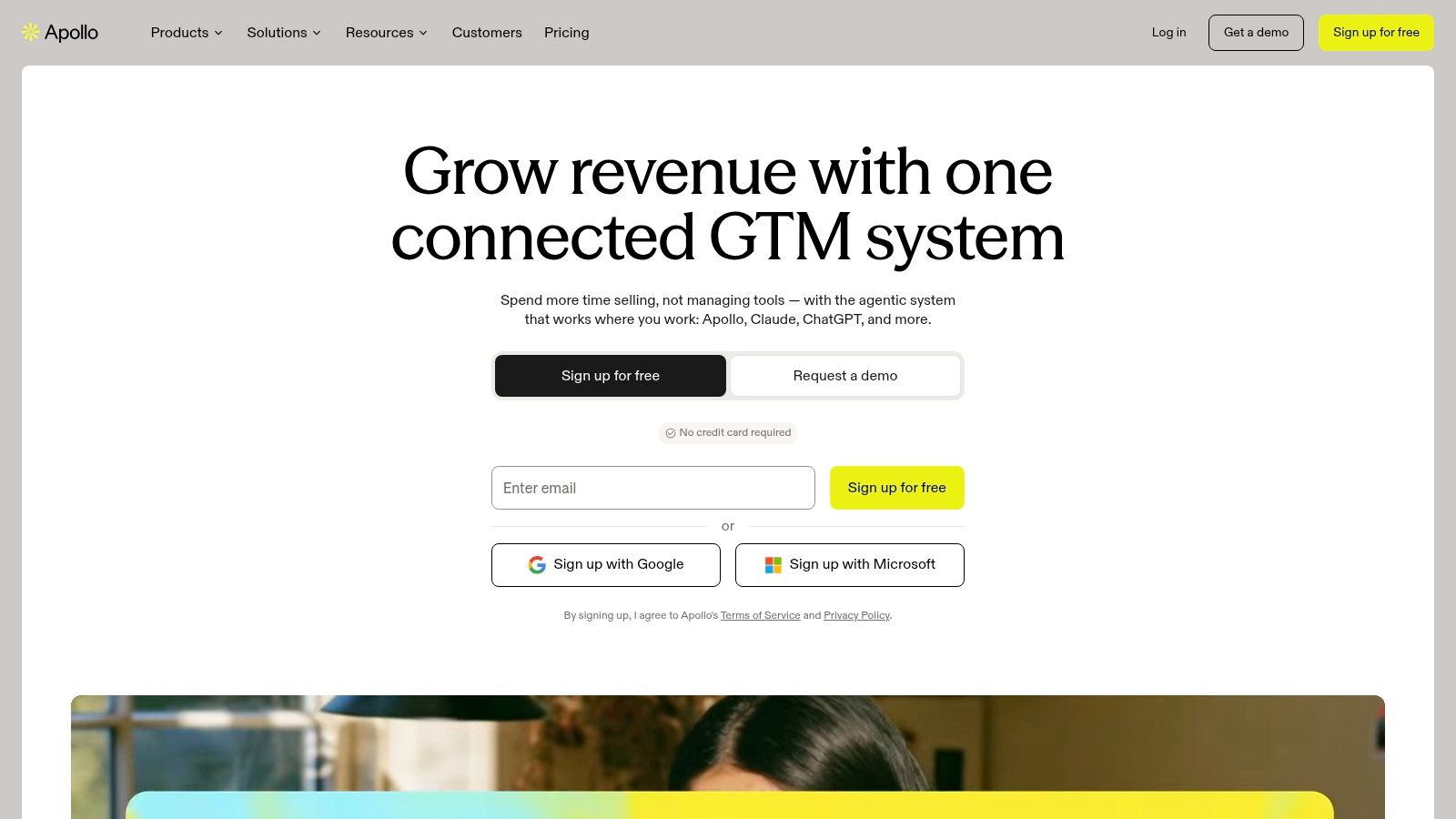
The value sits in the data layer. Search and filter contacts and accounts, research and score leads, then write and run sequences without buying a second vendor. For a small team with no data source, that is one subscription instead of three.
Costs scale with credits rather than seats, so a team that exports heavily feels the bill first. Pricing starts with a free plan. Basic is listed at $49 per seat a month when billed annually on Apollo.io, and higher tiers add dialing, intent signals, and more seats.
Pros
- Data plus sending: contact search and sequences in one account.
- Free plan: enough to test the workflow before you pay.
- AI research and drafting: removes the blank-page problem on email.
Cons
- Data ages: verify addresses before sending, because titles and domains go stale.
- Credits are the budget: check allowances before you commit a team.
- Email only: Apollo doesn't find or message prospects on X.
If your buyers answer DMs and ignore email, this is the wrong first purchase, no matter how good the database is. Apollo compared with X-first outreach shows where the two overlap and where they don't.
4. Clay
Clay is the wrong purchase if your goal is sending volume, and the right one if your reply problem is relevance. Clay enriches prospect records from multiple data sources, runs flexible workflows for finding and qualifying buyers, and uses AI research to write outreach that references something true about the account.
Relevance at that level is what separates AI-assisted teams from the rest. Salesforce's statistics library reports that 80% of sales representatives on AI-using teams find it easy to get the customer insights they need to close a deal, against 54% on teams without AI (Salesforce sales statistics library). Clay is a way to build that insight access on purpose, account by account.
What it costs you in time
Clay is a build-your-own system. You configure enrichment steps, test which sources return usable data, and maintain the workflows as vendors change. That maintenance cost is significant and falls on whoever manages the stack.
A free plan exists for testing. Paid plans start at $149 a month on Clay, and the bill moves with the enrichment tools you connect.
Wrong tool for: anyone who wants to upload a list and have DMs go out this afternoon. Clay researches. Something else has to send, and on X that something else needs its own sending limits and account safeguards, because the channel caps daily volume in a way email doesn't.
For the research-first side of the stack, this roundup of the best AI tools for sales prospecting covers what sits upstream of the sender.
5. Instantly
Cold email is still the cheapest way to reach a stranger, and it's now an AI-saturated channel. Outreach's 2025 prospecting trends report found 54% of surveyed sales teams were using AI for personalized outbound emails. At that density of competition, the tool that matters is the one that keeps you out of the spam folder.
Instantly is built around that job. Unlimited email accounts on listed plans, warmup included, campaign sending controls, and AI writing and reply features on applicable plans. Growth is listed at $47 a month, with higher plans and bundles for lead data and enrichment.
Pros
- Many inboxes: scaled sending without buying a mailbox per campaign.
- Warmup built in: new inboxes ramp without a separate subscription.
- Fast start: a campaign can launch the same afternoon.
Cons
- Bundles complicate the bill: data, sending, and AI features may be priced separately.
- Volume isn't quality: high-volume sending doesn't fix a weak list.
- No X layer: discovery and sequencing on X aren't part of the product.
If you're weighing email volume against DM conversations, Instantly compared with DM outreach tools is the honest comparison, including where email wins.
6. Smartlead
Smartlead solves the agency problem. Many sender accounts, many clients, one place to read replies. Smartlead supports unlimited email accounts across plans, centralizes campaign and reply management, and gives each client its own workspace.
Where the bill actually lands
Listed tiers are Base at $39 a month, Pro at $94, Unlimited Smart at $174, and Unlimited Prime at $379. White-labeling is an add-on. The tiers differ mainly on sending volume, lead limits, and deliverability infrastructure, so choose by the volume you'll run, not by the feature checklist you might one day need.
Pros
- Sender economics: unlimited accounts without per-seat pricing.
- Client separation: workspaces stay distinct, which keeps reporting honest.
- Public pricing: you can compare tiers without a sales call.
Cons
- Add-ons accumulate: white-labeling and some deliverability features cost extra.
- Your list is your problem: list quality and sending practice stay your responsibility.
- Email only: no social DM outreach of any kind.
For a solo founder sending a few hundred emails a month, this is more infrastructure than you need. For an agency with ten clients, the workspace model is the reason to buy it.
7. Reply.io
Most sales teams have already crossed the experimentation line. Salesforce reports that 81% of sales teams are either experimenting with AI or have fully implemented it, split between 40% experimenting and 41% fully implemented. The same study found 83% of sales teams using AI grew revenue in the previous year, against 66% of teams not using AI (Salesforce's sales AI statistics).
That 17-point gap doesn't prove the AI caused the growth. teams using AI may also have better data, processes, or sales leadership. It does explain why so many buyers now want one system across channels, which is what Reply.io sells. Sequences run across email, LinkedIn, calls, and SMS depending on plan and setup, with AI writing and reply categorization on top.
Sales Outreach options are listed from $49 per user a month, and a multichannel plan starts at $89 per user a month billed annually.
Pros
- More than one channel: email, LinkedIn, calls, and SMS in a single sequence.
- Reply categorization: sorts responses so reps read the ones that matter.
- Published entry prices: you can budget before booking a demo.
Cons
- Cost scales per user and per channel: a five-person team pays five times.
- Setup work per channel: each addition needs its own configuration and owner.
- X isn't covered: no DM discovery or sequencing.
8. lemlist
lemlist bets on personalization over volume. The platform runs email campaigns and multichannel sequences, adds LinkedIn automation on multichannel plans, and bundles AI research, enrichment, personalization, lead data, and deliverability features in one subscription. It fits teams working a small list where every message has to earn attention, because the whole product is built around making each send feel hand-written.
The pricing splits cleanly. lemlist's listed plans put email at $69 a month, or $55 a month on annual billing, and multichannel at $109 per user a month, or $87 on annual billing. Enterprise pricing is custom.
A fair test: run one sequence for two weeks without editing a single opening line. If replies on auto-generated copy beat your hand-written ones, the personalization software is earning its place. If they don't, cancel.
Pros
- Campaign execution plus personalization: both live in one product.
- Bundled lead data: enrichment and prospect data sit inside the subscription instead of a separate tool.
- Multichannel trial: 14 days on the multichannel plan.
Cons
- Multichannel costs more: the email entry tier is a different product.
- Credits and add-ons: data and AI usage can sit outside the base price.
- Still not X: LinkedIn automation doesn't help in a DM inbox.
A separate teardown of is Lemlist worth it works through the setup costs and where the price climbs.
9. Salesforge
Salesforge targets small outbound teams and agencies that want email and LinkedIn without an enterprise contract. Salesforge generates personalized outreach from prospect information, runs email sequences and LinkedIn outreach, and includes mailbox warmup, sender rotation, shared inboxes, and workspaces for managing activity.
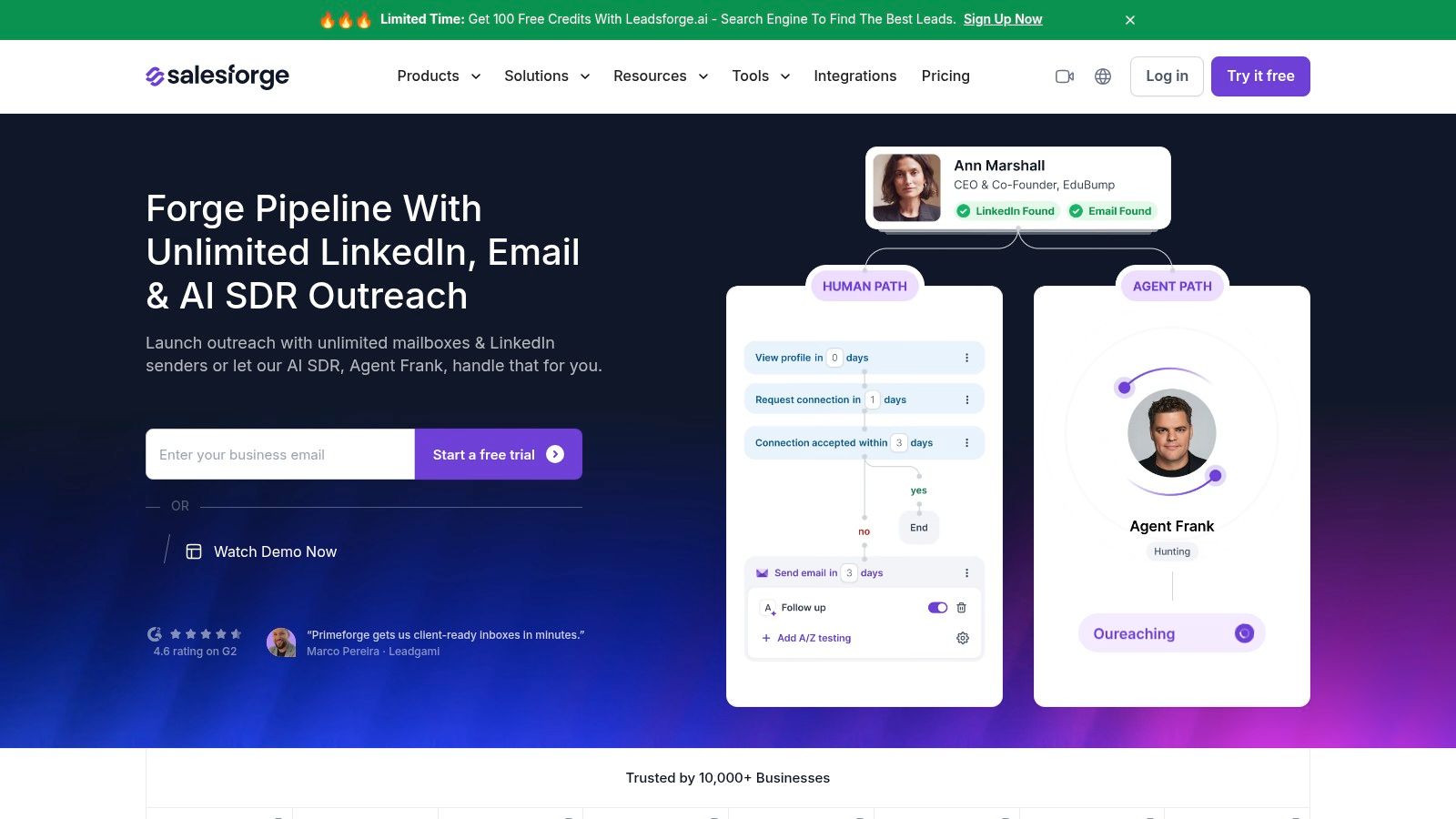
Pro is listed at $40 a month and Growth at $80 a month when billed annually, with a 14-day trial. That's a low entry point for two channels. The trade-off is control: personalization and social-action credits are capped by plan, so high-volume personalization runs out before high-volume sending does.
Pros
- Two channels: email and LinkedIn from one workflow.
- Warmup and rotation included: infrastructure is part of the product.
- Trial: 14 days to test before paying.
Cons
- Credit ceilings: personalization and social actions are limited by tier.
- Learning curve: advanced options take time to configure properly.
- Reviewers want more: G2 feedback is positive on setup time and support, with repeated requests for broader integrations and clearer settings guidance.
10. Outreach
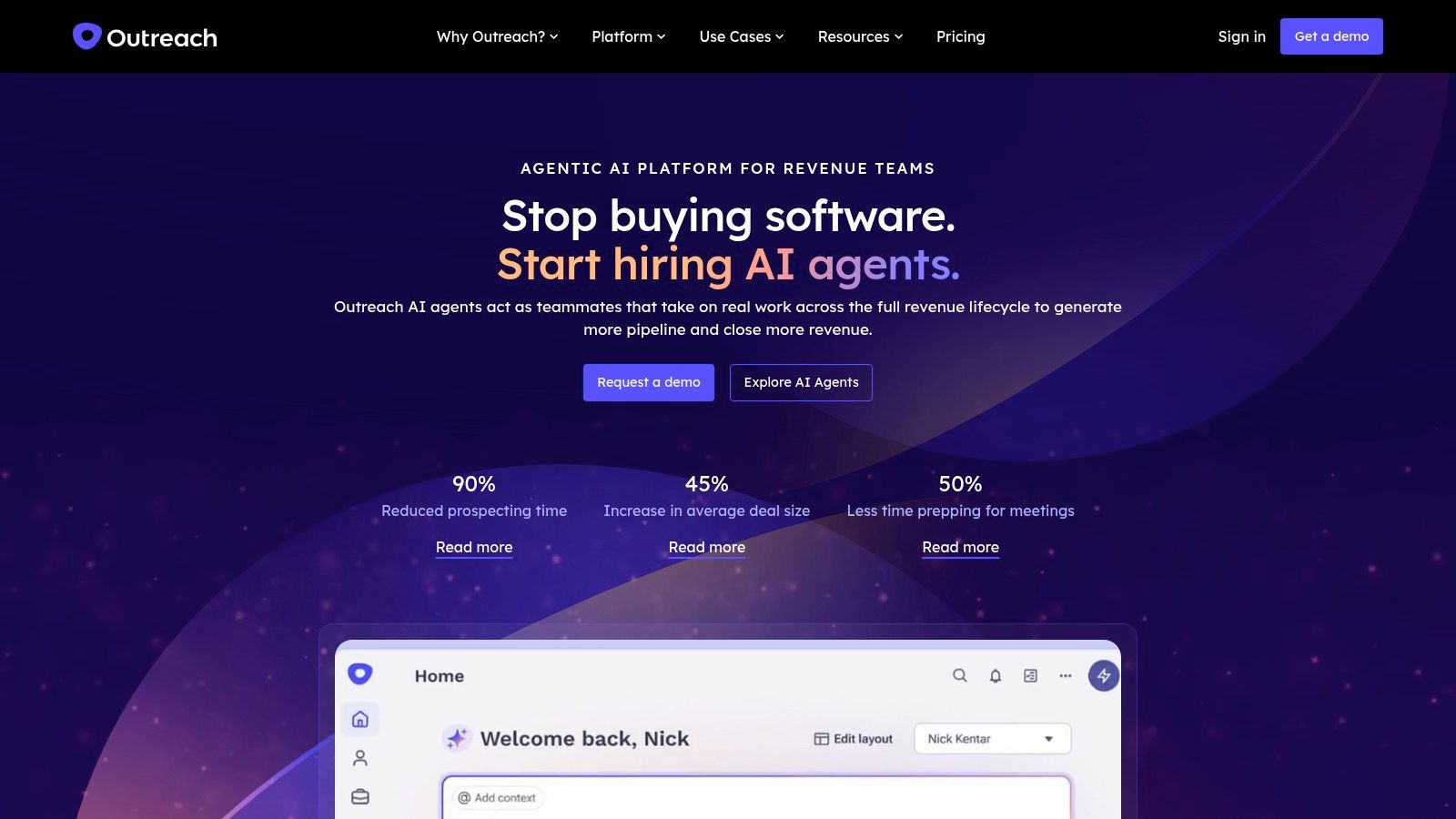
Outreach is the wrong tool for many readers here, and that's fine. Outreach is an enterprise sales engagement platform for revenue organizations with managers, territories, and forecasts to protect. It coordinates prospecting and follow-up across sales roles, adds AI capabilities, and reports on engagement and AI performance.
Why the enterprise price exists
Access is seat-based with usage-based charges for AI workflows, and teams contact sales for a quote. If you can't model the bill before you sign, you're not the buyer it was designed for.
The market data explains the pitch. The 2025 State of Marketing AI report found 46% of marketing respondents piloting AI and 14% at wide-scale adoption, a combined 60% that sat 18 percentage points higher than in 2023. Maturity at that level creates demand for governance, routing, and reporting, not just a better subject line.
Pros
- Built for coordinated teams: shared workflows across sales roles.
- Reporting depth: engagement and AI performance in one view.
- Enterprise fit: designed around CRM and revenue operations integration.
Cons
- No transparent self-serve price: quotes plus usage charges.
- Overkill for a founder: more system than a one-person outbound motion can absorb.
- X DMs aren't the use case: prospecting on X isn't its job.
If you're mapping the engagement category, this guide to the best sales engagement platforms covers how the enterprise players differ from lighter tools.
How the 10 AI outreach tools compare on channel, price, and free access
| Item | Best for | Starting price | Free plan | Main channel |
|---|---|---|---|---|
| DMpro | X prospecting and personalized DM automation | $69/month | Free outreach and profile tools | X DMs |
| Outpulse | Finding and qualifying prospects on X | $49/month | Yes, 100 credits | X DMs |
| Apollo.io | B2B contact prospecting and email sequences | $49/seat/month, billed annually | Yes | |
| Clay | Prospect research, enrichment, and personalization | $149/month | Yes | Prospect research and enrichment |
| Instantly | Cold-email campaigns and multiple inboxes | $47/month | Trial access | |
| Smartlead | Managing cold-email campaigns across senders | $39/month | Not listed | |
| Reply.io | Coordinating sales outreach across channels | $49/user/month | Not listed | Email, LinkedIn, calls, and SMS |
| lemlist | Personalized email and multichannel campaigns | $69/month | Not listed | Email and LinkedIn |
| Salesforge | AI-personalized email and LinkedIn outreach | $40/month, billed annually | 14-day trial | Email and LinkedIn |
| Outreach | Structured sales engagement for enterprise teams | Custom quote | Not listed | Multichannel sales outreach |
Choose the Tool That Matches Where Your Prospects Talk
Pick by channel, then by budget. A tool that writes beautiful emails is worthless if your buyers never open email, and a DM platform is worthless if your market lives in a CRM queue and expects a quote. Decide where the conversation already happens, then buy the tool built for that room.
- If your buyers answer email: Apollo covers data and sending in one place, while Instantly and Smartlead handle volume when you already have lists.
- If your buyers post and reply on X: you need discovery plus reply-aware sequencing, and you need to accept daily caps as part of the design.
- If you run outreach for clients: separate workspaces and unlimited accounts matter more than another AI feature.
- If research is your bottleneck: put an enrichment layer like Clay upstream of whatever sends the message.
Then read the rules before you scale. X's automation guidance states that automated direct messages must not be unsolicited or bulk, should generally follow a recipient's request or clear intent to be contacted, and must include an easy opt-out that's honored promptly (X's automation rules). A highly customized message can still be unsolicited. Personalization improves relevance. It doesn't create consent.
X's developer policy goes further, prohibiting spam, aggressive actions, and substantially identical content across accounts, and requiring explicit consent before automated replies or messages (X developer policy). That's why variable delays, sending caps, and reply-based branching belong in your setup. They're operational controls, not immunity.
Compliance isn't a feature you buy. It's a set of decisions you make per campaign, per account, per audience.
Start with a small audience. Check the profiles you scraped, read the messages before they send, and confirm which accounts you're sending from. Then expand once replies look healthy and opt-outs stay rare. Scaling a campaign that gets complaints just gets you restricted faster.
If you want to try DMpro.ai for automating cold DMs on X, a small first campaign is a low-risk way to see how it fits your workflow. Build one list of fifty engaged prospects, write two message variants, and watch the reply categories for a week before you add a second account.
DMpro finds prospects on X from followers, communities, keyword searches, and tweet replies, then runs personalized DM campaigns that pause or branch when someone answers. Plans start at $69 a month for five accounts, and the managed service covers targeting, scripts, and reporting if you'd rather hand the execution off. Start with one small campaign at DMpro and see what your reply rate looks like before you scale.
Ready to Automate Your Twitter Outreach?
Start sending personalized DMs at scale and grow your business on autopilot.
Get started