
Sales Automation Software: 10 Tools Compared for 2026
By DMpro team
Compare the best sales automation software of 2026 by pricing, integrations, and team fit, with honest limits for each tool, from CRMs to outreach platforms.
It's Tuesday night. You're still copying prospect names from X into a spreadsheet and writing the same follow-up for the fortieth time. Sales automation software promises to stop that, but the right tool depends on who is using it, how many people share the work, and whether anyone has time to configure it.
This list covers ten options, from outreach-first tools to full CRMs. I judge each by setup effort, the practical limits, and the team it fits, whether that's a solo founder, a small sales team, or enterprise operations. Every entry names one situation where the tool is the wrong choice.
Your bottleneck decides the shortlist before any demo does.
- Finding prospects: Discovery or a contact database has to work before a sequence helps.
- Sending messages: Caps, consent, and follow-up logic matter more than a long feature list.
- Tracking deals: A shared pipeline beats another inbox if replies already turn into real conversations.
A lot of teams buy sales automation software for the demo, then stall on imports, seat types, and sequences nobody finished. Setup time is the main cost. A cheap plan that sits half-built costs more than a tighter tool you launch on day two. Skip the platform that needs a week of admin if you sell alone. Pick the heavy CRM only when someone on the team will own it.
1. DMpro
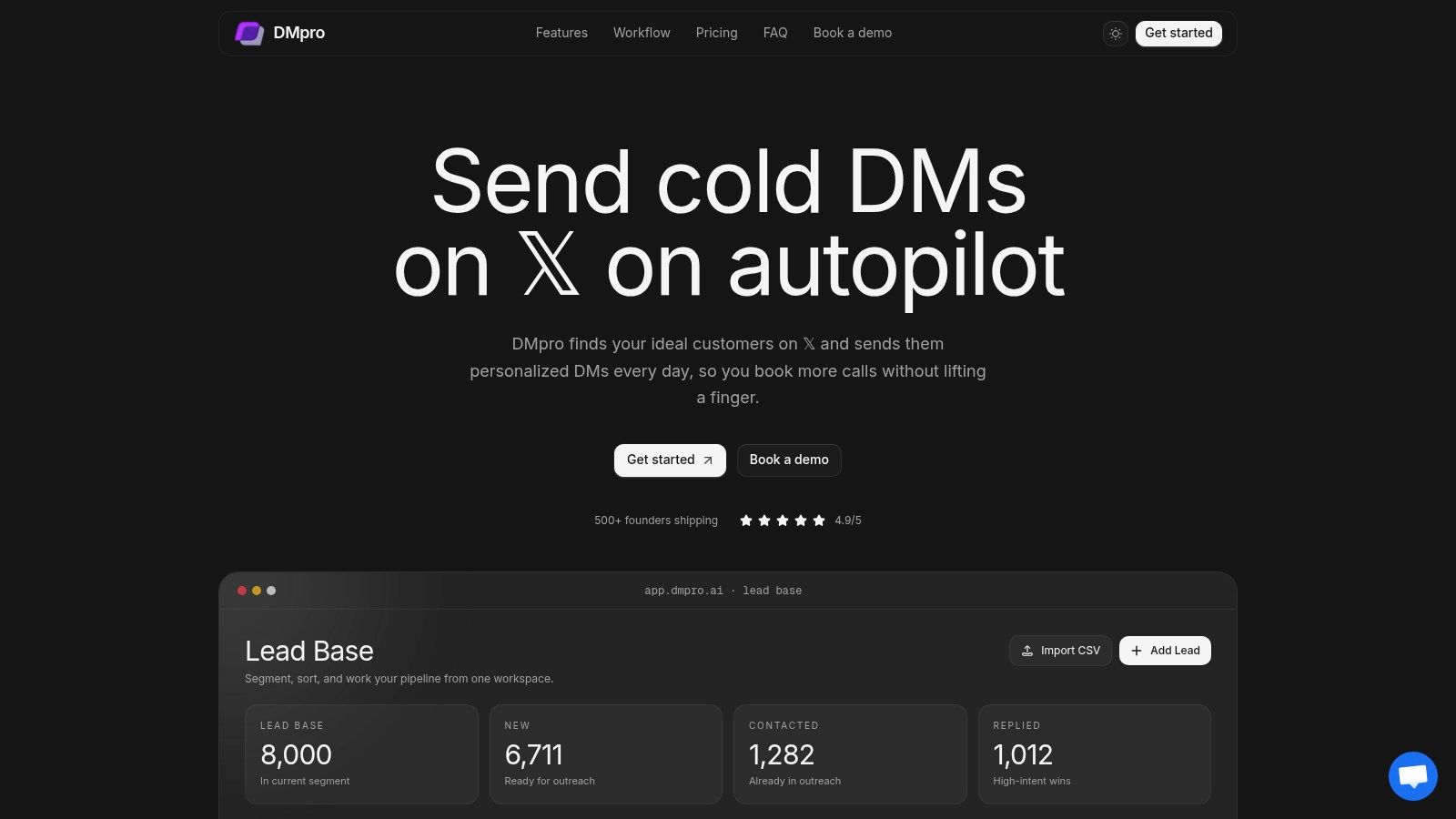
If your pipeline lives on X, DMpro is the X-first option on this list. You pull leads from followers, communities, repliers, keyword conversations, and bios, or you drop in a CSV. A shared workspace lets you segment and qualify them before anyone gets a message.
The visual campaign side of sales automation is a drag-and-drop builder with waits, follow-ups, and branches that change when someone replies. AI personalization drafts from the profile, recent posts, and website context rather than just a first name. Analytics cover sends, queued messages, reply rates, and response categories. Smart Campaigns run around the clock, and a sequence pauses when a prospect replies and resumes if they go cold.
What you pay and who should skip it
Setup is the short part. Paste your website and the AI Workspace builds a business profile and lead criteria, then you import leads, build a workflow, and launch. One user, Bohdan, puts it plainly: "Find leads, set up messaging, go chill. All on autopilot."
Pro costs $69 a month for five X accounts, 25 DMs per account daily, 500 AI credits, and 5,000 stored leads. Agency costs $199 a month for unlimited accounts, 35 DMs per account daily, 2,000 AI credits, and 100,000 leads. Both include unlimited scraping, onboarding, and priority support. If nobody on your team wants to run it, the custom managed service covers account setup and warm-up, targeting, lead sourcing, scripts, campaign optimization, reporting, and a dedicated strategist. Free tools, including a cold DM generator, template library, calculators, and profile analyzers, let you test the workflow before you pay. DMpro reports a 25-40% response rate on X outreach and 3x higher responses from AI personalization, though list quality decides where you land.
Practical rule: An open inbox is not consent. Treat discovery as research, and only message when the person has asked for contact or clearly said they want a DM.
X's automation rules require that request, a clear opt-out, and a prompt stop when someone opts out. Following you, or allowing DMs from anyone, does not by itself show consent. X API rate limits cap creating a DM or sending a message at 15 requests per 15 minutes and 1,440 requests per 24 hours per user, with a per-app cap of 1,440 per 24 hours. A 429 means you wait. The legacy DM sending endpoint also allows up to five response messages in a 24-hour window after an inbound DM, and a new inbound message resets that window. Plan caps are tighter still: 25 DMs a day per account on Pro, 35 on Agency. Variable delays and account monitoring reduce risk. They don't guarantee you avoid restrictions. X's developer guidelines require the official API and prohibit scraping, browser automation, and rate-limit workarounds.
Wrong choice: a team that only sends email and never sells on X. Details are on the product site.
2. Apollo.io
Apollo is the find-the-email, then sequence-it option. You search a B2B contact and company database, enrich records, and run email sequences with engagement tracking. It connects to Salesforce and HubSpot, and a free plan lets a small team try the core before paying.
Accuracy is the catch. A 2025 survey of 602 CRM users and stakeholders, covered by Landbase, found that 76% reported less than half of their organization's CRM data was accurate and complete. Email and phone lookups spend credits, so heavy research gets expensive fast. Test coverage on your actual market before you stake a quarter on the list.
I like it for a small team that wants prospecting and email in one place. I don't like it for a custom enterprise process, or for founders whose buyers live in X replies rather than inboxes. Credits become the job, and bad records scale bad outreach.
If you're comparing AI helpers around this kind of stack, this roundup of AI sales tools is a useful side read. Some teams also look at an Apollo alternative for AI agents. Start at Apollo.io.
Wrong choice: you need X cold DMs, not a B2B email database.
3. HubSpot Sales Hub
If marketing and service already live in HubSpot, Sales Hub is the path of least resistance. Contacts, deals, tasks, meeting links, and reporting sit on one record. Sequences and deeper workflows depend on the plan. Free tools let you start before you upgrade, which is how a lot of small teams get pulled in.
The annoyance shows up on the invoice. Advanced automation sits on higher tiers. Professional and Enterprise list one-time onboarding fees. Seat types make a simple price-per-rep comparison messy. A team that only needed follow-up tasks can land in a setup project nobody staffed.
Say you're a three-person SaaS crew already logging demos in HubSpot. Turning on sequences there beats adding a fifth login. If nobody on the team opens HubSpot today, you're buying a second operating system.
You can browse sales engagement platform options when you're weighing this against a narrower outreach tool. The product page is HubSpot Sales Hub.
Wrong choice: a solo founder who wants cold DMs on X this week and has no other HubSpot products.
4. Salesforce Sales Cloud
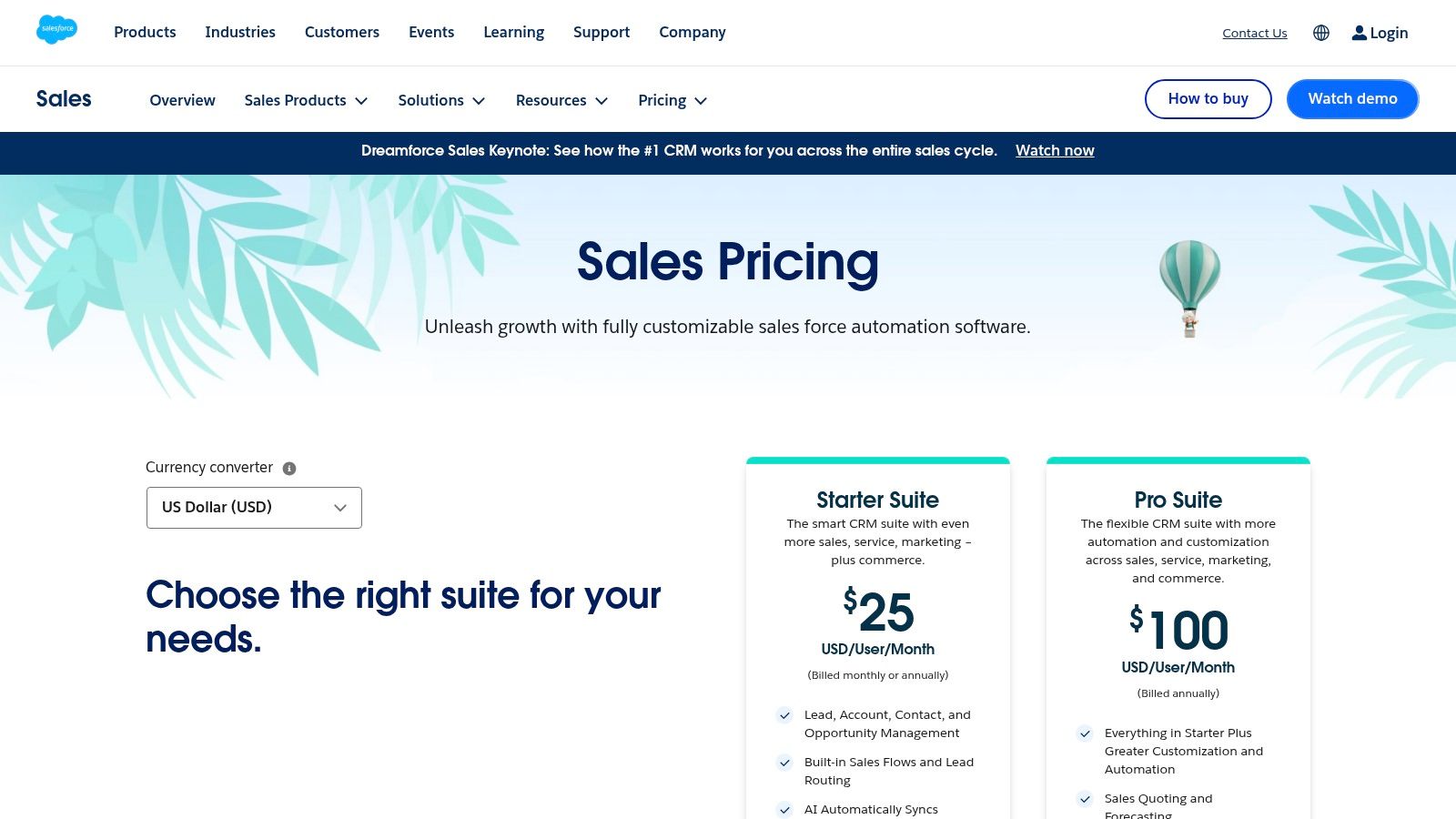
Salesforce Sales Cloud is what you buy when the process is already complicated. You get leads, accounts, contacts, and opportunities, plus routing, forecasting, and flows on higher editions. The ecosystem is the point. So is the admin time.
Eurostat-derived 2025 figures in a Folk roundup of CRM statistics put CRM use at 24.69% of small EU enterprises and 65.43% of large enterprises, against 28.51% of EU enterprises overall. That same write-up cites a projected 16.2% compound annual growth rate for the CRM small and medium-sized enterprise segment, tied partly to cloud tools cutting infrastructure work. "Everyone has a CRM" overstates what a five-person team has turned on. Salesforce fits the large side, where permissions, audit trails, and multi-team reporting are the actual purchase.
The wrong room for it
A founder still writing DMs at night will not finish this implementation. Specialist help is common, and cost climbs as you add editions. If social outreach has to sit beside the CRM, this CRM and social integration comparison is a shorter read than forcing every channel into one org. Pricing starts on the Salesforce Sales Cloud pricing page.
Wrong choice: any team without an owner for fields, permissions, and reports.
5. Pipedrive
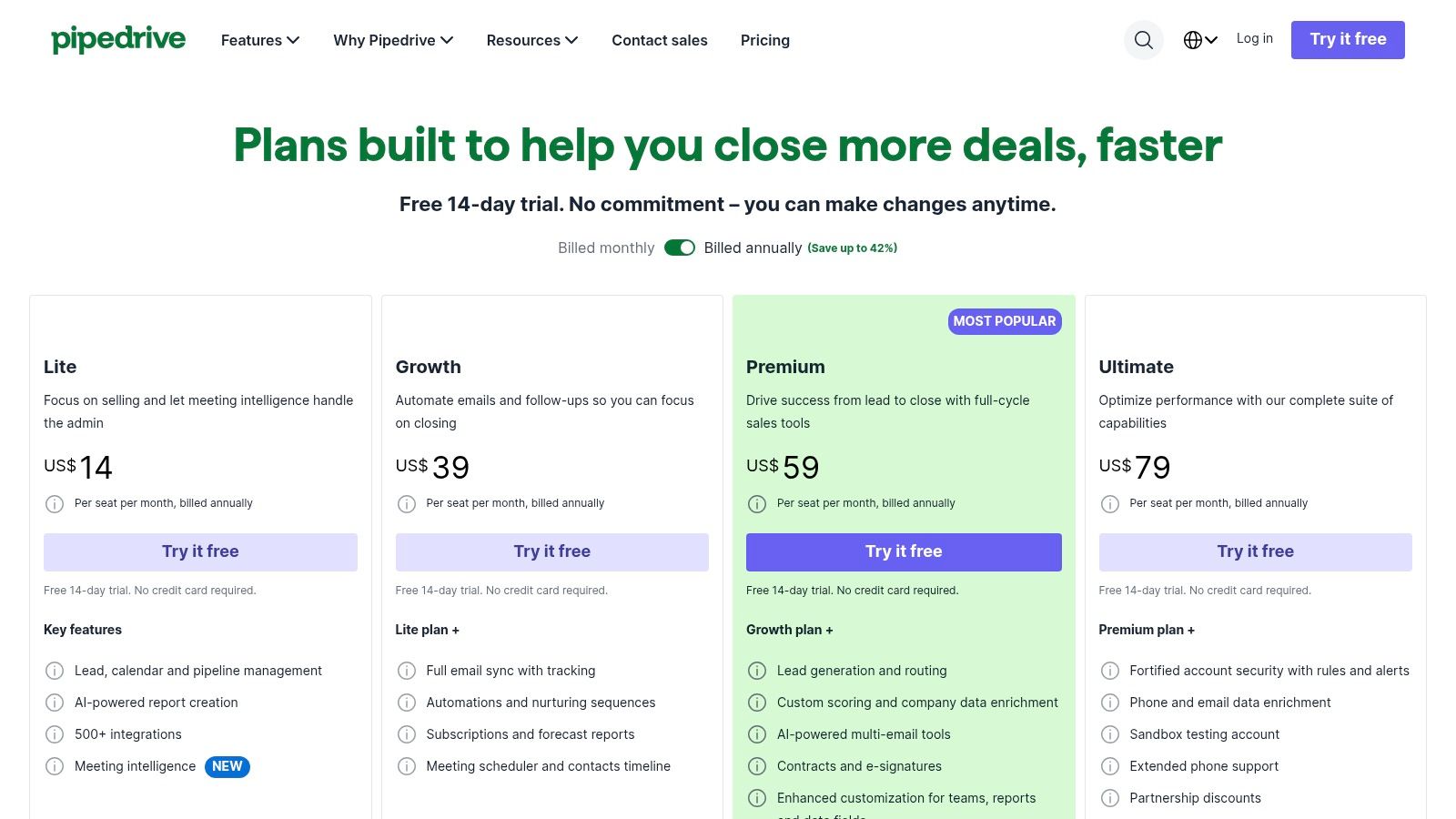
Pipedrive is a visual pipeline first. Reps see deal stage and the next follow-up without learning a platform. Leads, contacts, and activities stay on the card. Email and follow-up automation show up on eligible plans. The pricing page says it connects with more than 500 apps, and there's a 14-day free trial.
Setup is light if your stages are already clear. It's annoying if you expected an all-in-one marketing suite. Advanced automation isn't the entry plan's strength, and add-ons push the bill up once you want more than a board.
I recommend it for a sales-led small or mid-sized team that loses deals in a spreadsheet. I wouldn't pick it as the system of record for a company that also needs service, ads, and a content engine in the same login.
Wrong choice: you still don't have a list. A pretty pipeline doesn't find people on X. See Pipedrive pricing.
6. Zoho CRM
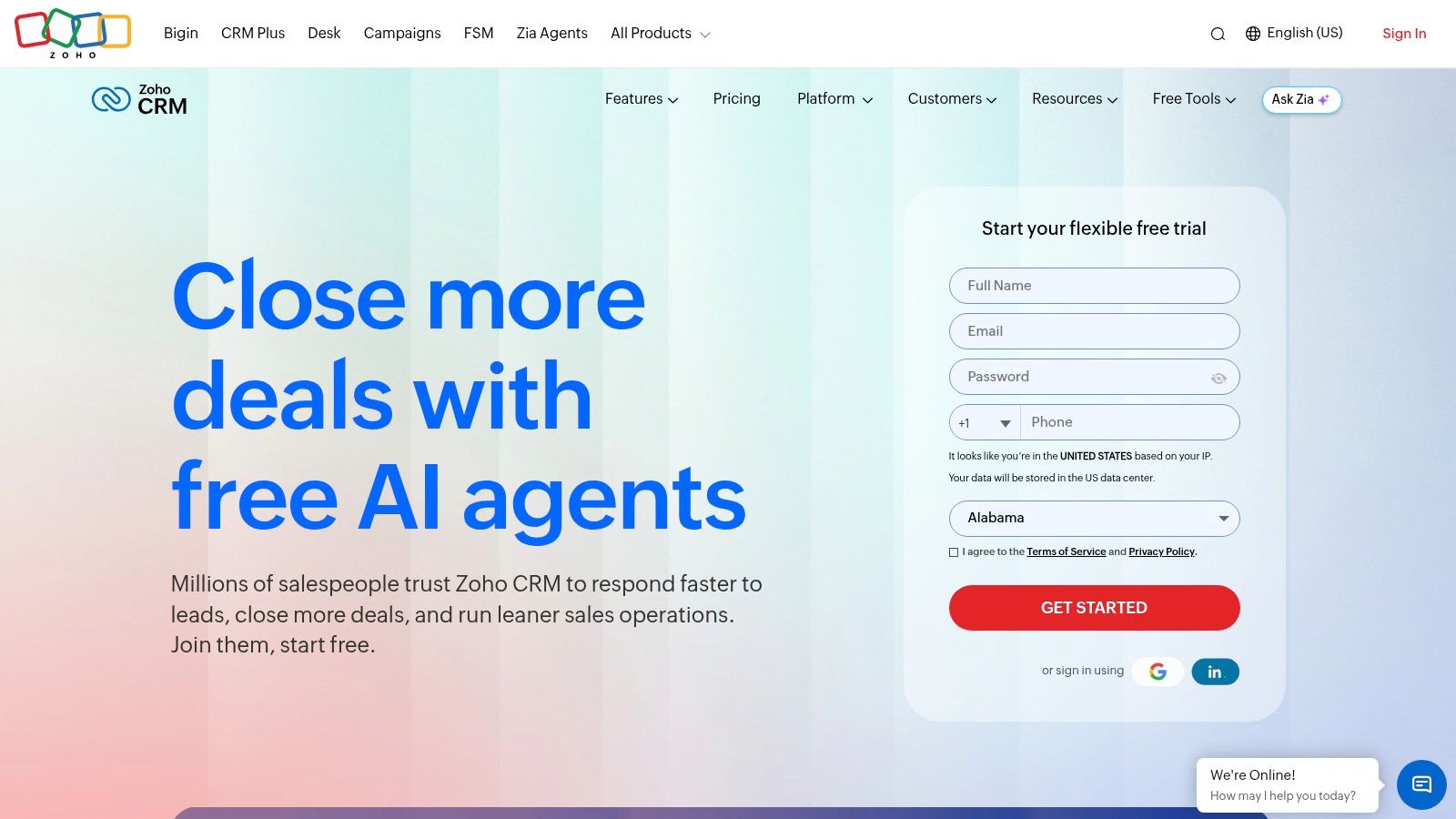
Zoho CRM is the value pick when you want room to grow into a wider app suite. Leads, accounts, contacts, and deals come with workflow rules and assignment. Sales cadences for follow-up sit on paid plans. Reporting and the rest of Zoho's ecosystem are there when you need them.
There's a free edition for up to three users, and entry annual pricing is easier to stomach than the enterprise names. The trade-off is configuration. Feature and automation limits change by edition, and customization means a steeper first week than a simple board.
Confirm the cadence features on the plan you're quoted before you migrate. Teams that skip that check rebuild sequences a month later.
Wrong choice: you want live this afternoon and nobody likes settings screens. Product home: Zoho CRM.
7. Freshsales
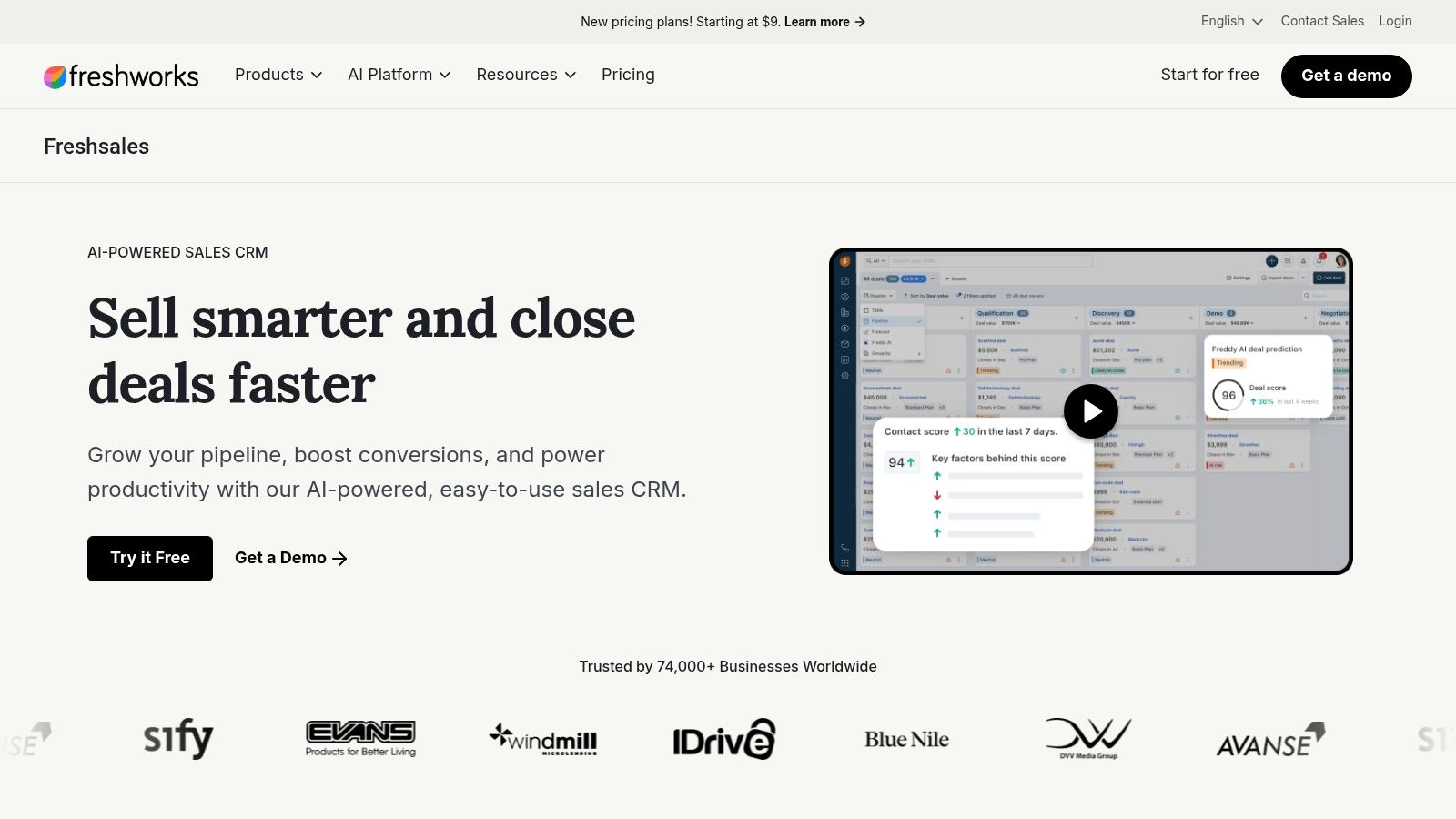
Freshsales puts email, chat, and phone next to the deal, which is why startup teams compare it when the CRM and the dialer keep drifting apart. Contact history stays with the conversation. Basic workflows and sales sequences land on higher tiers, along with contact scoring and forecasting.
The entry plan is approachable for a small team. The miss is assuming the cheap tier includes the sequence you saw in the demo. Add-ons move the total, and if you already use other Freshworks products you should check which bundle connects.
A five-person outbound pod that lives on calls and email can run here without a separate stack. A creator sending a handful of DMs a day will feel the extra screens.
Wrong choice: your only channel is X and you don't want phone or chat in the product. See Freshsales.
8. Close
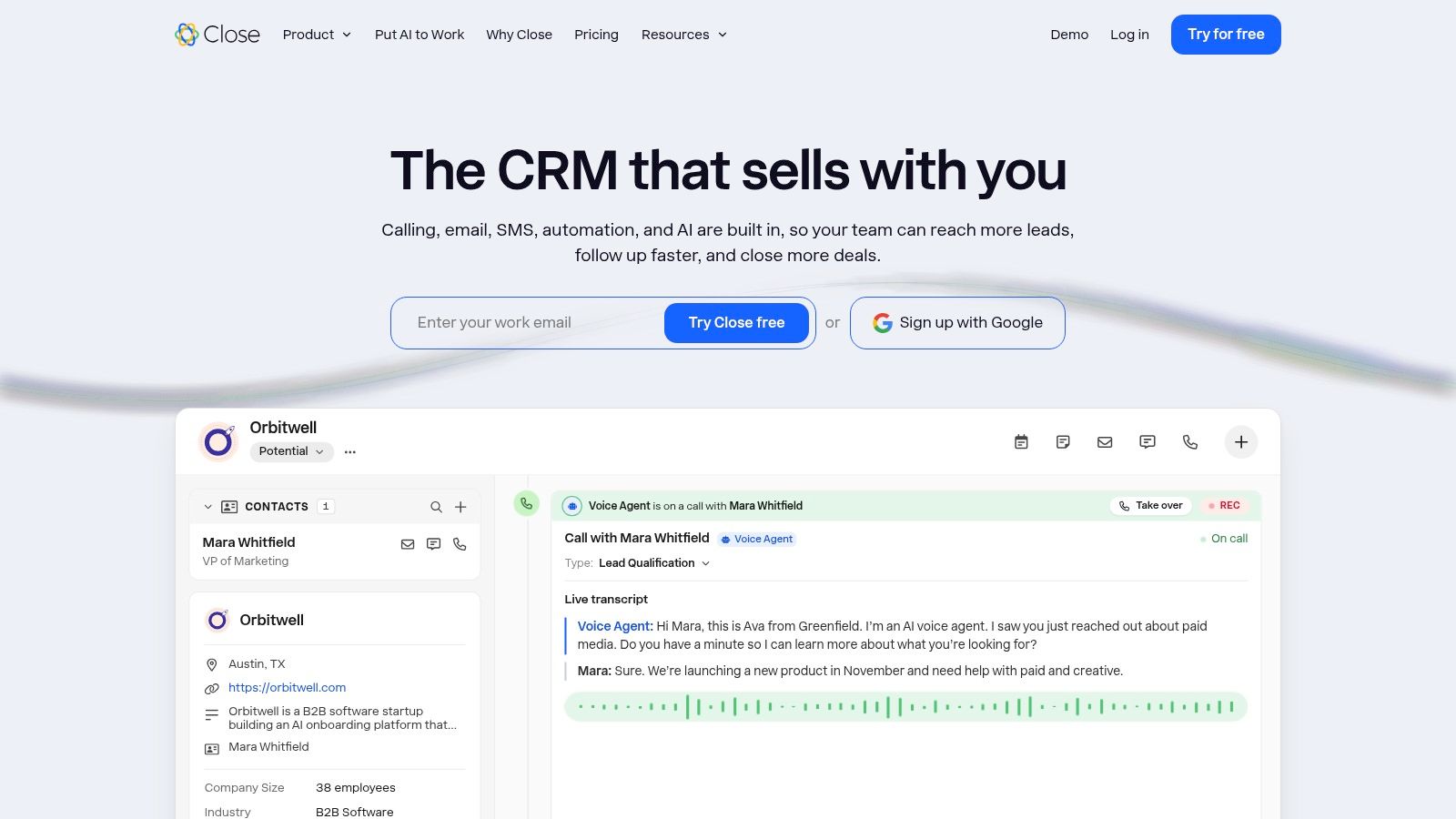
Close is built for people who call. Email, calling, and SMS sit on the lead record with the inbox and the task list, so a small team doesn't keep a separate dialer. Public pricing makes the base cost easier to estimate than a quote-only platform.
Workflow automation starts on Growth and Scale, not on Solo or Essentials. Calling and SMS are usage-based, so a heavy phone week costs more than the seat. AI features draw on included credits and plan limits. That's fine if calling is the motion. It's overhead if you only needed stages.
If the team won't pick up the phone, you're paying for a channel that sits idle.
Wrong choice: simple deal tracking with almost no outbound calls. You don't need this much activity tooling. Details are on Close.
9. Reply.io
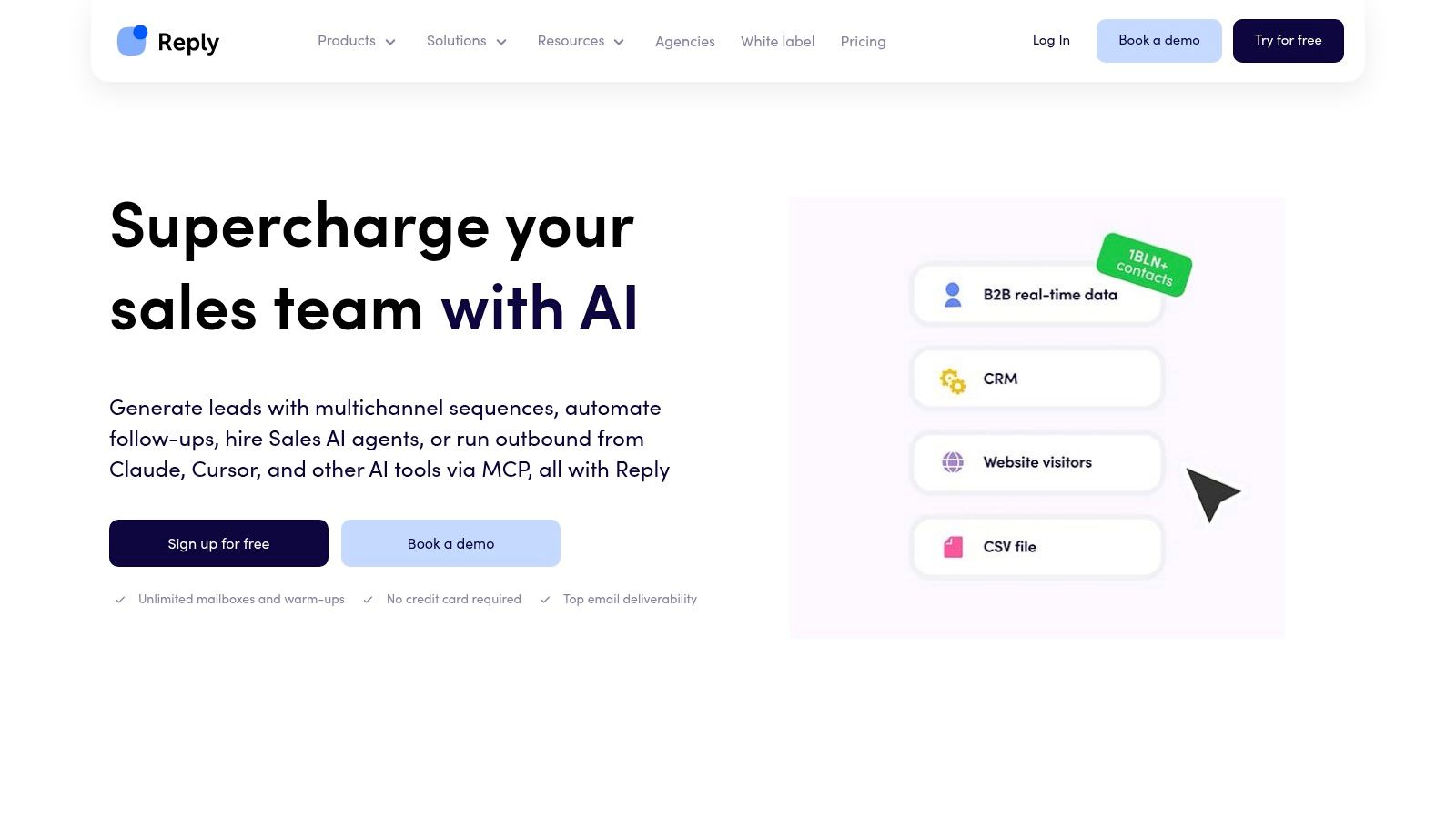
Reply.io is a sequence tool for teams that touch the same prospect on email, LinkedIn, calls, and SMS. Steps can branch. AI helps with writing and sorting replies. CRM integrations and live B2B data are available, and the multichannel plan has a 14-day trial.
Price is the annoying part. Contact volume, channels, and package change the quote, and some data or features sit on add-ons or higher plans. Comparing two plans side by side takes longer than building the first sequence. It also isn't a full CRM for every team. You'll still want a system of record if deals get complex.
For a wider map of this category, see these sales engagement platforms. Email-heavy users should also read this email warmup tools comparison before they scale sends. The product is at Reply.io.
Wrong choice: a solo founder whose buyers only talk on X. Multichannel pricing is wasted if one channel does the work.
10. Outreach
Outreach is sales execution for a company that already has a process and someone to run it. Sequences span email, voice, SMS, and calendar steps. Triggers and rules react to what the prospect does, instead of only firing fixed reminders. Intelligence and pipeline products sit beside the engagement layer, with integrations into the rest of the stack.
Pricing is generally quote-based, so you won't know the number from the homepage. Implementation and admin are part of the purchase. That pays off when sales ops wants repeatable cadences across a large team. It doesn't pay off when two founders want to send twenty messages and go back to the product.
Gartner flags performance reliability, data protection, and security as current limits of agentic AI in sales, and the same coverage notes EU AI Act transparency obligations scheduled from August 2, 2026. A platform this wide needs an owner who can explain why someone was contacted and who approved the message. More on the product at Outreach.
Wrong choice: a solo operator or a tiny team hunting a cheap self-serve login.
How the 10 sales automation software options compare on free access, pricing transparency, and best-fit team
| Item | Free plan or trial | Pricing transparency | Best for |
|---|---|---|---|
| DMpro | No free trial listed | Public plans from $69/month; managed service is custom-priced | X prospect discovery and personalized DM campaigns; recommended option |
| Apollo.io | Free plan available | Credit use and plan limits can affect costs at scale | Teams combining B2B prospecting and email outreach |
| HubSpot Sales Hub | Free tools available | Seat types, plan tiers, and onboarding fees affect total cost | Teams already using HubSpot that want CRM and sales tools together |
| Salesforce Sales Cloud | No free plan or trial listed | Pricing varies by edition and added capabilities | Larger teams with complex sales processes and customization needs |
| Pipedrive | 14-day free trial | Plans and add-ons can affect total cost | Small and midsize sales teams focused on visual deal pipelines |
| Zoho CRM | Free edition for up to three users | Entry-level annual pricing is accessible; features vary by edition | Businesses seeking CRM automation and room to expand |
| Freshsales | No free plan or trial listed | Add-ons and plan tiers can affect total cost | Teams wanting communication tools and CRM records together |
| Close | No free plan or trial listed | Public pricing; calling and SMS may add usage costs | Small outbound teams using email, calls, and SMS |
| Reply.io | 14-day trial for the multichannel plan | Costs vary by contact volume, channels, and package | Teams coordinating multichannel prospect outreach |
| Outreach | No free plan or trial listed | Generally quote-based | Enterprise teams managing structured sales engagement processes |
Pick the Tool Your Team Will Actually Use
Choose by workflow first, not by feature count. If the main problem is finding people on X and messaging them, start with an outreach tool built for that channel. Using the X-focused option above takes three steps. DMpro follows three steps: import your leads, build your workflow, then launch and monitor. If you need a shared deal pipeline, Pipedrive or Zoho is the better fit. Enterprise platforms only pay off with dedicated operations staff.
Buyers notice when automation only helps the seller. Deloitte Digital's 2026 B2B research found that only 47% of buyers said purchasing processes were mostly or highly automated, while suppliers believed they had enabled more. Buyers were six times more likely than suppliers to describe sales or purchasing processes as mostly manual, and three times more likely to say doing business was difficult. More sequences aren't a better buyer experience. Reply-based branches, suppression, and a human on ambiguous replies matter more than raw send volume.
Before you commit, run a trial with a real list. Track setup hours. Check sending limits and plan caps against the volume you can sustain.
- Solo founder: Pick the channel tool you can launch in a day, and ignore enterprise admin.
- Small sales team: Pick a shared pipeline or a dialer-CRM if calls are the job.
- Enterprise operations: Pick Salesforce or Outreach only if someone owns governance, data, and the rollout.
Bad data and a fixed follow-up series will waste whichever logo you choose. Keep a person in the loop when a prospect asks for something else, or says they're not interested.
If you're tired of manually sending DMs every day, try DMpro.ai, it automates outreach and replies while you sleep.
DMpro is built for prospect discovery and cold DM outreach on X, with lead lists, AI personalization, branching workflows, and reply analytics in one place. If setup time is what's blocking your outbound, that is the sales automation software path aimed at founders and small teams who sell in DMs. Visit DMpro and run a real list through import, workflow, and launch before you buy a heavier CRM.
Put your outreach plan into practice
Find relevant leads on X (Twitter), personalize your messages, and manage the replies in DMpro.
Get started