
10 Social Media Automation Tools Compared
By DMpro team
Compare 10 social media automation tools for scheduling, engagement, and X outreach so founders can pick the right workflow.
You spend the morning scheduling product updates, founder posts, and customer stories. Then you spend the afternoon finding people on X, checking their profiles, and sending cold DMs by hand. Your content calendar looks organized, but prospecting still takes your full attention.
Stop mixing posting with prospecting. Social media automation tools handle different jobs, even when their feature pages use similar language. A publishing suite helps you schedule content, manage incoming comments, and report across networks. An X outreach platform helps you discover prospects, personalize messages, and change follow-ups when someone replies.
DMpro is the X-specific example here, not a general publisher. That distinction matters more than how many features a tool lists.
- Platforms: Can you manage the networks you use, with the account types and formats you need?
- Scheduling: Are you scheduling public posts, recurring content, or messages that depend on recipient behavior?
- Engagement: Does that mean answering incoming comments or managing a prospect conversation?
- Analytics: Will the reports explain content performance, qualified replies, or customer acquisition?
The ClipCreator.ai automation tools roundup is another useful starting point for exploring the broader category. For SaaS distribution, though, buy around the weekly task you need to remove. A better publishing queue won't fix manual prospect research, and an outreach workflow won't replace your content calendar.
1. DMpro
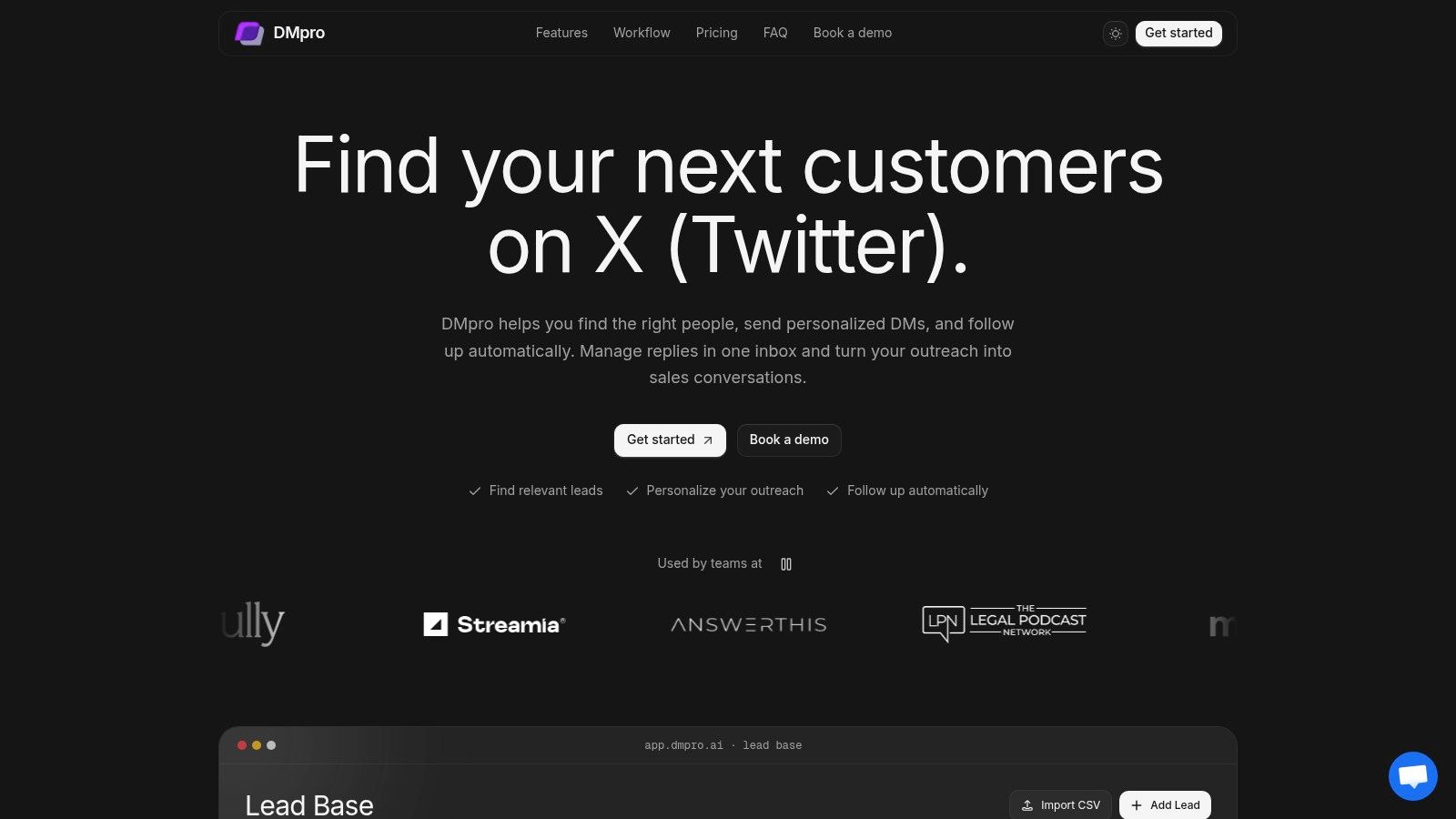
Best for founders and agencies managing personalized X outreach. The platform combines prospect discovery, a shared lead workspace, message sequences, and response analytics. It doesn't publish content across social networks.
Find prospects through account followers, community members, tweet replies, keyword-matched conversations, and bio matches, or import usernames by CSV. Organize those leads into groups before messaging them. A relevant profile is a targeting signal, and automated DMs still fall under X's automation rules, including recipient consent and opt-out requirements.
Build around replies, not just delays
The visual builder supports message sequences, waits, follow-ups, and conditional branches, including reply classification and AI-assisted responses. Campaign logic can change after a reply, so a sequence can send a follow-up only when the prospect stays silent. Personalization draws on profile information, recent posts, and website context, rather than inserting only a first name.
Analytics report sends, queued messages, reply rates, and response categories. Use those categories to separate interested prospects from polite replies and opt-outs, then adjust targeting or copy before the next batch goes out.
- Plans: Pro costs $69 monthly and Agency costs $199. Custom managed-service pricing is individually scoped.
- Capacity: Pro includes five X accounts, 500 monthly AI credits, and storage for 5,000 leads. Agency includes unlimited accounts, 2,000 monthly AI credits, and storage for 100,000 leads.
- Sending limits: Pro allows 25 DMs per account daily and Agency allows 35. X restrictions and account settings can reduce actual volume.
- Support: Both plans include unlimited scraping, onboarding, and priority support. The managed service adds account setup and warm-up, targeting, lead sourcing, scripts, optimization, reporting, and a dedicated strategist.
Setup takes under 10 minutes: connect the X account, define targets and message templates with a schedule, then launch and watch results on the dashboard. Joshua, a business coach, reports getting 5x more conversations after replacing three hours of daily manual prospecting and sending. Treat results like that as a signal about the workflow, not a forecast.
The trade-off: Discovery and execution share one workspace, but AI credits and lead storage stay capped per plan. Variable delays, sending limits, and account monitoring help manage operations. They don't remove the risk of X restricting or suspending an account.
2. Buffer
Buffer is the straightforward choice when your main problem is getting posts out consistently. It combines a publishing calendar and queue with an ideas workspace, tags, AI writing assistance, and basic performance insights.
For a solo SaaS founder, the weekly workflow is simple: collect ideas during customer calls, turn them into drafts, adapt them for each network, and fill the queue. Buffer supports multi-network publishing, including X, LinkedIn, Instagram, and other major channels.
According to Buffer's website, its free plan supports up to three channels with 10 scheduled posts per channel, while paid plans start at $5 per channel monthly with annual billing. Per-channel pricing makes sense when you only maintain a small set of profiles.
Where it fits your distribution workflow
Use the calendar to maintain visibility while you handle sales conversations elsewhere. This guide to scheduling Twitter posts helps clarify the publishing side of that setup.
- What works: An approachable queue, an organized place for ideas, and AI help for drafting or revising copy.
- What needs attention: Some formats and account types require notification-based publishing instead of fully automatic delivery.
- What costs extra: Team approvals and collaboration require the Team plan.
Buffer's community tools help with incoming interactions. They aren't prospect discovery or outbound-DM sequences. Its reports are useful for deciding which posts deserve another variation, not for determining which prospect source produces qualified opportunities.
3. Hootsuite
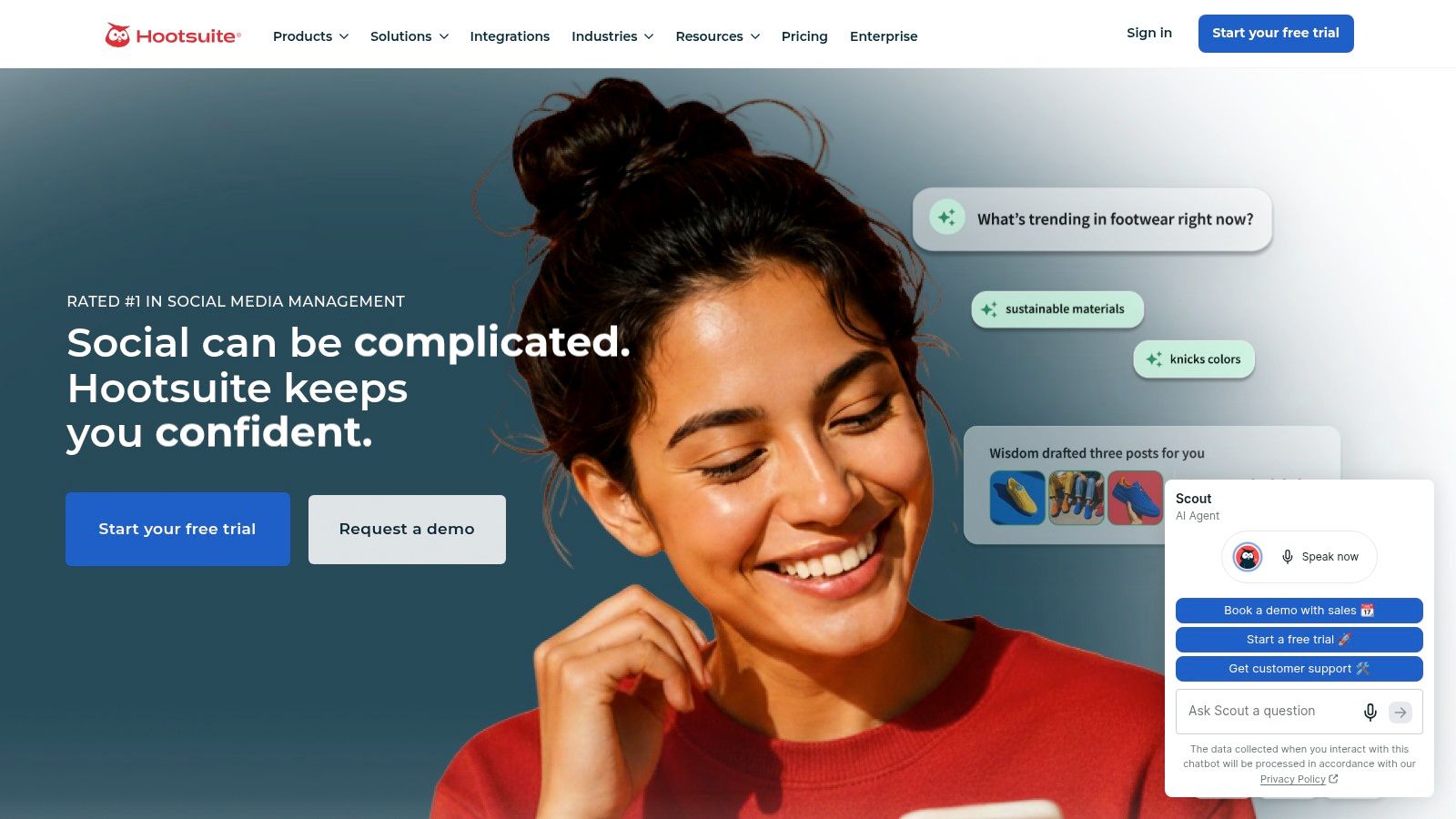
A founder account, a company page, and several active social inboxes create a coordination problem. Hootsuite suits teams that need publishing, monitoring, engagement, and reporting in the same workspace.
Its calendar handles scheduled publishing across supported networks. Monitoring helps your team follow social activity, while inbox tools bring messages and comments into a shared working environment.
Hootsuite lists plans starting at $99 monthly. That's a meaningful commitment if you mostly need a queue, but easier to justify when several people share responsibility for profiles and conversations.
Buy the shared workspace when handoffs are the problem. Don't buy it just because you expect to need a larger team someday.
In a weekly workflow, a marketer can prepare content, review performance, and handle inbound conversations without constantly switching tools. Higher tiers add routing, workflow, and reporting capabilities, so compare the actual plan rather than the platform's full feature list.
- Strength: Broad coverage of day-to-day social management.
- Limitation: Advanced inbox, collaboration, and reporting features depend on the subscription.
- Wrong job: Discovering and qualifying prospects for outbound sales.
For agencies, the practical issue is ownership: who approves content, who answers messages, and who notices an unresolved conversation? Establish that process before managing multiple social media accounts. Software can centralize work, but your team still needs clear responsibilities.
4. Sprout Social
Choose Sprout Social when social marketing and customer care share the same operating process. Its appeal isn't just scheduling more posts. It's connecting publishing, monitoring, incoming conversations, collaboration, and deeper reporting.
The publishing calendar supports drafts, scheduled posts, and queues. Depending on the plan, analytics cover profiles, posts, competitors, and paid-social performance, while AI-assisted tools support content, replies, and reporting.
Sprout Social's listed annual-billing pricing starts at $79 per seat monthly, with a 30-day trial for paid plans. Seat-based pricing deserves attention before you add occasional reviewers or teammates who only need reporting access.
Buy the right inbox tier
The Essentials plan doesn't include the Smart Inbox or advanced collaboration features. If incoming messages are your main reason for choosing the platform, that distinction belongs at the start of your evaluation.
- Good fit: A marketing and support team that needs shared visibility into social conversations.
- Useful upgrade: Structured collaboration and workflow features on higher tiers.
- Poor fit: A founder looking for prospect discovery and outbound-sales sequencing.
A weekly review should connect content results with the questions people ask afterward. Did a product announcement generate useful inquiries? Did the team answer them appropriately? Those are stronger operating questions than whether total engagement increased.
Sprout Social can support that review across supported networks. It doesn't replace an X-specific process for finding prospects and managing permission-based outreach.
5. Agorapulse
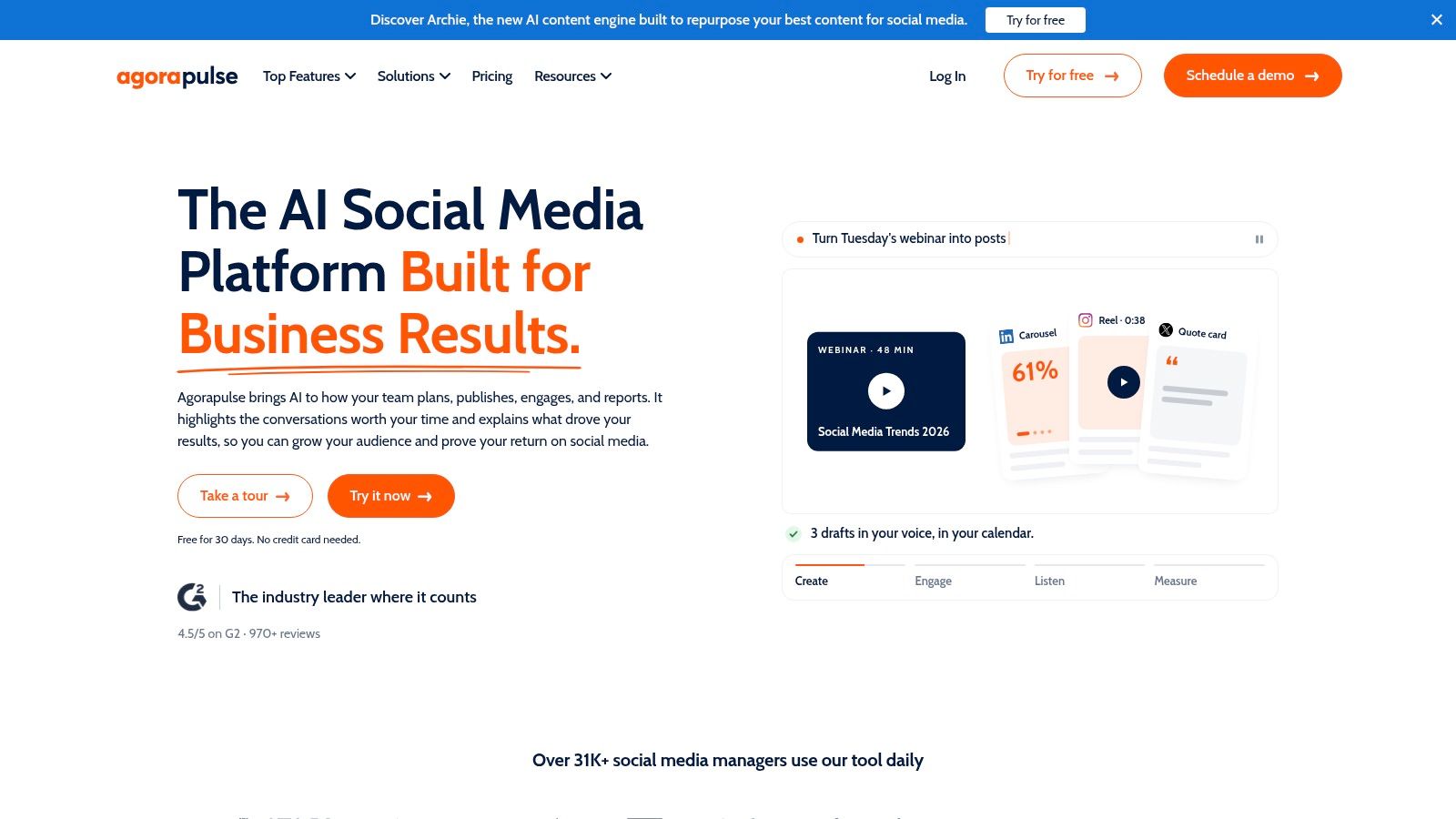
Agorapulse makes sense when publishing and incoming engagement compete for the same person's time. Its shared calendar, unified social inbox, and reporting let social managers work through both without treating them as separate operations.
Use it to prepare content, review organic comments and messages, and export reports for stakeholders or clients. Eligible plans add moderation rules, saved replies, bulk actions, and more advanced reporting.
Agorapulse offers a free plan and a 30-day trial. Paid plans use per-user pricing, so evaluate the cost with everyone who needs working access, not just the account owner.
Keep the inbox promise realistic
An inbox helps you handle people who have already engaged. It doesn't automatically create a qualified pipeline, even when the interface includes DMs.
- Publishing: Paid scheduling capabilities support ongoing content calendars; the free plan has profile and scheduled-post limits.
- Engagement: Unified handling of incoming messages and organic comments reduces account switching.
- Reporting: Audience, content, and team-performance reports support operational reviews.
For an agency, the useful weekly habit is to review unanswered conversations alongside scheduled content. Otherwise, your team may keep publishing while leaving interested people waiting.
Agorapulse is a good candidate for that combined workflow. The limitation is feature gating: moderation rules and bulk actions aren't available everywhere. If those are the tasks you want to automate, evaluate their availability before committing to a tier.
6. Zoho Social
Already using Zoho CRM or Zoho Desk? Zoho Social deserves consideration because social work can connect with systems your team already uses. That's a more concrete reason to choose it than wanting another dashboard.
It handles scheduling, a publishing calendar, monitoring, and performance reporting across supported channels. Higher tiers add collaboration, custom reports, CRM integrations, and agency-oriented capabilities.
Zoho Social offers a free plan, with Standard starting at $10 monthly on annual billing. The entry price is approachable, but the features that connect teams and business processes sit higher in the range.
Practical rule: Evaluate the subscription that contains your required integration, not the cheapest subscription with the product's name on it.
A sensible weekly workflow starts with publishing and monitoring. Your team can then connect relevant social activity with CRM or support work where the eligible integrations fit.
- Advantage: Useful alignment with an existing Zoho setup.
- Constraint: Advanced collaboration and custom reporting require higher tiers.
- Capacity check: Brand, channel, and user limits affect how comfortably the plan fits your operation.
Don't confuse a CRM connection with automated prospecting. Recording a social contact in a business system is different from discovering suitable X accounts, preparing personalized messages, and branching after replies.
For a lean team, Zoho Social can be a practical publishing and monitoring layer. Choose a separate outreach process if customer acquisition depends on direct conversations rather than public content alone.
7. SocialPilot
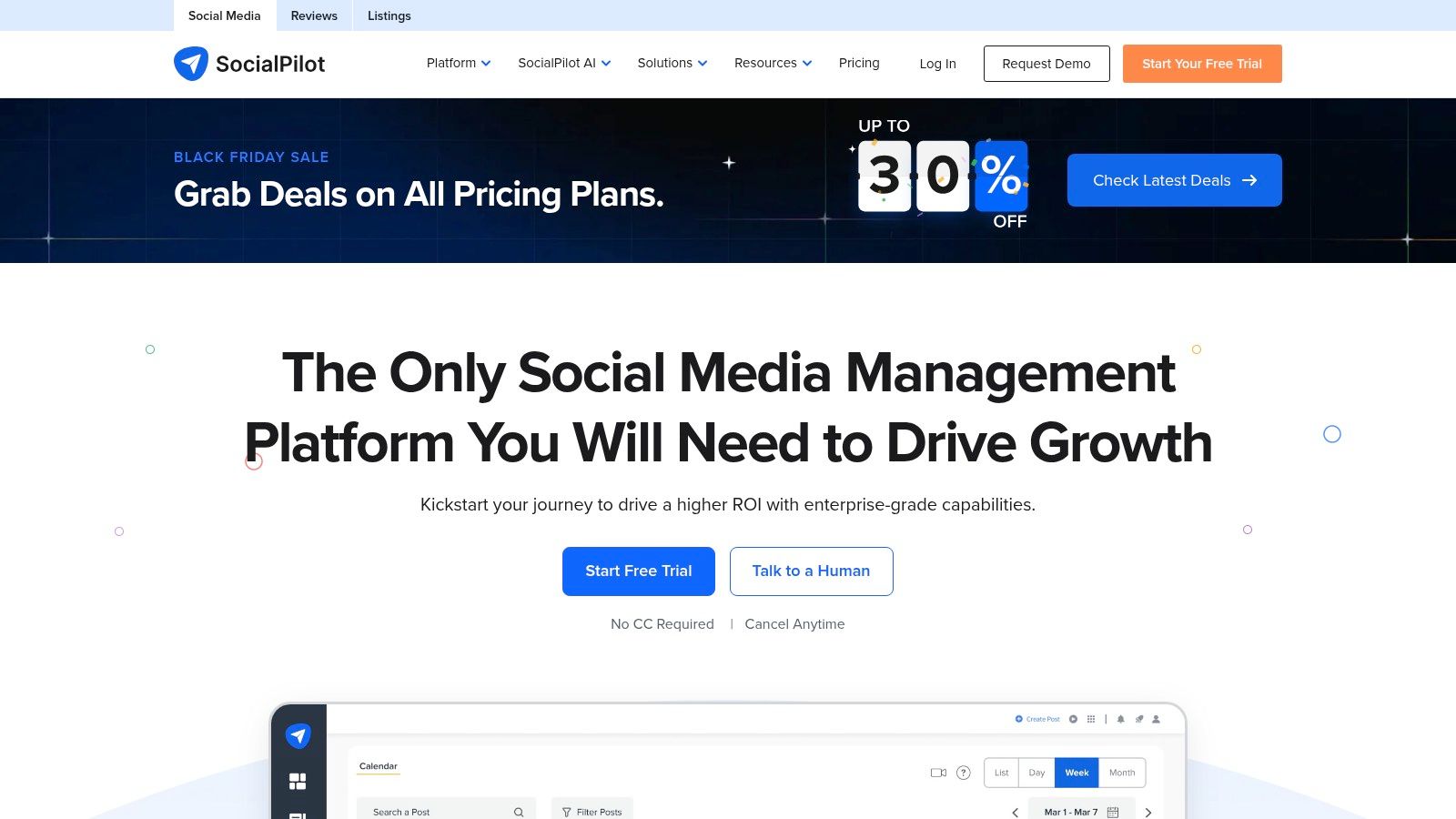
SocialPilot is built for the operational side of publishing across many accounts. Bulk scheduling, smart queues, a content library, and a shared calendar suit professionals and agencies working from an approved content backlog.
Say your agency has a spreadsheet of client posts ready for review. CSV uploads on eligible plans can remove repetitive entry, while higher-tier approval and reporting tools support the client handoff.
SocialPilot's Essentials plan starts at $17 monthly with annual billing, and it offers a 14-day trial without a credit card. Don't assume that entry price includes the complete agency workflow.
Separate publishing capacity from agency features
Social inbox access, analytics, collaboration, client approvals, and white-label reporting depend on the tier. Account and team-member limits also vary.
- What works: Preparing batches of content and keeping client publishing organized.
- What to compare: The plan containing your required inbox, approval, and report features.
- What it won't replace: Prospect research, qualification, and personalized outbound sequences.
During a trial, use a realistic client batch. Include a revision, an approval request, a scheduled post, and the report you would send afterward.
That test is more revealing than filling an empty calendar with sample posts. SocialPilot's value comes from reducing repeated publishing administration. If your bottleneck is starting relevant sales conversations on X, a larger publishing capacity won't solve it.
8. Metricool
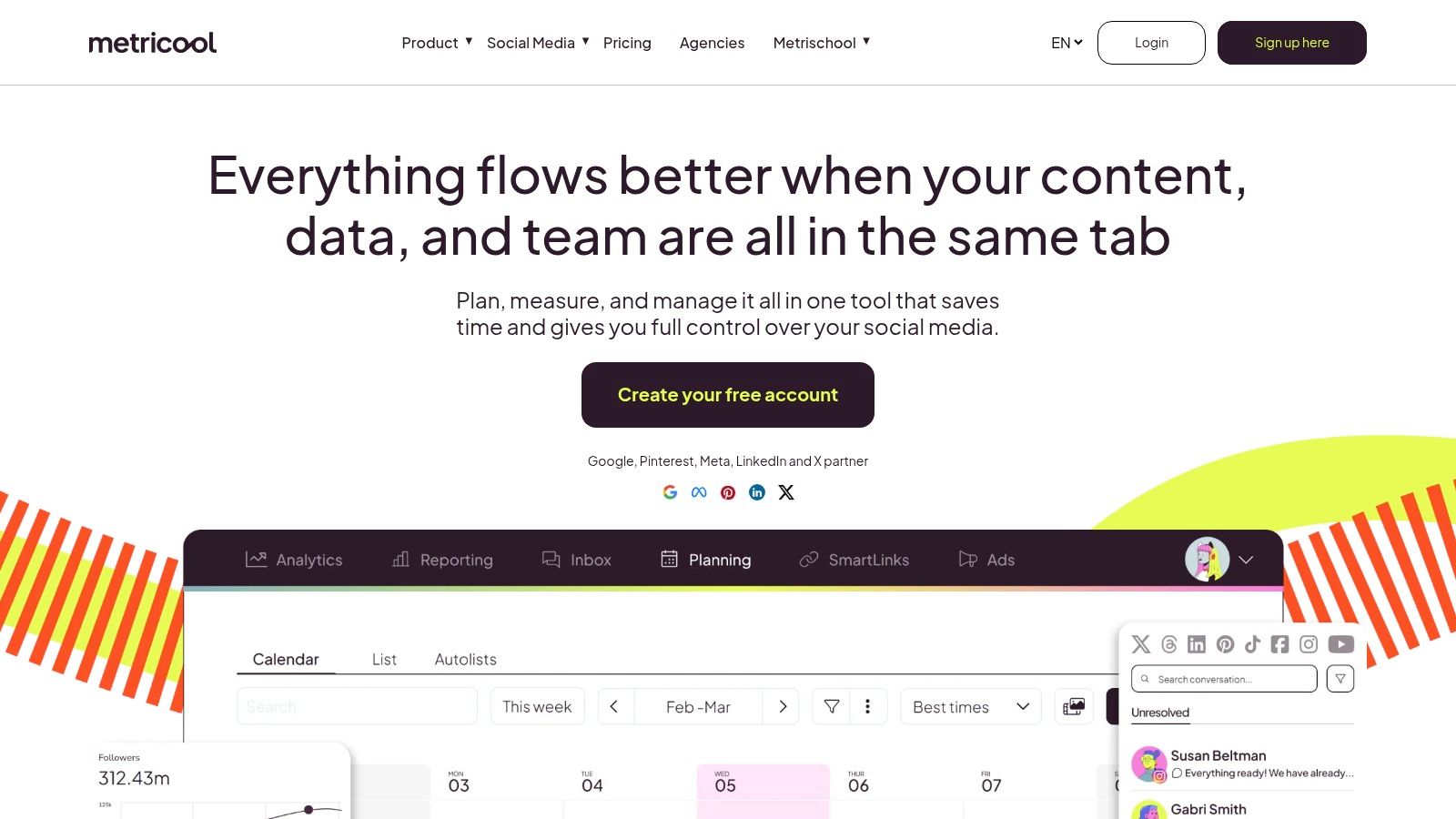
Which content should you keep producing? Metricool is a useful candidate when that question matters as much as getting posts scheduled. It combines a calendar with analytics, selected competitor comparisons, and reporting.
For a SaaS team, the weekly workflow can start with performance review rather than an empty composer. Look for topics worth developing, schedule the next variations, and compare the results without assembling every report manually.
Metricool offers a free plan, with U.S. paid pricing starting at $20 monthly for Starter and $53 for Advanced, varying by brand count. Its free plan excludes X and LinkedIn, which matters immediately for founder-led distribution.
Check X access before choosing a plan
Some X capabilities and advanced analytics require paid features or add-ons. Advanced plans also provide team and client management, approvals, and fuller reporting options.
- Strength: Scheduling alongside analytics and competitor comparisons.
- Reporting: Paid plans support PDF and presentation reports.
- Limitation: It isn't built around prospect discovery or personalized outbound DMs.
Use this guide to social media analytics software to distinguish content reporting from acquisition measurement.
A post can attract attention without producing customer intent. Pair platform reports with tracked links and lead-source records so you can understand what happens after someone engages. Metricool helps evaluate publishing decisions; your sales process still needs to record qualified conversations and eventual outcomes.
9. Later
Later fits teams that plan through images and video rather than rows of text. Its drag-and-drop calendar and media library make it a natural candidate for Instagram-led brands, creators, and visual product marketing.
It supports platforms including Instagram, TikTok, Threads, and LinkedIn. Alongside scheduling, it offers link-in-bio tools and AI assistance for captions and content ideas.
Later lists Starter at $18.75 monthly with yearly billing and offers a 14-day trial. Higher plans add capabilities such as team approvals, conversation management, calendar sharing, and expanded analytics.
A different kind of distribution workflow
Say you're launching a product feature with demo clips, screenshots, and customer education. Arrange the assets in the calendar, adapt the captions, and check that the sequence makes sense before publishing.
- Good fit: Image- and video-led campaigns that benefit from visual planning.
- Plan constraint: Some subscriptions have monthly post limits.
- Feature constraint: Inbox tools and advanced analytics aren't included in every tier.
Before relying on automated social media posts, confirm which formats support automatic publishing and which require your attention.
Later is less suited to X prospect research and outbound conversations. Choose it when assembling and distributing visual content takes too much effort, not when you need a system to qualify leads or adjust a DM sequence after someone responds.
10. SocialBee
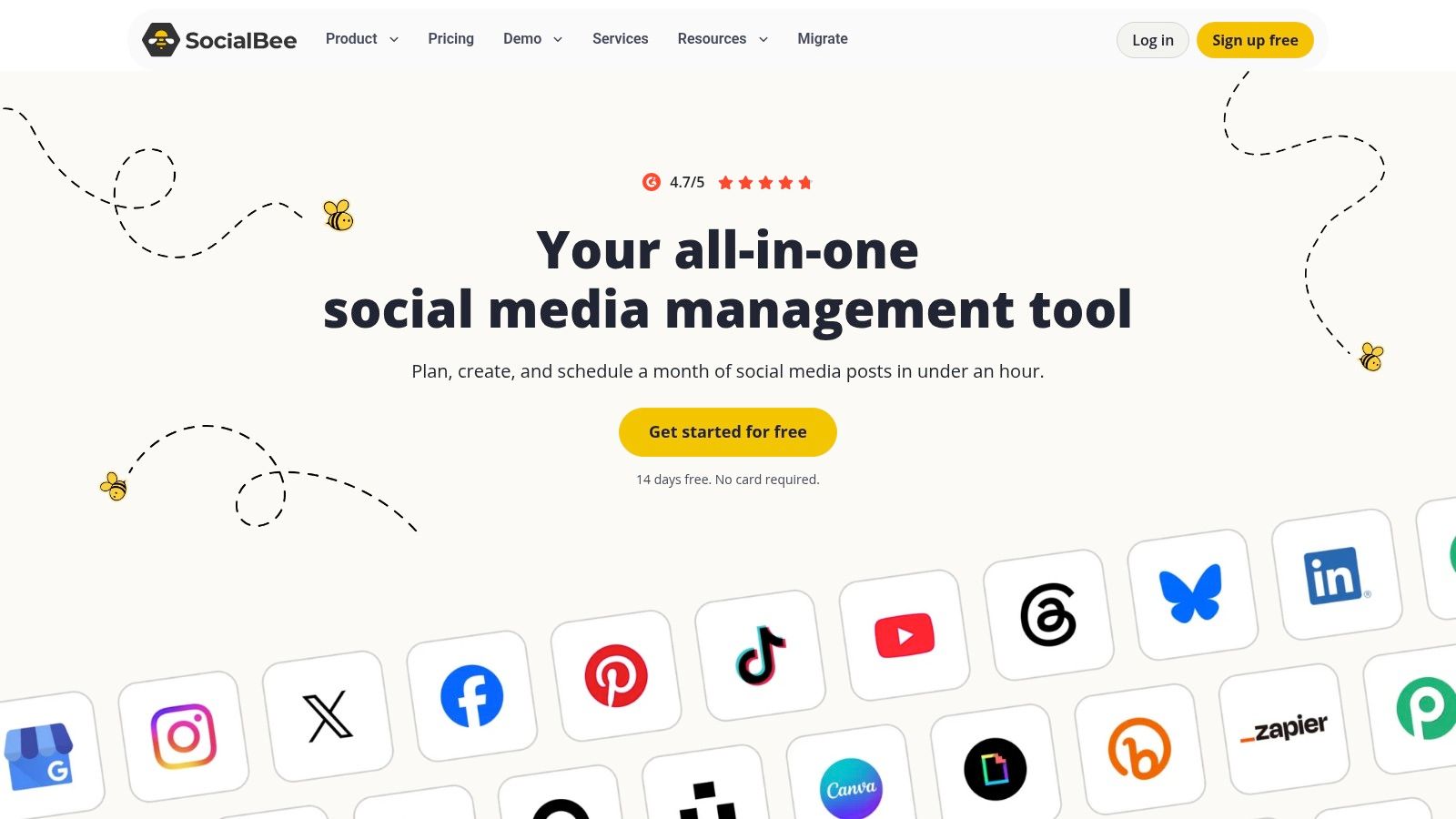
An empty calendar isn't always an ideas problem. Sometimes you already have useful content but no reliable way to maintain the right mix. SocialBee's category-based scheduling is designed for that situation.
Group posts into themes such as product education, founder opinions, customer stories, and timely announcements. Then use recurring scheduling to keep those categories represented across your profiles, including X and other major networks.
SocialBee's Bootstrap plan starts at $24.20 monthly with annual billing, includes five profiles and one user, and offers a 14-day trial. Higher plans expand collaboration, analytics, profile capacity, and workspaces.
Recurring content still needs an editor. Review old claims, screenshots, and offers before putting them back into circulation.
AI features help generate and adapt content, but the editorial structure is the main reason to consider the tool. Categories make your publishing plan easier to maintain without rebuilding the calendar from scratch.
- What works: Organizing evergreen and timely content into a repeatable publishing rhythm.
- What needs review: Recycled content can become outdated or overly repetitive.
- What requires an upgrade: Some reporting, approval, and team capabilities.
SocialBee can support a steady founder presence while you focus elsewhere. It won't research prospects or run conversational outbound sequences. Recurring public posts and reply-aware private messages are different automation problems, even when both operate on X.
Publishing Suites vs X Outreach
Two categories get lumped together under "social media automation," and they solve different jobs. Suites run publishing: queues, calendars, shared inboxes, and reports across multiple networks. Outreach tools run conversations: prospect lists, personalized DMs, and follow-ups that react to replies.
| Item | Best for | Listed starting price | Outbound X DMs | Core workflow |
|---|---|---|---|---|
| DMpro | X prospecting and personalized outreach | $69/month | 25 per account daily on Pro | Find and qualify leads, automate personalized DM sequences, track replies |
| Buffer | Simple social publishing | Free; paid from $5/channel/month with annual billing | No dedicated outbound X DM campaigns | Plan, schedule, and analyze social posts |
| Hootsuite | Business social management | $99/month | No dedicated outbound X DM campaigns | Publish, monitor activity, manage inbound messages, report |
| Sprout Social | Social care and reporting teams | $79/seat/month with annual billing | No dedicated outbound X DM campaigns | Publish, manage inbox, monitor, and analyze |
| Agorapulse | Social managers and agencies | Free plan; paid plans use per-user pricing | No dedicated outbound X DM campaigns | Publish, manage inbound engagement, and report |
| Zoho Social | Budget-conscious businesses using Zoho | Free; Standard from $10/month with annual billing | No dedicated outbound X DM campaigns | Schedule, monitor, report, and connect eligible plans with Zoho tools |
| SocialPilot | Agencies publishing across many accounts | $17/month with annual billing | No dedicated outbound X DM campaigns | Bulk schedule, manage client content, and report |
| Metricool | Social analytics and reporting | Free; Starter from $20/month | No dedicated outbound X DM campaigns | Schedule posts, analyze performance, and report |
| Later | Visual-first content planning | $18.75/month with yearly billing | No dedicated outbound X DM campaigns | Plan and schedule visual content, manage media |
| SocialBee | Category-based recurring publishing | $24.20/month with annual billing | No dedicated outbound X DM campaigns | Organize posts by category and schedule recurring content |
Read the last two columns together. Every suite listed handles inbound engagement on X, meaning it can answer messages that arrive, yet none runs outbound DM campaigns. DMpro works from the opposite direction: its Pro plan sends up to 25 messages per account daily, and its campaign builder branches on whether a recipient replies.
The pricing columns split the same way. Suites charge per channel or per seat because their cost scales with profiles, users, and content volume. Outreach pricing tracks connected accounts and sending capacity instead, since the main constraint is how many personalized conversations one X account can carry.
Pick the Job, Then the Tool
Choose a publishing suite when the recurring work is calendars, incoming comments, and content reports. Buffer suits a straightforward queue. Hootsuite, Sprout Social, and Agorapulse address broader management needs, while Zoho Social makes particular sense alongside an existing Zoho setup.
SocialPilot is worth evaluating for bulk publishing and agency operations. Metricool emphasizes measurement alongside scheduling. Later suits visual planning, and SocialBee helps maintain a category-based content mix.
The right choice depends on the workflow your team will repeat. For client work, scheduling workflows for agency teams can help you think through approvals and handoffs before you choose software.
Outreach needs a different operating standard
Use an X outreach workflow when the work is finding suitable prospects, organizing context, and following up according to recipient behavior. But discovery is not consent, and a sending allowance is not permission to use it.
X's official automation rules prohibit unsolicited bulk or automated DMs, require recipients to have requested contact or clearly indicated they want it, and require an easy opt-out that you honor promptly. Following an account or discussing a relevant keyword shouldn't be treated as consent by itself.
Build your process around those boundaries:
- Before launch: Record why recipients are eligible for automated contact and review the message for accuracy.
- During conversations: Stop unwanted contact, pause inappropriate follow-ups, and send ambiguous or sensitive replies to a person.
- During review: Compare qualified opportunities and opt-outs, not just sends and total replies.
X's developer policy also prohibits spam, platform manipulation, and circumventing rate limits, with enforcement that can affect accounts and API access. Daily tool limits, variable delays, and account monitoring don't override those rules.
Measure the outcome you actually want
A publishing report should help you decide what to create next. An outreach report should help you decide which audience, message, and conversation path produces relevant opportunities.
Keep those measurements separate, then connect them through lead-source records. Don't interpret a busy calendar as pipeline, or a high reply rate as proof that prospects want your product.
Choose the smallest setup that handles the job properly. If you're tired of manually sending DMs every day, try DMpro.ai for automating outreach and replies while you sleep, within X's consent requirements and account limits.
Turn repetitive cold-DM work into a structured, permission-based X outreach process with prospect discovery, AI-assisted personalization, conditional follow-ups, and reply tracking. Visit DMpro to try automating your DM workflow while keeping consent checks, opt-outs, and human review in place.
Put your outreach plan into practice
Find relevant leads on X (Twitter), personalize your messages, and manage the replies in DMpro.
Get started