
10 Sales Outreach Tools Worth Trying in 2026
By DMpro team
Compare 10 sales outreach tools by prospecting, personalization, sequencing, channels, and pricing — with honest limits and real-use guidance.

Are you choosing sales outreach tools around where your buyers talk, or around whichever platform has the longest feature list?
Most comparisons focus on capabilities a lean SaaS team won't use. The better starting point is your channel: X conversations, email campaigns, mixed-channel sequences, or outreach managed inside your CRM. Then decide how much prospect research, writing, follow-up, and reporting you want handled for you.
The capacity problem is real. Salesforce reported that sales representatives spent approximately 70% of their working time on non-selling tasks in 2024. Buying another sending tool won't automatically fix that. You need software that removes work without creating a second job managing integrations and failed campaigns.
These sales outreach tools cover different jobs, so there isn't a universal winner. Compare them on prospecting, personalization, sequencing, analytics, and channel fit, then pressure-test sending limits, deliverability, and setup effort.
If email is your starting channel, this cold email guide provides useful preparation before you configure a sequencer. If your buyers already discuss their problems on X, start with the conversation workflow instead.
1. DMpro
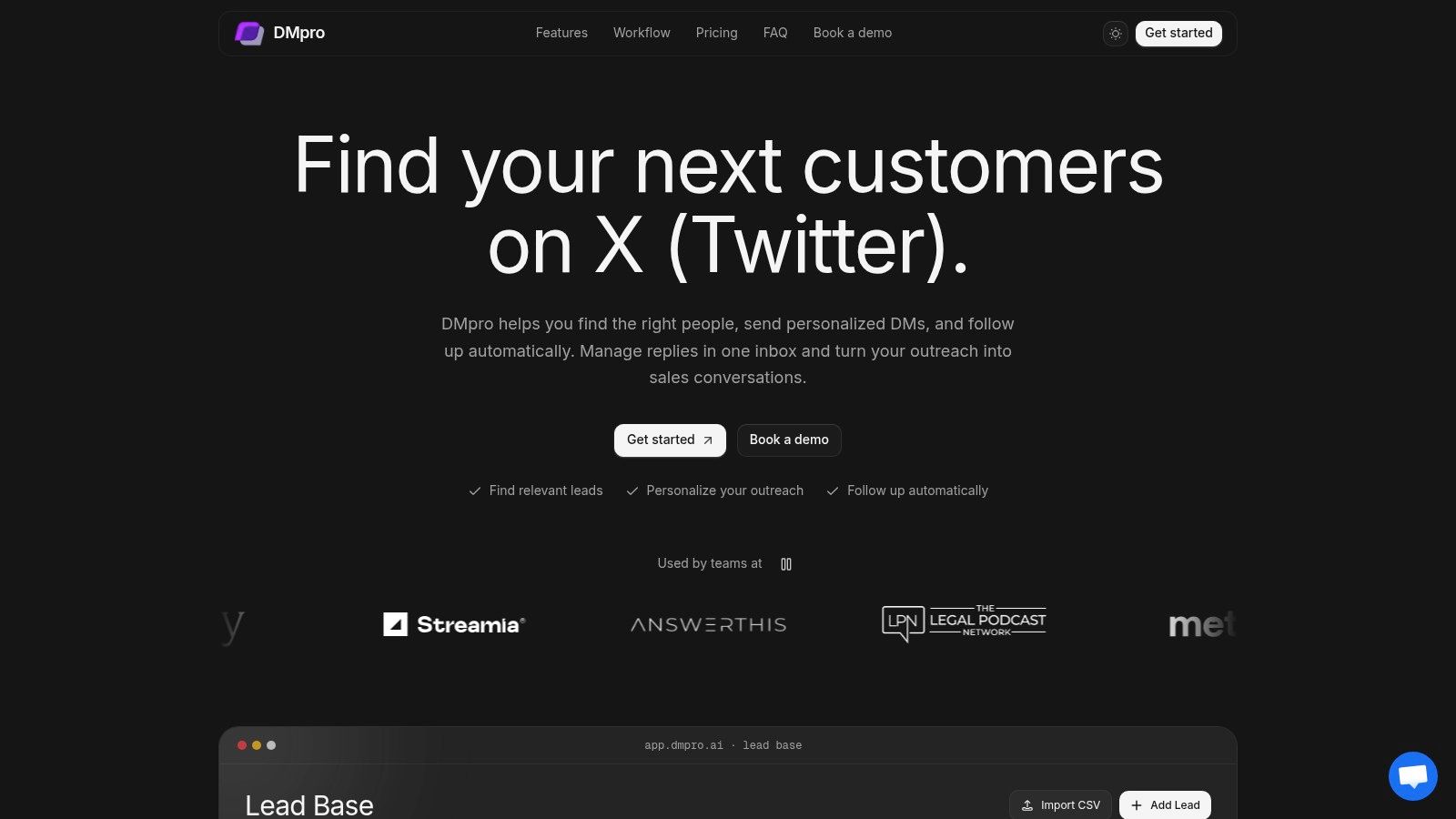
DMpro is the X, formerly Twitter, outreach option in this list: prospect discovery, AI-personalized DMs, visual campaign workflows, and reply analytics sit in one workspace. It fits founders, creators, and agencies whose buyers already talk on X and who want lead collection plus sending logic without stitching together separate tools.
Discovery pulls prospects from account followers, communities, tweet replies, keyword-matched conversations, and bios, or from a CSV of usernames. Stored leads can be grouped into reusable audiences, scored by activity and engagement, then qualified against your criteria. In the drag-and-drop builder, a workflow can branch when someone replies, wait, send a follow-up after no reply for 3 days, pause once a prospect responds, and resume if the conversation goes cold. Campaign results show contacted leads, replies, waiting steps, and errors, while analytics update in real time across send rates, reply rates, response categories, A/B tests, and 24-hour, 7-day, and 30-day views.
What to budget and inspect
- Pro: $69 monthly includes 5 X accounts, 500 monthly AI credits, and storage for 5,000 leads.
- Agency: $199 monthly includes unlimited X accounts, 2,000 monthly AI credits, and storage for 100,000 leads.
- Custom: done-for-you outreach at custom pricing, covering setup and warm-up, targeting and lead sourcing, scripts, campaign management and optimization, reporting, and a dedicated strategist.
- Included on Pro and Agency: unlimited scraping, onboarding, and priority support.
The trade-off is account-level capacity. Pro allows 25 DMs per account each day and Agency allows 35; X restrictions and account settings can reduce actual sending, while AI credits and lead storage remain capped. Setup is light: choose a paid plan, connect X, add a lead list, then import leads, build the workflow, launch, and monitor. Before launch, read every outgoing message, confirm sending accounts and imported leads, and check that the saved workflow matches the offer.
Permission comes first: A discovered prospect is not automatically an eligible automated-DM recipient.
X's automation rules prohibit unsolicited bulk or automated DMs and require recipient intent, an easy opt-out, and prompt opt-out handling. Separately, X's developer guidance requires official API use and prohibits scraping, browser automation, and unofficial automation methods. Treat discovery as qualification, and keep messaging permission separate from lead relevance.
2. Apollo.io
Start with Apollo when your biggest bottleneck is finding the right businesses and contacts. Apollo.io combines a searchable B2B database with email sequences, CRM integrations, and deal-management capabilities.
For a founder without an established prospect list, that combination matters. You can research companies, filter contacts, build an audience, and begin outreach without moving every record between separate products. A free tier gives you a way to evaluate the workflow before choosing a paid plan.
Test the database against your actual buyer
Don't judge Apollo by how many records a search returns. Sample contacts from your niche and inspect their current role, company fit, and email validity before enrolling them.
- What works: Integrated research and outreach reduce list-export work, while search filters help narrow a broad market.
- What needs attention: Contact accuracy varies, so verification still belongs in your process.
- Where it falls short: Dedicated engagement platforms may offer more specialized execution, and users report navigation, learning-curve, and performance friction.
Our comparison of outbound lead-generation tools helps distinguish database needs from campaign-management needs.
I'd shortlist Apollo when you need prospect data plus email execution, not when X DMs are your primary distribution channel. During evaluation, build a real audience and run the complete handoff into your CRM, rather than stopping at a successful search.
3. lemlist
Say you sell SaaS to agency owners who use email and LinkedIn, with calls reserved for promising accounts. lemlist fits that coordinated, mixed-channel workflow better than an email-only sender.
lemlist combines email campaigns, prospecting, deliverability tools, LinkedIn automation, SMS, call-dialer integrations, and task management. Email and phone-number finding, CRM integrations, and API access help connect audience building to execution.
The useful distinction is coordination. Your team can plan touches around a prospect instead of independently launching messages from unrelated tools. Still, adding channels creates more configuration and more opportunities to contact someone after they've already responded.
Personalization needs an editor
- Strength: Prospecting, message execution, and deliverability capabilities sit close together.
- Cost consideration: Multichannel pricing is per user, and some data or intent functions consume additional credits.
- Channel limitation: This isn't an X DM outreach platform.
The multichannel offering includes a 14-day free trial, making a focused workflow test more useful than a feature tour.
For AI-generated copy, verify the personalized fact, remove unsupported assumptions, and make the offer understandable without the opener. Our guide to AI outreach tools covers that broader selection problem.
Choose it for channels you'll maintain. A neglected call queue isn't a multichannel strategy.
4. Reply.io
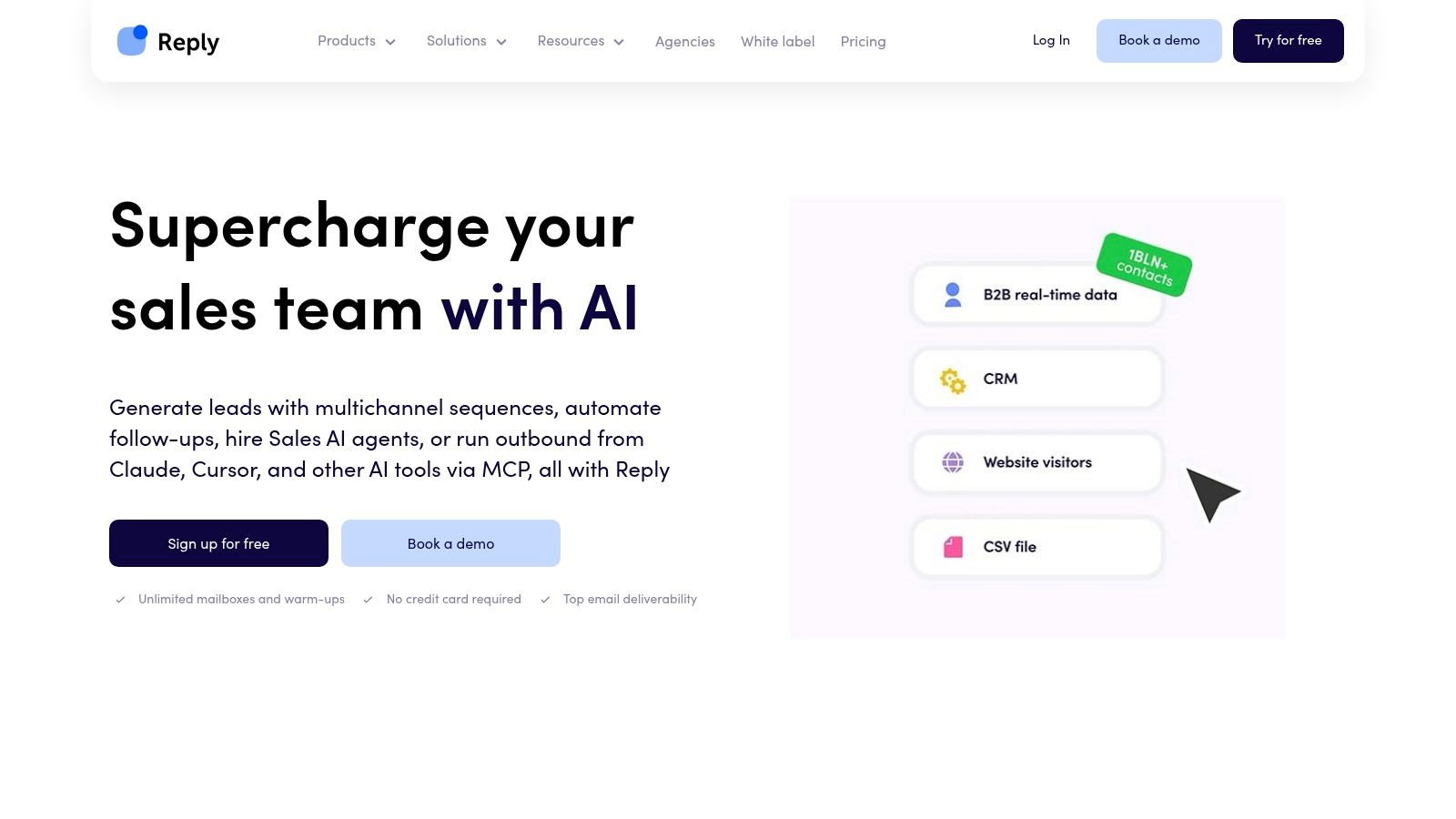
Reply.io deserves a look when sequence flexibility matters more than keeping everything email-only. Reply.io supports outreach across email, LinkedIn, calls, and SMS, alongside email warm-up and deliverability features.
Its pricing structure includes active-contact-based options and a separate all-inclusive multichannel option. It also offers a separate AI SDR product, which should be evaluated as a different operating model rather than assumed to be part of ordinary sequencing.
The purchasing challenge is understanding what your chosen package includes. Contact volume, LinkedIn automation, and calls or SMS can change the total cost, including account-level charges.
Buy the workflow you intend to run, not the channel logos shown on the homepage.
For a practical evaluation, build a sequence that includes a reply, an opt-out, and an unresponsive prospect. Inspect whether each person reaches the correct next state and whether a teammate can understand that state without reconstructing the history.
- Good fit: Teams that coordinate several outbound channels.
- Main friction: Plan boundaries and add-ons require careful comparison.
- Buying discipline: Separate the base subscription, contact allowance, channel charges, and AI SDR scope.
A free signup option and trials on selected plans provide evaluation routes. Don't let an autonomous-outreach pitch replace a human review of targeting, claims, and response handling.
5. HubSpot Sales Hub
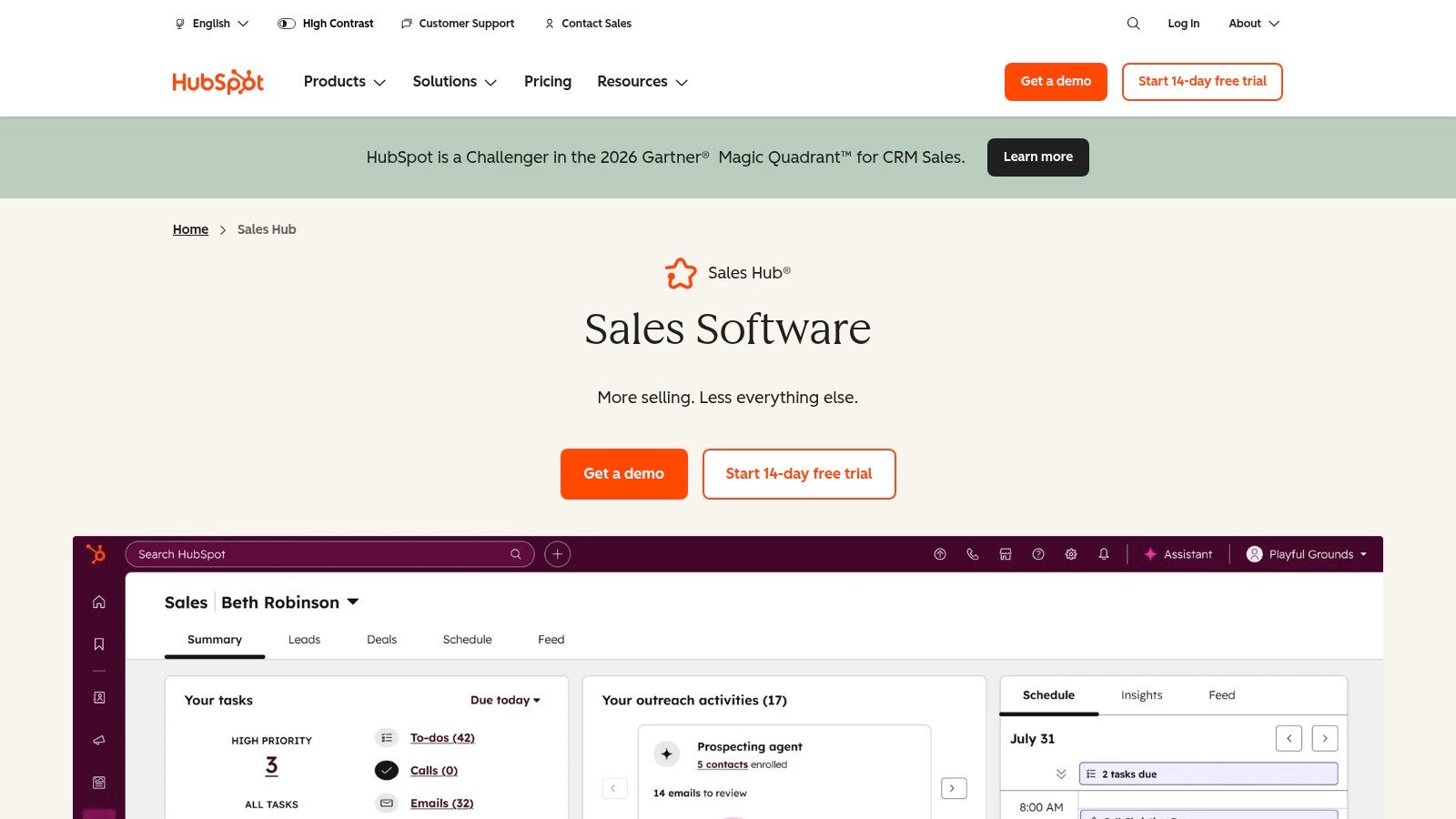
A CRM-first tool earns its keep when every reply, call note, and pipeline stage needs to stay on the same record. HubSpot Sales Hub connects communication with contact records, pipelines, and sales activity.
Free tools and Starter offer ways to begin, but sequences require Professional or Enterprise. Higher tiers add workflow and automation capabilities, while edition, seat type, and onboarding requirements affect the purchasing decision. For a lean team, the buying question is operational: will reps work from the record, or keep exporting context into another tool?
This approach is especially sensible if your marketing and customer records already live in HubSpot. You avoid making a separate outreach workspace the only place where useful prospect history exists.
The upgrade is the real decision
- Strongest benefit: Outreach history stays attached to the CRM record.
- Main restriction: Advanced sequences require a higher-tier subscription.
- Budget friction: Professional and Enterprise editions also carry onboarding requirements, so confirm current fees on HubSpot's pricing page before budgeting.
HubSpot's sales automation summary reports that sales professionals using AI or automation estimated saving approximately two hours and 15 minutes daily on manual activities. Treat that as a reason to test administrative savings in your own process, not a promised outcome from this particular product.
Use our sales automation software guide to separate recordkeeping needs from sequencing needs. If all you need is a focused outbound campaign, a broader CRM upgrade may be unnecessary.
6. Outreach
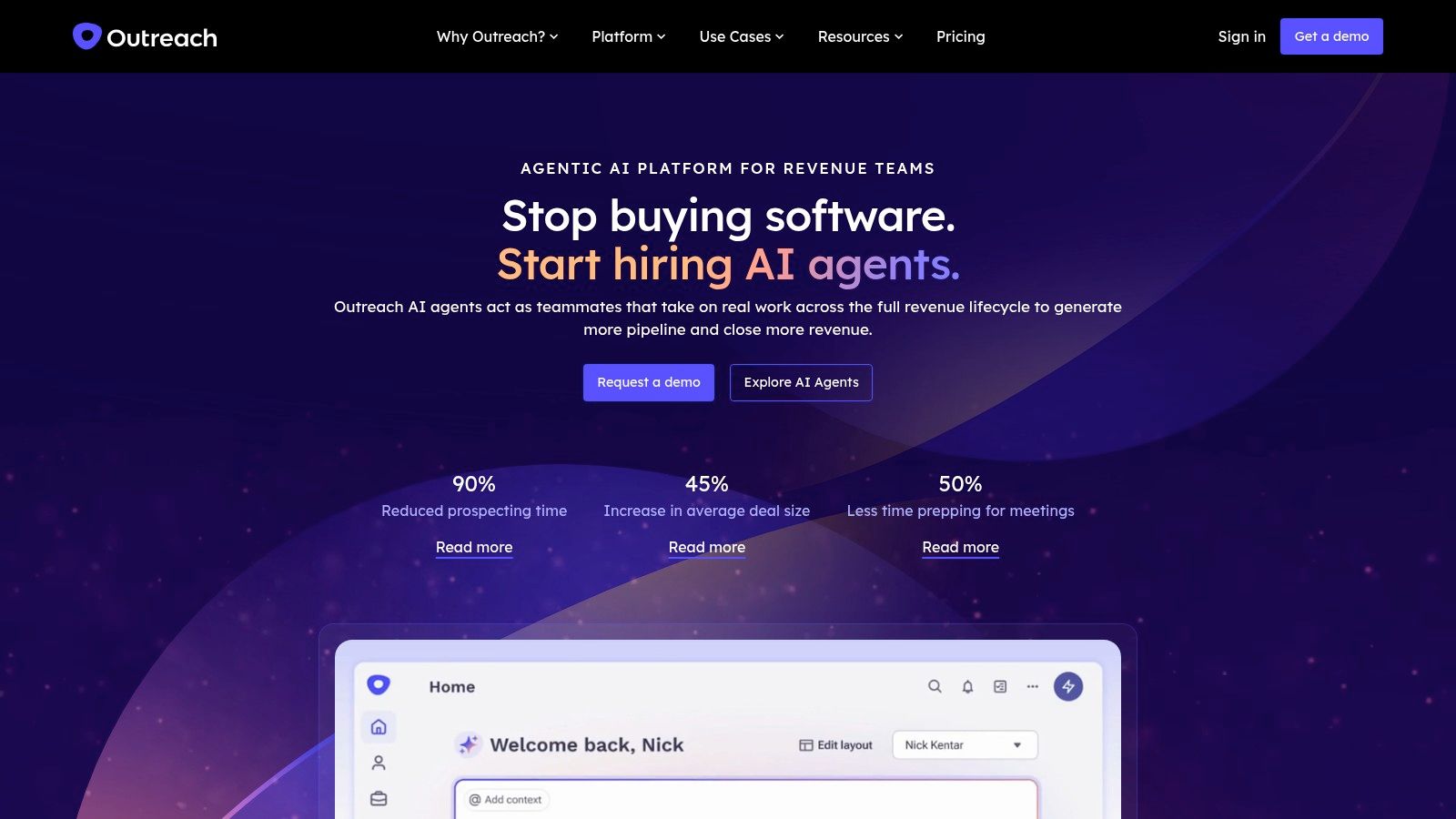
Outreach is for coordinated sales execution, not just sending founder emails faster. Outreach combines multi-step sequences, automation, reporting, and broader deal-execution capabilities.
Its engagement coverage includes email, voice, SMS, and calendar. That breadth makes sense when representatives follow a defined process and managers need consistent activity records across the team.
For a lean SaaS business, the question is whether you have a process worth standardizing yet. If your positioning and audience change constantly, extensive configuration can become work you repeatedly throw away.
Evaluate the implementation, not just the demo
Ask for a demonstration using your actual CRM fields, ownership rules, and handoff conditions. Follow a prospect from enrollment through reply, reassignment, and opportunity creation, then inspect what each teammate can see.
- What works: Structured sequences and reporting support coordinated team execution.
- What costs effort: Implementation, CRM mapping, and process ownership need attention.
- Commercial limitation: Pricing is custom and depends on contracted products and services.
Our comparison of sales engagement platforms is useful when you're deciding whether you need this broader category.
I'd prioritize Outreach when operational consistency is already a bottleneck. For a founder still proving an outbound offer, a narrower tool usually makes a cleaner experiment than an enterprise rollout.
7. Salesloft
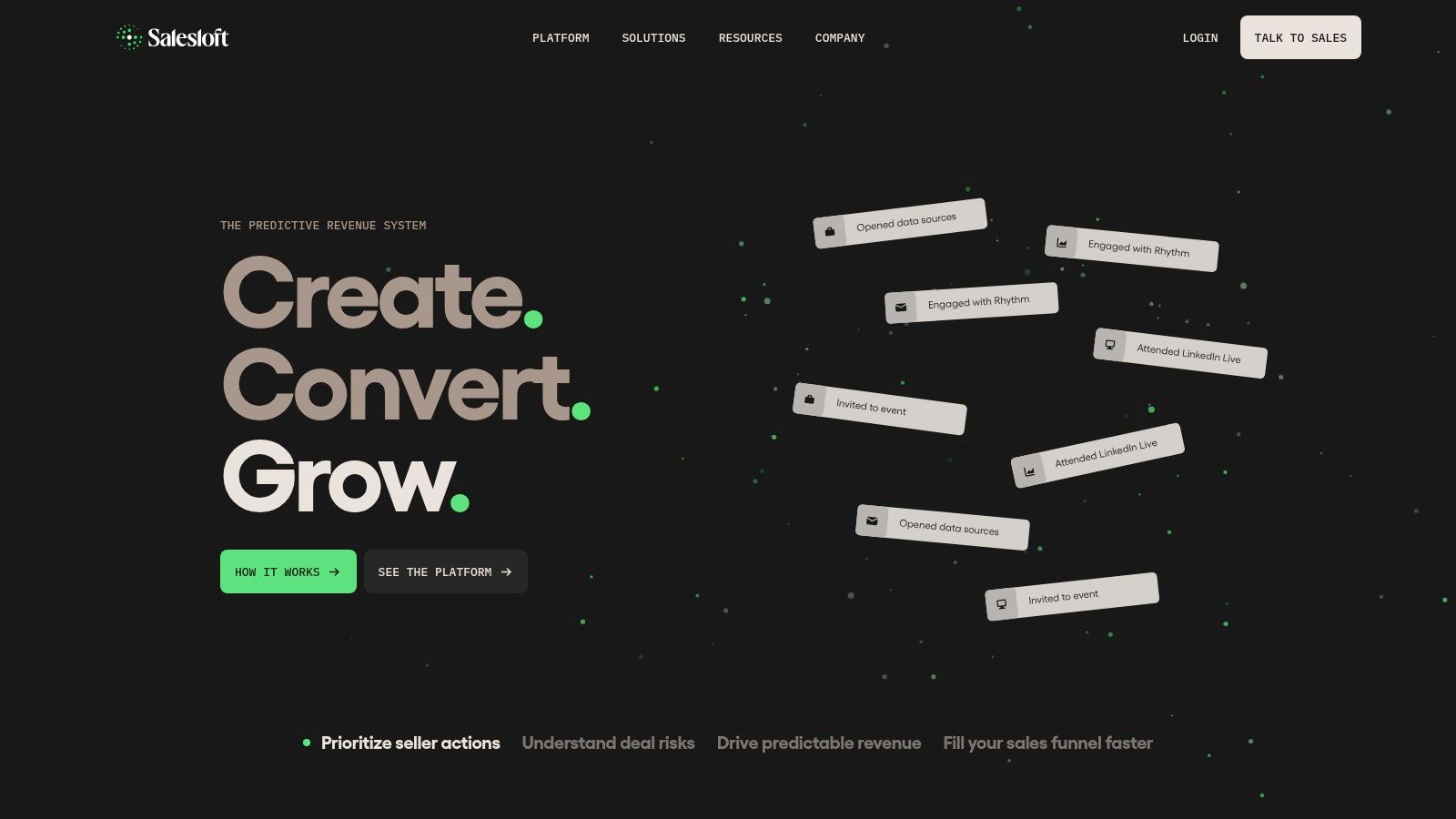
A manager needs to know why representatives aren't progressing accounts, not merely whether they sent messages. Salesloft combines outreach execution with prioritization, coaching, and reporting.
Salesloft supports cadences, email and phone engagement, messaging, meetings, analytics, and CRM integrations. Rhythm helps prioritize representative actions, while package selection determines the functions available to your team.
That makes the buying decision different from choosing a standalone sequencer. You're evaluating how representatives organize their day and how managers inspect their work.
Demo requirement: Have a representative work through an ordinary prospect queue while a manager reviews the resulting activity and coaching context.
A polished cadence builder isn't enough if the team can't distinguish an urgent reply from a routine task. Test ownership changes, overdue actions, CRM synchronization, and what happens when someone leaves a cadence.
- Best reason to buy: Outreach and manager oversight belong in the same operating workflow.
- Main trade-off: Package availability and add-ons can change what's included.
- Commercial friction: Exact pricing is quote-based rather than publicly listed per seat.
For a solo founder, much of that management layer may go unused. For a growing sales team, the deciding factor should be whether representatives can act clearly and managers can diagnose problems without assembling reports elsewhere.
8. Close
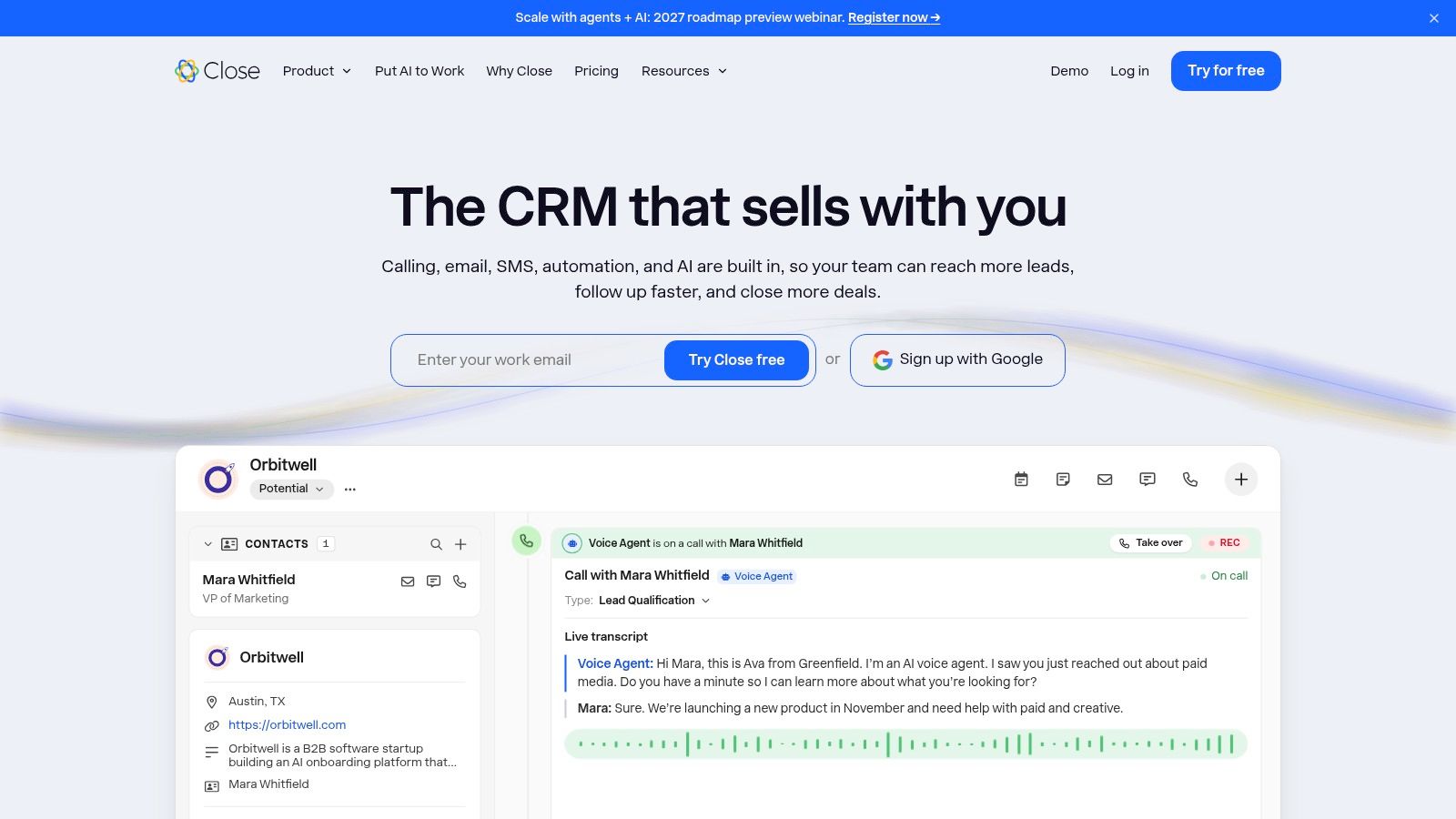
Close makes sense when calling, email, SMS, and pipeline management are part of the same daily job. Close keeps those communication channels alongside lead, contact, and opportunity records.
The appeal is practical: a representative can inspect the record and continue the conversation without treating the CRM as an after-the-fact reporting destination. AI features and integrations extend the workflow, but the core buying reason is connected sales communication.
Growth adds automated follow-up workflows and a power dialer. Solo and Essentials don't include automated workflows, while higher tiers add calling capabilities and team controls.
Calculate usage alongside subscription cost
- Budget advantage: Public pricing makes initial comparison easier than quote-only platforms.
- Additional expense: Calling and SMS usage cost extra.
- Channel boundary: Close is CRM-centered, not a specialist X or social-DM platform.
Close offers a 14-day trial without a credit card, which is useful for testing a real sales routine rather than importing contacts.
During that evaluation, create an opportunity, send a message, log a call, and hand the record to someone else. Inspect whether they can identify the next action immediately. If your acquisition motion begins and ends on X, this may be more CRM than you need and less social outreach than you want.
9. Smartlead
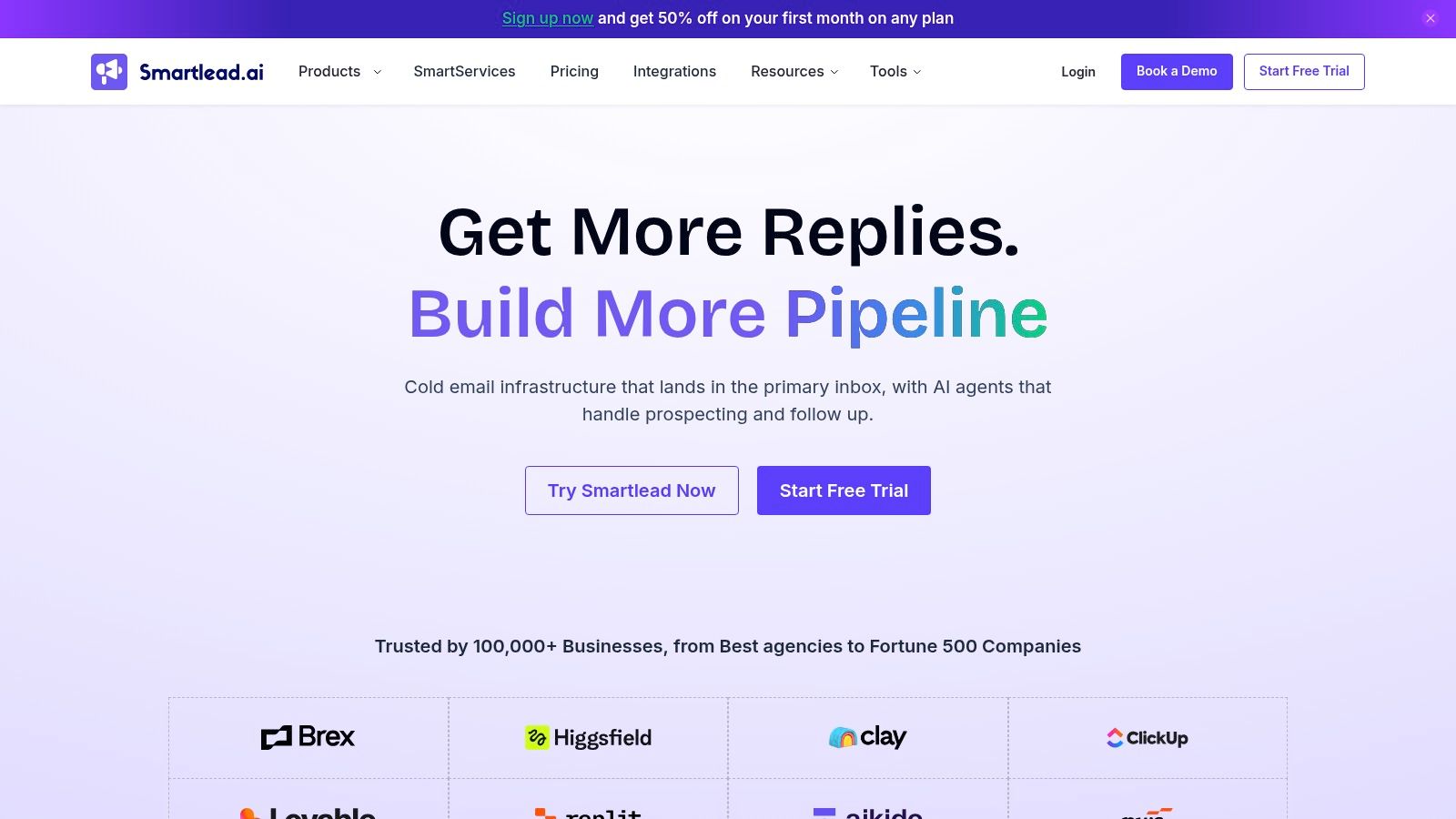
Smartlead is an email-operations choice, especially for agencies managing separate outbound programs. Smartlead focuses on cold-email campaigns, multiple sending accounts, and agency-oriented workspaces.
Its described plans support unlimited email accounts, but that doesn't mean unlimited campaign capacity or effortless deliverability. Plans vary by usage, and lead finding, verification, CRM, and deliverability capabilities may depend on the package or additional services.
SmartServices adds a managed execution option for teams that need campaign support alongside software. That's worth separating from the self-managed product when comparing total cost and internal workload.
More mailboxes mean more operational responsibility
A useful pilot should include mailbox authentication, list verification, reply ownership, suppression handling, and delivery monitoring. Someone needs responsibility for each of those tasks even when the campaign runs automatically.
- What works: Agency workspaces and managed-service options suit operators managing multiple programs.
- What adds cost: Mailboxes, verification, and other services can increase the total beyond the subscription.
- What it doesn't replace: An X DM workflow or a broad multichannel engagement platform.
A free trial gives you room to inspect setup and execution before expanding. Judge the platform by qualified conversations and manageable operations, not how many mailboxes you can connect.
If your team won't maintain sending infrastructure, choose managed execution deliberately rather than expecting the software subscription to cover that work.
10. Instantly
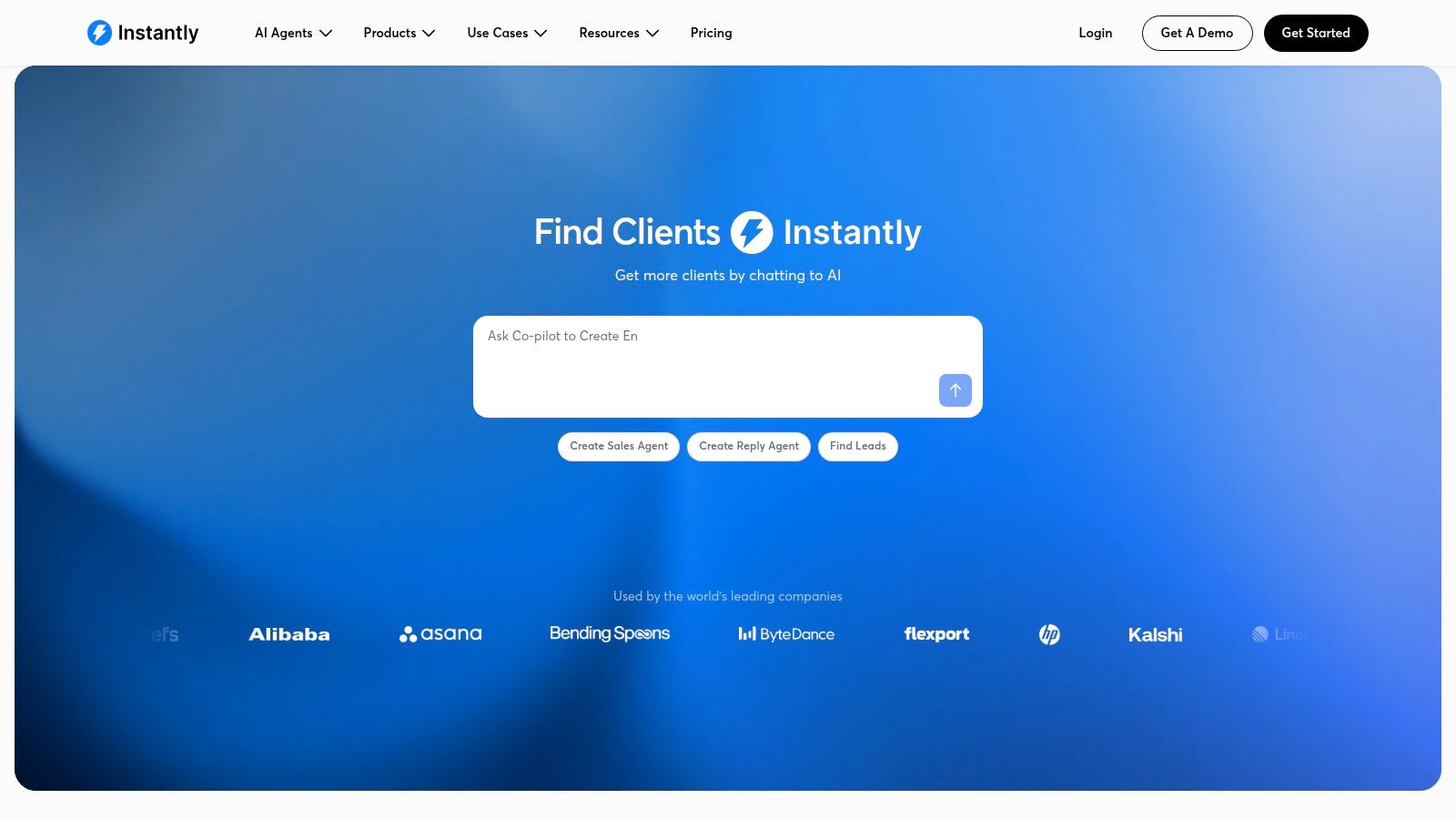
Choose Instantly when email campaign execution is the main job. Its outreach plans focus on sending accounts and campaign volume, with warm-up and deliverability-related features.
Lead-finding and AI capabilities use a separate credits subscription. That separation can help a team that already has reliable prospect data, but it also means the outreach subscription may not represent your full monthly cost.
Agency-oriented and higher-volume options make it relevant as email operations grow. It remains a different category from tools built around coordinated X conversations or CRM-first sales work.
Test placement before increasing activity
Use a free inbox placement test to inspect delivery before scaling a new campaign. Treat that as a diagnostic, not proof that every real recipient will receive your message in the same folder.
- Good fit: Teams concentrating on email execution and sending-account management.
- Budget watchpoint: Optional data and AI credits can increase total spend.
- Operational watchpoint: Warm-up features don't remove the need to monitor delivery, list quality, and recipient reactions.
Compare the cost with and without credits, then test the workflow using your own audience. If replies are weak, inspect targeting, delivery, and the offer before increasing volume.
More sending capacity won't repair a message that reaches the wrong buyer. It only lets you repeat the same mistake faster.
How These Sales Outreach Tools Compare
Each row answers the two questions a lean team asks first: which job the tool covers, and what it costs to start.
| Best For | Primary Channels | Starting Price | Free Trial or Plan |
|---|---|---|---|
| DMpro, X prospecting and personalized outreach | X direct messages | $69/month Pro; $199/month Agency; custom managed service | Free outreach tools (generators, calculators, profile analysis) |
| Apollo.io, B2B prospecting and sales outreach | Free tier plus paid plans | Free tier | |
| lemlist, Multichannel outbound campaigns | Email, LinkedIn, SMS, calls | Tiered plans, including a multichannel option | 14-day trial on the multichannel plan |
| Reply.io, Multichannel sales sequences | Email, LinkedIn, calls, SMS | Priced by contacts and add-ons | Free signup; 14-day trial on some plans |
| HubSpot Sales Hub, CRM-connected sales outreach | Email, CRM | Per-seat editions | Free tools and Starter tier |
| Outreach, Enterprise sales execution | Email, voice, SMS, calendar | Custom quote | Demo with the sales team |
| Salesloft, Sales cadences and team coaching | Email, phone, messaging, meetings | Custom quote | Demo with the sales team |
| Close, CRM and sales communications | Calling, email, SMS | Published plans on Close's site | 14-day trial, no credit card required |
| Smartlead, Scaled cold-email campaigns | Tiered plans by sending scale | 14-day free trial | |
| Instantly, High-volume email outreach | Outreach subscription plus separate credits for lead data and AI | Paid plans |
Two patterns matter more than any single price. Tools with free entry or published tiers can be piloted on your own audience this week. Custom-quote tools add a sales process before you see real numbers. The recurring 14-day trials cover a small pilot run, so judge longer-term deliverability separately.
Choosing Your Outreach Stack Without Overcomplicating It
Match the tool to the channel where buyers already discuss the problem you solve. DMpro fits X-focused discovery through reply analytics; Smartlead and Instantly fit email-centered operations; lemlist and Reply.io suit mixed-channel sequences.
Apollo is a useful starting point when prospect data is missing. HubSpot Sales Hub and Close make more sense when contact history and pipeline management drive the workflow, while Outreach and Salesloft address coordinated sales execution and management.
Don't purchase all those categories at once. Salesforce's sixth State of Sales report found that sales professionals averaged eight tools for closing deals. For a lean team, every additional system should remove more work than it creates.
Run a pilot that exposes the weak points
Choose a narrow buyer segment, a clear offer, and a named campaign owner. Run a small pilot and watch replies during the first two weeks, but don't treat that observation window as a universal performance benchmark.
- Measure useful replies: Separate qualified conversations from acknowledgments, objections, complaints, and opt-outs.
- Measure manual effort: Track research, message editing, troubleshooting, and follow-up work.
- Inspect execution: Review queued messages, failures, duplicate leads, and reply-triggered changes.
- Control the comparison: Keep the audience, offer, and message quality comparable when testing workflows.
For X, record the permission trigger, its context, any withdrawal, and the suppression status before automated messaging. Keep opt-outs consistent across campaigns, and use public engagement followed by an inbound conversation when automated contact isn't permitted.
For email, separate message quality from delivery. A well-written message can't start a conversation if the recipient never receives it, and successful delivery doesn't make an irrelevant offer useful.
Scale the process you can explain and supervise. If you can't tell why a prospect was selected, why they received a message, or what happens after their reply, improve the workflow before expanding it.
The right sales outreach tools should give your team more time for customer conversations. They shouldn't require you to trade judgment, permission, or clear ownership for activity.
DMpro brings X prospect discovery, contextual AI drafts, reply-aware workflows, and campaign analytics into one workspace. If you're tired of manually managing cold DMs, visit DMpro to automate outreach and follow-ups for eligible, permission-based conversations while keeping your team in control.
Put your outreach plan into practice
Find relevant leads on X (Twitter), personalize your messages, and manage the replies in DMpro.
Get started