
The Best CRM with Social Media Integration for SaaS Founders
Discover the best CRM with social media integration to scale your SaaS. We compare 12 top tools for X/Twitter lead gen, outreach, and automation.

As a founder, your most valuable asset is time. Juggling Twitter, LinkedIn, your CRM, and a dozen other tabs isn't just inefficient; it's a bottleneck to scaling your distribution and a surefire way to lose deals.
Social media, especially X (formerly Twitter), is a goldmine for lead generation, but only if you can connect those conversations directly to your sales pipeline. Manually copying DMs and contact details into a separate system is slow, prone to errors, and kills momentum.
The solution is finding the best CRM with social media integration that bridges this gap, turning real-time social engagement into measurable revenue. This guide gets straight to the point. We'll break down the top CRMs that genuinely connect with your social channels, helping you build a predictable pipeline without hiring a massive team.
We'll focus on the features that actually matter for scaling your SaaS distribution:
- Social Listening: How well does it track mentions and keywords on X/Twitter?
- Direct Engagement: Can you reply to comments and DMs from the CRM?
- Lead Capture: How easily can you turn a Twitter profile into a CRM contact?
For each tool, you'll get a clear breakdown of its pros, cons, and who it's best for. We'll also explore practical setups for lead gen on X, including how these CRMs can work alongside specialized tools like DMpro for automating outreach. Let's find the right tool to connect your social efforts to your bottom line.
1. HubSpot
HubSpot is an all-in-one CRM powerhouse. Its main advantage is having native social media management tools built directly into its Marketing Hub. This means you can publish content, monitor brand mentions, and engage with your audience on X without ever leaving the CRM. Every social interaction is automatically linked to a contact's record, giving you a complete view of their journey.
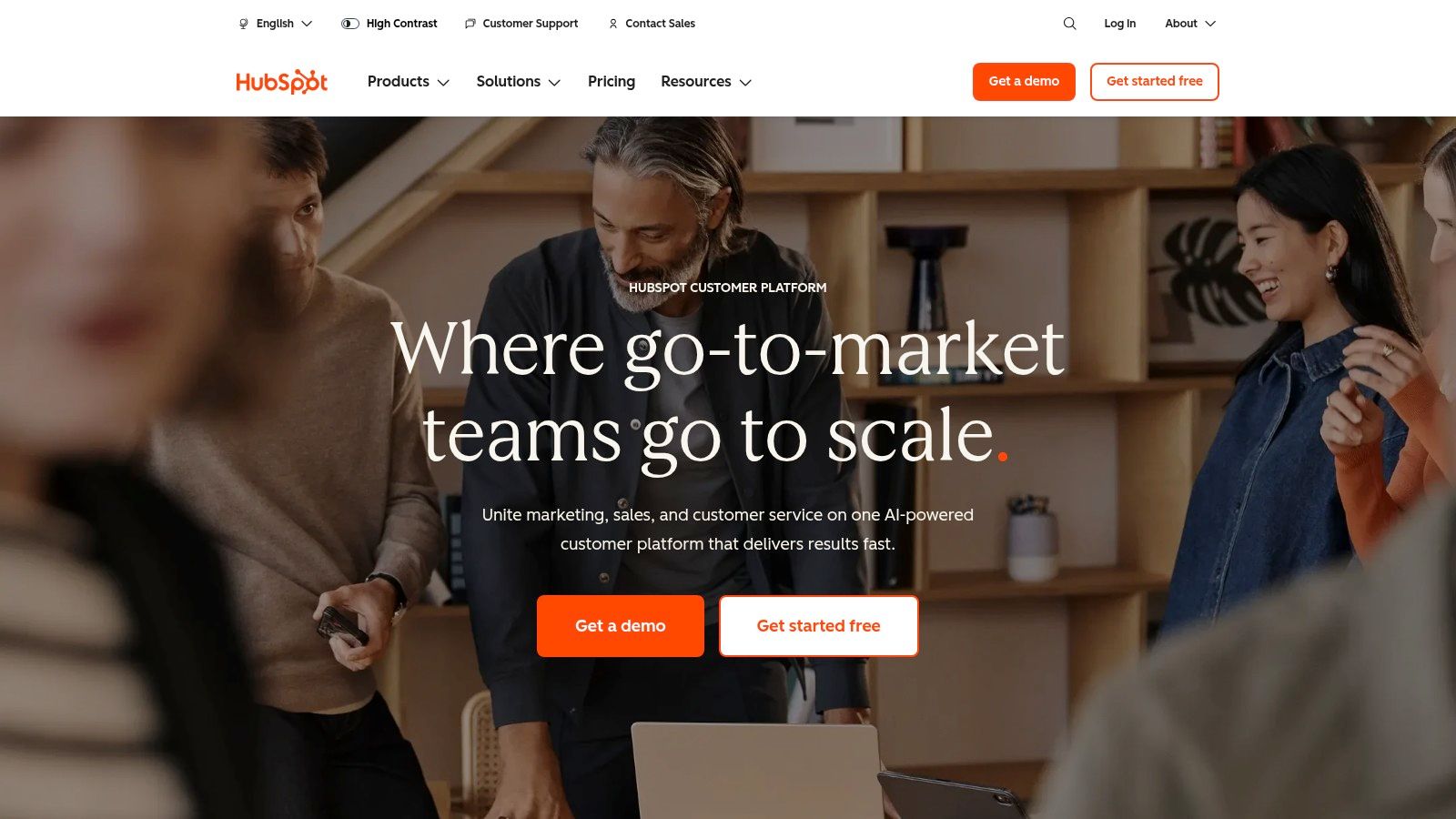
This setup is ideal for founders who want to reduce tool sprawl and see a direct line between social media efforts and revenue. You can track a lead from their first engagement with a Twitter post all the way to a closed deal, with clear attribution at every step. This makes it incredibly easy to prove the ROI of your social strategy.
Key Features & Pricing
| Feature | Details | Pricing Access |
|---|---|---|
| Social Inbox | Manage all your social media conversations from a single, unified inbox. | Marketing Hub (Starter+) |
| CRM Integration | Social interactions are automatically logged on contact and company records. | All Tiers |
| Publishing & Analytics | Schedule posts and track performance with end-to-end reporting. | Marketing Hub (Starter+) |
| AI "Breeze" Agent | AI-powered assistant for generating and optimizing social media posts. | Marketing Hub (Pro+) |
HubSpot offers a free CRM, but its social media tools are part of the paid Marketing Hub, which starts at $18/month (billed annually).
Pros and Cons
- Pros: Truly all-in-one platform for marketing, sales, and service. Its ecosystem is mature, with endless training resources and integrations.
- Cons: Advanced features for social listening are locked behind higher-priced tiers. Full functionality requires bundling multiple Hubs, which can get expensive for a startup.
Recommended Setup for X/Twitter Lead Gen
For founders focused on X/Twitter lead generation, HubSpot provides a solid foundation for tracking conversations. You can log interactions and add leads to your pipeline. However, for automating outreach at scale, you'll need a specialized tool. You can complement HubSpot's CRM capabilities by using DMpro to automate initial DMs on X/Twitter. Once a lead shows interest, a Zapier integration can create a new contact in HubSpot, triggering your sales team’s follow-up sequence. This combines powerful outreach automation with robust tracking. Read up on the fundamentals of sales automation to see how these tools can work together.
Website: https://www.hubspot.com/
2. Zoho CRM
Zoho CRM is a strong contender for the best CRM with social media integration, especially for SaaS startups. Its primary advantage is the native "Social" tab, which directly integrates Facebook Pages and X (formerly Twitter) into the CRM interface. This allows you to monitor feeds, listen for keywords, and engage with your audience without toggling between platforms.
The platform shines by making social interactions actionable. You can convert a tweet into a new lead or contact with a single click, and all subsequent conversations are automatically logged on their CRM record. This creates a seamless bridge between social engagement and your sales pipeline.
Key Features & Pricing
| Feature | Details | Pricing Access |
|---|---|---|
| Social Tab | Monitor, publish, and engage with Facebook Pages and X feeds directly. | Professional+ |
| Lead Generation | Convert social interactions into leads, contacts, or cases in one click. | Professional+ |
| Keyword Monitoring | Set up streams to track brand mentions and relevant keywords on X. | Professional+ |
| Zoho Ecosystem | Integrates with Zoho Social for broader network support and analytics. | Separate Subscription |
Zoho CRM offers a free plan, but the social integration features are available in the Professional plan, which starts at $23/user/month (billed annually).
Pros and Cons
- Pros: Excellent value for money with a rich feature set. The broader Zoho ecosystem offers powerful, integrated tools for every business need.
- Cons: Native social integration is limited to Facebook and X. Accessing other networks or advanced analytics requires subscribing to Zoho Social.
Recommended Setup for X/Twitter Lead Gen
For teams using X for lead generation, Zoho CRM provides a great starting point for manual tracking. You can monitor brand mentions and add promising prospects as leads. However, to truly scale your outreach, you need automation. A powerful combination is using DMpro to automate your initial cold DMs on X. Once a prospect responds positively, a Zapier connection can automatically create a new lead in Zoho CRM, assigning it to a sales rep and adding it to a follow-up workflow. This setup leverages automation for outreach and a robust CRM for management.
Website: https://www.zoho.com/crm/
3. Salesforce
Salesforce is an enterprise-grade CRM that offers a powerful, albeit different, approach to social media. Instead of a built-in social suite, it focuses on deep integration through its Digital Engagement add-on and official partnerships, most notably with Sprout Social. This model allows businesses to route social media interactions from channels like X/Twitter and Facebook directly into the Service Cloud as cases or into the Sales Cloud as leads.
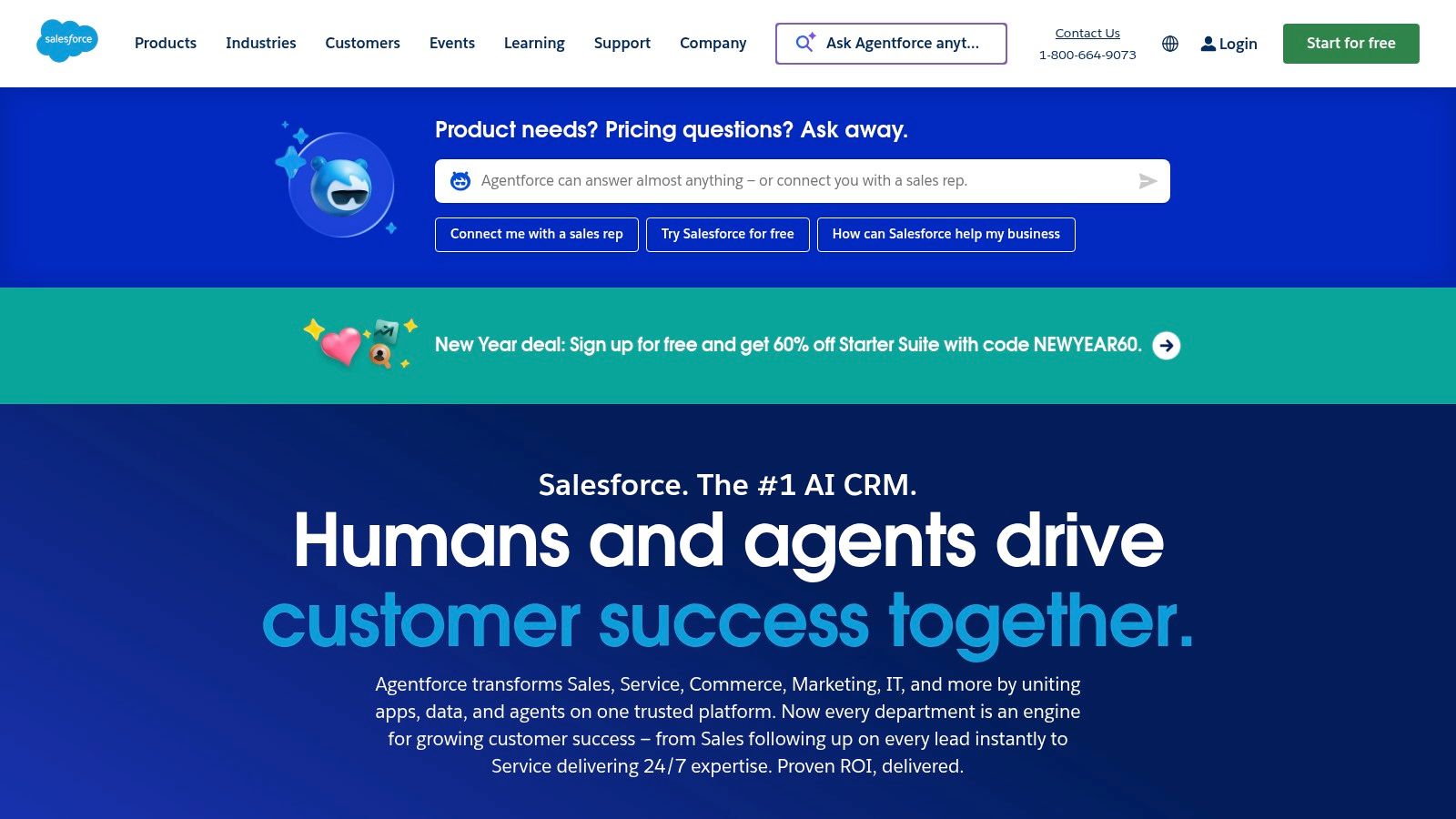
This setup is designed for larger organizations that require robust governance, scalability, and the ability to manage high volumes of social customer service inquiries within a structured workflow. It ensures every social message can be tracked, assigned, and resolved with the full context of the customer's history.
Key Features & Pricing
| Feature | Details | Pricing Access |
|---|---|---|
| Digital Engagement | Route social messages from multiple channels into Service Cloud as cases. | Add-on to Service/Sales Cloud |
| Partner Integrations | Bi-directional sync with approved partners like Sprout Social. | Requires separate partner subscription |
| CRM Data Sync | Create Cases, Leads, and Contacts from social media interactions. | Service Cloud (Professional+) |
| Agentforce AI | AI tools to assist agents with responses and case management. | Part of Digital Engagement |
Salesforce pricing is complex; social features require a Sales or Service Cloud license (starting at $25/user/month) plus the Digital Engagement add-on and a subscription to a partner tool.
Pros and Cons
- Pros: Unmatched scalability and security for enterprise needs. A vast ecosystem of vetted third-party integrations provides flexibility.
- Cons: Native Social Studio was retired, so social functionality depends entirely on costly add-ons. The total cost is high for a startup.
Recommended Setup for X/Twitter Lead Gen
For teams using X/Twitter for lead generation, Salesforce's strength lies in its process-driven environment. However, it lacks native automation for top-of-funnel outreach. A recommended workflow is to use DMpro to automate initial DMs and identify qualified leads on X/Twitter. Once a prospect is qualified, a Zapier or API integration can create a Lead record in Salesforce, triggering a formal sales process. This approach combines agile, automated outreach with enterprise-level lead management and is a great way to start with social selling.
Website: https://www.salesforce.com/
4. Microsoft Dynamics 365
Microsoft Dynamics 365 is another enterprise-grade solution, making it a strong choice for the best CRM with social media integration for larger organizations. Its primary focus is on omnichannel customer service, integrating social messaging channels like Facebook and WhatsApp (via Twilio) directly into its unified agent workspace.
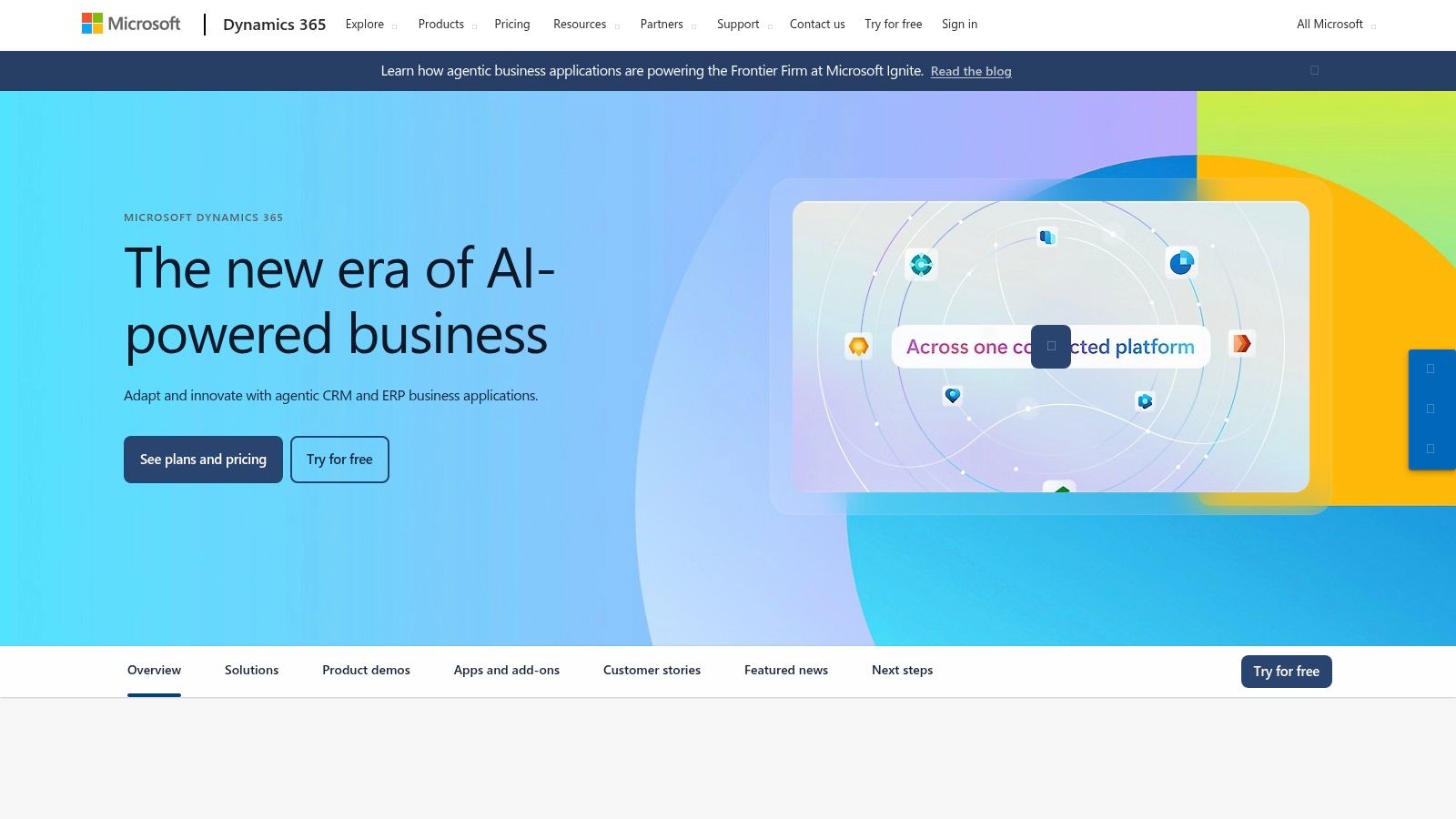
This setup is built for complex case management where every social interaction needs to be tracked against a customer record. The deep integration with the Microsoft ecosystem (Teams, Power BI) provides unparalleled data analysis and internal collaboration capabilities, turning social interactions into structured support cases.
Key Features & Pricing
| Feature | Details | Pricing Access |
|---|---|---|
| Omnichannel Routing | Route social media messages to the right agents in a unified workspace. | Dynamics 365 Customer Service (Enterprise) |
| Social Messaging Support | Connect to channels like Facebook and WhatsApp via connectors like Twilio. | Requires specific licensing and third-party accounts. |
| Unified Agent Workspace | Manage all customer conversations from a single, consistent interface. | Core feature in Customer Service SKUs. |
| Microsoft Ecosystem | Deep integration with Power BI for analytics and Teams for collaboration. | Part of the core platform. |
Pricing for Dynamics 365 is modular. The Customer Service Professional plan starts at $50 per user/month.
Pros and Cons
- Pros: Excellent for enterprise-level omnichannel case management. Highly extensible and integrates seamlessly with other Microsoft business applications.
- Cons: Implementation can be complex and is less suitable for smaller teams. Social channel support often depends on third-party connectors.
Recommended Setup for X/Twitter Lead Gen
Dynamics 365 is not primarily a lead generation tool for platforms like X/Twitter; it's a customer service powerhouse. For founders focused on X/Twitter outreach, a more direct approach is needed. You can use a tool like DMpro to handle the top-of-funnel automated engagement. Once a lead is identified and warmed up through DMs, you can use a Microsoft Power Automate flow to create a new lead record in Dynamics 365, assigning it to a sales rep for formal follow-up.
Website: https://dynamics.microsoft.com/
5. Pipedrive
Pipedrive is a sales-focused platform that earns its spot by zeroing in on direct messaging. Its strength lies in its centralized Messaging Inbox, which integrates directly with Facebook Messenger and WhatsApp. This allows sales teams to manage social DMs right alongside their active deals, ensuring no conversation falls through the cracks.
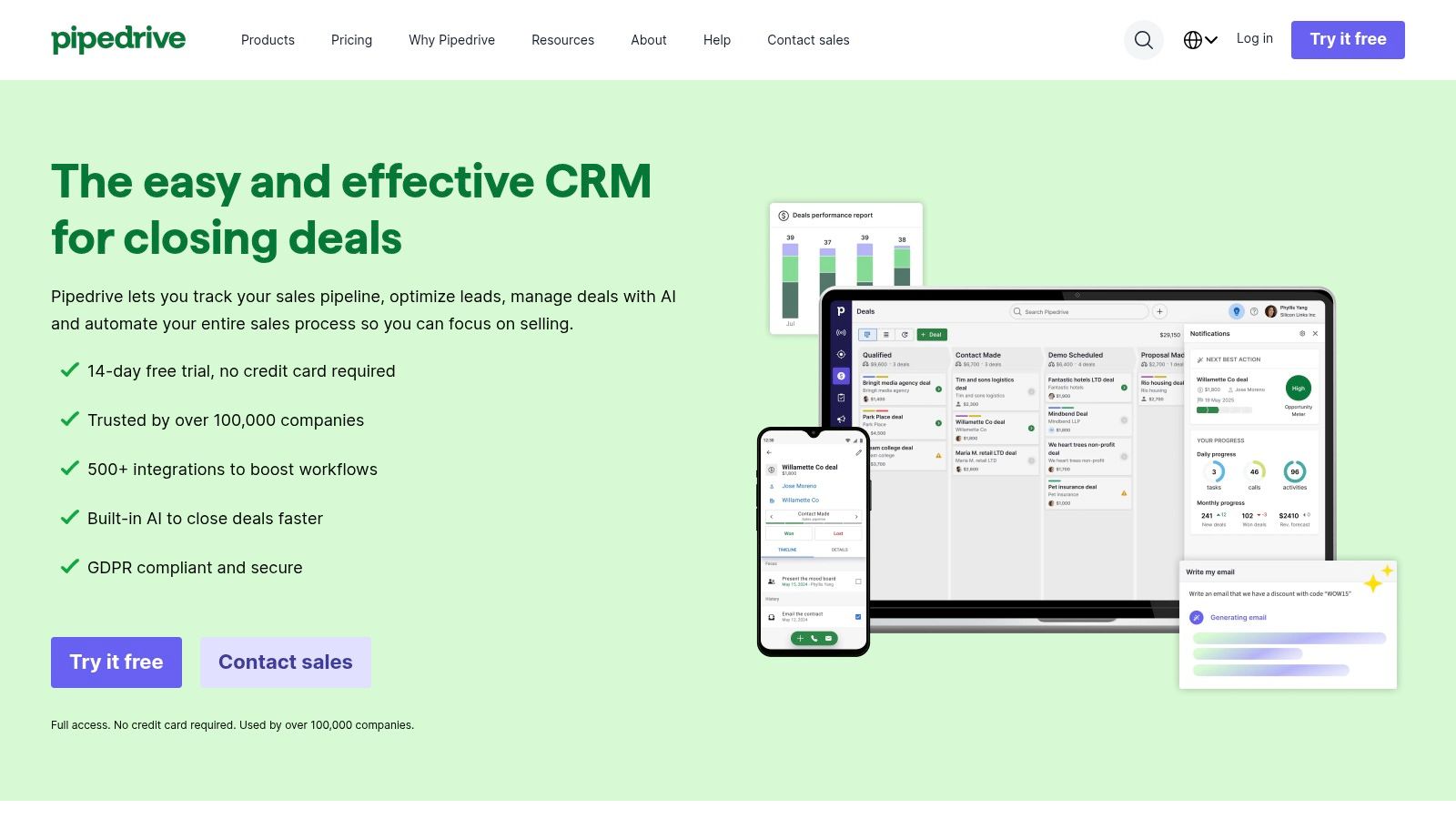
This approach is perfect for teams who use social messaging as a primary channel for sales conversations. Instead of complex publishing or listening features, Pipedrive focuses on seamlessly turning a DM into a deal in your pipeline. Its simple UI makes it incredibly easy for reps to adopt and keep their pipeline updated in real-time.
Key Features & Pricing
| Feature | Details | Pricing Access |
|---|---|---|
| Messaging Inbox | Centralize and manage conversations from integrated messaging apps. | All Tiers (with app install) |
| Facebook Messenger App | Sync chats, create leads/deals, and log conversations directly from Messenger. | All Tiers (Free app install) |
| Marketplace Integrations | Connect to over 500 apps, including third-party tools for LinkedIn. | All Tiers |
| Deal & CRM Linking | Link social conversations directly to contact, lead, and deal records. | All Tiers |
Pipedrive offers plans starting from $14/user/month (billed annually), with the core messaging integrations available on all tiers.
Pros and Cons
- Pros: Extremely user-friendly UI designed for sales workflows. Affordable and easy to set up. Focuses on the high-value activity of converting DMs to deals.
- Cons: Lacks native social media publishing and advanced listening features for platforms like Twitter.
Recommended Setup for X/Twitter Lead Gen
Pipedrive is great for managing leads once a conversation is initiated. For founders prospecting on X/Twitter, a streamlined workflow is key. You can use an automation tool like DMpro to handle the initial outreach and scale your cold DM campaigns. Once a prospect responds positively, a Zapier integration can automatically create a new lead or deal in Pipedrive, assigning it to a sales rep. This setup lets you leverage Pipedrive’s sales-centric CRM capabilities while automating top-of-funnel engagement.
Website: https://www.pipedrive.com/
6. Nimble
Nimble brands itself as a "social CRM," designed for relationship-building and social prospecting. Its unique strength lies in its ability to automatically enrich contact profiles with data pulled from social media sites like LinkedIn and X (formerly Twitter). This makes it a strong contender for founders who live on social networks.
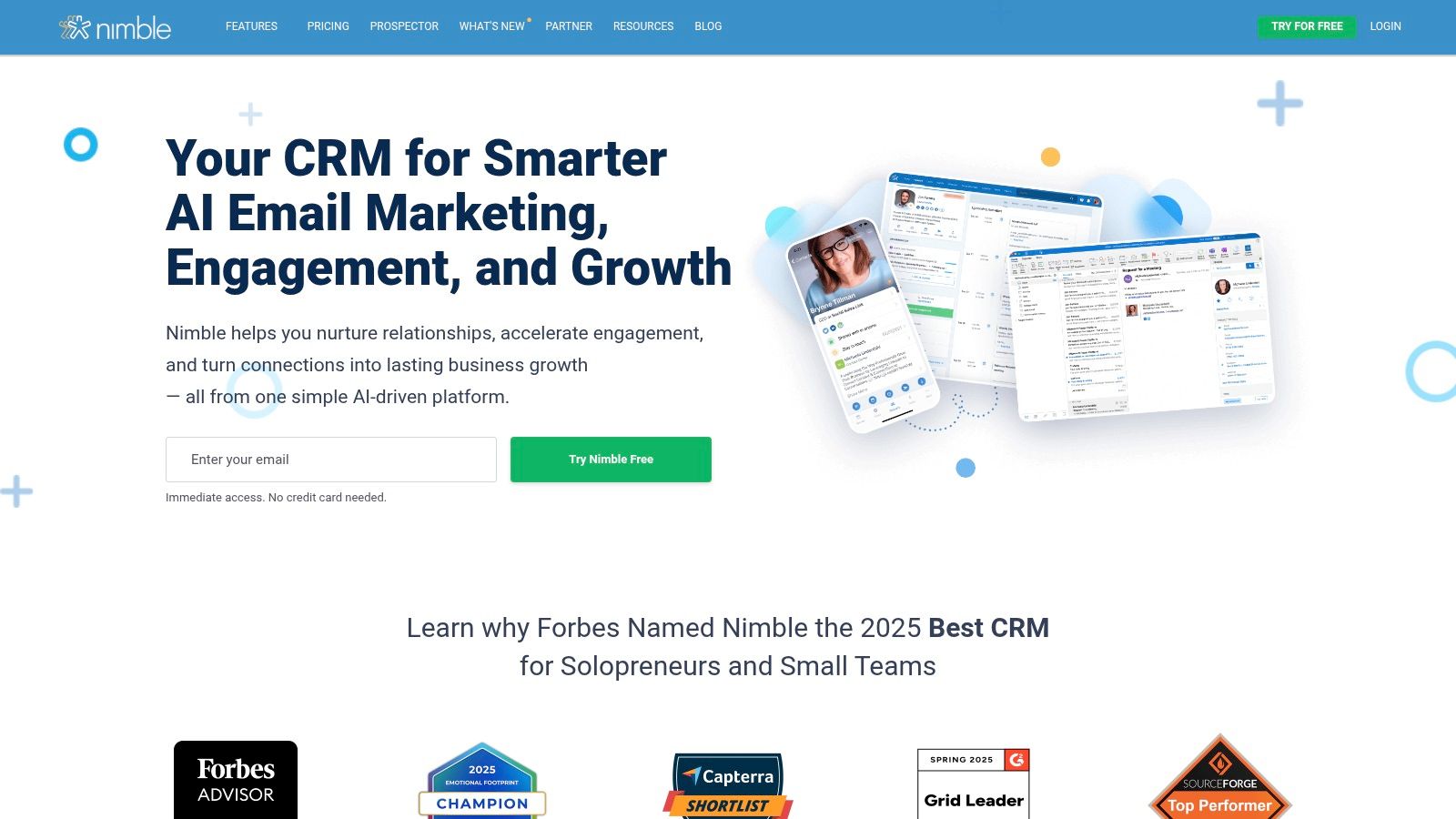
The platform's Prospector browser extension is its standout feature. It allows you to surface CRM context and add new leads directly from social profiles without switching tabs. This is ideal for quickly building a database of socially-vetted leads while maintaining a single source of truth for all interactions.
Key Features & Pricing
| Feature | Details | Pricing Access |
|---|---|---|
| Contact Enrichment | Automatically builds rich contact profiles with social data and public information. | All Tiers |
| Prospector Extension | Browser extension to manage contacts and pipelines from social sites. | All Tiers |
| Unified Inbox | Combines email and social media messages into a single stream. | All Tiers |
| Group Messaging | Send targeted group outreach messages and track engagement. | All Tiers |
Nimble offers a refreshingly simple, single-plan pricing model, starting at $24.90/user/month (billed annually).
Pros and Cons
- Pros: Excellent for social prospecting and automatic contact enrichment. The single pricing plan is straightforward and easy to adopt.
- Cons: Reporting features and advanced workflow automation are more limited compared to larger CRM suites.
Recommended Setup for X/Twitter Lead Gen
Nimble is fantastic for identifying and enriching leads you find on X/Twitter. You can use the Prospector extension to add interesting profiles directly to your CRM. However, to initiate conversations at scale, you'll need a dedicated automation tool. You can use DMpro to handle the initial outreach with automated direct messages on X/Twitter. Once a prospect replies, you can then use Nimble’s extension to add them to your CRM and manage the relationship from there, combining automated outreach with detailed social context.
Website: https://www.nimble.com/
7. Agile CRM
Agile CRM is a budget-friendly, all-in-one platform that makes a strong case for bootstrapped founders. It packs sales, marketing, and service features into one tool and includes a dedicated Social Suite for managing Twitter and Facebook. This allows you to schedule posts, monitor hashtags, and engage with followers directly from the CRM dashboard.
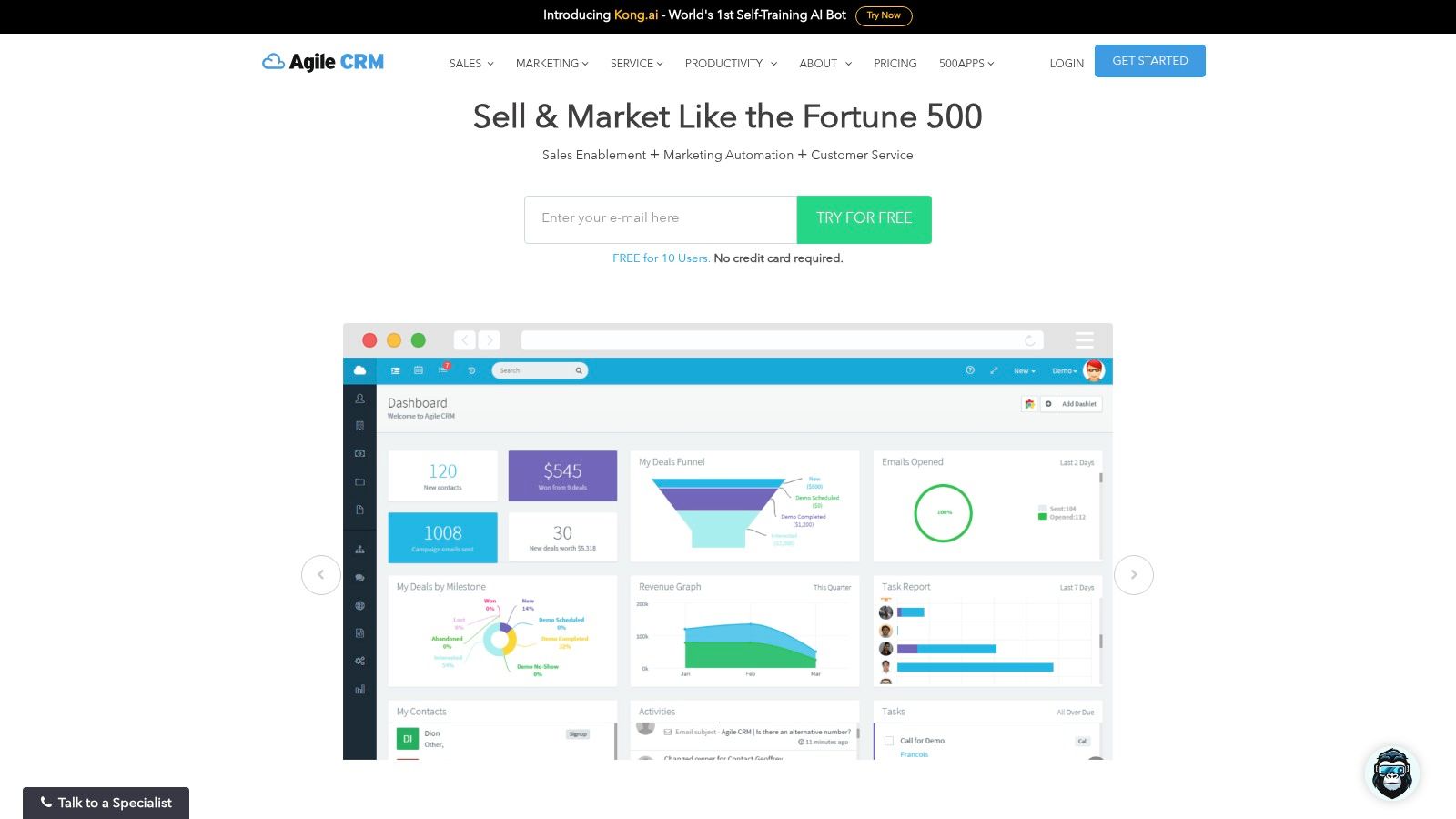
Its main advantage is its aggressive pricing and the ability to convert social interactions into trackable leads with just a few clicks. When you engage with a prospect on Twitter, Agile CRM can pull their social profile information directly into their contact record, giving your sales team immediate context for their outreach.
Key Features & Pricing
| Feature | Details | Pricing Access |
|---|---|---|
| Social Suite | Manage Twitter and Facebook, schedule posts, and monitor brand mentions. | All Tiers (Free+) |
| Contact Enrichment | Automatically pulls social profile data into contact records. | All Tiers (Free+) |
| Marketing Automation | Use a "Twitter" node in automation workflows to trigger actions based on social behavior. | All Tiers (Free+) |
| Social Listening | Monitor keywords and hashtags to find new leads and conversations. | All Tiers (Free+) |
Agile CRM has a generous free plan for up to 10 users. Paid plans with more advanced features start at just $9.99/user/month (billed biennially).
Pros and Cons
- Pros: Extremely cost-effective for an all-in-one solution. The free tier is powerful enough for very small teams just starting out.
- Cons: The user interface feels dated compared to modern competitors. Its integrations are less extensive than enterprise-level platforms.
Recommended Setup for X/Twitter Lead Gen
For founders on a budget, Agile CRM is a great starting point. You can monitor keywords to find potential customers and add them as contacts directly from social streams. While it has some automation capabilities, it doesn't automate the initial outreach DM. To scale your lead generation, use a tool like DMpro to handle the automated first touchpoints on X/Twitter. Once a lead responds, a webhook or Zapier can push that new contact into Agile CRM, where your team can take over.
Website: https://www.agilecrm.com/
8. monday sales CRM
monday sales CRM is a highly visual and flexible platform that stands out for its customizability. While not a dedicated social media suite, it earns its spot due to its powerful automation engine and native LinkedIn integration. You can build workflows that trigger actions based on social media activities, making it ideal for teams who want to embed social signals directly into their sales processes.
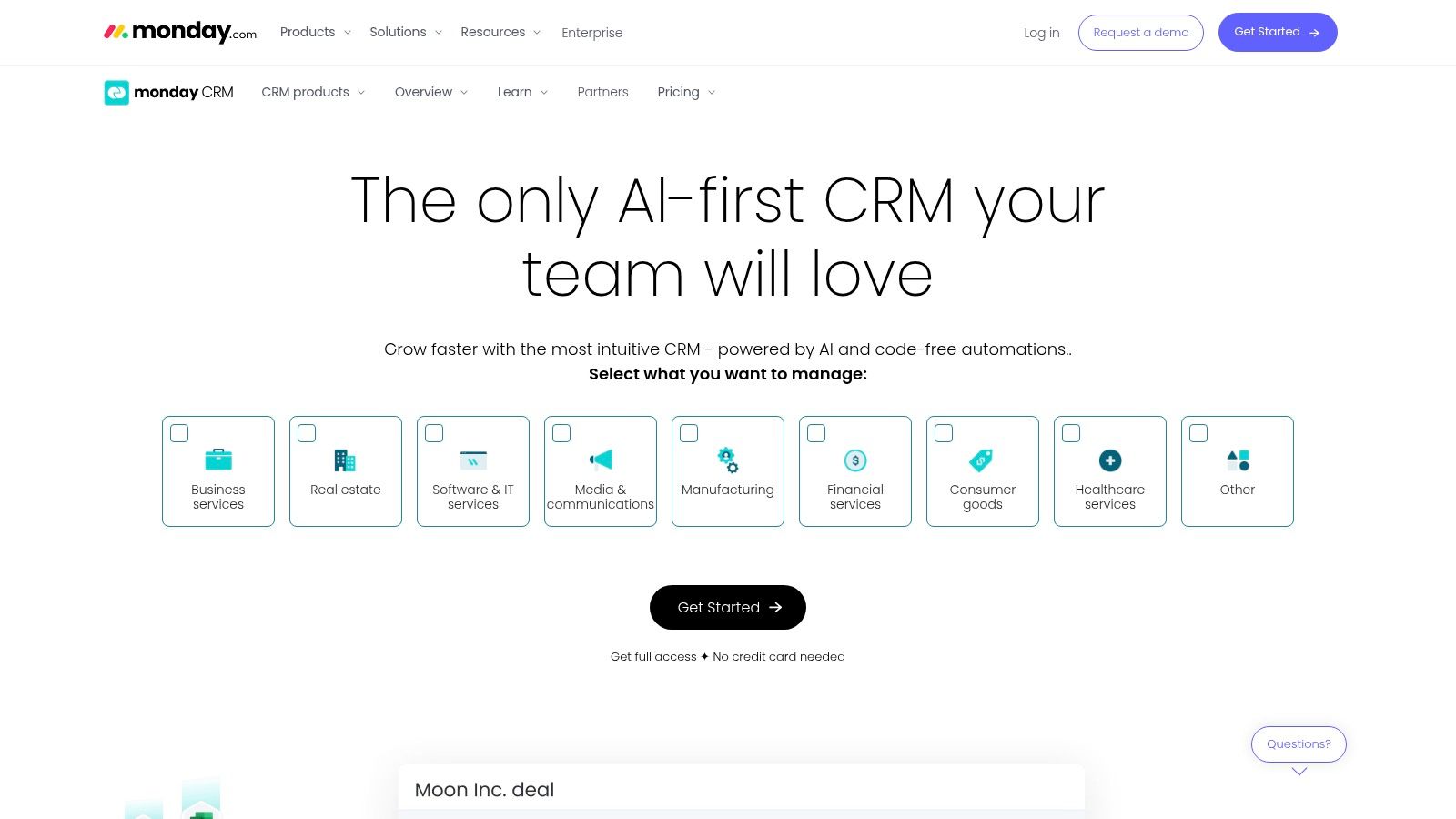
The platform's strength lies in its board-based interface, which allows you to design your pipeline exactly how you want it. For example, you can create an automation that moves a lead to a "Follow-up" stage after they engage with a LinkedIn post. This makes social actions a tangible part of your sales funnel rather than an isolated activity.
Key Features & Pricing
| Feature | Details | Pricing Access |
|---|---|---|
| LinkedIn Integration | Create and share posts directly from your monday boards to your company page. | All Tiers |
| Custom Automations | Build "if-this-then-that" recipes to automate tasks based on triggers. | Standard Plan+ |
| Workflow Customization | Highly flexible boards and dashboards to match your exact sales process. | All Tiers |
| Integration Marketplace | Connect to thousands of apps via its marketplace to add more social tools. | All Tiers |
monday sales CRM offers a free trial, with paid plans starting at $12 per seat/month (billed annually, minimum 3 seats).
Pros and Cons
- Pros: Extremely visual and flexible system adaptable to nearly any sales workflow. Strong automation and integration capabilities at higher tiers.
- Cons: Social listening and unified inbox features for Twitter require third-party integrations.
Recommended Setup for X/Twitter Lead Gen
For founders using monday.com, its flexibility is a huge plus. While it lacks native X/Twitter tools, you can use its robust integration capabilities to build a powerful lead generation machine. Use a tool like DMpro to automate your initial outreach on X/Twitter. Then, set up a Zapier integration: when a lead replies positively in DMpro, Zapier can automatically create a new item (lead) in your monday.com sales pipeline, assigning it to a team member and triggering a follow-up task. This combines scalable outreach with organized, visual tracking.
Website: https://monday.com/crm/
9. Freshsales (Freshworks)
Freshsales is a sales-focused CRM from the Freshworks ecosystem that excels at providing a unified view of customer interactions. The platform automatically enriches contact profiles by linking to their social media accounts, giving your sales team quick context without manual searching.
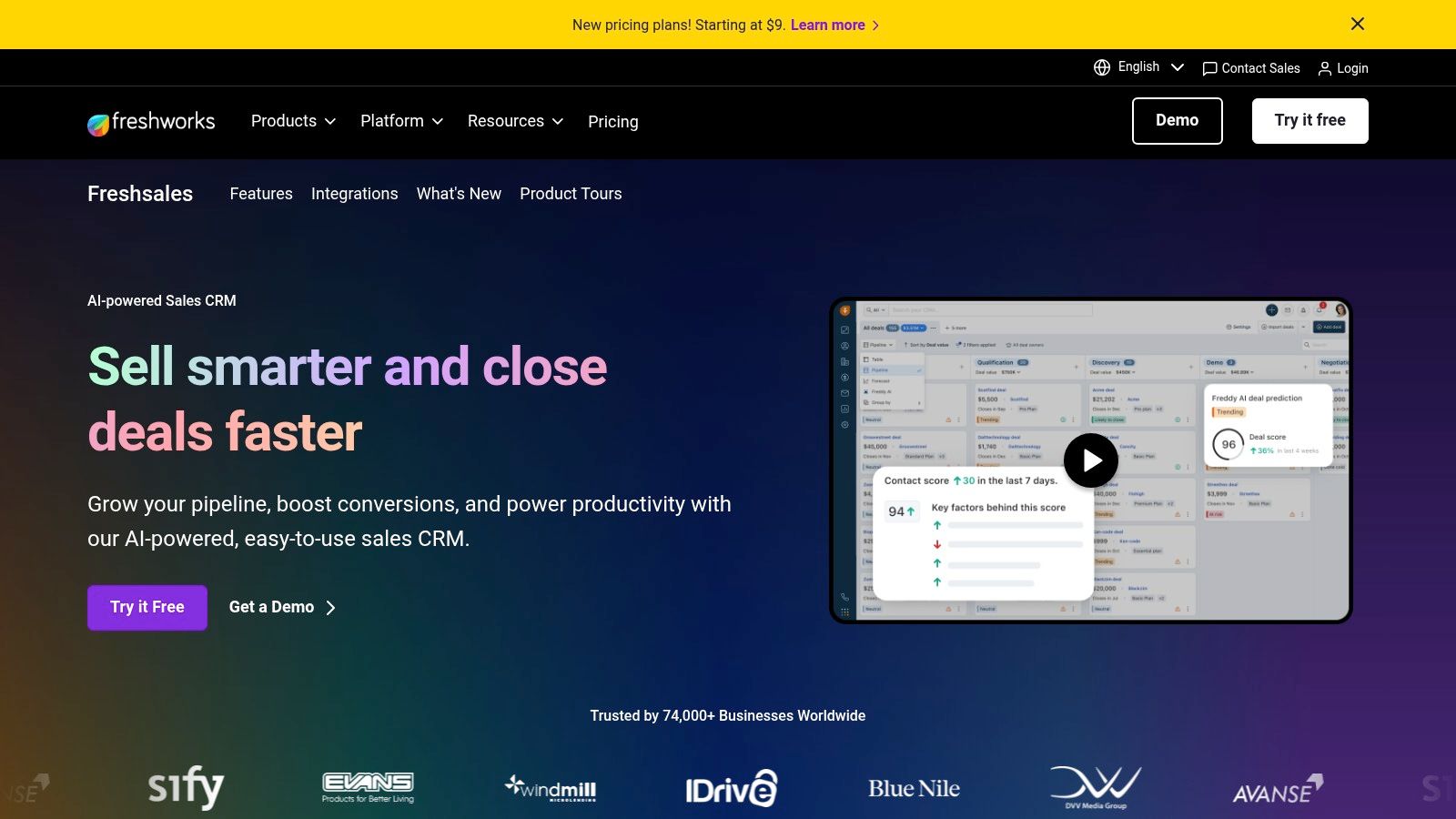
This approach is perfect for teams that live inside their CRM and want a 360-degree view without the bloat of a full marketing suite. Freshsales focuses on making core sales activities more efficient, with social data serving as an enrichment layer rather than the central function. Broader social messaging is handled through integrations with tools like Zapier, connecting platforms like Facebook Lead Ads directly to your sales pipeline.
Key Features & Pricing
| Feature | Details | Pricing Access |
|---|---|---|
| Social Profile Enrichment | Automatically links known social profiles to contact and lead records. | All Tiers (Free+) |
| Unified Customer View | The Freshworks Suite combines CRM, chat, and phone in one platform. | Freshsales Suite (Growth+) |
| Integration Capabilities | Connects to social platforms via Zapier and native marketplace apps. | All Tiers |
| AI-Powered Insights | "Freddy AI" provides deal insights and next-best-action suggestions. | Pro & Enterprise Tiers |
Freshsales offers a free-forever plan for up to three users. Paid plans start at $15/user/month (billed annually).
Pros and Cons
- Pros: Highly competitive pricing and an intuitive interface make it ideal for SMBs. The all-in-one Freshsales Suite effectively centralizes communication.
- Cons: Lacks a native social media inbox for direct engagement. Social listening and publishing require separate tools.
Recommended Setup for X/Twitter Lead Gen
For founders using X/Twitter for lead generation, Freshsales serves as an excellent and affordable database to manage prospects. You can use an automation tool like DMpro to handle initial outreach at scale. Once a lead responds positively in DMs, a simple Zapier integration can create a new lead in Freshsales, automatically assigning it to a sales rep and adding it to a follow-up sequence. This creates an efficient workflow that combines scalable outreach with organized lead management.
Website: https://www.freshworks.com/crm/
10. SugarCRM
SugarCRM positions itself as a flexible platform for businesses that want to build a customized social media and sales workflow. Unlike all-in-one solutions, SugarCRM’s strength lies in its ecosystem of integrations. It uses its Sugar Market module and certified partner apps like Oktopost and Hootsuite to deliver social media capabilities.
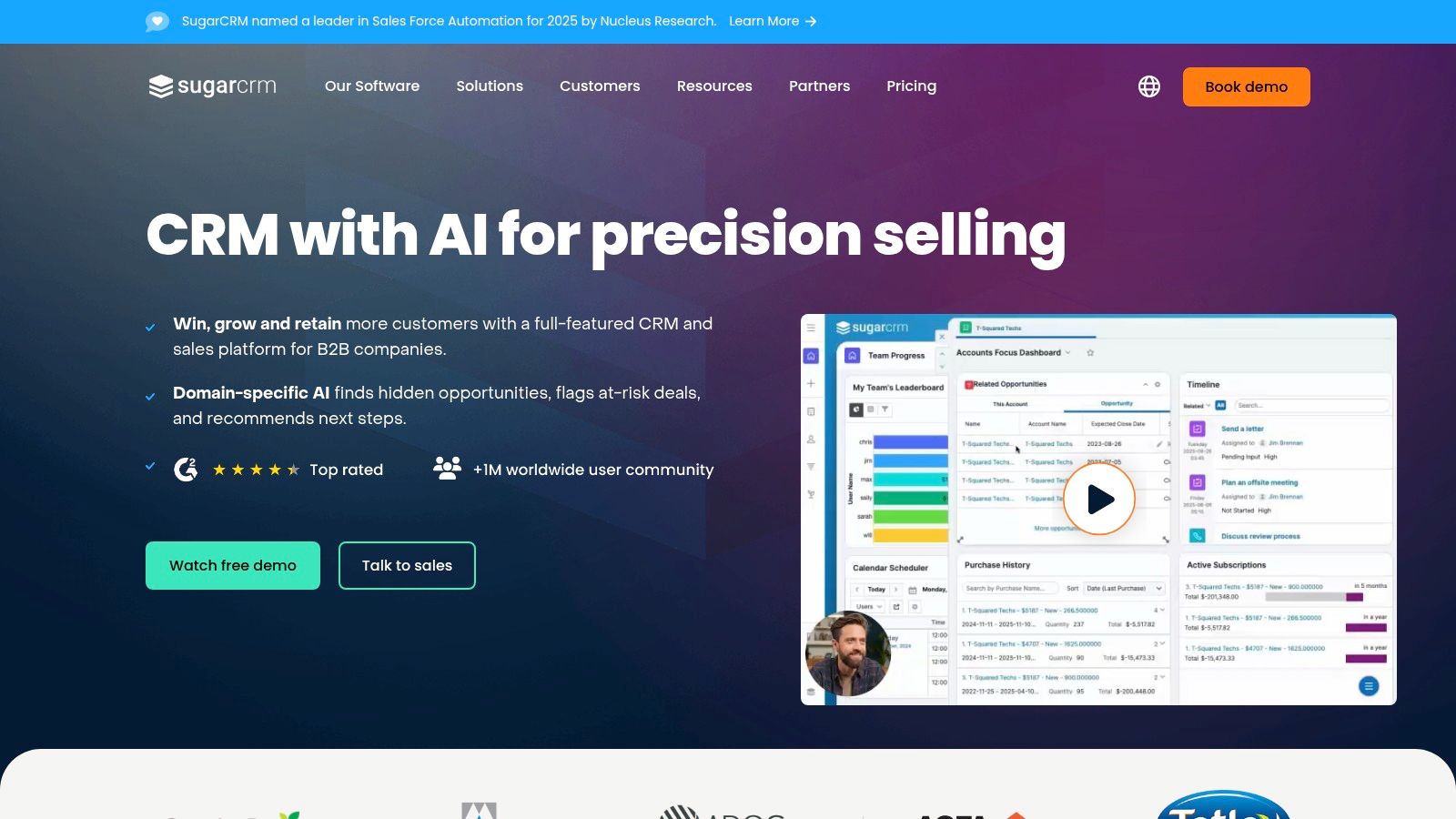
This approach is ideal for organizations that already use specialized social media tools and want to connect them to a powerful CRM. You can log social campaign engagements directly onto a contact’s journey, using that data for lead scoring and segmentation. This allows marketing teams to see how social interactions influence the sales pipeline.
Key Features & Pricing
| Feature | Details | Pricing Access |
|---|---|---|
| Partner Integrations | Connects with leading social media tools like Hootsuite and Oktopost for publishing and analytics. | Sugar Market or Marketplace |
| Social Campaign Logging | Track social engagement as part of a contact's journey for lead scoring. | Sugar Market |
| Extensible Platform | The Sugar Marketplace offers numerous certified extensions for additional social capabilities. | All Tiers (Extensions may have costs) |
| Marketing Automation | Nurture leads generated from social media with advanced B2B automation. | Sugar Market |
SugarCRM offers various product tiers, with pricing available upon request. Social features are primarily tied to Sugar Market or partner app subscriptions.
Pros and Cons
- Pros: Highly flexible architecture and a strong partner ecosystem for building custom social and CRM workflows.
- Cons: Full social functionality relies heavily on third-party apps, which can increase costs and complexity.
Recommended Setup for X/Twitter Lead Gen
For founders using SugarCRM, the best approach for X/Twitter lead generation is to leverage its integration capabilities. You can use DMpro to automate your initial DMs and identify qualified leads on X. Once a prospect responds positively, a Zapier integration can create or update a contact in SugarCRM, adding them to a specific campaign in Sugar Market for automated nurturing. This setup combines targeted outreach with robust, long-term lead management.
Website: https://www.sugarcrm.com/
11. Keap
Keap is a powerful CRM and marketing automation platform built for small businesses that prioritize lead nurture. While it doesn't offer a built-in social inbox, it excels at capturing leads from social advertising. It seamlessly pulls in contacts from platforms like Facebook Lead Ads, automatically tagging them and triggering sophisticated follow-up sequences.
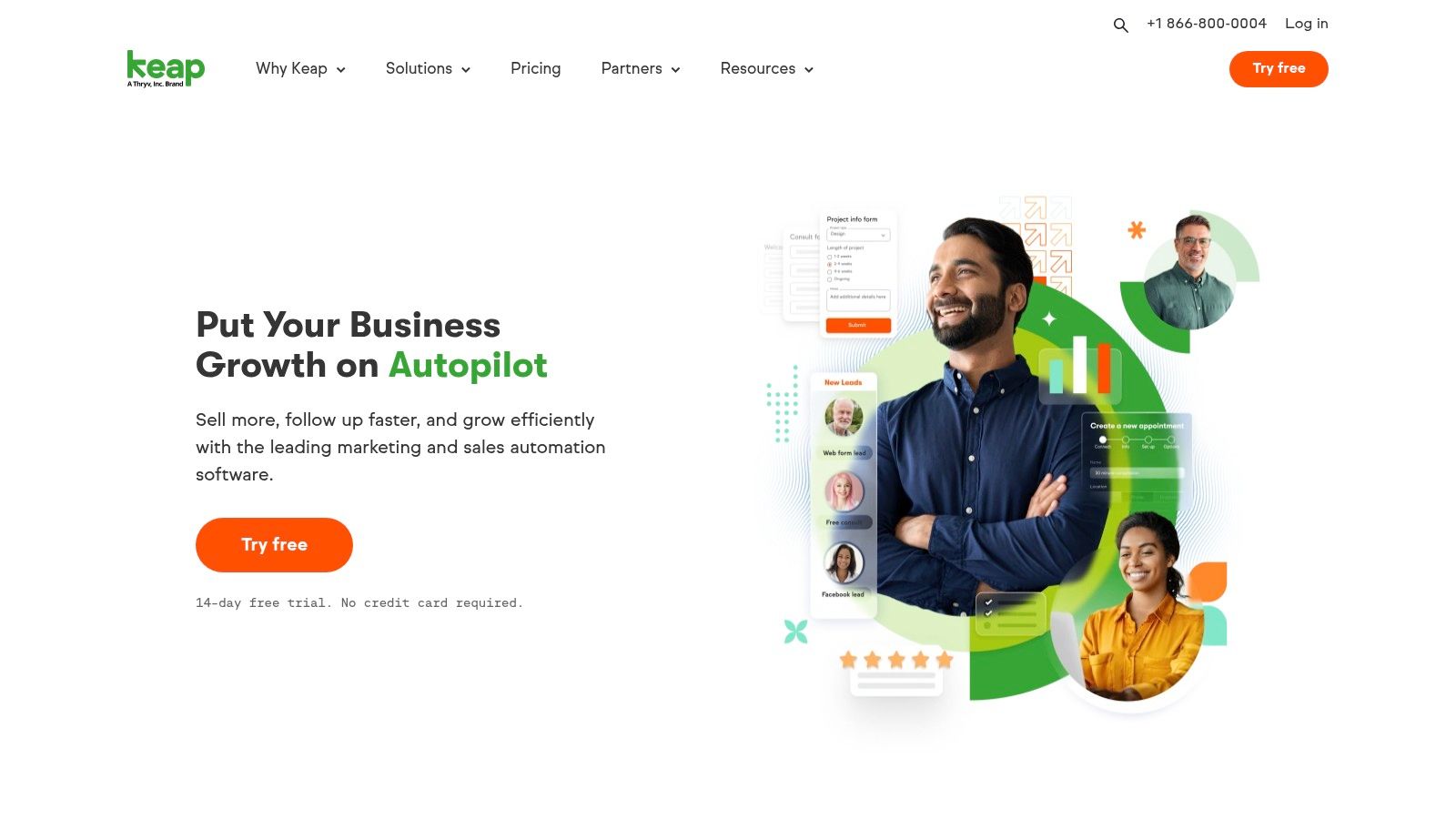
This approach is ideal for businesses that invest heavily in paid social campaigns and need a robust system to manage and convert those leads. Instead of just tracking interactions, Keap focuses on the next step: automatically engaging leads with personalized emails and texts. Its strength lies in turning ad spend into tangible sales pipeline.
Key Features & Pricing
| Feature | Details | Pricing Access |
|---|---|---|
| Facebook Ad Lead Sync | Natively integrate with Facebook and Instagram Lead Ads to automatically create and tag contacts. | All Tiers |
| Automation Triggers | Trigger complex marketing and sales sequences when a social lead is captured. | All Tiers |
| Connector Recipes | Access prebuilt recipes via Zapier and other iPaaS tools for various social workflows. | Requires separate Zapier subscription. |
| Lead Capture Forms | Create and share forms/links on social media to funnel traffic directly into Keap. | All Tiers |
Keap's pricing starts with the Pro plan at $159/month (billed annually) for two users.
Pros and Cons
- Pros: Exceptional marketing and sales automation for small businesses. Strong focus on lifecycle follow-up after lead capture.
- Cons: Lacks native social media management tools like a social inbox or listening features for Twitter.
Recommended Setup for X/Twitter Lead Gen
Keap is not designed for direct X/Twitter engagement but serves as an excellent back-end system for leads generated there. A powerful workflow is to use a dedicated tool like DMpro to automate outreach and initial conversations on X/Twitter. Once a lead is qualified through DMs, use a Zapier integration to send that contact's information to Keap. This action can instantly trigger a "hot lead" automation sequence in Keap, ensuring immediate and consistent follow-up from your sales team.
Website: https://keap.com/
12. G2 (CRM category: Social Network Integration)
While not a CRM itself, G2 is an indispensable resource for finding the best CRM with social media integration. It’s a software marketplace where you can compare hundreds of options based on verified user reviews. Its dedicated "Social Network Integration" filter makes it incredibly efficient to discover and shortlist tools that fit your workflow.
G2 saves you countless hours of manual research by aggregating user feedback and creating side-by-side comparison grids. You can quickly see how different CRMs stack up on features like social monitoring and lead capture. This approach allows you to make a data-driven decision instead of relying solely on a vendor's marketing claims.
Key Features & Pricing
| Feature | Details | Pricing Access |
|---|---|---|
| Social Integration Filter | Filter and sort CRMs specifically by their social network integration capabilities. | Free |
| Verified User Reviews | Read detailed reviews from real users to understand a tool's strengths and weaknesses. | Free |
| Comparison Grids | Compare up to four CRM platforms side-by-side on features, ratings, and pricing. | Free |
| Direct Vendor Links | Easily click through to vendor websites to start free trials or request demos. | Free |
G2 is a free resource for buyers.
Pros and Cons
- Pros: Saves a significant amount of time discovering and comparing relevant CRMs. The user feedback provides authentic insights.
- Cons: Sponsored listings can appear at the top of categories, so be sure to look at all options.
Recommended Setup for X/Twitter Lead Gen
Use G2's filters to identify CRMs with strong social integration and open APIs. Once you've chosen a CRM, you can pair it with specialized social media lead generation tools for a complete workflow. For instance, you could use a tool like DMpro to automate outreach on X/Twitter. Then, use a Zapier connection to push any qualified leads directly into your chosen CRM, triggering follow-up sequences for your sales team. This creates a scalable system for turning social conversations into revenue.
Website: https://www.g2.com/categories/crm/f/social-network-integration
Top 12 CRMs: Social Media Integration
| Product | Core social capability | Target audience | Unique selling point | Pricing / value |
|---|---|---|---|---|
| HubSpot | Native publishing, monitoring & CRM‑linked attribution | Marketing teams & companies wanting all‑in‑one | End‑to‑end attribution + large app ecosystem | Full‑stack value; advanced features require higher tiers (can be costly) |
| Zoho CRM | Social tab for Facebook & X: monitoring, lead capture, auto‑log | SMBs wanting CRM‑centric social engagement | Strong value across tiers and broad Zoho ecosystem | Good value; some networks/features need add‑ons |
| Salesforce | Digital Engagement + partner integrations routing social into Service Cloud | Enterprises needing scale, governance & case routing | Enterprise‑grade scale and partner ecosystem (Sprout, etc.) | High total cost: licensing + partner subscriptions |
| Microsoft Dynamics 365 | Omnichannel social messaging via connectors (Twilio) into unified agent workspace | Enterprises tied to Microsoft stack | Copilot/Teams/Power BI integration; robust omnichannel cases | Licensing and channel costs vary; implementation effort high |
| Pipedrive | Central Messaging Inbox; FB Messenger & WhatsApp integrations tied to deals | Sales teams wanting simple social DM workflows | Simple UI, quick setup; social DMs handled alongside deals | Affordable tiers; useful add‑ons cost extra |
| Nimble | Browser/email extensions for profile enrichment & LinkedIn prospecting | Teams focused on social prospecting & enrichment | Single plan pricing; strong contact enrichment | Simple pricing; reporting and scale limited |
| Agile CRM | Social Suite for Twitter & Facebook: scheduling, listening, DMs | Small teams on a tight budget | Aggressive pricing + combined CRM, marketing & helpdesk | Free tier (≤10 users); UI dated, advanced depth limited |
| monday sales CRM | LinkedIn posting + social actions embedded into customizable boards/automations | Teams needing visual, customizable workflows | Highly visual boards and flexible automations | CRM is an add‑on; higher tiers for full features |
| Freshsales (Freshworks) | Auto‑linked social profile fields; messaging via Freshworks ecosystem/connectors | SMBs wanting unified chat/telephony/CRM suite | Competitive pricing and unified multi‑channel suite | Competitive; native social limited—add‑ons often required |
| SugarCRM | Social via Sugar Market & partner apps (Oktopost, Hootsuite) into contact journeys | B2B marketers needing flexible architecture & marketing automation | Flexible architecture with partner ecosystem for social campaigns | Relies on partner apps; implementation/admin costs vary |
| Keap | Automates Facebook/Instagram ad leads into CRM and follow‑up sequences | Small businesses focused on ad lead capture & nurture | Strong ad lead intake + lifecycle automation | Good SMB value; no native social inbox—relies on connectors |
| G2 (marketplace) | Searchable category for CRMs with social network integration & reviews | Buyers researching and shortlisting CRM vendors | Filterable reviews, feature grids and vendor links | Free to use; marketplace listings can be sponsored — verify vendor pages |
Building Your Stack: Combining Your CRM with Specialized Outreach
We've walked through a dozen of the most powerful CRMs. From all-in-one giants like HubSpot to nimble, sales-focused tools like Pipedrive, the right platform for your SaaS is on this list. The core takeaway is clear: choosing the best crm with social media integration depends entirely on your team's size, budget, and primary social channel—especially if that's X/Twitter.
The key is to map your actual daily workflow to the features on offer, not just the marketing promises.
From Social Listening to Active Outreach
A crucial distinction emerged throughout our analysis. Most native CRM social integrations excel at managing incoming conversations. They create a unified inbox, log interactions, and help you track inbound leads. This is incredibly valuable for organization.
However, for founders focused on proactive, scalable lead generation on X/Twitter, this is only half the battle. A CRM’s social inbox isn't built for high-volume, automated outreach. It's a system of record, not a distribution engine. Relying on it for outbound prospecting is like using a filing cabinet to hunt for new customers.
Creating a Powerful Lead Generation Machine
This is where a specialized tool becomes a founder's secret weapon for scaling distribution. To truly scale your pipeline, you need to separate the task of initiating conversations from the task of managing them.
Imagine this workflow:
- Prospecting & Outreach: A specialized tool like DMpro scans X/Twitter 24/7, identifying thousands of potential customers based on keywords and user activity. It then automatically sends personalized, context-aware DMs to start conversations.
- Qualification: The tool handles initial back-and-forth, filtering out the noise and identifying prospects who are genuinely interested.
- CRM Handoff: Only the warm, qualified leads are pushed into your CRM (like Pipedrive or HubSpot). Your sales team now has a steady stream of high-intent conversations waiting for them.
This stack-based approach allows each tool to do what it does best. Your CRM acts as the central hub for your customer relationships, while a dedicated outreach tool acts as your automated hunter on the front lines. This division of labor is the key to building a predictable and scalable pipeline without burning out your team. For some advanced teams, this also involves enriching CRM profiles with more detailed information. For example, some explore strategies for gathering LinkedIn data to build a more complete picture of their ideal customers before outreach even begins.
Ultimately, the goal is not just to find the best crm with social media integration, but to build a complete system that turns social platforms into a reliable source of revenue.
If you’re tired of manually sending DMs every day, try DMpro.ai — it automates outreach and replies while you sleep. Try DMpro today and build the outreach machine your CRM is missing.
Ready to Automate Your Twitter Outreach?
Start sending personalized DMs at scale and grow your business on autopilot.
Get Started Free