
The 12 Best B2B Lead Generation Tools for Founders in 2025
Discover the best lead generation tools for B2B. Our founder-to-founder guide covers the top 12 platforms for outreach, data, and automation.

As a founder, your time is everything. How much of it gets burned on manual prospecting, sending one-off DMs, or digging through LinkedIn profiles? The right tools don't just save you time; they build a predictable engine for growth.
But the market is crowded. It's easy to get analysis paralysis with all the options out there. This guide cuts through the noise. We're breaking down the 12 best lead generation tools for B2B from a founder's perspective, focusing on what they actually do and how to stack them into a powerful distribution machine. For another comprehensive look, and to compare different options, this resource covering the top B2B lead generation tools for unstoppable growth is also highly recommended.
In this list, you'll find an honest assessment of each tool, including:
- What it is: A simple, scannable summary.
- Standout Features: What makes it different.
- Pros & Cons: The good and the bad, no fluff.
- Pricing: A realistic look at what it costs.
- Who it's for: The ideal user.
We'll cover everything from data giants like ZoomInfo to email automators like Instantly. We'll also see how a tool like DMpro fits into a modern stack, especially if you're leveraging channels like X/Twitter for highly targeted outreach. Let's dive in.
1. DMpro
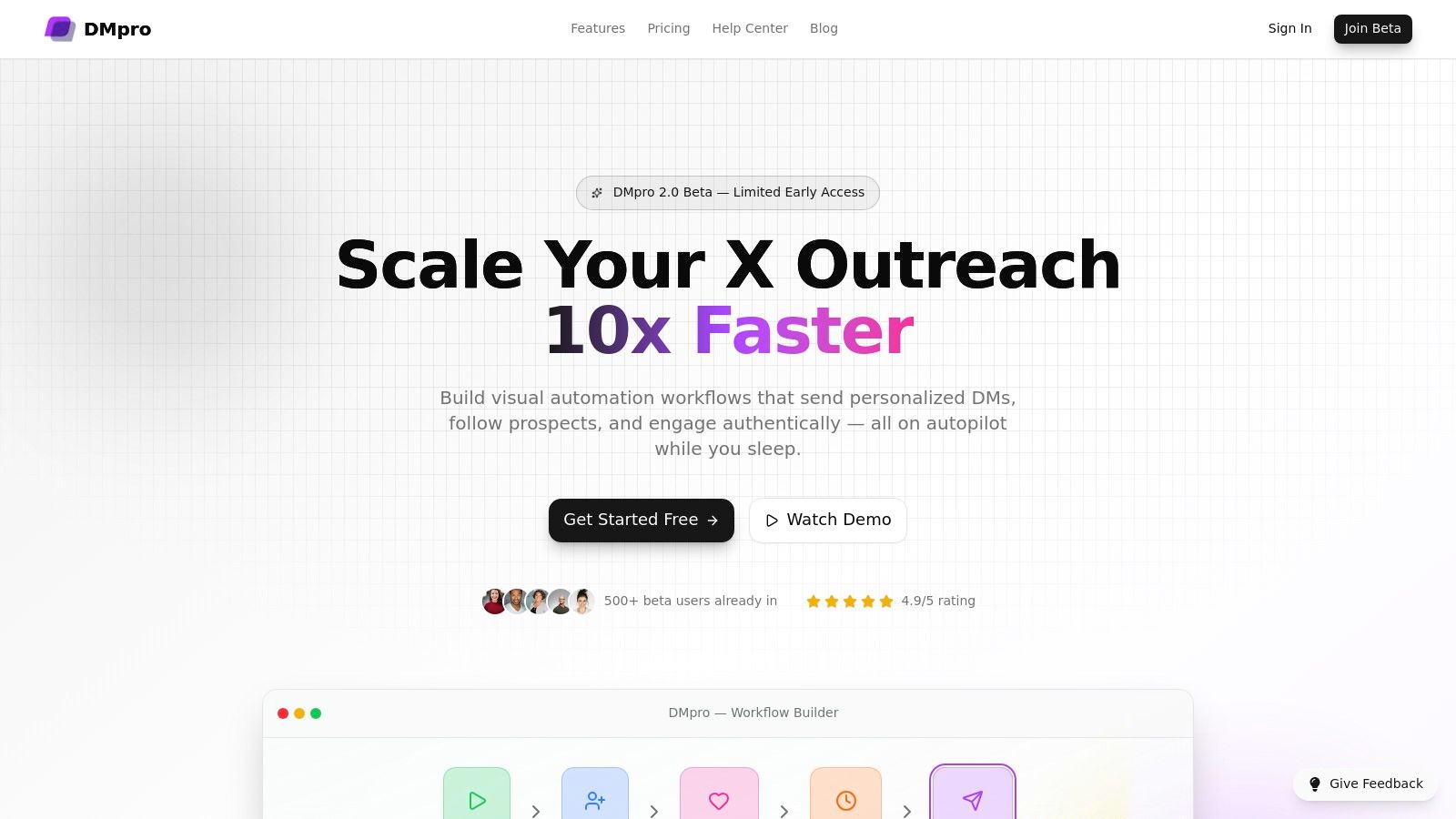
If you're trying to scale your SaaS distribution, X (formerly Twitter) is a goldmine. DMpro is a specialized tool built to turn X into your primary lead gen channel. It's not a simple social media scheduler; it's an AI-powered platform that automates the entire cold outreach process, from finding prospects to sending personalized DMs at scale.
You just define your ideal customer, and DMpro launches automated workflows (like follow → like → wait → DM) that run 24/7. It scans thousands of profiles, finds people who fit your criteria, and starts conversations for you. This turns a manual, time-sucking task into a predictable lead engine.
Key Features & Use Cases
DMpro's magic is in its smart automation and safety features. You can personalize DMs using variables like {{firstName}} and {{company}}, and even use logic based on a prospect's recent activity. This contextual approach is why users see high reply rates, often between 25-40%.
For founders and agencies, features like multi-account management are key for scaling without getting flagged. The system has built-in safety controls like human-like delays and typing simulations to protect your accounts. Exploring DMpro's blog can offer more insights into B2B lead generation best practices.
- Best For: SaaS founders, B2B sales teams, and agencies looking to automate and scale outreach on X.
- Standout Feature: The visual workflow builder combined with AI-powered personalization and robust safety controls.
- Pricing: Plans start around $73/month (billed annually) for 50 DMs/day. A free preview with 150 leads is available.
Pros:
- Automates the entire outreach process on X with deep personalization.
- Built for scale with multi-account management.
- "Safety-first" design with human-like delays and rate limits.
- Strong social proof with a 4.9/5 rating from over 500 beta users.
Cons:
- Dependent on X/Twitter platform rules, which can change.
- Scaling requires upgrading to higher-tier plans for more daily DMs.
2. LinkedIn Sales Navigator
LinkedIn Sales Navigator is the go-to prospecting tool for the world's biggest professional network. It turns a standard LinkedIn account into a powerful B2B lead generation platform, helping sales teams find, track, and engage the right decision-makers with serious precision. It’s a must-have if social selling is a core part of your outbound strategy.

The platform leverages LinkedIn’s massive, self-reported professional data. Instead of guessing job titles or company sizes, you get access to a rich dataset that includes everything from work history to recent posts. This makes it one of the best tools for building highly-targeted lead lists and staying on top of your prospects' activities. Learn more about how to leverage this data for social selling.
Key Features & Use Case
Sales Nav is perfect for sales reps and account executives who need a reliable source of high-quality leads.
- Advanced Search: Go way beyond basic search with filters like company size, seniority level, and years of experience.
- Lead & Account Recommendations: The platform suggests relevant leads and companies based on your saved searches and activity.
- Real-Time Alerts: Get notified about key buying signals, like when a prospect changes jobs or is mentioned in the news.
- TeamLink: See how your colleagues are connected to target accounts, turning a cold outreach into a warm intro.
- CRM Integration: Higher-tier plans sync leads, accounts, and activities with CRMs like Salesforce and HubSpot.
Pricing & Tiers
- Core: ~$99/month per user. Includes core search, alerts, and 50 InMail credits per month.
- Advanced: ~$159/month per user. Adds TeamLink and advanced reporting.
- Advanced Plus: Custom pricing. Includes full CRM integration for enterprise teams.
Pros & Cons
- Pros: Access to the largest and most accurate B2B professional database. Powerful buying signals for timely outreach.
- Cons: InMail limits can be tight for high-volume outreach. Key features like full CRM sync are locked behind expensive plans.
3. Apollo.io
Apollo.io is an all-in-one sales intelligence and engagement platform. It combines a huge B2B contact database with a full suite of outreach tools. The idea is to consolidate your sales stack, so you can find prospects, build multi-step sequences, and make calls all from one place. It's a solid choice for teams looking to streamline their workflow without juggling multiple subscriptions.
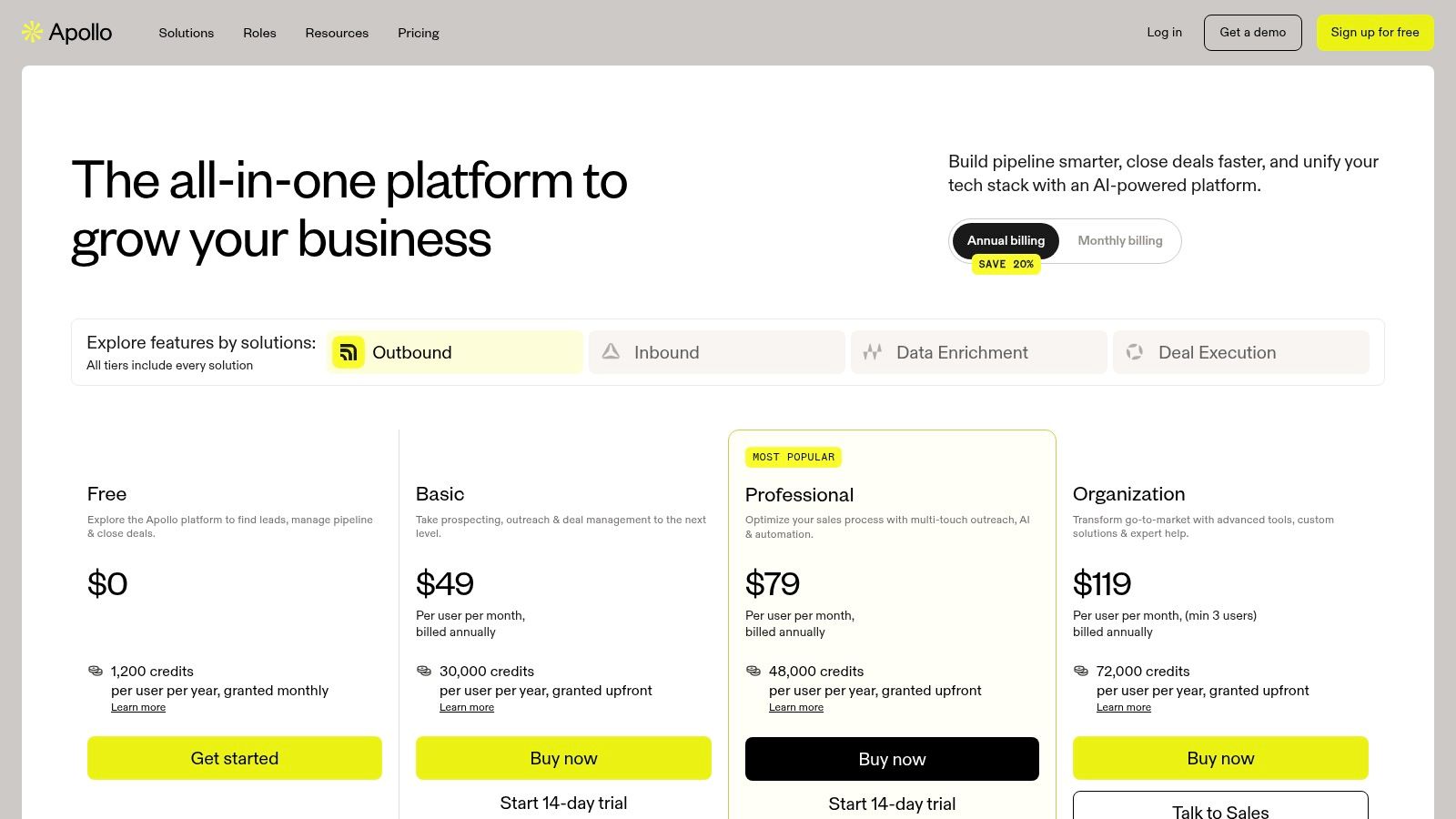
The platform stands out by bundling high-quality data with the tools to act on it. Instead of exporting lists from one tool and importing them into another, you can immediately enroll verified contacts into email sequences or add them to a call queue.
Key Features & Use Case
Apollo.io is ideal for sales teams that need a comprehensive solution for finding and engaging leads at scale.
- B2B Database: Access over 275 million contacts with advanced filters for things like tech stack and buying intent.
- Sales Engagement: Create and automate multi-channel sequences using email, phone calls, and LinkedIn tasks.
- Data Enrichment: Keep your CRM data fresh by enriching records with verified contact info from Apollo's database.
- AI-Powered Workflows: Use AI to help write emails, score leads, and find the best times to reach out.
- Extensive Integrations: Native integrations with popular CRMs like Salesforce and HubSpot.
Pricing & Tiers
- Free: A generous free plan with limited credits to test the platform.
- Basic: ~$59/month per user. Includes more credits and basic sequencing features.
- Professional: ~$99/month per user. Adds A/B testing, a dialer, and more automation.
- Organization: ~$149/month per user. Unlocks call intelligence and higher data limits.
Pros & Cons
- Pros: Combines data and outreach tools into one platform. Competitive pricing with a functional free tier.
- Cons: The credit-based system means costs can vary based on usage. Advanced features are gated behind more expensive tiers.
4. ZoomInfo SalesOS
ZoomInfo SalesOS is an enterprise-grade B2B intelligence platform. It's built for sales and marketing teams that need access to a massive pool of accurate contact and company data. It goes beyond a simple contact list by adding buying intent signals, org charts, and tech stack data, so you can find companies actively searching for what you sell.
The platform’s key differentiator is the sheer depth of its B2B data, especially in the US market. By combining company info with intent signals (like which topics a company is researching online), ZoomInfo helps you prioritize outreach to accounts that are most likely to buy. It's a powerhouse for teams that need to run highly targeted, data-driven campaigns. Learn more about the platform at www.zoominfo.com.
Key Features & Use Case
ZoomInfo is best suited for established sales and marketing teams at mid-market to enterprise companies.
- Extensive B2B Database: Access millions of verified profiles and company data, including direct dial phone numbers and emails.
- Intent Data & Scoops: Identify accounts showing purchase intent and get alerts on key events like funding rounds or leadership changes.
- Advanced Filtering & Org Charts: Build precise prospect lists using detailed filters and view interactive org charts to map out key decision-makers.
- Data Enrichment: Automatically clean, update, and enrich your existing CRM data.
- Seamless Integrations: Deep, native integrations with major CRMs like Salesforce and HubSpot.
Pricing & Tiers
- Varies by Package: Pricing is quote-based and tailored to your company size, user count, and feature needs.
- Annual Contracts: Subscriptions are typically sold on annual contracts.
- Add-on Modules: Additional features are available as separate add-ons.
Pros & Cons
- Pros: One of the broadest and most accurate B2B datasets available. Powerful intent signals for identifying active buyers.
- Cons: Premium pricing and annual contracts can be a deal-breaker for small businesses and startups. The platform can be overwhelming without a dedicated ops person.
5. Cognism
Cognism is a premium B2B sales intelligence platform for teams that need high-quality, compliant contact data. Its main strength is providing phone-verified mobile numbers, called "Diamond Data," which significantly boosts connect rates for sales teams that do cold calling. Cognism helps companies build a predictable pipeline while minimizing compliance risks.

This platform stands out by combining its verified contact database with smart sales intelligence signals. You can find prospects based on real-time events like funding announcements, job changes, and tech adoption. This helps you time your outreach perfectly with a relevant message instead of a generic cold pitch.
Key Features & Use Case
Cognism is ideal for outbound sales teams in mid-market and enterprise companies that need reliable mobile numbers and emails to hit their targets.
- Diamond Data®: Access to phone-verified mobile numbers, manually checked by a research team for top-tier accuracy.
- Sales Triggers & Intent Data: Identify accounts actively looking for solutions and get alerts on buying signals like company funding or hiring spikes.
- Advanced Filtering: Build precise prospect lists using filters for tech stack, company events, seniority, and job title.
- Chrome Extension: Find contact info directly from LinkedIn, company websites, and CRMs without switching tabs.
- Global Compliance: Built with GDPR and CCPA compliance in mind, including a large Do-Not-Call list.
Pricing & Tiers
- Custom Pricing: Cognism operates on a custom-quote basis, typically involving an annual subscription. You have to talk to their sales team to get a quote.
Pros & Cons
- Pros: Exceptional mobile number accuracy improves connect rates. Strong focus on global data compliance reduces outreach risks.
- Cons: Pricing is only available via a sales call and is geared toward larger teams with a big budget.
6. HubSpot Sales Hub
HubSpot Sales Hub is a comprehensive sales CRM that works seamlessly with its marketing and service tools. It creates a unified platform to manage the entire customer lifecycle, from lead capture to closing the deal. By combining automation, reporting, and engagement tools, it helps sales teams work more efficiently.
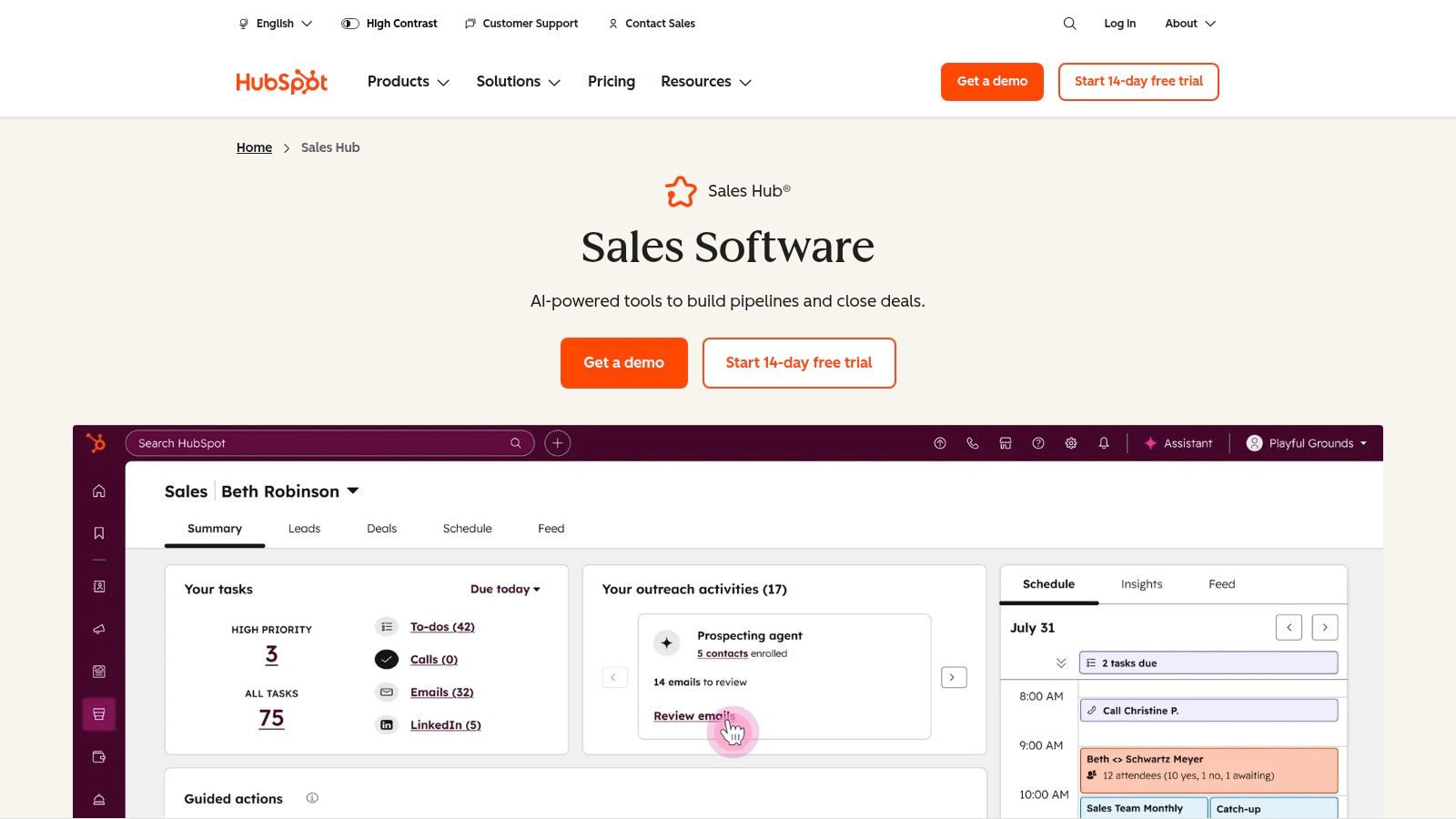
The platform’s greatest strength is its all-in-one nature. Instead of piecing together different tools for email tracking, meeting scheduling, and CRM management, HubSpot provides a single source of truth. This tight integration is great for companies looking to align their marketing and sales efforts. Find out more about how to prioritize your best leads with lead scoring.
Key Features & Use Case
HubSpot Sales Hub is perfect for scaling sales teams that need a central system to manage leads, automate outreach, and analyze performance.
- Sales Engagement Tools: Automate personalized email follow-ups, schedule meetings instantly, and track every interaction.
- Deal & Pipeline Management: Visualize your sales pipeline with a drag-and-drop interface and automate tasks as deals progress.
- Advanced CRM: A deep, customizable CRM to track contacts, companies, and deals, with robust reporting.
- Conversation Intelligence: Record, transcribe, and analyze sales calls to find coaching opportunities.
- Full HubSpot Ecosystem Integration: Connects natively with Marketing Hub and Service Hub for complete alignment.
Pricing & Tiers
- Free Tools: Basic CRM, live chat, and email tracking.
- Sales Hub Starter: Starts at ~$45/month. Adds simple automation, quotes, and reporting.
- Sales Hub Professional: Starts at ~$450/month. Unlocks advanced sales automation and forecasting.
- Sales Hub Enterprise: Starts at ~$1,500/month. Includes custom objects, playbooks, and advanced permissions.
Pros & Cons
- Pros: A truly unified platform for marketing and sales. Excellent onboarding resources and a huge app ecosystem.
- Cons: Costs add up quickly as you add more seats and unlock key automation features. Higher tiers can require paid onboarding.
7. Clearbit (by HubSpot)
Clearbit, now part of HubSpot, is a powerful B2B data engine designed to enrich your marketing and sales efforts. It turns minimal information, like an email address, into a full company and contact profile. This lets you shorten forms, score leads more accurately, and understand who's visiting your website.

The platform's strength is its deep integration within HubSpot. By connecting real-time data enrichment directly to your CRM, Clearbit helps you instantly qualify inbound leads. For outbound, this data can be used to build highly targeted lists for platforms like X, ensuring your automated outreach with a tool like DMpro hits prospects that perfectly match your ideal customer profile.
Key Features & Use Case
Clearbit is ideal for marketing and ops teams using HubSpot as their central GTM platform.
- Real-Time Data Enrichment: Automatically adds over 100 data points to new contacts using just an email.
- Form Shortening: Increases conversion rates by reducing the number of fields on your forms while still capturing rich data.
- Website Visitor Identification: De-anonymizes your website traffic, revealing which companies are browsing your site.
- Lead Scoring & Routing: Uses enriched data to automatically score leads and route high-value prospects to your sales team instantly.
Pricing & Tiers
Clearbit's functionality is integrated into HubSpot's Marketing Hub and Sales Hub, primarily in the Professional and Enterprise tiers.
- Professional: Starts at $800/month. Includes core data enrichment.
- Enterprise: Starts at $3,600/month. Offers more advanced capabilities and higher limits.
Pros & Cons
- Pros: Native integration provides a seamless experience for HubSpot users. Consolidates CRM and data enrichment.
- Cons: Best value is for teams already committed to the HubSpot ecosystem. The old free tools have been discontinued.
8. Dealfront (includes Leadfeeder)
Dealfront is an account intelligence platform that turns anonymous website traffic into actionable B2B leads. It combines the website visitor ID tech of Leadfeeder with a B2B database, letting you see which companies are visiting your site and then find key contacts there. It's a great tool for prioritizing high-intent accounts that are already showing interest.
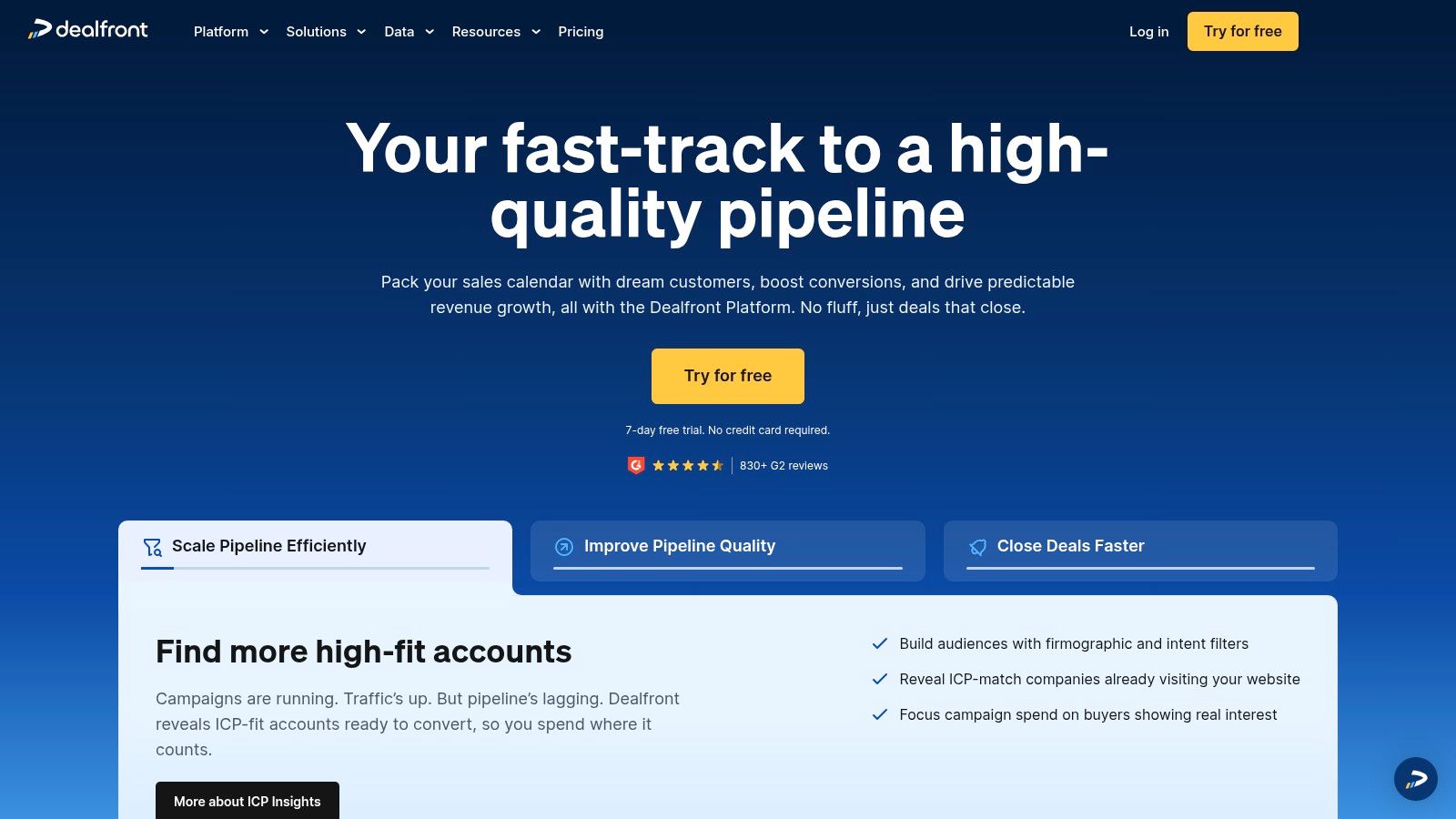
The platform stands out by bridging the gap between marketing efforts and sales action. Instead of waiting for a form submission, you can proactively identify warm accounts the moment they browse your pricing page. This helps your team focus outreach on engaged prospects.
Key Features & Use Case
Dealfront is great for marketing teams aiming to prove ROI and for sales teams that need a steady stream of high-intent accounts.
- Website Visitor Identification: The core Leadfeeder feature identifies the companies visiting your website and what pages they viewed.
- Advanced Account Targeting: Use over 100 filters and buying signals, like tech usage or hiring trends, to build target account lists.
- Data Enrichment & CRM Intelligence: Automatically enrich existing CRM records (integrates with HubSpot, Salesforce, etc.).
- Contact Data: Access a vast database of B2B contacts to find decision-makers at the companies visiting your site.
Pricing & Tiers
- Free: A free version of the Leadfeeder module is available, showing a limited number of leads.
- Target: Custom pricing. Focuses on account intelligence and buying signals.
- Connect: Custom pricing. Primarily for accessing contact data.
- Promote: Custom pricing. An all-in-one platform combining all features.
Pros & Cons
- Pros: Turns anonymous website traffic into named accounts with high buying intent. Offers a free trial and a permanently free plan.
- Cons: Full platform access often requires custom quotes. Pricing can vary by region.
9. Lusha
Lusha is a go-to-market intelligence platform designed to provide sales teams with fast and accurate B2B contact data. Its core strength is its simplicity, delivered through a browser extension that works on LinkedIn, company websites, and within CRMs. It lets you instantly reveal direct-dial phone numbers and email addresses, cutting down research time.
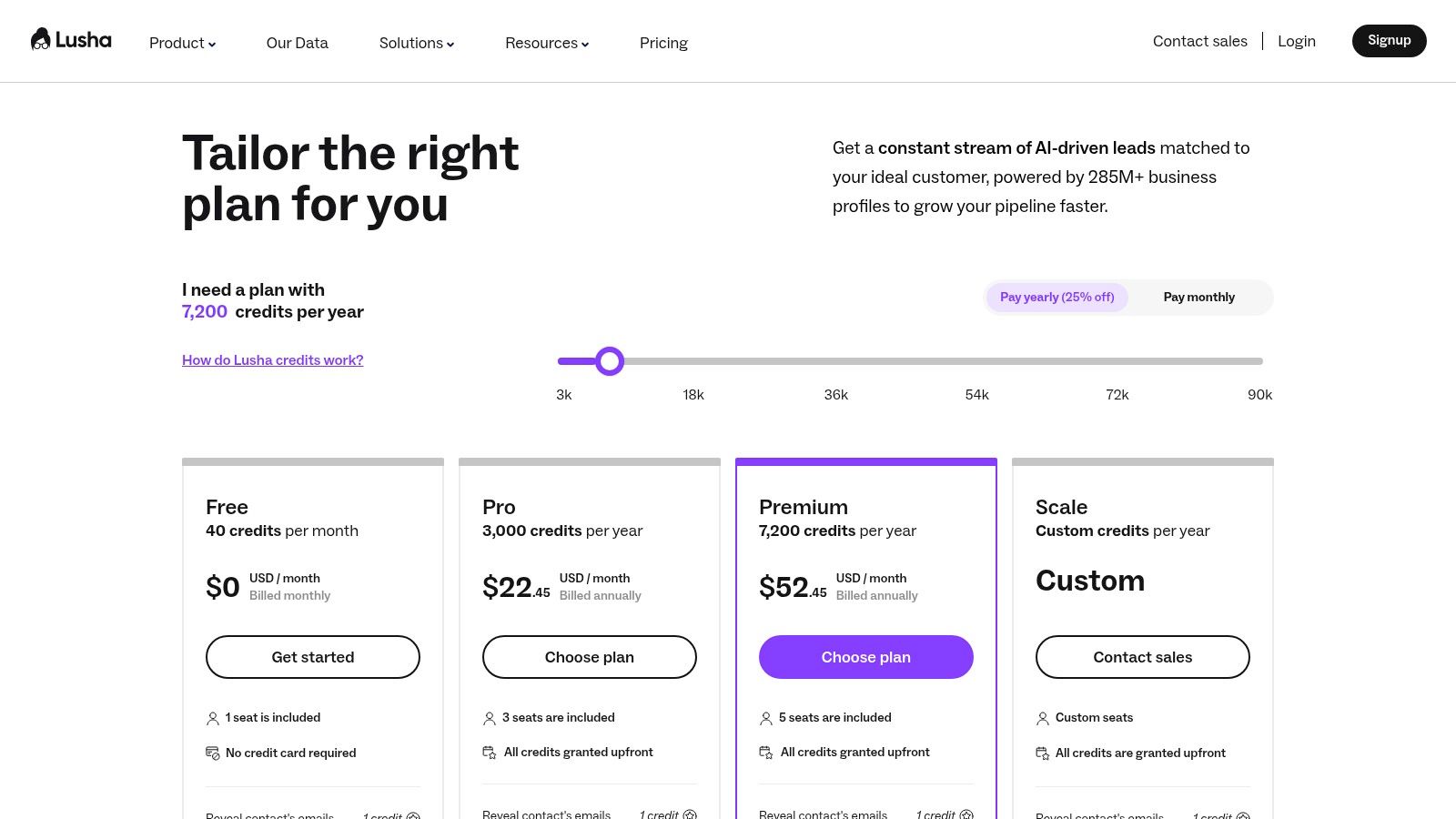
The platform stands out with its straightforward, credit-based model and ease of use. Instead of complex data mining, Lusha offers a one-click solution to get the data you need to start a conversation. This quick time-to-value makes it a favorite among fast-moving sales teams.
Key Features & Use Case
Lusha is perfect for sales reps, account executives, and recruiters who need immediate access to contact details to fill their pipeline.
- Browser Extension: Instantly find contact and company data on LinkedIn profiles and company websites.
- Direct Dials & Emails: Get access to verified direct phone numbers and email addresses.
- Credit-Based System: A flexible model where you spend credits to reveal contact info.
- CRM Integration: Seamlessly sync enriched contact data directly to popular CRMs like HubSpot and Salesforce.
- Team Management: Centralized billing, credit distribution, and usage analytics for teams.
Pricing & Tiers
- Free: Includes 5 credits per month for a single user.
- Pro: Starting at ~$39/month per user. Provides 480 credits annually.
- Premium: Starting at ~$69/month per user. Offers 960 credits annually and adds list-building.
- Scale: Custom pricing. Includes CRM enrichment, API access, and bulk data enrichment.
Pros & Cons
- Pros: Very easy to use with a quick learning curve. The browser extension provides immediate value. A generous free plan is great for testing.
- Cons: Phone number reveals can deplete credits quickly. Data accuracy can vary by industry and region.
10. Clay
Clay is a powerful data enrichment and automation platform that changes how you build lead lists. Instead of just scraping data, Clay brings over 100 data providers into one workspace, letting you source, enrich, and qualify leads through custom automated workflows. It's built for teams that need to go beyond standard data and create hyper-targeted lists.
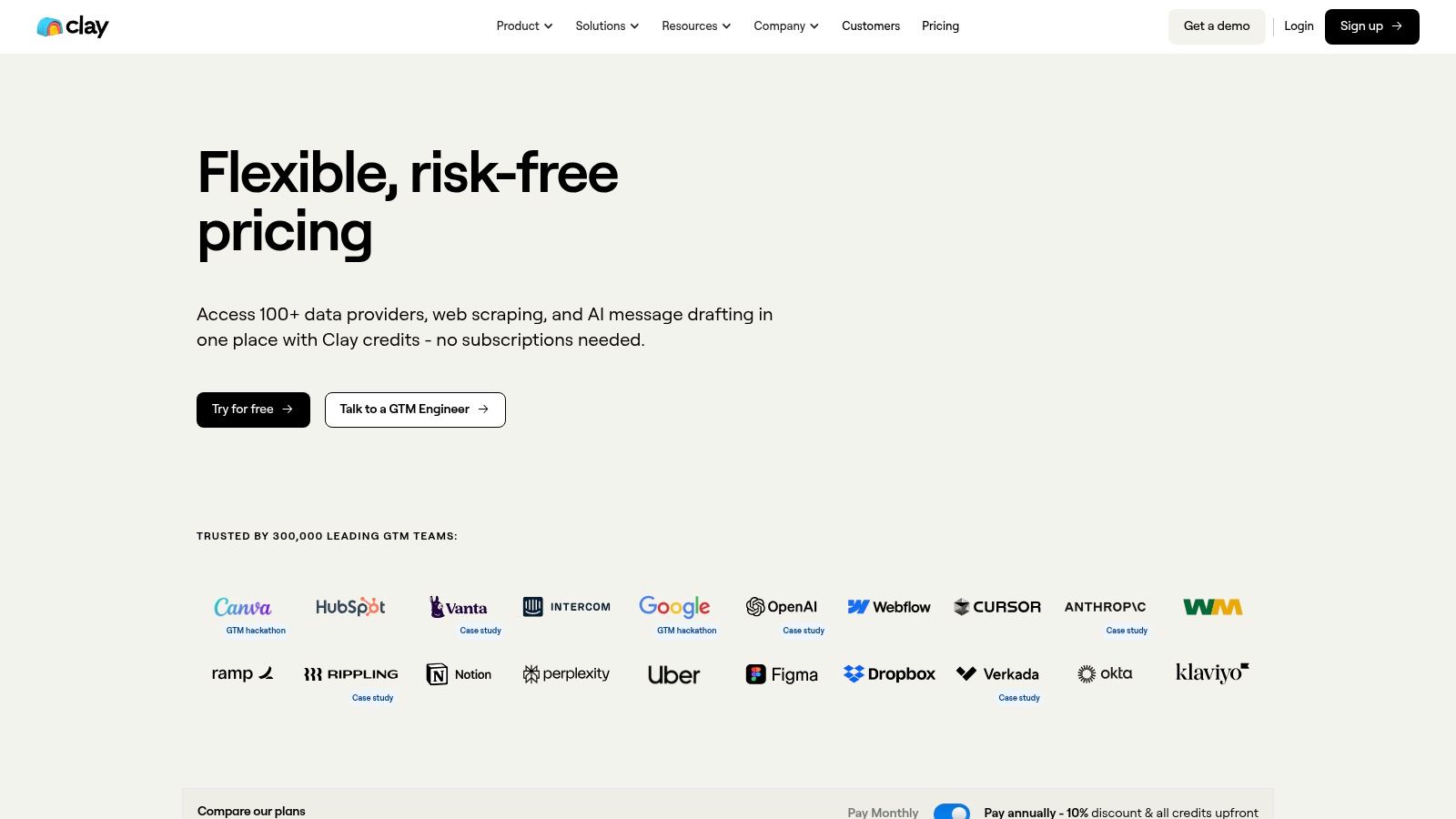
This platform stands out by enabling "data stacking," where you combine multiple sources to find info that isn't available anywhere else. For example, find companies that just raised funding, identify the Head of Sales, verify their email, and then use Clay’s AI to research their recent podcast appearances. This is perfect for building complex outreach campaigns that require deep, real-time research.
Key Features & Use Case
Clay is best for growth marketers and sales ops pros who need to build sophisticated lead-gen engines from scratch.
- 100+ Integrated Data Sources: Access data from providers like Clearbit, Hunter, and LinkedIn directly within Clay.
- Claygent AI Research: Use an AI agent to perform human-like research tasks, like browsing websites to find specific info or personalizing messages.
- Visual Workflow Builder: Create complex workflows in a simple spreadsheet-style interface to enrich and qualify leads automatically.
- Robust Integrations: Push clean, enriched data directly into your CRM or outreach tools.
Pricing & Tiers
- Explorer: $149/month. Includes 2,500 credits and unlimited users.
- Pro: $349/month. Includes 10,000 credits and premium data providers.
- Scale: $800/month. Includes 30,000 credits and company-wide caching.
- Enterprise: Custom pricing. For teams needing custom data sources and support.
Pros & Cons
- Pros: Unmatched flexibility for creating custom lead lists. Transparent, credit-based pricing.
- Cons: Has a significant learning curve. Costs can add up quickly based on credit consumption.
11. Instantly
Instantly is a cold email outreach platform designed for sending high-volume campaigns. Its core strength is a simple, flat-rate pricing model that includes unlimited email sending accounts and automated warmup. This makes it a go-to choice for teams focused on maximizing their outreach without unpredictable costs, especially when scaling SaaS distribution.
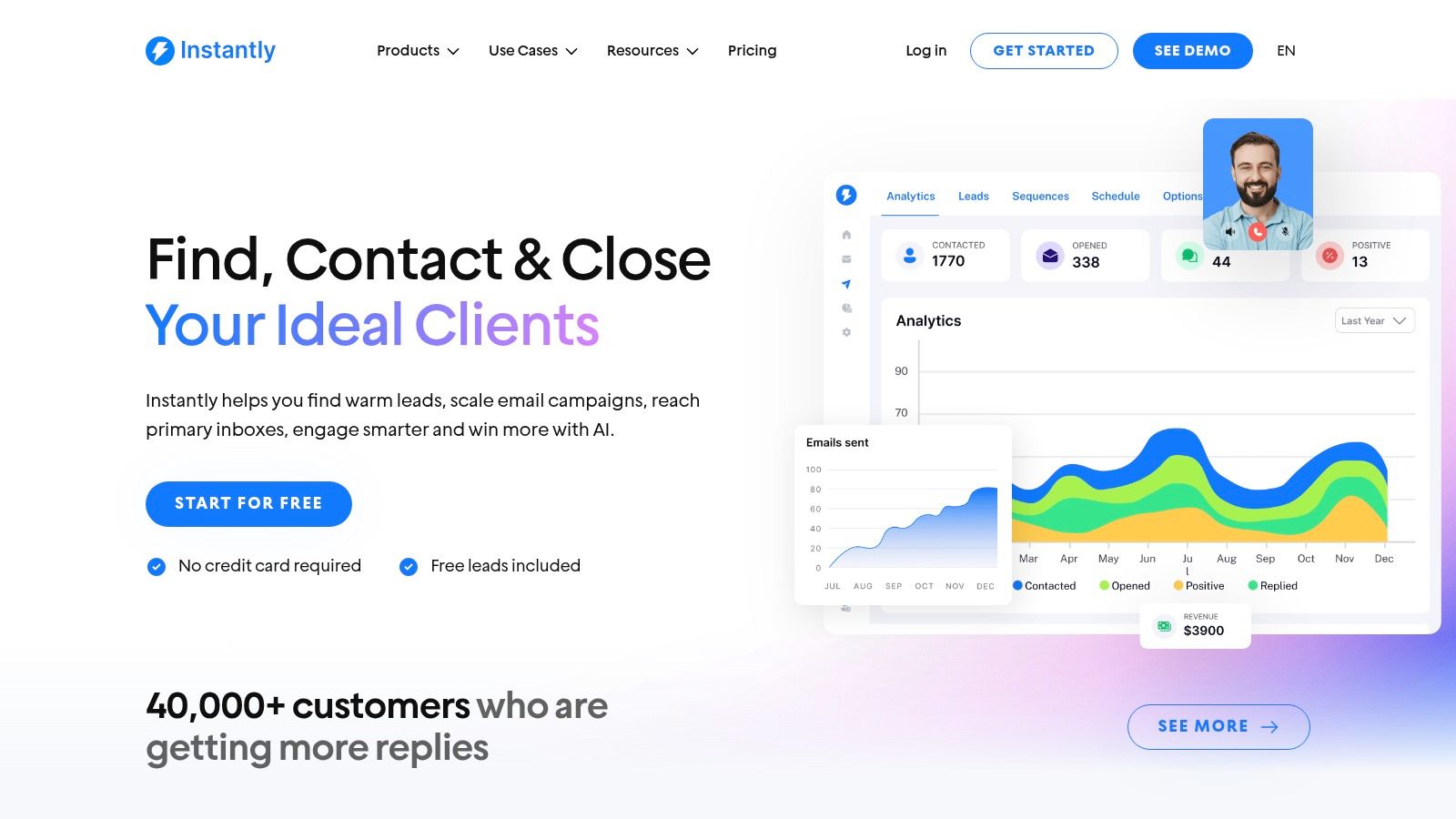
The platform stands out by bundling features that others charge extra for, like inbox rotation and deliverability tools. This focus on scalable infrastructure empowers growth marketers to expand their outreach aggressively while maintaining high deliverability. You can learn more about how powerful tools like this fit into a broader outbound lead generation strategy.
Key Features & Use Case
Instantly is best for high-volume B2B senders, lead gen agencies, and startups that need a cost-effective way to scale cold email.
- Unlimited Email Accounts & Warmup: Connect as many sending accounts as you need and keep them warm automatically.
- Sequencing & A/B Testing: Build multi-step email sequences with automated follow-ups and test copy to optimize reply rates.
- Centralized Inbox (Unibox): Manage all replies from your various sending accounts in a single inbox.
- API & Webhooks: Higher-tier plans offer API access to integrate Instantly with other tools.
- Scalable Limits: Easily increase your monthly contact and sending limits with add-ons.
Pricing & Tiers
- Growth: ~$30/month. Includes 1,000 active leads and 5,000 monthly emails.
- Hypergrowth: ~$77.6/month. Includes 25,000 active leads and 100,000 monthly emails.
- Light Speed: ~$277.6/month. Includes 100,000 active leads and 500,000 monthly emails.
Pros & Cons
- Pros: Simple, flat-rate plans are great for high-volume sending. The unlimited account and warmup features are a huge plus.
- Cons: Entry-level plans have tight limits. Lead data requires a separate add-on, increasing the total cost if you need a built-in database.
12. Hunter
Hunter is a focused email-finding and verification tool. It helps B2B teams build clean, accurate email lists for their outreach campaigns. It excels at finding professional email addresses associated with a specific company domain, making it a go-to resource for sales and marketing teams who need to quickly source contact info.
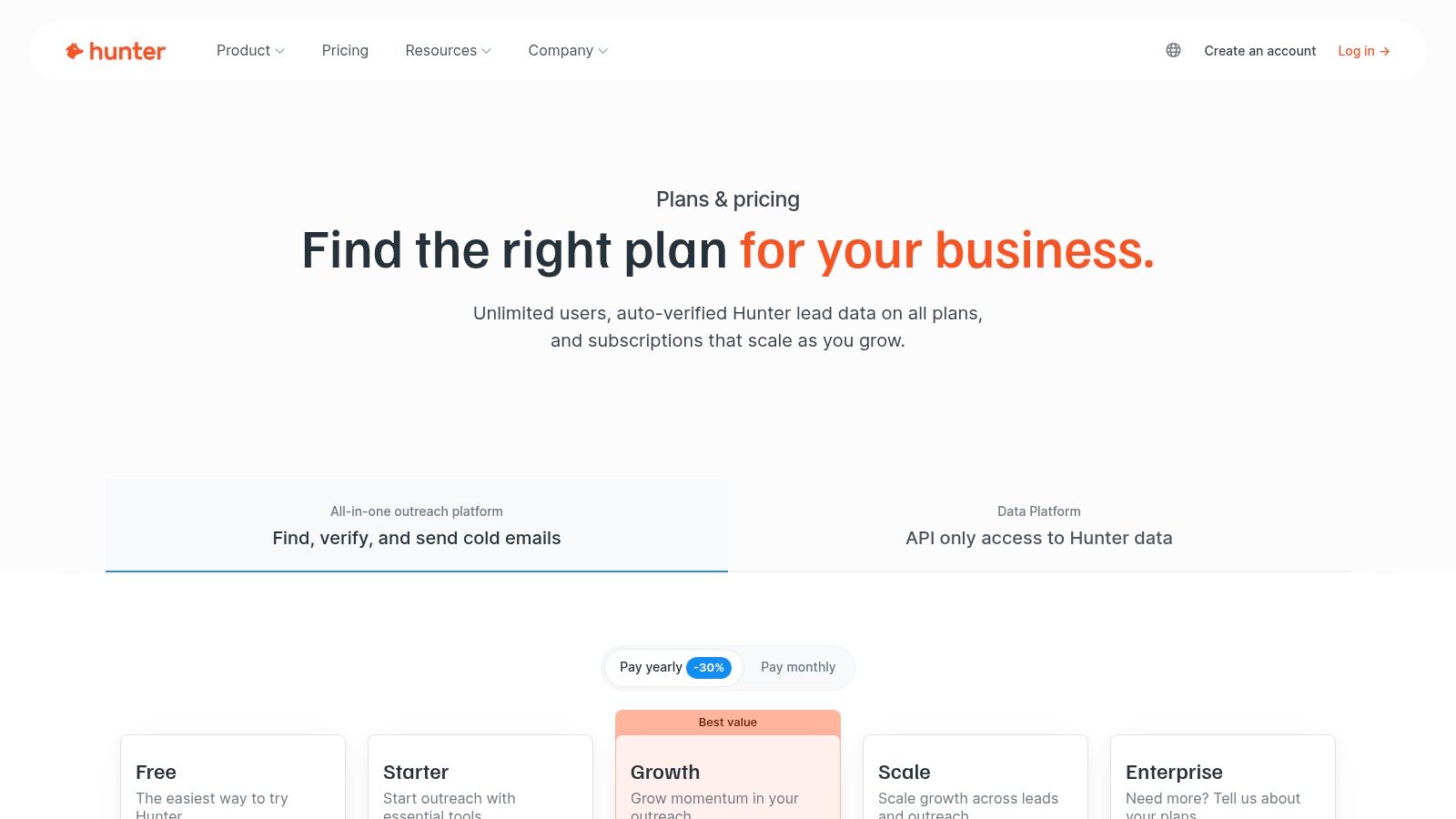
The platform’s strength is its simplicity and reliability for email data. While other tools offer more data points, Hunter is perfect for teams that prioritize email accuracy above all else. Its combination of a domain search, bulk verification, and a lightweight outreach tool makes it a practical solution for email-centric lead generation.
Key Features & Use Case
Hunter is best for sales reps, marketers, and recruiters who need a fast, reliable way to find and verify professional email addresses.
- Domain Search: Enter a company domain to instantly find all public email addresses associated with it.
- Email Finder & Verifier: Find the email of a specific professional or upload a bulk list to check their validity.
- Outreach Campaigns: A simple, built-in tool to create and send personalized email sequences.
- Chrome Extension & Add-ons: Find email addresses directly from company websites or LinkedIn profiles.
- Transparent Credit Model: All functions use a clear credit system, making it easy to manage costs.
Pricing & Tiers
- Free: 25 monthly searches and 50 verifications.
- Starter: ~$49/month. Includes 500 monthly searches and 1,000 verifications.
- Growth: ~$149/month. Increases limits to 5,000 searches and 10,000 verifications.
- Business: ~$499/month. For larger teams, with 50,000 searches and 100,000 verifications.
Pros & Cons
- Pros: Clear and predictable credit-based pricing. Excellent for building clean, verified email lists.
- Cons: Focused almost exclusively on email; no phone data. Credits can be used up quickly with large searches. Outreach features are basic compared to full sales engagement platforms.
Top 12 B2B Lead-Gen Tools Comparison
| Tool | Core features | Performance & scale | Target audience | Pricing & limits | Unique selling point |
|---|---|---|---|---|---|
| DMpro (Recommended) | AI-powered X outreach automation; visual workflows; multi-account, smart rotation, health monitoring | Vendor-reported 25–40% reply rates; 500+ targeted leads/day; personalized variables | Growth marketers, SaaS founders, B2B SDRs, agencies, creators | Starter → Enterprise tiers; example $73/mo (annual) with 50 DMs/day → 250 DMs/day; free trial (100–150 DMs) | Automated, personalized DMs at scale with safety controls and real-time health monitoring |
| LinkedIn Sales Navigator | Advanced lead/account search, alerts, TeamLink, InMail, CRM sync | Strong targeting signals; limited by InMail/message caps | B2B sellers and account teams using LinkedIn | Subscription tiers; message limits; higher cost for team features | Largest verified B2B professional graph and timely buyer signals |
| Apollo.io | 2B+ contacts, sequences, dialer, enrichment, integrations | Data + outreach in one product; credit-based exports | SMB sales teams needing integrated prospecting + engagement | Free tier; per-seat pricing; credits for data/exports | Combines large contact database with engagement tools at competitive entry pricing |
| ZoomInfo SalesOS | Enterprise contact data, intent, org charts, enrichment, integrations | Broadest enterprise dataset and intent signals | Large sales/marketing orgs and enterprises | Quote-based pricing; annual contracts; add-ons | Deep enterprise data and intent ecosystem for account-based selling |
| Cognism | Phone-verified mobile numbers, signals, CRM integrations | High connect rates; strong mobile accuracy | Teams needing compliant global phone data | Quote-based; best value at scale | Phone-verified "Diamond Data" with compliance emphasis |
| HubSpot Sales Hub | CRM + sequences, calling, deal automation, reporting, integrations | Full-funnel when paired with HubSpot Marketing; scales by seats/features | Teams using HubSpot for marketing + sales | Tiered pricing (Starter/Pro/Enterprise); costs grow with seats/features | Unified marketing + sales platform with strong onboarding and ecosystem |
| Clearbit (by HubSpot) | Real-time enrichment, form shortening, visitor identification | Fast enrichment; best fit if CRM = HubSpot | HubSpot users needing enrichment and visitor ID | Offering evolving inside HubSpot; pricing varies | Native HubSpot enrichment and visitor identification for lead routing |
| Dealfront (incl. Leadfeeder) | Website visitor ID, account targeting, enrichment, CRM intelligence | Reveals anonymous site visitors into named accounts | B2B marketers focused on website-to-account motion | Modular pricing; trials; some features quote-based | Turns anonymous traffic into actionable account intelligence |
| Lusha | Email & phone reveal, browser extension, CRM integrations | Quick LinkedIn/web prospecting; credit-based reveals | Small teams and prospectors needing fast contact access | Credit-based pricing; free credits for light users | Fast extension-based reveals for rapid prospecting |
| Clay | 100+ data sources, AI research agent (Claygent), enrichment, dedupe | Flexible ICP logic; credit-driven costs | Teams needing custom data stacking and automated research | Credit consumption pricing; unlimited users on plans | Highly flexible data stacking with AI research automation |
| Instantly | Unlimited email accounts, automated warmup, sequencing, Unibox inbox | Built for high-volume senders; flat, scalable plans | High-volume cold-email teams | Flat plans with add-ons to raise send/contact limits | Volume-focused cold-email platform with built-in warmup |
| Hunter | Email finder, verification, enrichment, outreach sequences | Clean, verified email lists; credit model | Teams focused on email-only prospecting | Transparent credit-based pricing | Predictable pricing and strong email verification tools |
Putting It All Together: Building Your Ideal B2B Lead Gen Stack
Okay, so we've covered a dozen of the best lead generation tools for B2B companies. But looking at a list of tools is one thing; building a system that actually generates a predictable pipeline is another. The biggest mistake founders make is thinking a single tool will solve all their problems.
Effective lead generation isn't about finding one perfect platform. It's about building a lean, interconnected stack that matches your go-to-market strategy. Your goal isn't to buy more software; it's to create a seamless workflow from discovery to conversation.
Start with Your Primary Channel
Before you pick a tool, answer this: where do your ideal customers hang out? If you sell to corporate VPs, LinkedIn is probably your core channel. Your stack might be LinkedIn Sales Navigator for targeting and an outreach tool like Instantly for email.
But if you're selling to tech founders or creators, they live on X. This makes a tool like DMpro your starting point, as it’s built for automating lead discovery and outreach on that platform. Don't try to be everywhere at once. Pick one channel, go deep, and build your initial stack around it.
The 'Find, Enrich, Engage' Framework
A simple way to think about building your stack is the "Find, Enrich, Engage" model.
- Find: This is your discovery layer. It’s where you identify your ideal customers. This could be LinkedIn Sales Navigator, Apollo.io, or the audience-building features within DMpro.
- Enrich: This step adds context. Once you have a lead list, you need data to personalize your outreach. A tool like Clay is a powerful engine for this, pulling info from multiple sources to give you unique talking points.
- Engage: This is your outreach automation layer. It’s where you turn data into conversations. Tools like Instantly excel at cold email, while DMpro automates the entire cold DM process on X.
For example, a modern outbound stack focused on X might look like this: DMpro to find and engage prospects based on their tweets, with Clay running in the background to enrich those profiles with company data before the first DM is even sent. This combination is lean, powerful, and channel-specific.
Of course, a robust tool stack is only one part of the equation. To truly optimize your lead generation, it's vital to complement your tools with proven methods. Understanding and implementing lead generation best practices will ensure you’re not just automating outreach, but doing it in a way that drives conversions.
Ultimately, the best tools are the ones you actually use to start conversations consistently. Don't get stuck in analysis paralysis. Start small, focus on the channel where your customers are most active, and build a simple, effective stack that works for you. Your goal is momentum, not a perfect software suite.
If you’re tired of manually sending DMs every day, try DMpro.ai — it automates outreach and replies while you sleep.
Ready to Automate Your Twitter Outreach?
Start sending personalized DMs at scale and grow your business on autopilot.
Get Started Free