
10 AI Personalization Tools Compared by Use Case
Compare 10 AI personalization tools by data inputs, message customization, workflows, and use cases, including DMpro for X cold DM outreach.
The most repeated advice about AI personalization is to add more detail. Mention the prospect's city, their last post, their dog. Replies will follow.
That advice fails on X, and not because personalization is wrong. It fails because almost every personalization tool on the market was built for a different channel: website copy, email merge fields, or product recommendations aimed at people who already bought something. None of that helps when your whole funnel is a cold DM to a stranger. If your outbound also runs on LinkedIn, there are dedicated ways to measure LinkedIn outreach performance, and those tools won't cover X either.
The business case for relevance is solid. McKinsey found that 71% of consumers expected companies to provide personalized interactions, and that personalization commonly produced a 10% to 15% revenue lift, with wide variation by sector and execution quality (McKinsey). Read the scope carefully. Those are customer interactions, not cold outreach, so treat them as direction rather than a DM benchmark.
The channel also punishes lazy personalization. X treats duplicate DMs, including the same link sent to multiple accounts, as spam activity that can temporarily block sending for at least 30 minutes (X Direct Message FAQs). A script with a swapped first name is exactly that.
This list sorts ten tools by the channel they work in and by what they need in order to personalize a message. DMpro is here because it's built for X outreach specifically. The rest earn their place somewhere else.
1. DMpro
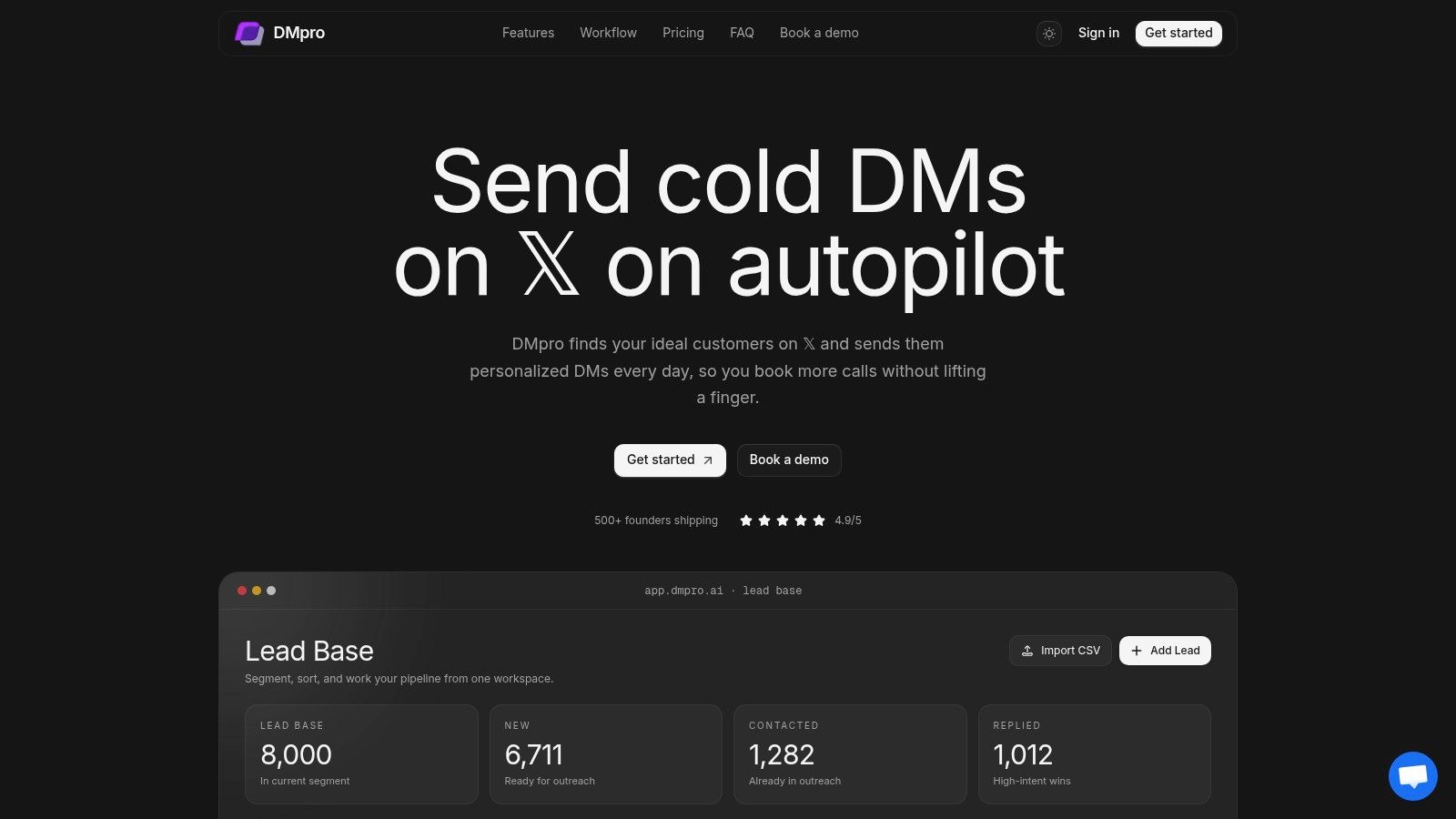
Cold DM personalization fails when {{firstName}} is the whole message. DMpro is built for that gap: it finds prospects on X, generates a per-prospect DM, runs follow-ups, and keeps lead status and reply analytics in one workspace.
Discovery pulls from account followers, communities, tweet replies, keyword-matched conversations, and profile bios. You can import a CSV of usernames and organize stored leads into groups, which matters when a campaign mixes several sourcing motions.
How the personalization actually works
The AI personalization feature generates a unique message for each prospect from profile information, recent posts, and website context. Templates still have a place: {{firstName}} and {{username}} can personalize each message, and variables need double curly braces with the exact case shown in the supported variables list.
You can set personalization intensity, define brand guidelines, and preview messages before launch. The system can A/B test different personalization approaches and learns from response patterns over time, so the useful feedback loop is reply quality, not send volume.
Practical rule: if a message still makes sense with a different prospect's name dropped in, the personalization isn't doing any work.
A saved business profile supplies context only. Qualification, draft generation, and automatic replies are configured separately, so saving the profile does not switch them on. For a first pass, save the profile, preview a small number of lead assessments, and keep Suggest on while reviewing reply quality in real conversations.
Campaigns are visual and conditional. Sequences wait, follow up, and branch when someone replies, so a positive answer stops the sequence instead of receiving touch four. Analytics report sends, queued messages, reply rates, and response categories.
Limits, pricing, and the honest trade-offs
Daily caps apply per account: 25 messages on Pro and 35 on Agency. X's own published ceiling is 500 Direct Messages a day across web, mobile, phone, API, and other devices, and it does not reset per tool (X limits). X's automation rules permit automated DMs only when recipients have asked for contact or clearly indicated they want it, with a clear opt-out honored promptly (X automation rules).
Pro is $69 a month for 5 X accounts, 500 AI credits, and 5,000 stored leads. Agency is $199 a month for unlimited accounts, 2,000 AI credits, and 100,000 stored leads. Both include unlimited scraping, onboarding, and priority support. A custom-priced managed service covers setup and warm-up, targeting, sourcing, scripts, optimization, reporting, and a dedicated strategist.
Pros
- One workspace for the whole loop: sourcing, outreach, follow-ups, lead status, and analytics sit together.
- Context over first names: bios, recent posts, and website data feed the message.
- Reply-aware flows: follow-ups change when someone answers.
- Two operating modes: self-managed plans or a done-for-you service.
Cons
- Caps are real: per-account daily limits apply, and X restrictions or account settings can reduce actual sending. Safeguards don't guarantee protection from platform limits.
- Finite allowances: AI credits and lead storage are bounded on both plans, and managed pricing is custom.
Website: dmpro.ai
2. Clay
Clay solves the problem that comes before sending. You don't know enough about the prospect to say anything specific, so it enriches prospect and company records from multiple data providers, runs a research agent called Claygent across the web, and writes custom data points into the table your message pulls from.
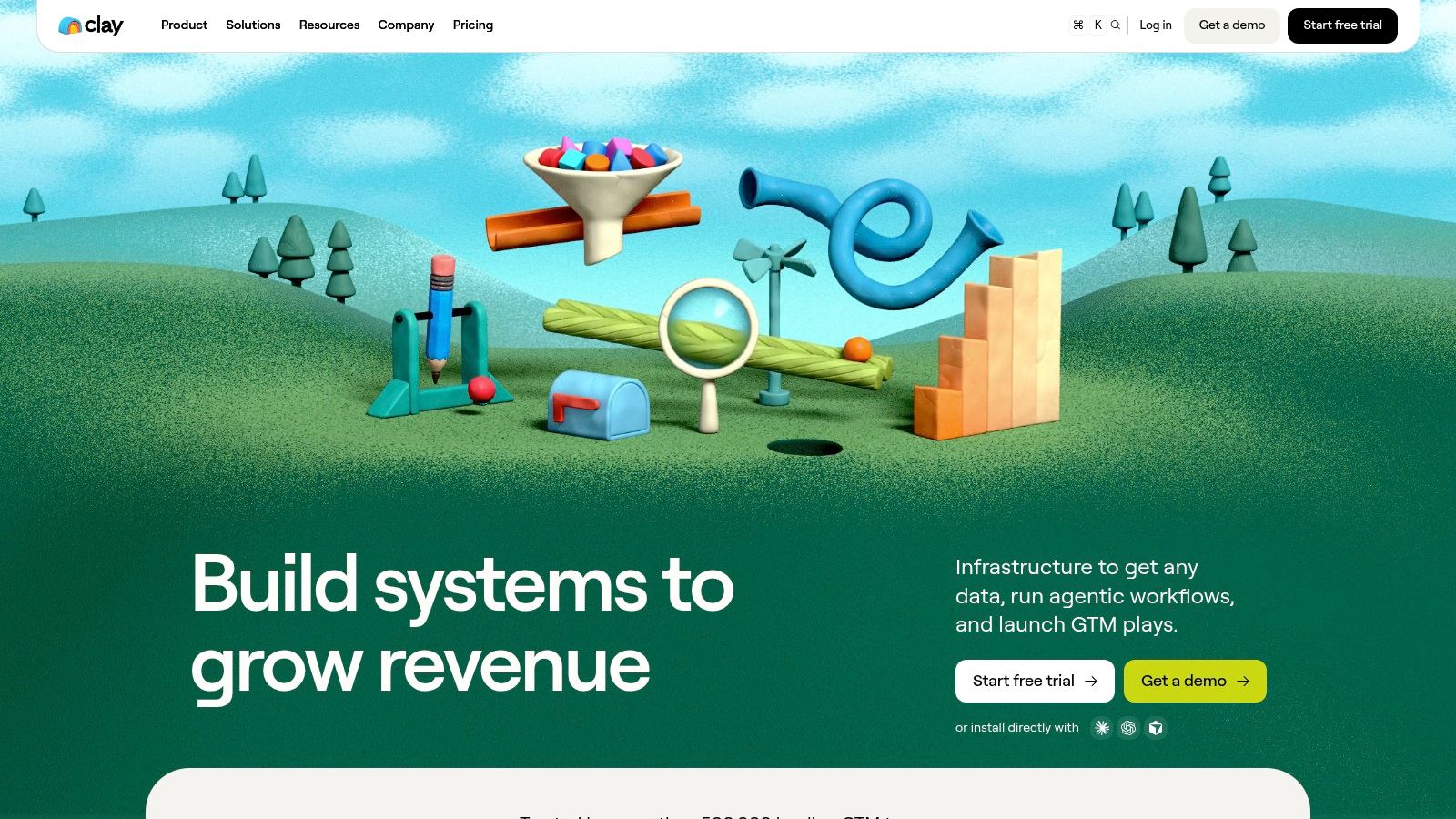
That structure is why outbound teams like it. You define the columns you care about, let enrichment fill them, then draft personalized email lines from data you collected. The specificity comes from evidence, not adjectives.
The old lesson underneath the new tool
Netflix released roughly 100 million anonymous movie ratings and offered $1 million to any team that could improve its Cinematch recommendation system by 10%, measured by root mean square error. More than 5,000 teams registered and the prize was awarded in 2009 (Communications of the ACM). Structured data plus a measurable target beat guessing, and that hasn't changed.
Clay hands you the structure and asks you to build it. That's the trade-off.
What you get
- Multi-provider enrichment: prospect and company fields from several sources.
- Web research on demand: Claygent generates custom data points per record.
- AI-written lines: drafts personalized copy from your table data.
- One workflow: research, enrichment, and outreach prep connect.
What it costs you
- Credit math: usage mechanics make spend harder to predict at scale.
- Setup time: workflow design is the product, and it isn't instant.
- Email-first sending: native sequencing is built for email, not X DMs.
Website: Clay
3. lemlist
Picture a sequence that opens with an email, follows on LinkedIn, and ships a custom image with the second touch. lemlist was built for that shape of campaign, and it personalizes beyond text fields.
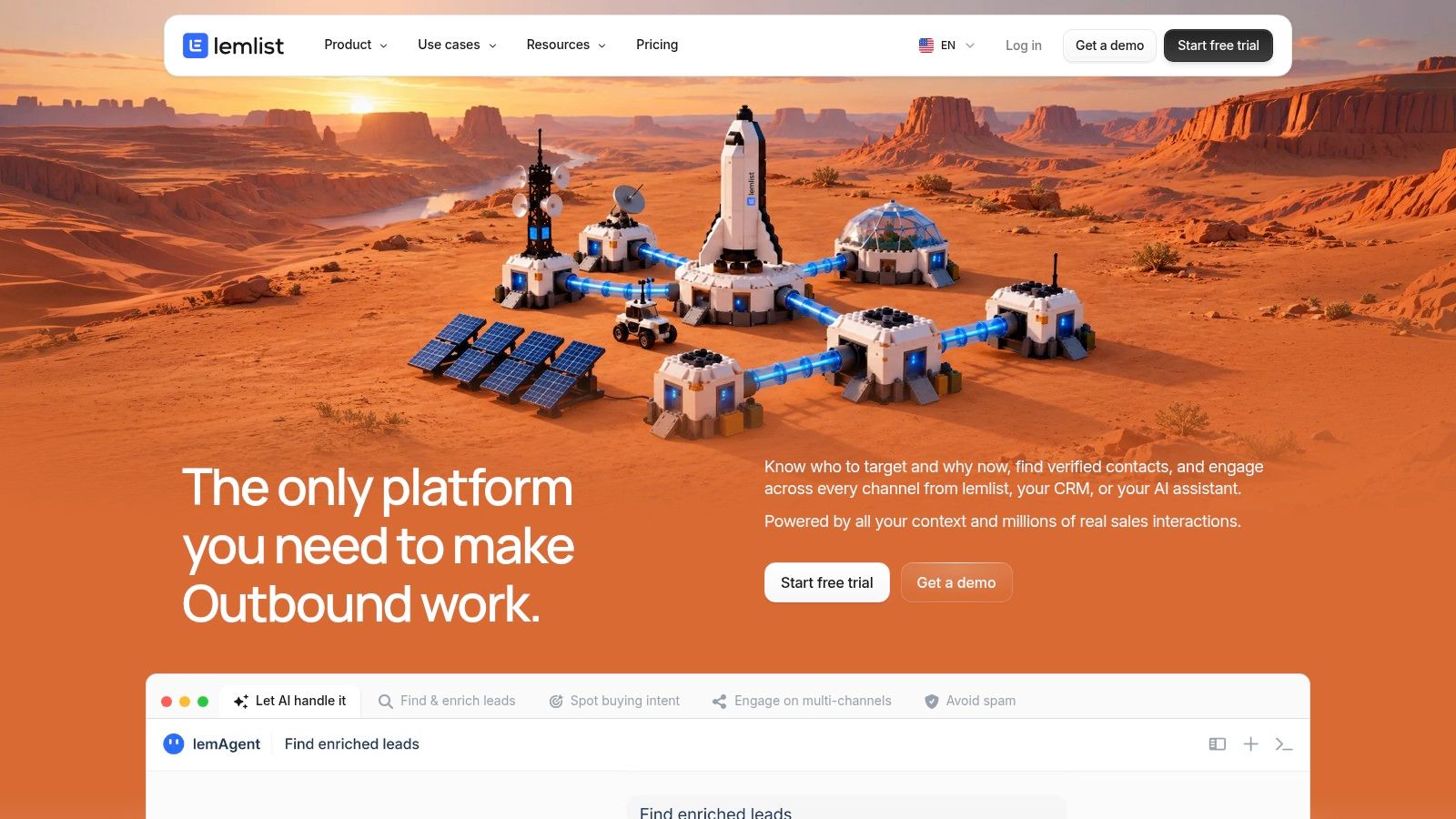
Its AI drafts multichannel sequences from a short campaign description, and personalization options include prospect-specific images and LinkedIn voice notes. Lead data and buying-signal features run on a credit system, and campaign pricing is based on users rather than contacts.
Demand for AI-written personalization is clearly there. KPMG's 2024 survey of 1,000 college-educated and informed U.S. consumers found 54% trusted generative AI for personalized recommendations (KPMG). Trust exists, which is why sloppy execution stands out so much.
Strengths
- Several jobs in one product: data, sequencing, and personalization assets.
- Visual and audio personalization: custom images and voice notes go beyond fields.
- Published pricing: plan details are on the official site.
Limits
- Credits on top: advanced data features add cost above the subscription.
- Not an X tool: it's a sales-outreach platform, so DM automation isn't the point.
- Plan checking: confirm which tier includes the channels and AI features you need before committing.
Website: lemlist
4. Smartlead
If you sell through X DMs, this one probably isn't your tool. Smartlead manages cold-email campaigns across multiple sending accounts, with deliverability infrastructure and optional managed services.
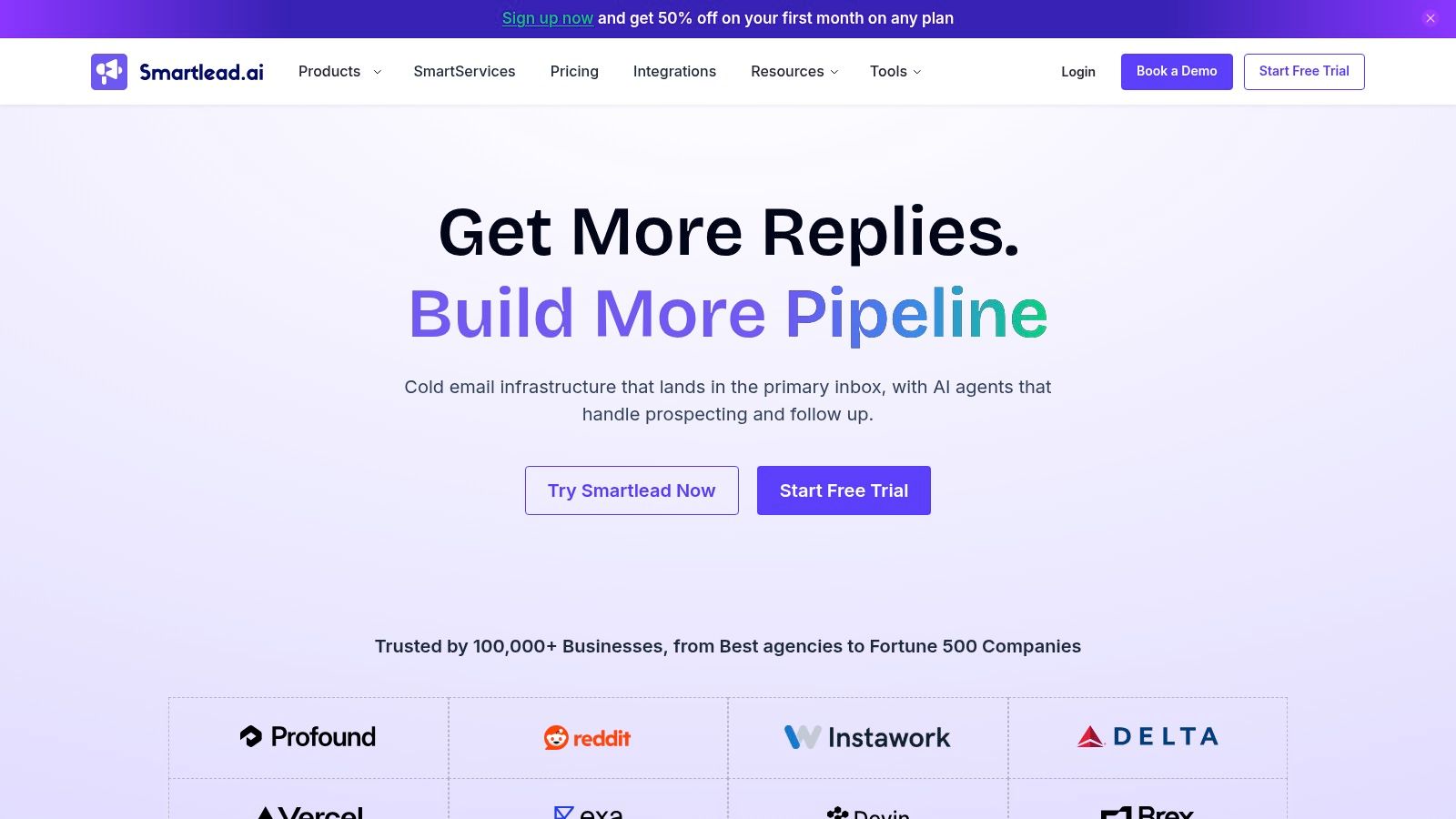
The reason it earns a place here is volume. When you're running dozens of inboxes, the bottleneck stops being copy and becomes infrastructure: warm-up, rotation, placement. SmartServices adds managed targeting, copy, campaign optimization, and reporting, with AI-personalized copy and A/B testing in the service description.
The gap between owning an AI tool and effectively running one causes many teams to stall. The SAS 2025 report found 85% of marketers were using generative AI, but only 15% had fully integrated it into daily workflows. Buying the license is the easy half.
Why teams pick it
- Volume plans: tiers scale from solo outbound to agency operations.
- Multiple inboxes: built for managing many sending accounts at once.
- Execution support: managed services exist if you'd rather outsource.
Why it might not fit
- Email, not DMs: it's a cold-email platform, not a general personalization engine.
- Plan drift: price and included capacity vary by tier and change over time.
- No placement guarantee: warm-up and sending infrastructure don't guarantee the inbox.
Website: Smartlead
5. HubSpot Personalization
HubSpot's personalization tool answers a narrow question well: what should this visitor see on this page? It creates custom versions of web pages, landing pages, and calls to action, and its AI can help produce content variants. Performance tracking for those variants is built in.
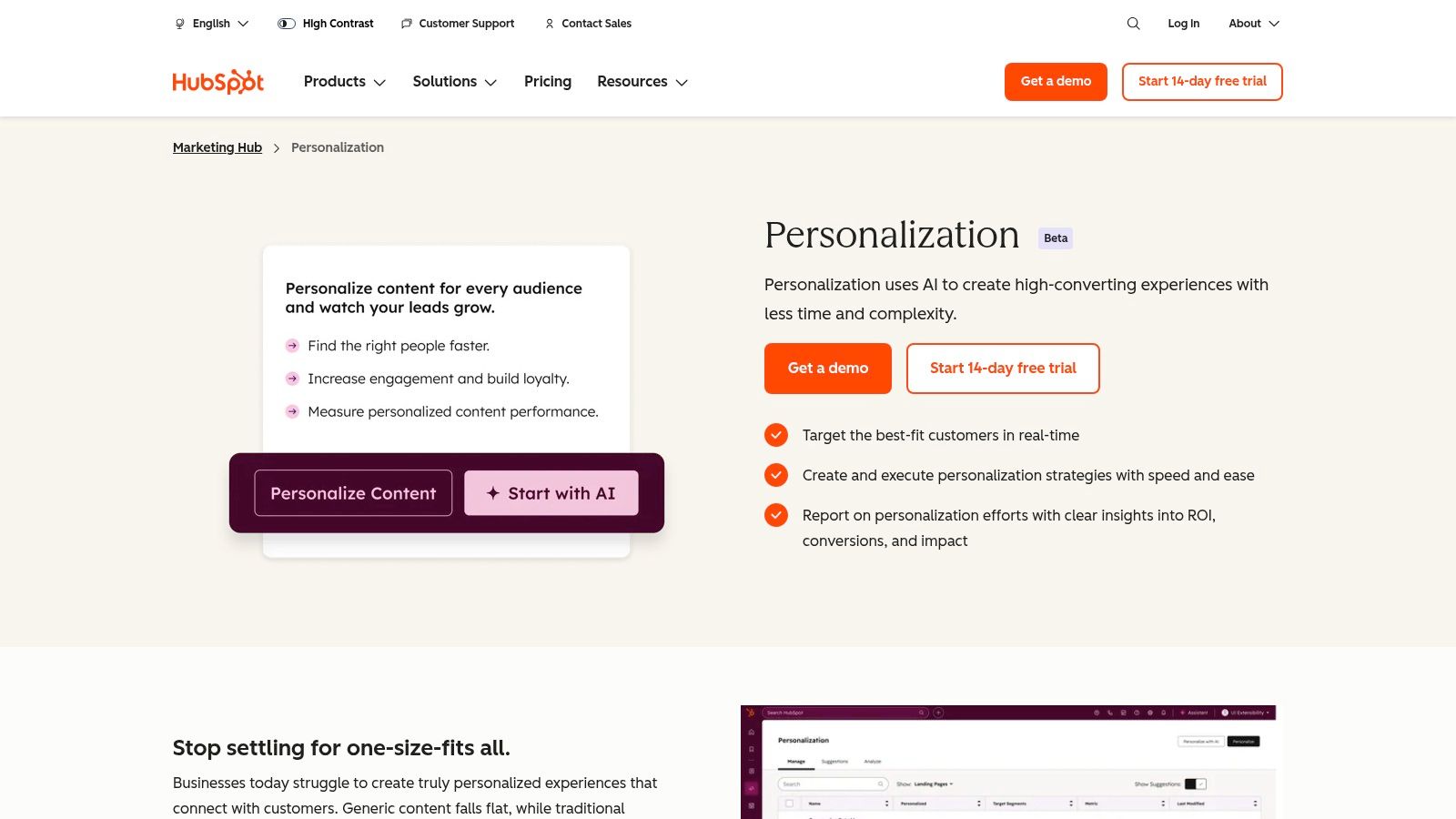
The appeal is CRM context. If contacts and marketing activity already live in HubSpot, the audience data for a personalized page is sitting there. That makes it a sensible extension rather than a new system.
Priority isn't the issue for many teams. Twilio's State of Customer Engagement Report found 94% of customer-engagement leaders considered personalized customer engagement a high or critical priority (Twilio). The issue is channel fit: a personalized landing page still requires the prospect to arrive.
Personalizing the page a prospect lands on is a different job from personalizing the message that gets them there.
Pros
- CRM-native: fits organizations already running HubSpot.
- Connected workflow: content personalization sits inside broader marketing.
- Trial access: plan information is published and some products offer a trial.
Cons
- Beta status: the personalization tool is in beta and needs an eligible paid subscription.
- Tier gate: the advanced tool requires Marketing Hub or Content Hub Professional or Enterprise.
- Suite cost: the wider platform is expensive if you only need personalization.
For a DM-first motion, the more useful discussion is personalized outreach at scale, where the message does the work before any page loads.
Website: HubSpot Personalization
6. Personyze
Personyze is the accessible end of website personalization. It adapts content using behavioral, geographic, referral, CRM, and account signals, ships with A/B testing and recommendations, and includes an AI copilot that helps generate or configure campaigns.
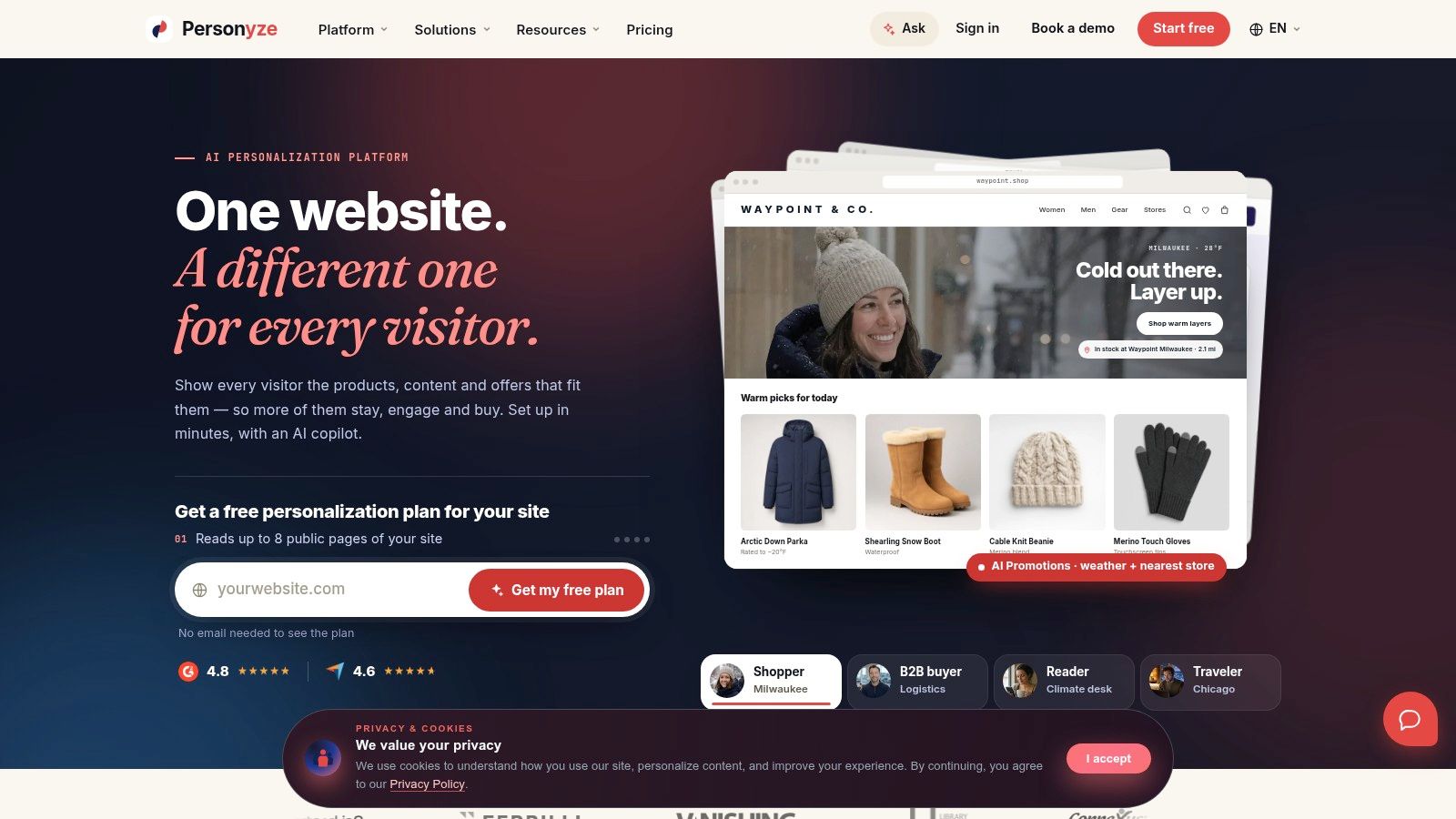
The free tier with no credit card is a genuine differentiator for a founder testing the waters. Pricing and traffic limits are published for several tiers, and the site displays positive G2 and Capterra ratings, so you can scope cost before ever talking to sales.
Consumer appetite for AI-personalized experiences is real but uneven. Forrester's April 2024 Consumer Pulse Survey found that 44% of U.S. online adults who had heard of generative AI approved of brands using it to customize or personalize products (Forrester). That reads as permission for restraint, not a mandate.
The trade-off worth naming: every signal Personyze personalizes on assumes someone is already on your site. For a founder running cold DMs on X, that data does not exist yet, because the first touch happens in the inbox, not on the page.
Pros
- Free plan: no credit card required to start.
- Transparent tiers: pricing and traffic limits are published.
- Custom connections: integrates with common platforms and supports custom work.
Cons
- Page-view scaling: cost rises with traffic and feature requirements.
- Technical lift: some integrations and server-side use cases need engineering time.
- Wrong channel: it personalizes websites and customer experience, not outbound messages.
Website: Personyze
7. Klaviyo Personalization
Klaviyo Personalization is an add-on, and that's the first thing to understand about it. It's for brands that use customer and product data to decide who to contact, what to show, and when to send, and it sits on top of the base email platform rather than inside it.
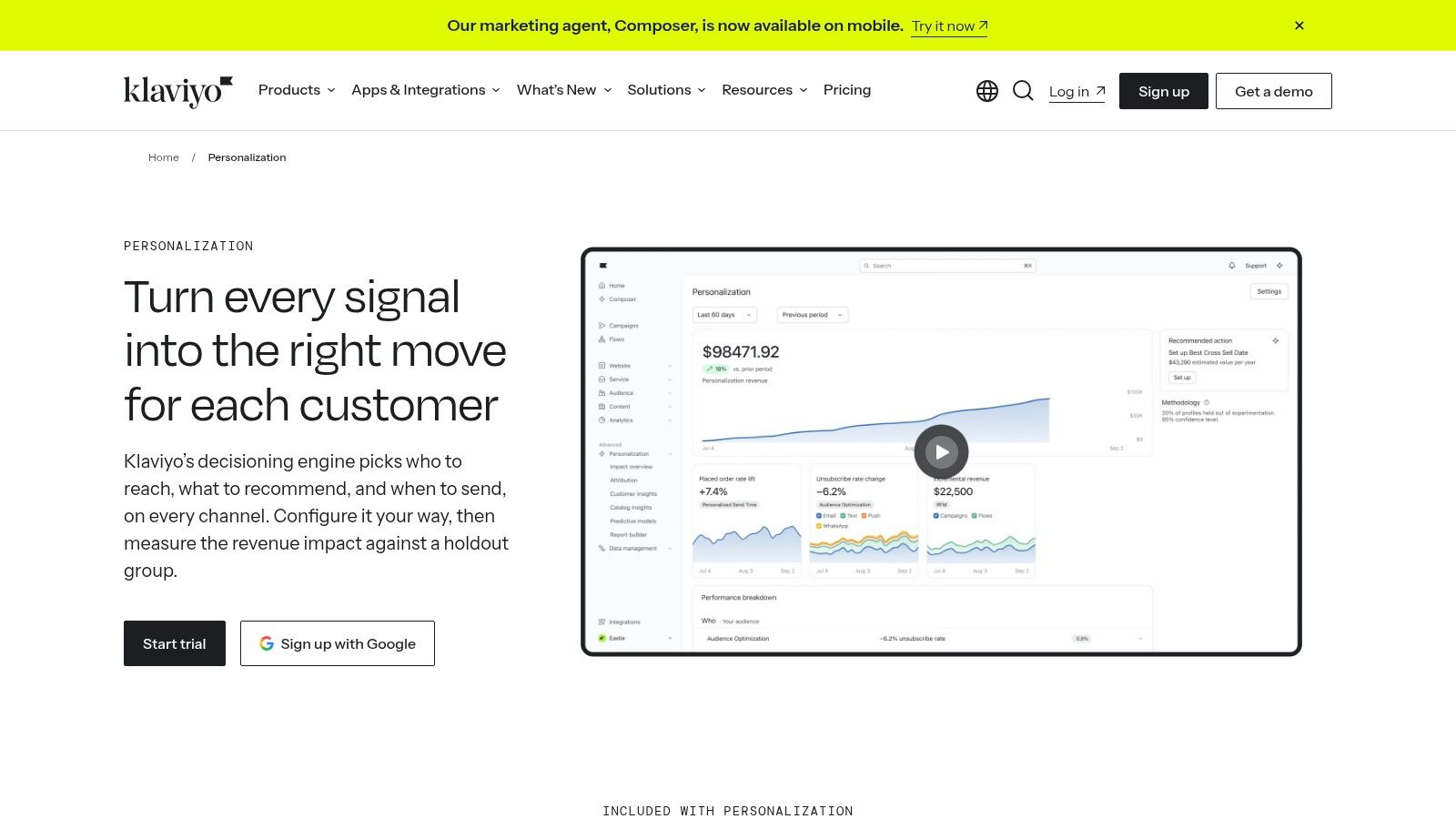
AI handles audience optimization and personalized send times, while product and customer analysis drives recommendations and retention marketing. If you already run e-commerce flows in Klaviyo, this is a short step.
The direction of travel is clear even where execution lags. Twilio Segment's State of Personalization report found more than 70% of brands agreed AI adoption would change personalization and marketing strategies (Twilio Segment).
Where it stops being useful
Cold prospect discovery isn't in scope. Klaviyo personalizes messages to people who already bought, browsed, or subscribed. That's retention work, and it's valuable, but a founder hunting first customers on X needs a different tool.
Pros
- E-commerce native: a natural fit for existing Klaviyo users.
- Real data inputs: uses customer and product data, not just templates.
- Published add-on pricing: described by active-profile count.
Cons
- Not included: personalization isn't part of the base email plan.
- Cost curve: spend rises with active profiles.
- Retention focus: designed for customer marketing, not cold outreach.
Website: Klaviyo Personalization
8. Braze
Braze is the enterprise answer to coordinated engagement. It combines customer data, messaging, journey orchestration, and AI features so interactions stay consistent across digital channels, with AI item recommendations that can be inserted into campaigns.
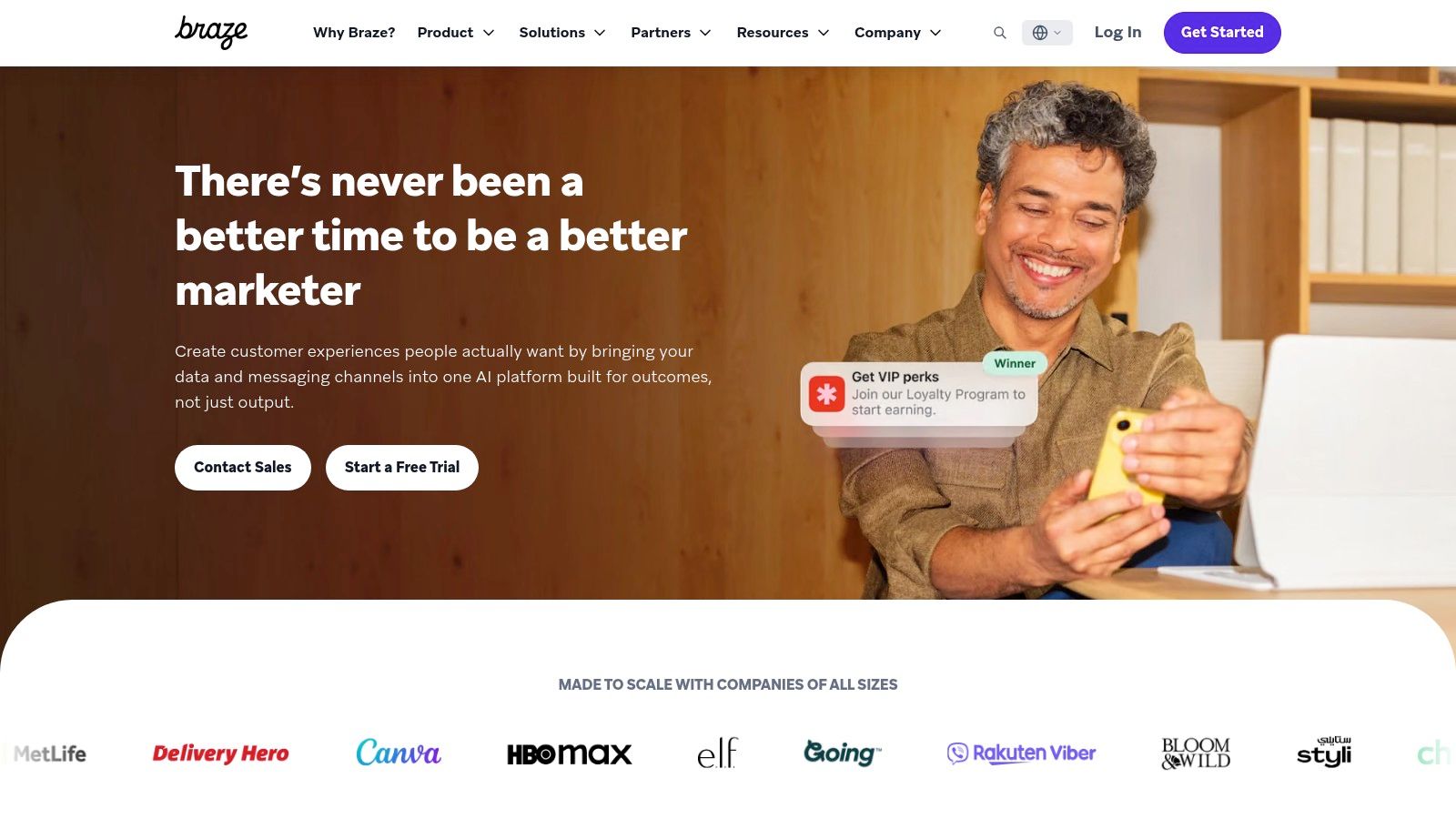
The strength is orchestration across touchpoints. Segmentation, analytics, and campaigns share one platform, and multiple editions serve different levels of scale. If your personalization problem spans app, web, and lifecycle messaging, that consolidation matters.
Expectations are high. Twilio's State of Personalization research found 89% of business decision-makers said AI-driven personalization would be critical to their success over the following three years (Twilio). Platforms like this are built for teams that already believe that and need the plumbing.
One caveat for cold outreach. Braze personalizes messages to customers you already have across channels you already run. It does not find prospects, and it does not send DMs on X, so a founder doing outbound needs something built for that channel.
Buying signal: if nobody on your team owns journey logic, a platform this broad becomes shelfware fast.
Pros
- Real-time engagement: coordinated messaging across customer touchpoints.
- Free trial: the pricing page states one is available.
- Peer rating: well reviewed in G2 comparison data.
Cons
- Sales-led pricing: no standard free plan, and costs depend on active users, profiles, credits, channels, and contract terms.
- Breadth tax: the platform may exceed what a small team can operate.
- Wrong channel: built for lifecycle messaging to existing customers, not cold prospecting.
For founders running nurture sequences by hand before committing to a platform, these lead nurturing best practices cover the logic without the license.
Website: Braze
9. CleverTap
CleverTap is the wrong shape for X prospecting, and that is useful to know early. It serves app and consumer businesses where the message starts from product behavior: segment users by what they did, route them through journeys, then reach them across channels with AI helping on content and orchestration while analytics sit alongside.
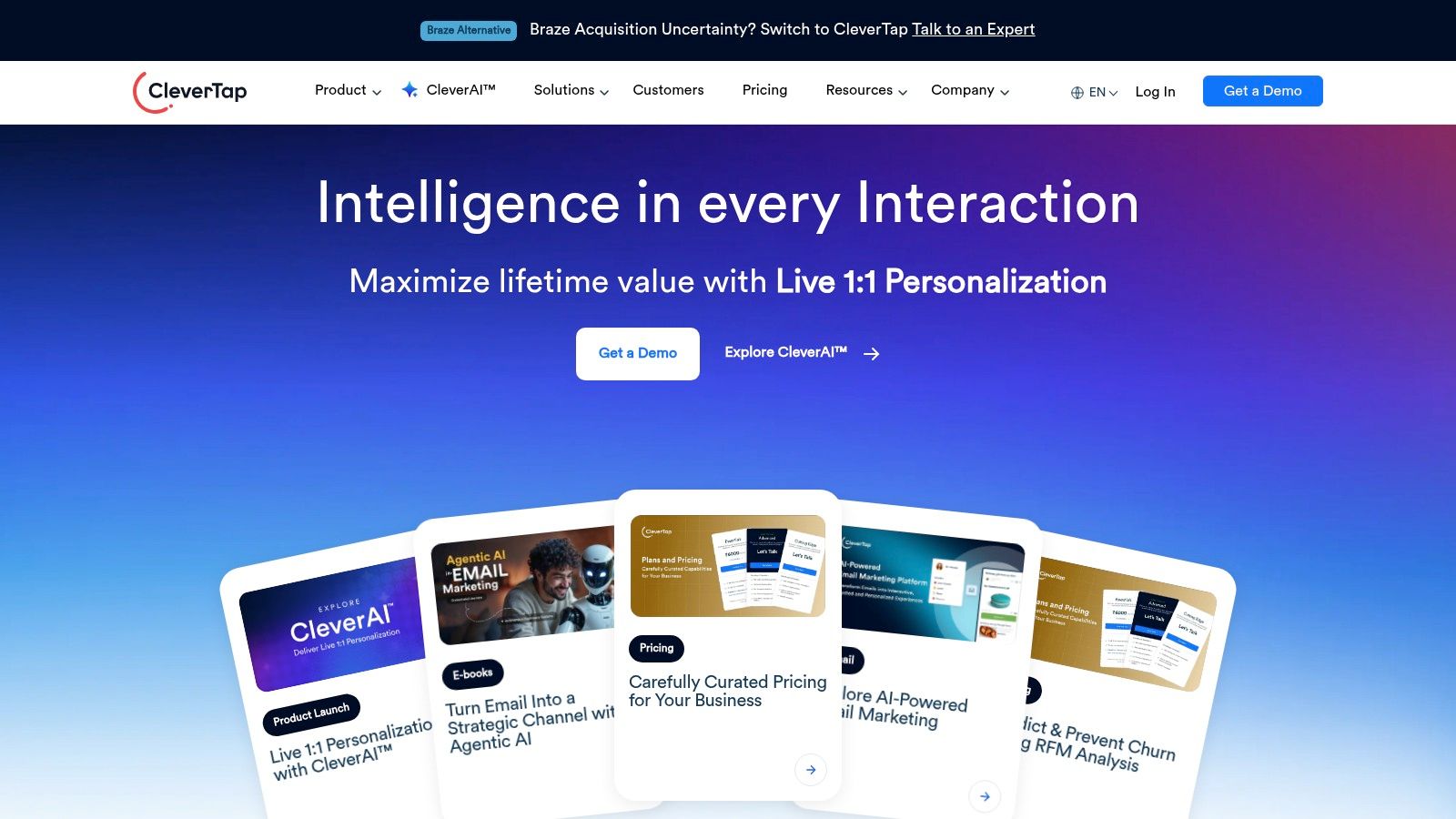
I would test it on one journey before migrating anything. The official site lists a Core plan and a free trial, which gives a bounded way to check whether behavioral journeys and campaign automation fit your team's logic before usage costs and add-ons enter the picture. Review excerpts praise campaign automation, behavioral journeys, and support.
Pros
- Journey automation: behavioral segmentation connects to messaging.
- Bounded evaluation: a Core plan and a free trial are listed.
- Positive review excerpts: users highlight journeys, automation, and support.
Cons
- Usage-based cost: spend depends on plan and usage, and some capabilities are add-ons.
- Feature gating: advanced functionality may require a demo or higher tier.
- Consumer app bias: its core use case is app engagement, not X prospecting.
Website: CleverTap
10. Insider One
Channel fit decides whether Insider One belongs on your shortlist. It bundles customer data, predictive and generative AI, personalization, and journey orchestration into one platform for mid-market and enterprise brands, and buying it commits you to a full platform rollout.
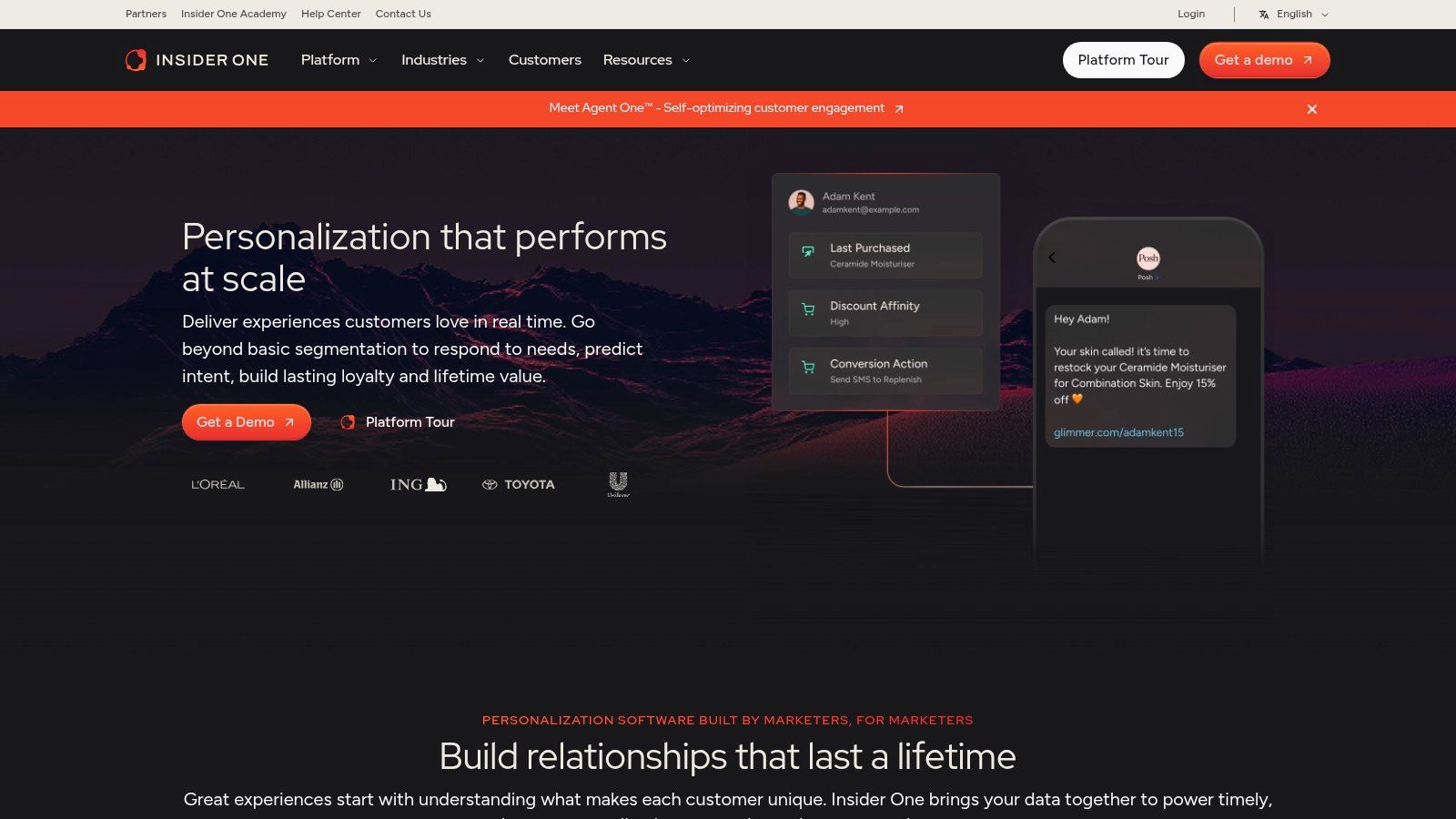
The channel coverage is the draw. Web, app, email, and messaging sit in one place, so fewer separate tools need reconciling. AI assists with segmentation and personalization, product suggestions feed campaigns, and G2 reviewers praise its recommendations, support, and journey reporting.
The transparency question is the one buyers ask least and should ask most. A 2025 review of 522 studies found an inverted-U relationship between algorithmic transparency and trust, where too little explanation feels deceptive and excessive explanation increases discomfort (Atlantis Press). The same review found cultural factors significantly shape trust formation, so one global disclosure formula will not travel well.
None of this helps a founder sending cold DMs on X. There is no outbound function here. The platform personalizes owned channels for companies that already have traffic and customer data to work with.
Pros
- Consolidation: wide channel coverage reduces tool sprawl.
- Reviewer sentiment: G2 excerpts highlight recommendations, support, and journey reporting.
- Enterprise support: implementation help is part of the model.
Cons
- Sales-led pricing: cost depends on deployment and audience size.
- Learning curve: the feature set is wide.
- Wrong channel for DMs: it personalizes owned properties, not X prospecting.
Website: Insider One
How the 10 tools compare on pricing, data inputs, message customization, and best fit
| Item | Pricing Model | Data Inputs | Message Customization | Best For |
|---|---|---|---|---|
| DMpro, Recommended | From $69/month; agency plan $199/month; managed service custom-priced | X followers, communities, replies, keyword conversations, bios, CSV imports, profile posts, websites | AI-personalized X DMs; automated follow-ups and reply-based flows | X prospect discovery and automated DM outreach |
| Clay | Free plan available; usage and credits affect costs | Prospect and company records, multiple data providers, web research | AI-generated personalized email lines based on enriched research | Research-heavy prospecting and email preparation |
| lemlist | User-based campaign pricing; advanced data features use credits | Lead data and buying signals | AI-assisted multichannel sequences, personalized images, LinkedIn voice notes | Multichannel sales outreach |
| Smartlead | Tiered plans; pricing varies by plan and capacity | Email sending accounts and campaign data | AI-personalized copy available through managed services | High-volume cold email and agency operations |
| HubSpot Personalization | Requires eligible paid subscription; advanced tools require Professional or Enterprise | HubSpot CRM and contact context | Tailored web pages, landing pages, calls to action, and content variants | Website personalization for HubSpot users |
| Personyze | Free tier and usage-based paid plans | Behavioral, geographic, referral, CRM, and account signals | AI-assisted website campaigns and recommendations | Website and customer-experience personalization |
| Klaviyo Personalization | Paid add-on; pricing based on active profiles | Customer, product, and cross-channel marketing data | Personalized content, recommendations, and send times | E-commerce lifecycle marketing and retention |
| Braze | Sales-led pricing; free trial available | Customer data, profiles, and channel activity | Personalized cross-channel messages, journeys, and recommendations | Coordinated customer engagement at scale |
| CleverTap | Usage-based; can scale by monthly active users or data points | Customer behavior and engagement data | AI-assisted campaign content and automated journeys | App engagement, analytics, and retention |
| Insider One | Sales-led pricing based on deployment and audience | Customer data and channel interactions | AI-assisted segmentation, recommendations, and campaign personalization | Mid-market and enterprise customer engagement |
Pick the Tool That Matches Your Channel
Start with the channel you sell through, then read the feature list. Every tool above works. Each one just works in a channel that may not be yours.
Website personalization tools like Personyze and HubSpot Personalization assume the prospect arrives on a page you control. Email platforms like Smartlead and lemlist assume an inbox, a domain, and deliverability work. Retention platforms like Klaviyo, Braze, CleverTap, and Insider One assume a customer relationship already exists. Clay sits upstream of all of them, doing the research that feeds whatever channel you pick.
If your outreach lives on X, none of those assumptions hold. You need prospect discovery inside the platform, messages written from recent activity, follow-ups that react to replies, and analytics that separate positive replies from polite noes. That combination is narrower than the market for general personalization, which is exactly why so many roundups skip it.
One caution cuts across every tool here. A 2025 global survey of 500 executives and 5,000 consumers across seven countries found that personalization was a major AI use case for 71% of companies, yet consumers were slightly more likely to say personalization had harmed their overall experience than improved it, 30% versus 26%, with another 44% reporting no impact (Verizon Business). Enrichment is not a success metric. Qualified replies are.
So measure the right thing. Compare generic, lightly personalized, and contextual variants with the same audience and cadence, and watch qualified-reply rate, booked-meeting rate, and opt-out rate rather than opens. Then decide.
If you want to compare prospecting tools by use case before committing, do it with your channel written at the top of the page. Email tools, website personalization, and customer-retention platforms each solve different problems, and none of them is a bad tool, just the wrong one for cold DMs on X. If your outreach lives on X, look for a tool that finds prospects there, writes messages from their recent activity, and handles follow-ups based on replies. If you're tired of manually sending DMs every day, try DMpro.ai for automating cold DMs. It handles outreach and replies while you focus on the rest of the business.
DMpro finds prospects on X, writes a unique message for each one from their profile, recent posts, and website context, then runs the follow-ups and tracks which replies came back. You can set personalization intensity, define brand guidelines, and preview messages before a campaign launches, and plans start at $69 a month for Pro with 5 X accounts or $199 a month for Agency with unlimited accounts. Visit DMpro to see how the campaign builder, reply analytics, and managed service work together before you commit to a monthly plan.
Ready to Automate Your Twitter Outreach?
Start sending personalized DMs at scale and grow your business on autopilot.
Get started