
How to Schedule Posts on Twitter and Turn Your Feed into a Lead Machine
Learn how to schedule posts on Twitter (now X) to save time, stay consistent, and generate more leads. A practical guide for founders and marketers.
As a founder, you can't be manually posting on Twitter all day. Your time is better spent building your product or talking to customers. Scheduling your posts isn't just about saving time; it's about building a system that warms up leads for you, 24/7.
You can use Twitter's built-in scheduler for the basics, but the real power for scaling your SaaS comes from dedicated tools. A solid scheduling setup keeps you in front of your audience, building trust and authority even when you're offline.
Why Scheduling Your Twitter Content Is a Growth Engine
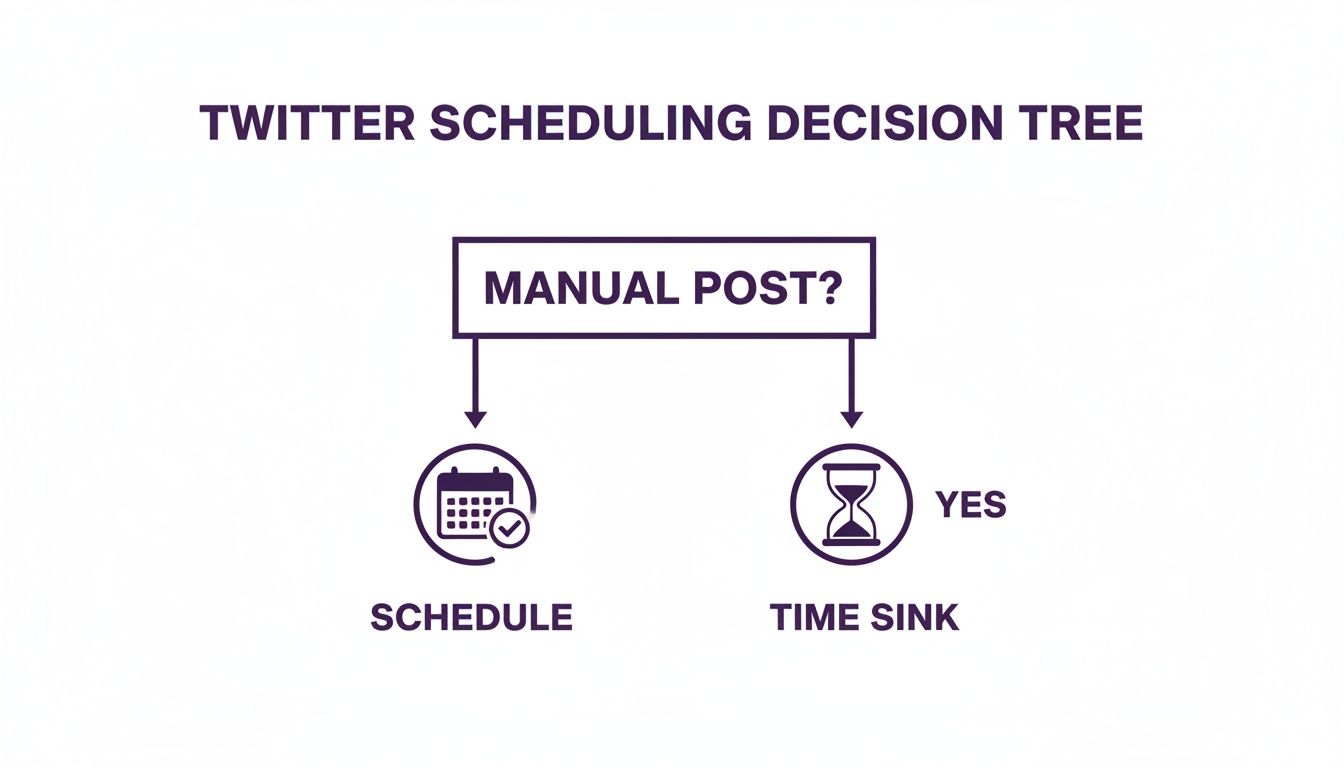
Your time is your most valuable asset. Manually tweeting every day is a time sink that pulls you away from high-impact work like closing deals or product development. Scheduling isn't a shortcut; it's a strategic move to build a predictable pipeline.
Imagine a potential lead lands on your profile late at night. If your last post was 12 hours ago, your brand feels dormant. But if they find a fresh, insightful tweet, you instantly look active and engaged. An always-on presence works for you around the clock.
Build a Predictable Sales Pipeline
Consistent posting isn't just about looking busy. It's about laying a foundation of content that educates and warms up leads before you ever reach out. Every scheduled tweet is a chance to showcase your expertise, share customer success, or solve a small problem for your ideal buyer.
This constant value builds trust. So when you eventually slide into their DMs, it doesn't feel cold. It feels like the next logical step in a conversation you've already started. This is a key part of the Twitter marketing strategies we live by.
The goal isn't just to publish content. It's to build an automated system that primes your audience for a sales conversation. Your scheduled content becomes the top of your funnel, nurturing leads while you focus on scaling.
Turn Consistency into Conversions
This isn't just theory. Businesses that maintain a consistent content calendar see their pipeline grow. Why? Because their audience already knows, likes, and trusts them. We've seen that accounts using a scheduler can outperform manual posters in reach simply because they never miss peak engagement times. You can discover more insights on the impact of scheduling.
For founders, agencies, and B2B sales teams, this is a game-changer. It frees up hours you can reinvest into sales calls. When you pair a smart content schedule with an outreach tool, you create a powerful lead generation machine. Your content warms them up, and an automated tool like DMpro can start the one-on-one conversation, turning engagement into pipeline.
Choosing Your Twitter Scheduling Toolkit
Alright, you're sold on scheduling. Now what? The market is full of tools, and it's easy to get overwhelmed. It boils down to three options, and your choice depends on your budget, how many accounts you're running, and if you need deep analytics or just want to "set it and forget it."
The easiest place to start is with Twitter’s own native scheduler. It’s free, built-in, and perfect for basic scheduling. If you're just starting to plan your content for a single account, this is your best bet. No frills, just a simple way to queue up posts.
The Native and Pro Options
For sheer simplicity, you can't beat Twitter's own scheduler. You write a tweet, click the calendar icon, pick a date and time, and you're done. It's a no-brainer for getting your first few posts scheduled without learning a new platform.
If you're managing more than one account, check out X Pro (formerly TweetDeck). It's also free and gives you a dashboard to monitor multiple timelines, mentions, and DMs in one place. It includes scheduling, making it a solid step up from the basic option at no extra cost.
When to Upgrade to a Dedicated Tool
This is where things get serious for founders focused on scaling. Free tools are great for starting out, but dedicated third-party platforms are built for growth. They turn scheduling from a simple time-saver into a core part of your distribution strategy.
These tools solve problems the native options don't, with features like:
- Bulk Scheduling: Upload an entire month of content from a single spreadsheet.
- AI-Powered Timing: Get recommendations for the absolute best times to post for max engagement.
- Deep Analytics: See which content actually drives clicks and conversions, not just likes.
- Content Recycling: Automatically re-share your best evergreen content so it keeps working for you.
When you're building a predictable sales pipeline, these features are essential. It's worth looking at a roundup of the best social media scheduling tools to see what's out there.
The real power move is connecting your scheduling to your outreach. Imagine scheduling a week of high-value content, then using a tool that provides Twitter automation to send DMs to people who engage. With DMpro, for instance, your messages land with a warmed-up audience, which massively boosts reply rates. Your content and outreach start working together as one cohesive system.
Twitter Scheduling Tool Comparison
Here’s a quick breakdown to help you decide which path is right for you.
| Tool | Best For | Key Feature | Limitation |
|---|---|---|---|
| Native Twitter Scheduler | Founders and solopreneurs with one account | Simple, free, and built-in | No bulk scheduling or advanced analytics |
| X Pro (TweetDeck) | Anyone managing a few personal/brand accounts | Multi-account dashboard view | Lacks deep analytics and team features |
| Third-Party Tools (e.g., Buffer, SocialBee) | Growth teams, agencies, and serious founders | Advanced analytics, bulk scheduling, AI timing | Requires a paid subscription |
| Integrated Growth Platforms (e.g., DMpro) | Sales-focused founders and teams | Combines scheduling with outreach automation | Focused specifically on lead generation workflows |
Start simple and upgrade as you scale. The right tool is one that fits your current workflow but has the features you'll need tomorrow.
Getting Your First Tweet and Thread on the Schedule
You're ready to get your first week of content scheduled and running on autopilot. This is where you free yourself up to actually talk to prospects instead of just broadcasting at them.
Let’s walk through how to schedule a single tweet and then a full thread.
We'll start with Twitter's native scheduler. It's free, easy, and you don't have to leave the site.
Here’s how to schedule a tweet directly on X:
- Open the post composer: Hit the blue "Post" button on the desktop site.
- Write your tweet: Craft your message. Add your image, GIF, or poll.
- Find the schedule icon: At the bottom of the composer, click the small calendar icon.
- Pick your date and time: A calendar will pop up. Select when you want the tweet to go live.
- Lock it in: Click "Confirm," then hit the final "Schedule" button. Your tweet is now queued up.

That's it for a single post. But what about those powerful, multi-part threads that establish your authority?
How to Schedule a Twitter Thread
Threads are where you can go deep on a topic and really showcase your expertise. But posting a long thread manually is a recipe for typos and awkward delays. Scheduling is the only sane way to do it.
While you can build a thread in Twitter's native scheduler, many third-party tools offer a much cleaner workflow. They give you a better visual of the entire thread, so you can see how it flows before it goes live. If you plan to use rich media, it's worth learning how to schedule Twitter threads effectively to make your content stand out.
Pro Tip: The first tweet in your thread must be a strong hook. If it doesn't grab attention, no one will click to read the rest. Numbering your tweets (e.g., 1/5) also helps guide the reader.
Once your posts are scheduled, the real work begins. With your content on autopilot, you now have time for high-leverage activities like replying to comments and jumping into DMs—the conversations that actually build relationships and close deals.
When that scheduled content starts getting traction, you need a way to convert that interest into leads. This is where a tool like DMpro comes in. You can set up automated DM campaigns that engage people who interact with your posts, sparking sales conversations while you focus on other things.
Finding the Best Times to Post on Twitter
Posting consistently is half the battle. If you schedule posts on Twitter when your audience is offline, you're just talking to an empty room. Timing is everything.
So, when is the best time? The data points to a clear pattern: weekdays between 9 AM and 2 PM are prime time. Engagement typically peaks between 10 AM and 12 PM.
Wednesday is often the strongest day, but Tuesday and Thursday are close behind. Why does this matter? Twitter's algorithm favors recency. Tweets that get engagement in the first hour get shown to more people. You can dig deeper and see what drives these trends for yourself.

Find Your Unique Engagement Window
Those general stats are a great starting point, but your ideal customer has their own schedule. The real gold is in your own data.
This is where Twitter Analytics becomes your best friend. It’s a free tool that shows you exactly when your followers are most active and when your content performs best.
Don't just copy what everyone else is doing. Spend 15 minutes a week in your analytics dashboard. It will tell you more about your audience than any generic report ever will.
Head to your analytics dashboard and click the "Tweets" tab. Export your activity to see which days and times deliver the highest impressions and engagement. If you see a spike every Tuesday morning, that’s your new prime-time slot. We have a guide that helps you get the most out of your Twitter analytics account.
How Often Should You Post
Once you know when to post, the next question is how often. It’s a balancing act. You want to stay top-of-mind without annoying your followers.
For most B2B and SaaS founders, the sweet spot is 2-5 tweets per day. This is frequent enough to stay relevant in the fast-moving feed and hit different time zones.
Try this simple posting formula:
- 1 Value Tweet: Share a useful tip or insight.
- 1 Engagement Tweet: Ask a question or run a poll.
- 1 Social Proof Tweet: Post a customer testimonial or case study.
Scheduling this mix ensures you're building a community, not just a megaphone. When engagement rolls in, you can use a tool like DMpro to automatically start a conversation. Imagine someone likes your case study tweet and instantly gets a personalized DM. That’s how you connect scheduling to actual lead generation.
Advanced Strategies for Lead Generation
<iframe width="100%" style="aspect-ratio: 16 / 9;" src="https://www.youtube.com/embed/y0JqGv8N93A" frameborder="0" allow="autoplay; encrypted-media" allowfullscreen></iframe>Once you master basic scheduling, it's time to build a true lead machine. This is about shifting from being just active to being strategic.
Two of the most effective tactics are creating an evergreen content library and establishing clear content pillars.
Build an Evergreen Content Library
Think of an evergreen library as your "greatest hits"—timeless posts you can schedule and reuse. These aren't tied to a specific event. They are the core frameworks and insights that your audience will always find valuable.
By sprinkling these into your schedule, you ensure new followers see your best stuff. It also fills gaps in your content calendar, relieving the pressure to constantly create something new. It’s your automated value engine.
The magic of an evergreen library? It keeps your profile packed with value, making a powerful first impression on every new visitor.
This approach is killer for lead generation. Schedule a week of content focused on a single customer pain point. This warms up your audience by getting them thinking about the exact problem your product solves.
When you follow up with a targeted outreach campaign, your message lands perfectly. For example, after a week of posts about scaling distribution, an automated DM from a tool like DMpro about their outreach process will get much higher reply rates because you've already set the stage.
Coordinate Schedules Across Multiple Accounts
If you run multiple brands or manage client accounts, coordinating your schedules is a huge advantage. You can amplify your message by having different accounts engage with each other's posts at the right moments. This creates a wave of activity that the algorithm loves.
This isn't about being spammy; it's about orchestrating a conversation. Here's a simple workflow:
- Account A (Founder): Posts an insightful thread.
- Account B (Company): A few hours later, retweets the thread with commentary.
- Account C (Team Member): Jumps into the replies to spark more discussion.
This makes your content feel more authoritative and boosts its reach. A third-party tool with team features makes managing this seamless.
Of course, consistency is everything. The median posting frequency on Twitter is around 3-4 tweets per day, and accounts that hit this range see significantly higher engagement. Scheduling lets you achieve this pro-level consistency without burning out. You can learn more about how posting frequency drives Twitter growth to dial in your strategy.
Got Questions? Here Are Some Answers
As you dive into scheduling, a few practical questions will pop up. As founders, we need a workflow that’s efficient and effective. Let's tackle some common ones.
First, can you schedule tweets from the X mobile app? The short answer is no, not yet. The native scheduler is still a desktop-only feature. If you need to manage your content on the go, a third-party tool is your best bet.
How Do I Manage or Edit My Scheduled Posts?
What if you schedule a post and then spot a typo or need to update a link? Don't worry, your scheduled content isn't set in stone.
Finding and editing your scheduled posts on the X website is easy.
- Click the blue "Post" button to open the composer.
- In the composer window, find the link for "Unsent Tweets".
- Click that, then go to the "Scheduled" tab. Everything you've queued up will be there.
From this screen, you can edit the text, swap the image, or choose a new time. Many third-party tools make this even easier with a visual calendar view, letting you drag and drop posts to reschedule them in seconds.
Is It Okay to Automate Everything?
This is a critical question: what's the right balance between scheduled posts and live engagement? While scheduling is a huge time-saver, you don't want your account to feel like a robot is running it.
A good rule of thumb is to schedule your foundational, high-value content—your insights, tips, and case studies—while leaving room for real-time interaction.
Think of your scheduled content as the foundation of your house. It provides structure and value. Your live engagement—replying to comments, jumping on trends—is how you furnish the rooms and make it a place people actually want to be.
This hybrid approach keeps your feed active and valuable without sacrificing authenticity. The point of scheduling is to free up your energy for the human conversations that build relationships and drive sales. For example, when a scheduled post performs well, you can use a tool like DMpro to automatically send a personalized message to those who engaged. That's how you turn a simple like into a potential sales conversation.
If you’re tired of manually sending DMs every day, try DMpro.ai — it automates outreach and replies while you sleep.
Ready to Automate Your Twitter Outreach?
Start sending personalized DMs at scale and grow your business on autopilot.
Get Started Free