
Best Lead Generation Automation Tools for Founders in 2025
Discover the top lead generation automation tools for founders in 2025 to boost leads, automate outreach, and grow faster.
As a founder, your time is everything. But how much of it gets eaten up by manual lead gen? Prospecting, outreach, follow-ups—it's a grind that just doesn't scale.
The good news? You don't have to choose between growth and burnout. The right lead generation automation tools can build a predictable pipeline while you focus on what actually matters: building your product and talking to customers.
But with hundreds of options out there, which ones actually work for a founder scaling a SaaS or an agency building a client base? Forget the enterprise fluff and bloated platforms that need a whole team to run. This guide is a founder-to-founder look at the tools that can genuinely move the needle.
We'll cut through the noise to give you a clear, honest take on each one. Since so many of us are using Twitter to find customers, we'll pay extra attention to tools that help with that, especially for automating outreach.
Here's what we'll cover:
- Practical Use Cases: How to actually use each tool for specific growth problems.
- Honest Pros and Cons: A balanced view of what’s great and what’s not.
- Pricing Breakdowns: How much you'll need to invest as you grow.
- Onboarding Tips: How to get started fast and avoid common mistakes.
Let's find the right automation stack to build your pipeline.
1. DMpro
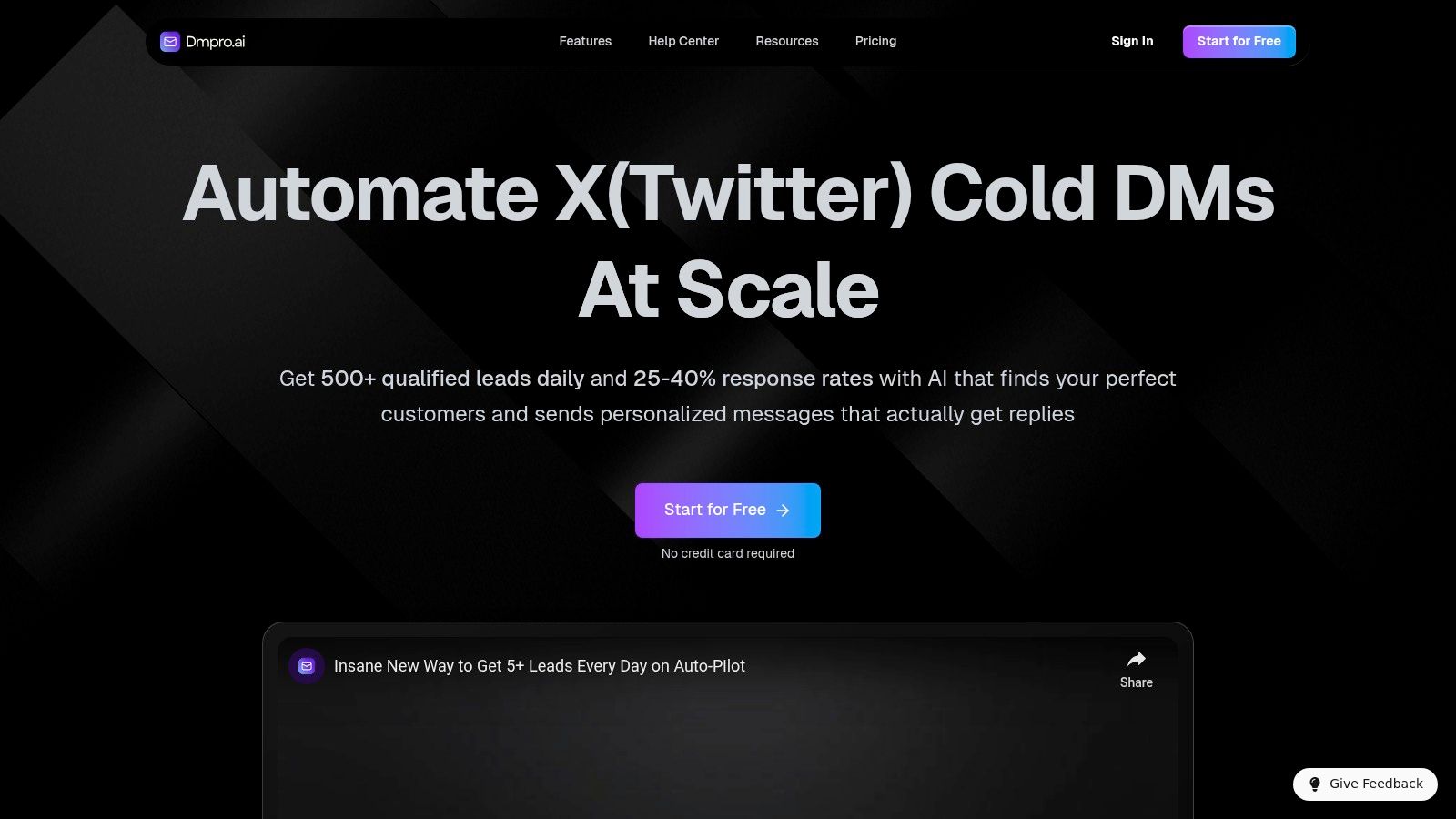
If you're using X (formerly Twitter) to find customers, DMpro is a game-changer. It's an AI-powered tool built specifically to automate cold DM outreach, turning a manual, time-sucking task into a system that runs 24/7. You just tell it who your ideal customer is, and the AI goes to work finding and engaging hundreds of them every day.
This tool is perfect for founders, sales reps, and marketers who need a steady flow of conversations without living on Twitter. The magic is in how it combines scale with smart personalization. The AI doesn't just spam generic messages; it uses a prospect's name, interests, and recent tweets to make the outreach feel human, which is why users report response rates as high as 25-40%.
Key Features & Use Cases
DMpro is built for serious outbound. If you're running multiple accounts for your agency or just want to maximize reach without getting banned, the built-in safety features are a huge plus.
- AI-Powered Lead Discovery: The AI scans thousands of profiles and brings you over 500 targeted leads a day based on your criteria. Perfect for SaaS founders needing demo requests or coaches looking for clients.
- Hyper-Personalized DMs: Messages are automatically customized. Imagine sending a DM that mentions a prospect's recent tweet about a problem your product solves. That's what this does.
- Advanced Safety Controls: To keep your accounts safe, DMpro rotates between them, monitors their health, and has automatic safety stops. This helps you avoid getting flagged by Twitter, a must-have for anyone automating outreach.
- Efficient Campaign Management: Run as many campaigns as you want, use smart templates, and see all your message history. It’s like a command center for your Twitter outreach.
Pricing and Onboarding
DMpro’s pricing is straightforward and scales with your team.
- Starter: $41/month (billed annually)
- Growth: $103/month (billed annually)
- Elite: $138/month (billed annually)
- Enterprise: Custom plans are available for larger teams.
You can try it out with a free trial that gives you 100 DMs (no credit card needed), and there's a 30-day money-back guarantee. You can get your first campaign live in about 15 minutes.
Pros and Cons
| Pros | Cons |
|---|---|
| High-Scale Personalization: AI-driven lead discovery and messaging drives high response rates. | Platform Dependency: Relies entirely on X/Twitter's policies, which can change unexpectedly. |
| Built-in Safety Features: Multi-account rotation and health monitoring reduce account risks. | Requires Strategic Input: Success depends on well-defined targeting and strong message copy. |
| Flexible & Accessible: Offers a free trial, money-back guarantee, and scalable pricing plans. | Poor follow-up can diminish the value of the initial automated outreach. |
| Workflow-Optimized: Designed for teams with features like multi-account management. |
Website: https://dmpro.ai
2. HubSpot — Marketing Hub and Sales Hub
HubSpot is the all-in-one beast for marketing, sales, and customer service. It's great for lead gen because it connects everything to its powerful CRM. You can build landing pages, sync leads from ads, and create automated email workflows that trigger based on what people do on your site.
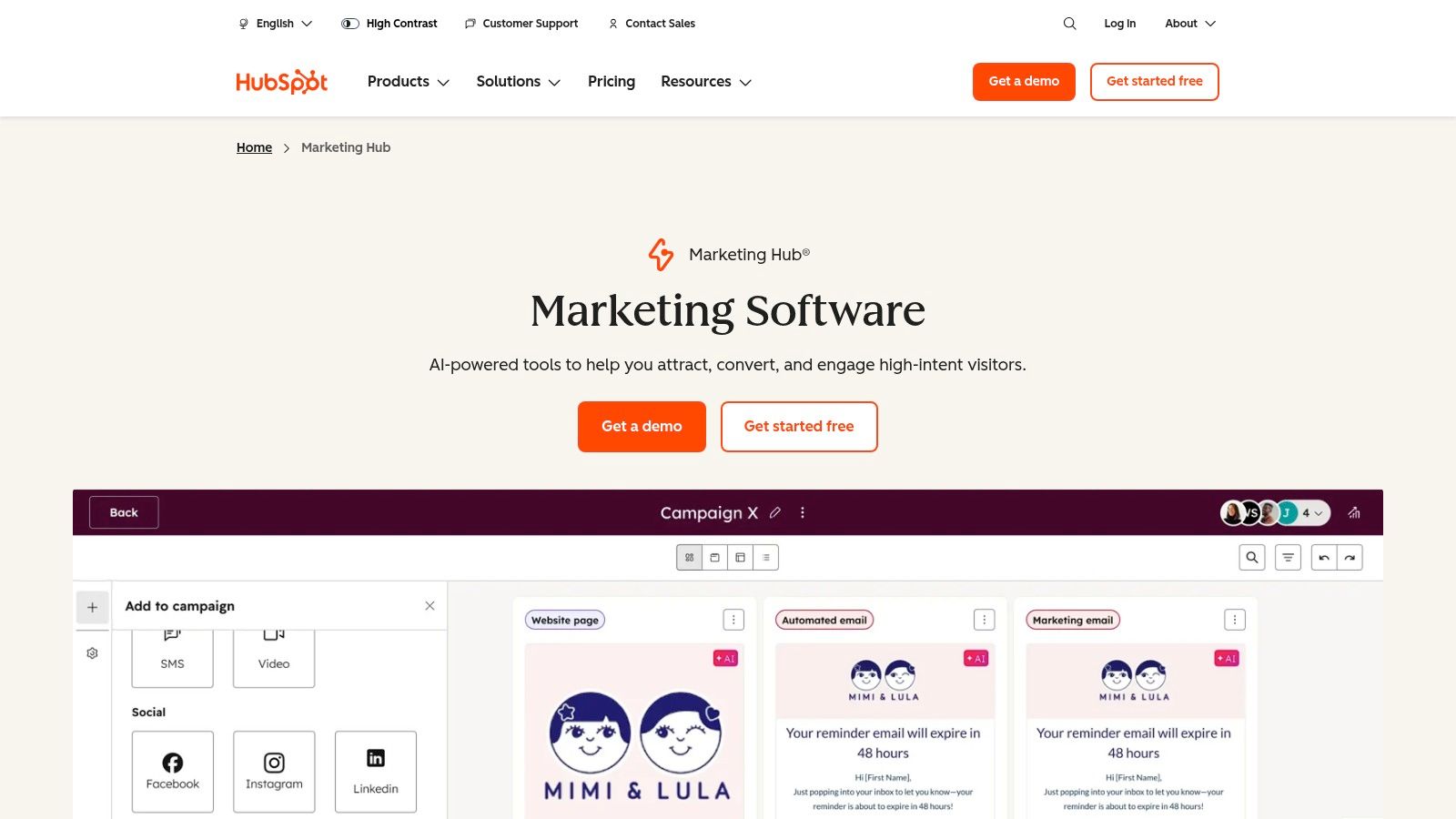
What makes HubSpot powerful is how its automation is tied to CRM data. Every action—opening an email, visiting the pricing page—can be used to score a lead and move them through your pipeline automatically. While its strength is email and on-site automation, you can use Zapier to connect tools like DMpro.ai to log your Twitter outreach right into HubSpot.
Key Features & Considerations
- Best Use Case: Teams that want a single source of truth for all their customer data and need powerful, built-in automation.
- Pricing: The free tier is great for getting started. Paid plans start at $18/month (billed annually) for 1,000 marketing contacts, but costs can climb quickly as your list grows.
- Pros: The ecosystem is massive, with tons of integrations. The workflow builder is intuitive, and the reporting is top-notch.
- Cons: The contact-based pricing gets expensive fast. You really have to model your costs as you scale.
3. Salesforce Marketing Cloud Account Engagement (formerly Pardot)
If your company runs on Salesforce, this is your B2B marketing automation tool. It used to be called Pardot, and it’s built for deep integration with the Salesforce CRM, which is perfect for aligning sales and marketing teams. It's designed for long, complex B2B sales cycles with sophisticated lead nurturing and scoring.
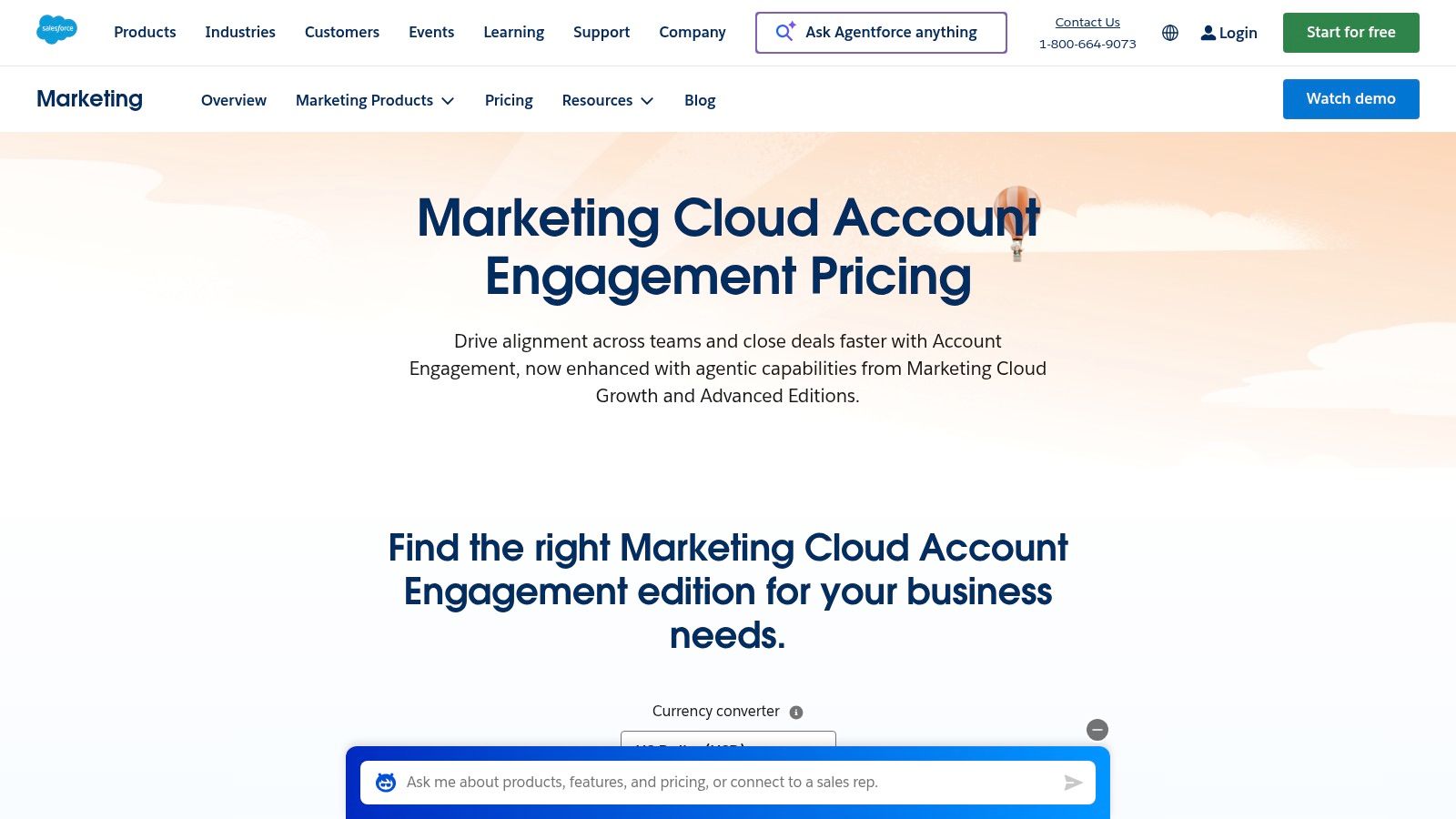
What makes it unique is its laser focus on the Salesforce CRM. Every lead action is logged right in Salesforce, giving sales reps a crystal-clear view of a prospect's journey. This helps you score leads accurately and automatically route the best ones to the right reps at the right time.
Key Features & Considerations
- Best Use Case: B2B companies that are all-in on Salesforce and need enterprise-grade marketing automation.
- Pricing: Starts at $1,250/month (billed annually) for up to 10,000 contacts. It's a serious investment.
- Pros: The native sync with Salesforce is seamless. It's built for complex B2B sales and account-based marketing (ABM).
- Cons: There’s a steep learning curve and the setup is complex. The price tag makes it a non-starter for most small businesses.
Visit Salesforce Account Engagement
4. Adobe Marketo Engage
Marketo is another enterprise-level marketing automation tool built for complex B2B sales. It's one of the most powerful lead generation automation tools for companies that need deep customization and want to track revenue from every marketing touchpoint. You can build highly personalized journeys across email, web, and social, scoring leads with very detailed rules.
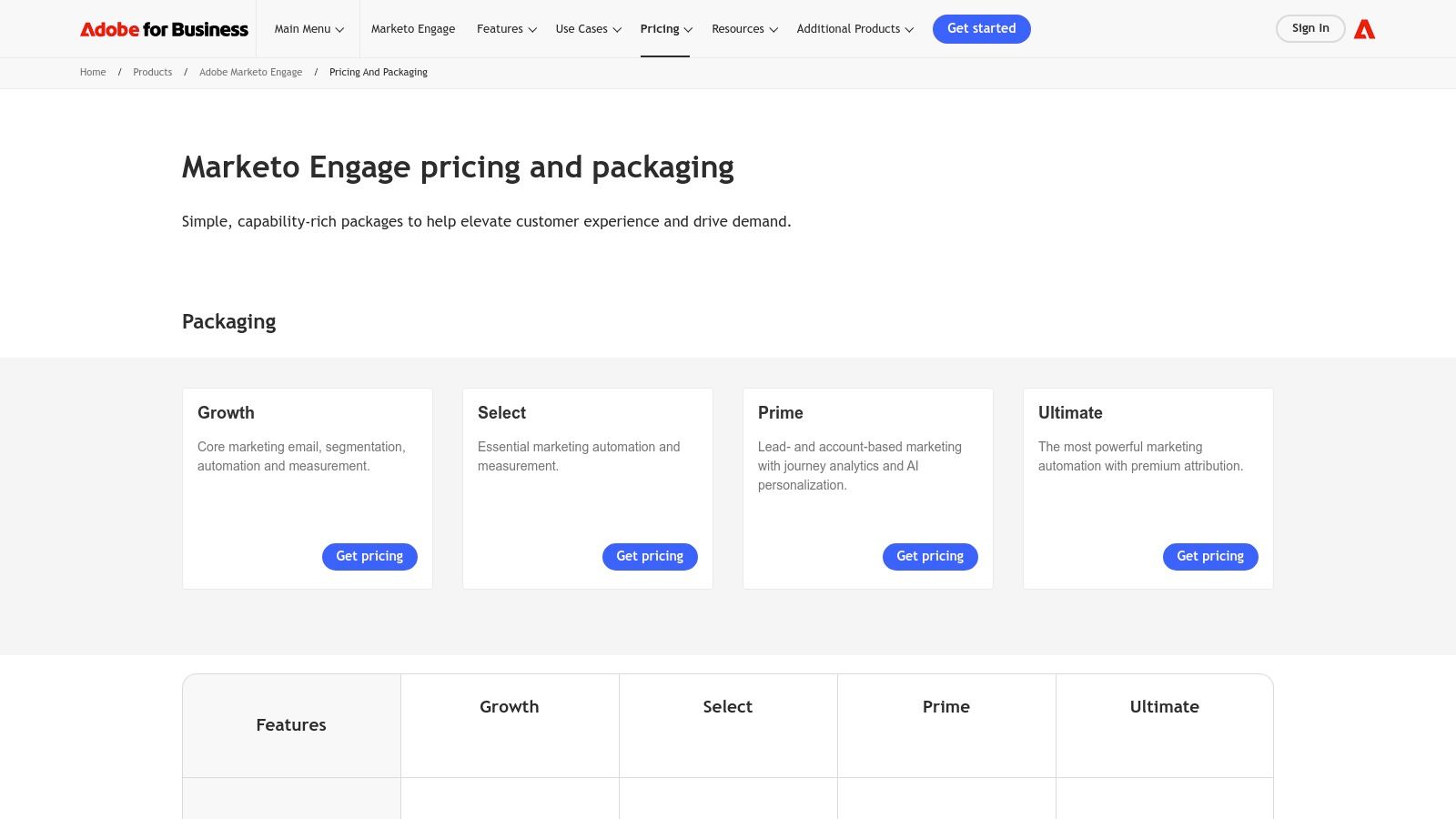
Marketo stands out by focusing on the entire revenue cycle, from an anonymous visitor to a loyal customer. It's great for account-based marketing (ABM). While it doesn't have native Twitter DM automation, you can use Zapier to push leads captured with a specialized tool like DMpro.ai into Marketo to trigger advanced nurturing campaigns.
Key Features & Considerations
- Best Use Case: Large B2B companies with dedicated marketing ops teams who need to manage complex, multi-channel funnels.
- Pricing: Quote-based. It's a premium solution for organizations with big budgets.
- Pros: Extremely powerful automation, enterprise-level controls, and best-in-class features for tracking marketing ROI.
- Cons: Very steep learning curve; you often need a certified expert to run it. The high cost makes it inaccessible for startups and SMBs.
5. ZoomInfo — SalesOS, Engage, data/intent add-ons
ZoomInfo is a beast for B2B sales teams that need high-quality contact and company data to fuel their outbound machine. It combines a massive B2B database with intent signals (who's searching for your solution) and a sales engagement platform. You can build super-targeted lists and push them directly into automated outreach sequences.
What makes ZoomInfo so effective is that it provides the foundational data layer for your whole sales process. Instead of guessing who to contact, it gives you direct phone numbers, verified emails, and insights into which companies are actively in-market. This ensures your sales team is always working with the best possible information.
Key Features & Considerations
- Best Use Case: Mid-market and enterprise sales teams running high-volume outbound campaigns who need accurate data and intent signals.
- Pricing: Custom-quoted and premium. It usually requires an annual contract and isn't cheap.
- Pros: The data accuracy is exceptional, especially for US contacts. Having data, intent, and engagement tools in one platform is convenient.
- Cons: It's expensive, and there are lots of add-on fees. The annual contract makes it tough for early-stage startups to commit.
Visit ZoomInfo
6. Apollo.io
Apollo.io has become a founder favorite. It gives you a huge B2B lead database and a multi-channel outreach tool in one affordable package. You can find contacts, verify their info, and enroll them in automated email and call sequences without leaving the platform. It's a great all-in-one for prospecting and engagement.
What's great about Apollo is that it combines data and action at a price startups can actually afford. While it doesn't do Twitter outreach, you can use it to find great leads and then send them over to a specialized tool like DMpro.ai to automate the Twitter DMs. This creates a powerful workflow for multi-channel outbound.
Key Features & Considerations
- Best Use Case: Sales teams and founders focused on data-driven outbound who need a cost-effective tool.
- Pricing: The free plan is very generous. Paid plans start at $49/user/month (billed annually) for more credits and features.
- Pros: Combines a high-quality database with sequencing tools in one easy-to-use platform. The free tier makes it easy to get started.
- Cons: Managing credits can be a pain if you're doing high volume. The coolest features are locked behind the more expensive plans.
7. LinkedIn Sales Navigator
For B2B founders, LinkedIn Sales Navigator is non-negotiable. It turns regular LinkedIn into a powerful sales tool, helping you find and engage the right buyers with incredible precision. The advanced search filters, lead recommendations, and real-time alerts are a cornerstone of any serious B2B outreach strategy.
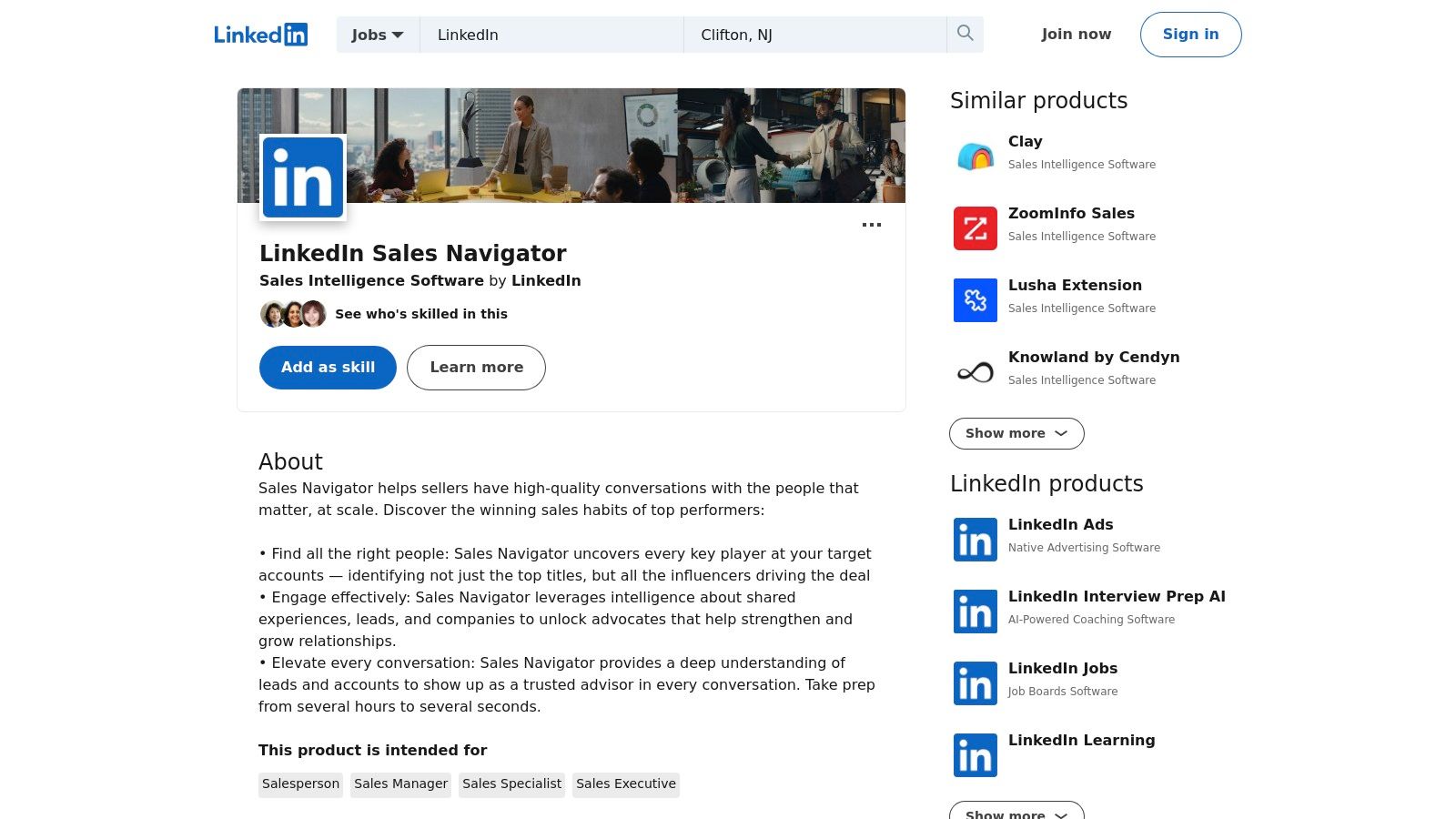
What makes Sales Nav so effective is having direct access to LinkedIn's data—it's the most up-to-date professional info you can get. You can build hyper-targeted lead lists and map out entire accounts. While it doesn't automate outreach itself, it gives you the high-quality data you need for tools that do. For a deeper look, you can learn more about using LinkedIn Sales Navigator effectively to fuel your pipeline.
Key Features & Considerations
- Best Use Case: B2B sales teams and founders who need precise targeting and deep account intelligence, especially for account-based marketing (ABM).
- Pricing: Starts at $99.99/user/month ($79.99/month if you pay annually). The more advanced tiers with CRM integrations cost more.
- Pros: Access to the best professional dataset in the world. Excellent for finding key decision-makers and tracking job changes.
- Cons: It's pricey, especially for teams, since you pay per seat. Key features are locked behind the more expensive plans.
Visit LinkedIn Sales Navigator
8. Mailchimp
Mailchimp is famous for email marketing, but it's also a solid starting point for lead generation automation. It gives you easy-to-use tools for capturing leads, like pop-up forms and simple landing pages. Once someone signs up, you can use its visual journey builder to create automated email sequences to nurture them.
What makes Mailchimp great for founders is its user-friendly interface and flexible pricing. It's not built for complex B2B sales, but it's perfect for simple inbound capture and nurture. For instance, you could import contacts from a Twitter lead ad and automatically trigger a welcome series. For more direct social outreach, you'd need a tool like DMpro.ai, but Mailchimp handles the email side of things beautifully.
Key Features & Considerations
- Best Use Case: Small businesses and creators who need an easy platform for email marketing and simple automated nurturing.
- Pricing: There’s a free plan for up to 500 contacts. Paid plans start at $13/month and scale with your contact list.
- Pros: Super easy to get started with a clean interface. The flexible billing is great for businesses with fluctuating needs.
- Cons: The automation features are basic compared to more advanced platforms. Costs can add up if you're not careful with overages.
9. Dealfront (Leadfeeder) — Website visitor identification
Dealfront (which used to be Leadfeeder) is a cool tool that turns your anonymous website traffic into sales opportunities. It identifies the companies visiting your site—even if they don't fill out a form—and pushes that data into your CRM. This lets your team follow up with accounts that are already showing interest.
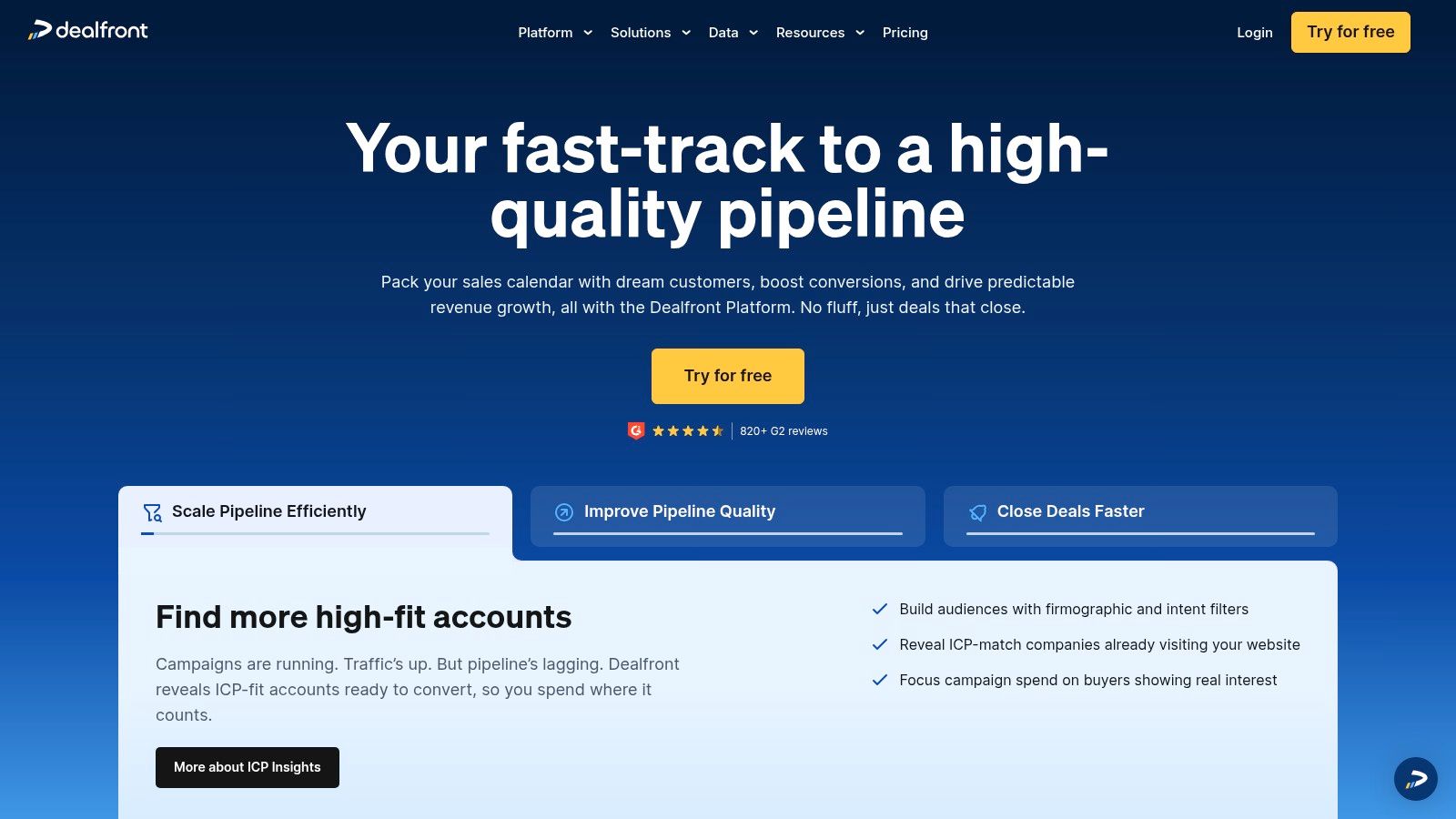
What makes Dealfront great is its simplicity and immediate impact. Instead of waiting for leads, you get a list of warm accounts to target. For example, if you see a target company from your Twitter outreach campaign browsing your pricing page, you could use a tool like DMpro.ai to send a timely follow-up on X. This dramatically increases your chances of starting a conversation.
Key Features & Considerations
- Best Use Case: B2B companies that want to capitalize on their website traffic and find warm accounts for sales outreach.
- Pricing: There's a free plan with basic data. Paid plans start at €99/month and scale based on how many companies are identified.
- Pros: Very easy to set up and provides immediate value. The CRM and Slack integrations make it easy for sales to act on leads quickly.
- Cons: It identifies the company, but you might need other tools to find specific contact details. The free tier is quite limited.
10. PhantomBuster
PhantomBuster is like a digital Swiss Army knife for automation. It specializes in scraping data and automating actions across the web, making it amazing for building targeted lead lists. Instead of manually copy-pasting, you can use pre-built "Phantoms" to scrape data from LinkedIn Sales Navigator, Google Maps, or Twitter lists and organize it for your outreach campaigns.
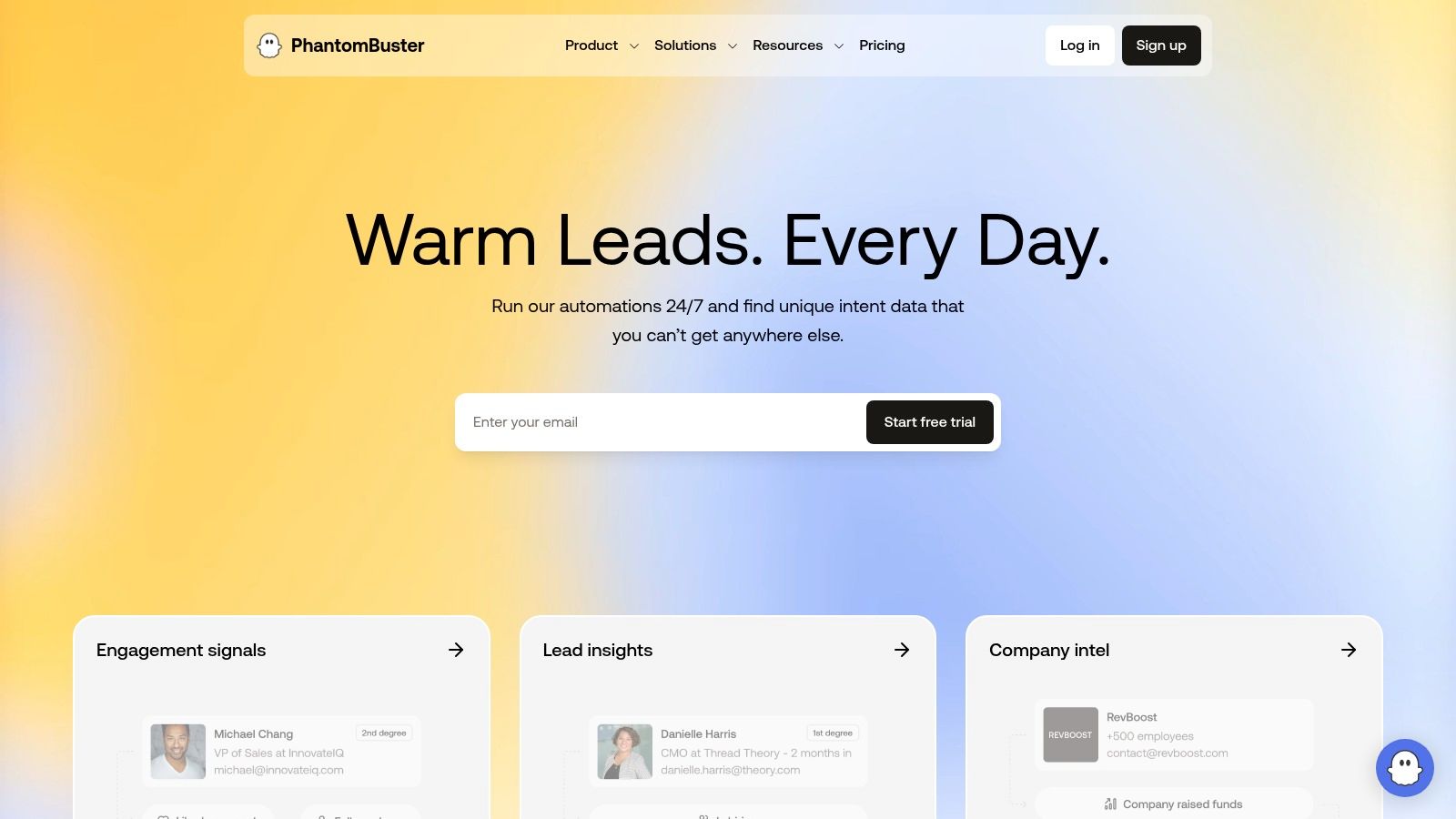
What's unique about PhantomBuster is its library of 100+ specific automations that you can chain together. For example, you could scrape members of a LinkedIn group and then enrich their profiles with email addresses. It's a foundational tool that provides the raw data needed for outreach tools like DMpro.ai to work their magic. You can see how this works by exploring automated lead scraping.
Key Features & Considerations
- Best Use Case: Sales and marketing teams that need to build very specific lead lists from public web data without writing any code.
- Pricing: There's a 14-day free trial. Paid plans are usage-based, starting at $69/month for 20 hours of execution time.
- Pros: A massive time-saver for repetitive data collection. The workflow builder lets you create powerful automation chains.
- Cons: There's a learning curve to use it safely and avoid risking your social media accounts. You have to respect the terms of service of the sites you're scraping.
11. Zapier
Zapier is the glue that holds your tech stack together. It connects thousands of different apps, letting you create custom workflows without writing any code. It's a must-have for lead generation automation because you can instantly send new leads from a form to your CRM, add them to an email list, and notify your sales team in Slack—all automatically.
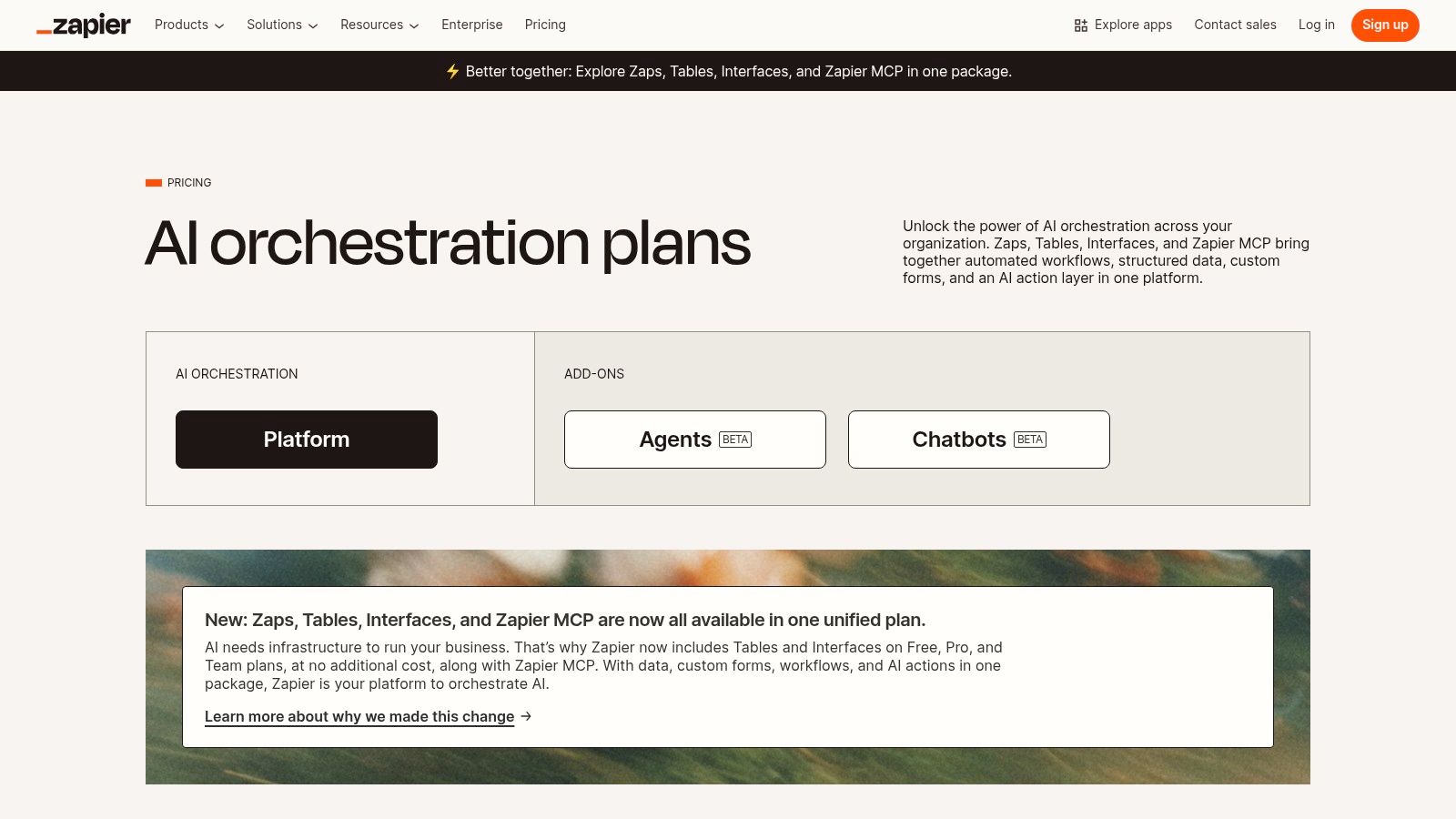
What makes Zapier so essential is its flexibility. You're not locked into one platform's ecosystem. For example, you could connect a Typeform to a Google Sheet, then trigger a personalized Twitter outreach campaign in DMpro.ai, and finally send the qualified lead to your CRM. This level of customization lets you build the perfect lead management system for your process. Learn more about how Zapier powers campaign automation.
Key Features & Considerations
- Best Use Case: Any team using multiple tools that needs to connect them to automate lead capture, routing, and nurturing.
- Pricing: The free plan gives you 100 tasks/month. Paid plans start at $19.99/month (billed annually) for more tasks and multi-step "Zaps."
- Pros: The library of 6,000+ app integrations is unmatched. It's fast to set up and scales from simple automations to complex workflows.
- Cons: The costs can add up quickly if your lead volume spikes and you go over your task limit.
12. G2 — Lead Generation Software category (comparison marketplace)
Instead of a single tool, think of G2 as your research hub. It's a marketplace where you can compare hundreds of lead generation automation tools based on company size, user ratings, and specific features. It's the perfect place to build a shortlist of potential tools for your stack.
What makes G2 so valuable is that it's based on verified user reviews, giving you an unbiased look at how a tool actually performs. You can't generate leads on G2, but it helps you make an informed decision. For example, you can use it to see how different AI outreach tools stack up based on feedback from real users. You can also explore detailed comparisons to see how various platforms differ.
Key Features & Considerations
- Best Use Case: Teams in the research phase who need to compare multiple tools and validate their choices with unbiased reviews.
- Pricing: Free to use for browsing and reading reviews.
- Pros: The sheer volume of user reviews is invaluable for discovering new tools and verifying marketing claims.
- Cons: Some info, especially pricing, can be outdated. Sponsored placements can sometimes influence which tools get featured.
Visit G2
12-Tool Lead Generation Automation Comparison
| Product | Core features | Target audience | Unique selling points | Pricing & trial |
|---|---|---|---|---|
| DMpro | AI-powered X (Twitter) DM automation; 500+ targeted leads/day; multi-account management & safety controls | Growth marketers, SaaS founders, SDR teams, agencies, coaches | Personalized DMs referencing name/interests/activity; smart rotation & real-time health monitoring; reported 25–40% response rates | Starter $41/mo (billed $490/yr), Growth $103/mo, Elite $138/mo; free 100-DM trial, 30-day money-back |
| HubSpot — Marketing & Sales Hub | CRM + forms, landing pages, chatbots; ads lead sync; workflows & lead scoring | SMB → Enterprise marketing and sales teams | Deep native CRM automations, templates & integrations ecosystem | Contact-tiered pricing; free CRM tier; Pro/Enterprise often require onboarding fees |
| Salesforce Marketing Cloud Account Engagement (Pardot) | B2B lead capture, scoring/grading, engagement programs, ROI reporting | Salesforce-centric B2B enterprises and large sales orgs | Native alignment with Salesforce CRM, enterprise governance & ABM controls | Quote-based; annual contracts; pricing increases with contacts/add-ons |
| Adobe Marketo Engage | Advanced segmentation, multi-channel journey automation, ABM, attribution | Enterprise marketing teams with complex buying journeys | Very deep automation, multi-touch attribution, robust ABM features | Quote-based enterprise pricing; often requires expert implementation |
| ZoomInfo — SalesOS & Engage | B2B contact/company database, direct dials, intent, engagement sequences | Outbound teams needing rich data and intent signals | Broad data coverage + intent + engagement tools from one vendor | Premium pricing, annual contracts, frequent add-ons |
| Apollo.io | Large contact database (200M+), sequences, dialer, intent & CRM sync | SMB / mid-market outbound teams and solo sellers | Cost-effective data + outreach in one UI; free tier available | Lower entry price; credit system for high volumes; free tier |
| LinkedIn Sales Navigator | Advanced LinkedIn search, lists, AI-assisted account/lead insights | B2B sellers, account-based teams, relationship-led sales | High-intent professional graph, warm-intro mapping, Account IQ | Per-seat plans (Advanced/Advanced Plus); paid tiers |
| Mailchimp | Email automations, templates, landing pages, basic CRM segmentation | SMBs and inbound marketing teams, e-commerce | Easy to start, large template library, flexible billing (pay-as-you-go) | Free tier; tiered monthly plans or pay-as-you-go credits |
| Dealfront (Leadfeeder) | Company-level website visitor ID, CRM/Slack routing, exports | Inbound-focused B2B sales/commercial teams | Turns anonymous site traffic into account leads quickly | Free limited mode; paid plans by identified companies/month |
| PhantomBuster | 100+ prebuilt scrapers (Phantoms), workflow builder, CSV/API export | Growth engineers, SDRs, researchers needing automated scraping | Automates multi-channel list-building and enrichment | Usage-based plans; 14-day free trial (no card) |
| Zapier | No-code multi-step automations, branching, 6k+ app integrations | Ops, marketing, and sales teams connecting disparate tools | Fast to implement; scales automations across stacks | Free tier; tiered pricing with task/usage limits |
| G2 — Lead Generation category | Marketplace with product comparisons, aggregated reviews & ratings | Buyers shortlisting lead-gen and marketing tools | Vendor-agnostic user reviews, pros/cons, category filters | Free to browse; vendors may pay for placements |
Putting It All Together: Your Automated Growth Stack
Okay, that was a lot. We covered everything from all-in-one giants like HubSpot to hyper-focused tools like PhantomBuster and DMpro. The number of lead generation automation tools can feel overwhelming, but the goal isn't to build a complex, expensive tech stack overnight.
The secret is to start small. Solve your biggest bottleneck first.
The best strategy is to find the single biggest friction point in your lead gen process and pick a tool that fixes that. Don't try to implement a massive CRM if your real problem is that you're just not having enough conversations.
Think of it as removing manual work one step at a time to create predictable growth.
How to Choose Your First (or Next) Tool
To cut through the noise, ask yourself one question: "Where am I losing the most time for the least return?"
Your answer will point you to the right tool:
-
"I'm spending hours finding and messaging prospects on Twitter." Your bottleneck is top-of-funnel outreach. A social automation tool is your best bet. A platform like DMpro is designed for this exact problem, automating discovery and outreach so you can focus on the warm conversations.
-
"My website gets traffic, but I don't know who is visiting." You have an identification problem. A tool like Dealfront can instantly turn those anonymous visitors into warm company leads for your sales team.
-
"My leads are scattered across different apps and spreadsheets." This is an integration problem. Before you buy a new tool, use something like Zapier to connect what you already have. Automating data flow can be a massive efficiency win.
-
"I have leads, but I'm failing to nurture them." Your bottleneck is mid-funnel. This is where a tool like Mailchimp or HubSpot shines. They help you build automated email sequences to guide leads toward conversion.
The Modern Growth Stack: Layering Your Solutions
Your "stack" doesn't have to be complicated. A founder could start with a lean, effective combo: use PhantomBuster to scrape leads from LinkedIn, use DMpro to automate outreach on X, and then use Zapier to send converted leads into a simple spreadsheet or a free HubSpot account.
This approach is modular. You automate one piece, measure the ROI, and once it's working, you find the next bottleneck.
The key takeaway is that the best lead generation automation tools give you back your time. They create leverage, allowing a small team (or one founder) to do the work of a much larger one. Start with your biggest pain point, automate it, and build your growth engine one piece at a time.
If you’re tired of manually sending DMs every day, try DMpro.ai — it automates outreach and replies while you sleep.
Ready to Automate Your Twitter Outreach?
Start sending personalized DMs at scale and grow your business on autopilot.
Get Started Free