
12 Best Free AI Writers for Founders in 2025
Discover the top 12 AI writer free tools to scale your outreach and content. Compare features, limits, and find the best fit for your SaaS business.
Being a founder means your to-do list never ends. You’re writing blog posts to find leads, social media content to build your brand, and personalized outreach that actually gets replies. The blank page is a constant enemy, and there's never enough time to create all the content your SaaS needs to grow.
This is where a good ai writer free tool becomes your co-pilot. It’s not about replacing you. It's about giving you a powerful assistant to brainstorm ideas, crush writer's block, and get a solid first draft done in minutes, not hours. Think of it as a way to scale yourself—creating more content, faster, without losing quality.
This guide is a founder-to-founder breakdown of the best free AI writing tools out there. We're skipping the fluff and getting straight to what you need to know:
- Honest Free-Tier Limits: What can you really get without a credit card?
- Best Use Cases: Which tool is best for drafting cold DMs on Twitter versus a 2,000-word blog post?
- Quick Start Guides: How to get going immediately.
We'll cover how to use these tools for practical, growth-focused tasks like generating personalized hooks for your cold outreach on Twitter. You can then feed these hooks into a tool like DMpro to automate the sending, building a scalable system for lead generation.
This isn't a generic list. It’s a practical playbook to help you find the right free AI writer for your specific needs as a founder. Let’s get into it.
1. ChatGPT by OpenAI
ChatGPT is the first tool most founders think of when they hear ai writer free, and for good reason. It’s a powerful, all-purpose assistant that’s great for drafting, brainstorming, summarizing, and rewriting content on the fly. Its conversational style makes it super easy to get started, whether you need a blog post outline or a quick tweet.
The free plan gives you generous access to a solid model, making it a perfect starting point. It syncs your chat history across web and mobile, so you can pick up where you left off. For founders scaling outreach, ChatGPT is an invaluable partner. To see how it fits into a sales funnel, check out our guide on using ChatGPT to enhance outreach strategies.
Free Plan Details & Limits
- Generations: No hard daily limit, but you might hit usage caps that trigger a cooldown period.
- Features: Access to a core language model, web and mobile apps, and the ability to upload files and images.
- Best For: All-purpose writing tasks, brainstorming ideas, and quick content generation.
Our Take: ChatGPT is the undisputed starting point. Its ease of use and the power of its free model make it an essential tool for daily productivity and creative tasks.
Pros & Cons
- Pros: Extremely fast and versatile, user-friendly, syncs across all devices.
- Cons: Free version has usage caps, may have wait times during peak hours, and lacks advanced features of the Plus plan.
2. Google Gemini
Google Gemini is a top-tier ai writer free for anyone already in the Google ecosystem. It functions as a powerful assistant that can draft emails, generate blog outlines, and summarize topics directly within a familiar interface. Its strength is its deep integration with Google services, creating a seamless workflow between research and creation.
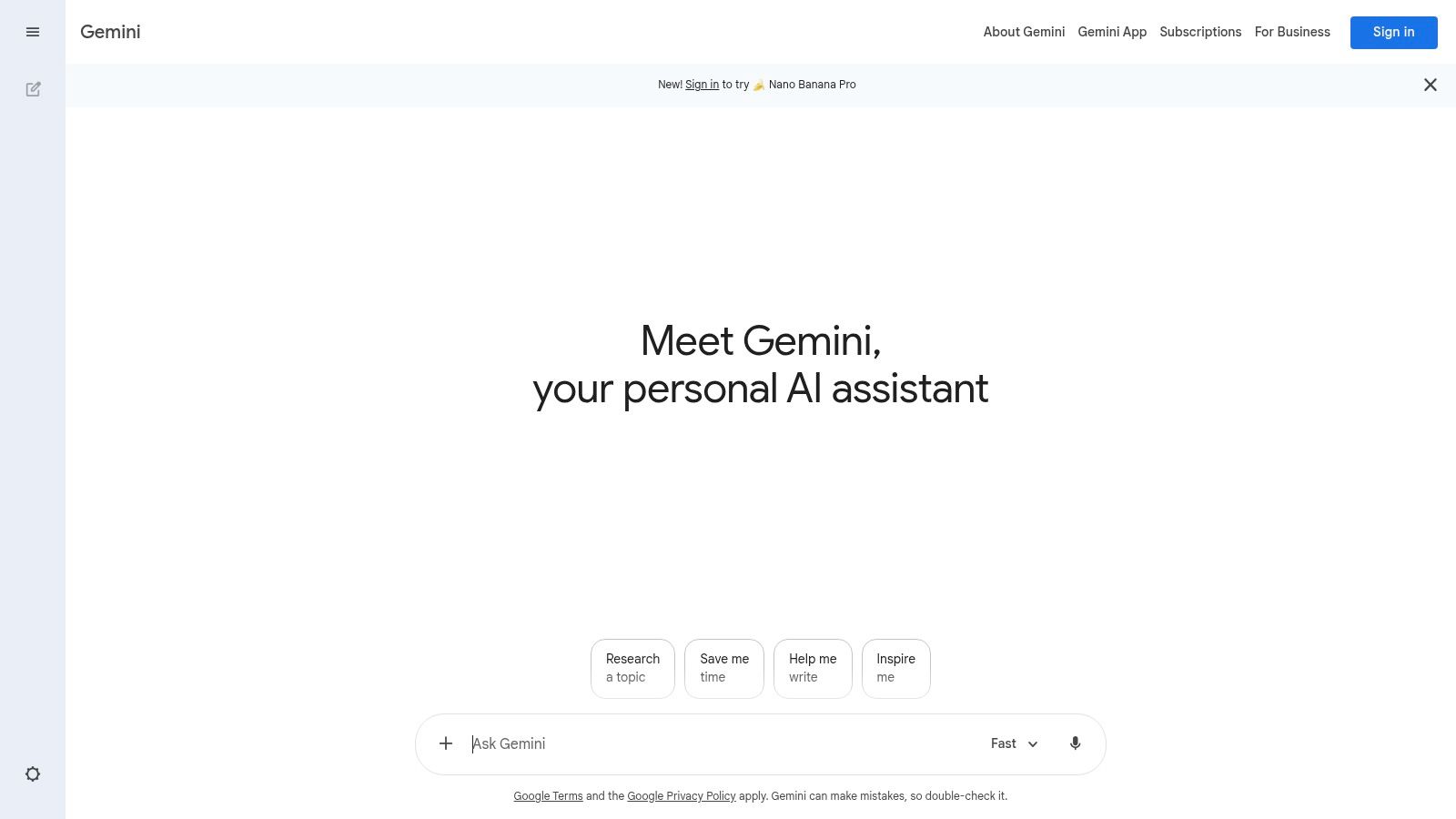
For founders using Google Workspace, Gemini feels like a natural extension of their existing tools. The free version provides solid access to a capable model on both web and mobile, making it easy to generate content on the go. As Google keeps rolling out new features, Gemini is positioned to be an indispensable tool for everyday productivity.
Free Plan Details & Limits
- Generations: No strict daily limits, but subject to fair use policies that may temporarily restrict access after very high usage.
- Features: Access to the core Gemini model, web and mobile apps, and growing integrations with other Google services. -- Best For: Users of Google Workspace, research-heavy writing, and drafting content across different formats.
Our Take: Gemini is an excellent free AI writer, especially if you live in Google's suite of apps. Its ability to pull from and work with the Google ecosystem makes it a uniquely powerful and convenient choice.
Pros & Cons
- Pros: Strong integration with Google services, familiar UI, and continuous updates with new capabilities.
- Cons: The most advanced features and models are locked behind paid plans, and feature availability can vary by region.
3. Claude by Anthropic
Claude is a powerful ai writer free tool that stands out for its thoughtful and nuanced long-form content. It’s great at drafting complex documents, summarizing dense info, and maintaining a consistent tone, making it ideal for founders who need well-structured content for their SaaS.
Its free plan is a solid entry point for writing articles, analyzing documents, and even coding. The interface is clean and user-friendly, available across web, mobile, and desktop. For drafting detailed outreach sequences or long-form lead magnets, Claude’s ability to handle lengthy context makes it a valuable asset.
Free Plan Details & Limits
- Generations: Daily message limits apply and can be reached quickly with heavy use. The limit resets every 24 hours.
- Features: Access to the core Claude model for chat, analysis of text and images, and content creation.
- Best For: Long-form drafting, in-depth analysis, and maintaining a specific writing style over extended text.
Our Take: Claude is an excellent choice if you prioritize writing quality and clarity, especially for longer pieces. Its free plan is generous enough for regular use, but watch out for the daily limits on high-volume days.
Pros & Cons
- Pros: Strong writing quality and tone control, transparent plan tiers, available across web and mobile.
- Cons: The free plan's daily limits can be restrictive, and advanced models are gated behind paid plans.
4. Microsoft Copilot
Microsoft Copilot stands out as an ai writer free for anyone deep in the Windows and Microsoft 365 ecosystem. Formerly Bing Chat, it’s a powerful writing assistant that can draft emails, summarize documents, and generate content right inside the Edge sidebar or its dedicated web app. Its strength is convenience and deep OS-level integration.
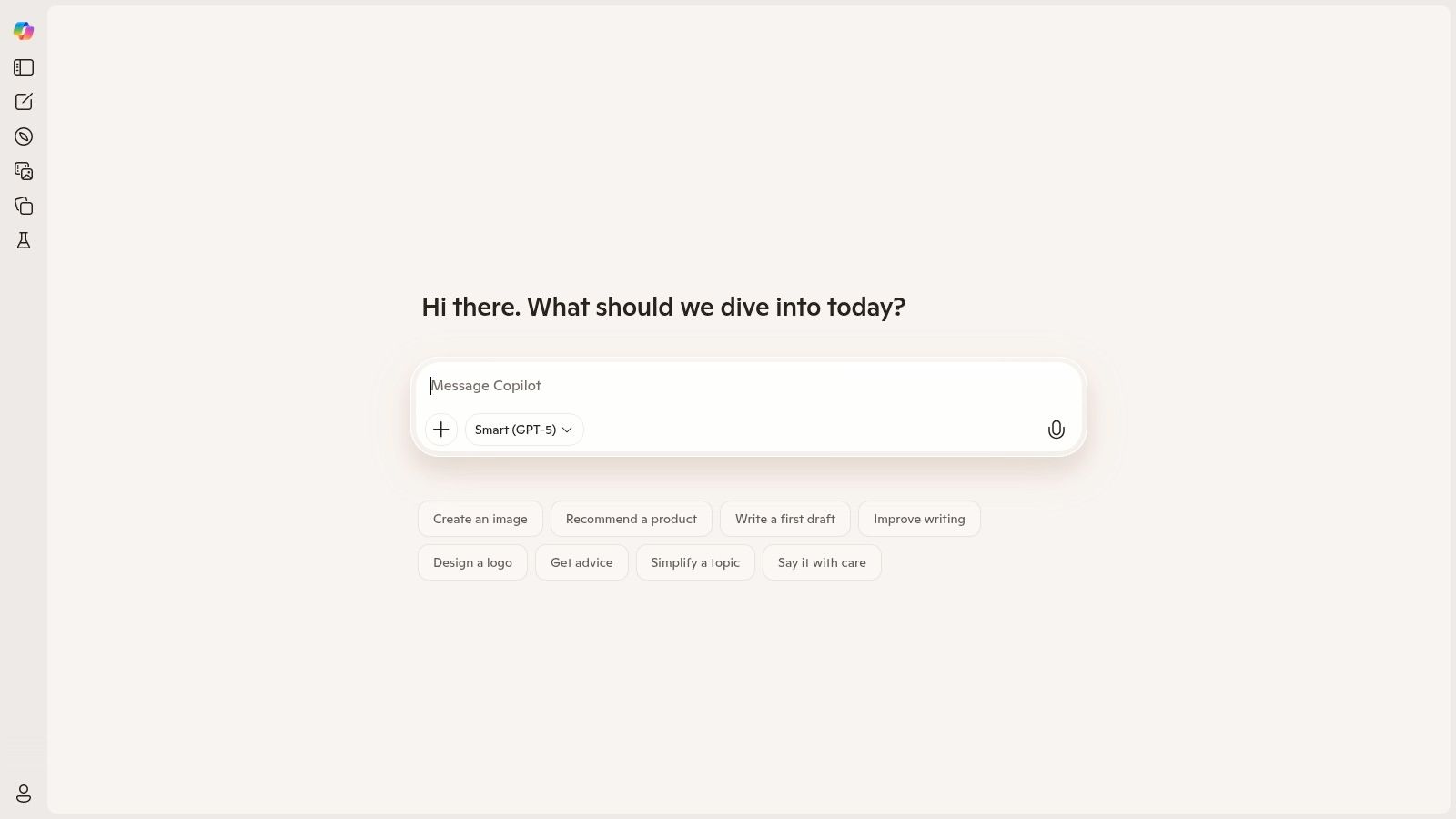
For founders and sales teams using Microsoft tools, Copilot is a natural fit for daily tasks like refining outreach messages or creating quick reports. Its ability to pull in real-time info from the web is super useful for research-heavy tasks. Combining Copilot's drafting with a specialized tool can significantly speed up your workflow; for a closer look at automation, you can explore DMpro's outreach tools.
Free Plan Details & Limits
- Generations: Generous daily limits, with priority access and faster speeds for Copilot Pro subscribers.
- Features: Free web access, integration with Edge and Windows, and mobile apps. Access to newer models like GPT-4 Turbo during non-peak times.
- Best For: Users of Microsoft products, drafting documents, summarizing web pages, and quick email composition.
Our Take: If you live in the Microsoft ecosystem, Copilot is an incredibly convenient and powerful free AI writer. Its seamless integration into Windows and Office makes it a go-to for on-the-fly writing and research.
Pros & Cons
- Pros: Deeply integrated into Windows and Office, great for summarizing web pages, free access to powerful models.
- Cons: Best features are behind a Copilot Pro or M365 subscription, and some capabilities have regional restrictions.
5. Perplexity
Perplexity isn't just a writer; it calls itself an “answer engine.” This makes it an exceptional ai writer free tool for anyone needing content grounded in verifiable sources. Instead of just generating text, Perplexity synthesizes info from the web and provides direct citations, making it ideal for creating fact-based blog outlines, research summaries, or data-driven outreach messages.

Its main strength is cutting down research time. For a founder crafting a cold DM, you can ask Perplexity to summarize a prospect’s recent company news or find industry stats to make your outreach more relevant. The interface is clean, and the free version is highly capable for everyday research and drafting.
Free Plan Details & Limits
- Generations: Generous daily usage. Pro Searches, which use more advanced models, are limited (e.g., 5 every 4 hours).
- Features: Access to standard AI models, real-time web search with citations, and a free browser extension.
- Best For: Research-backed content, creating outlines, summarizing articles, and finding data points for outreach.
Our Take: Perplexity is the go-to tool for writers who need accuracy and sources. If you’re tired of AI-generated claims you can't verify, its citation-first approach is a game-changer for producing trustworthy content.
Pros & Cons
- Pros: Excellent for research-backed writing, provides citations, clean interface, free browser extension.
- Cons: The free plan has limits on advanced model usage (Pro Search), and some features are locked behind the paid Pro tier.
6. Grammarly
Grammarly is known as a world-class proofreader, but it’s evolved into a capable ai writer free for everyday tasks. Its core strength is improving existing text by correcting grammar, enhancing clarity, and adjusting tone. Now, with its generative AI features, it can also help you draft replies, brainstorm ideas, and rewrite sentences inside the apps you already use.
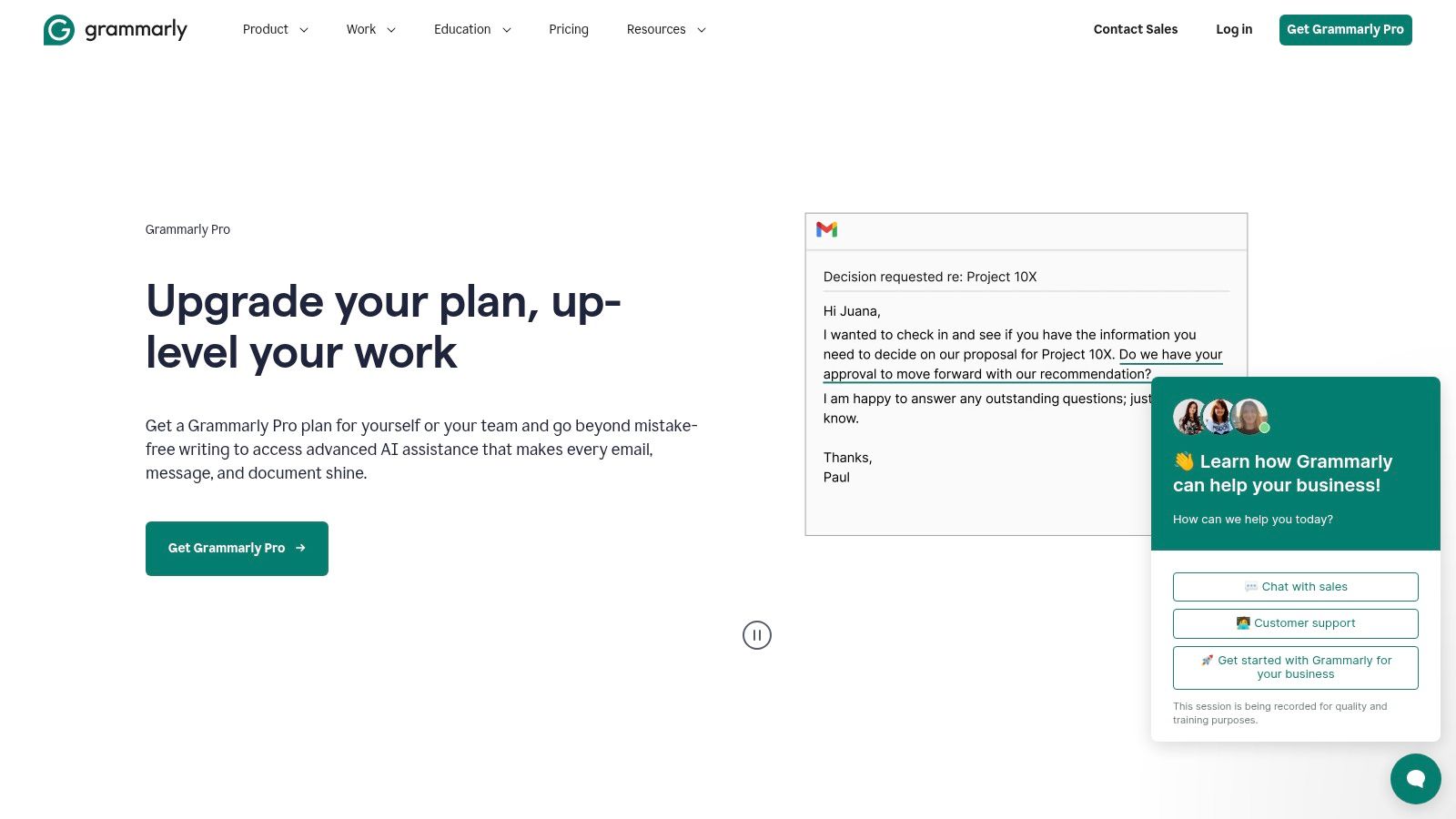
The free plan offers a solid foundation with grammar checks and a monthly allowance of generative AI prompts, perfect for ensuring your outreach messages are polished and professional. Its seamless browser extensions mean it works everywhere, from your email to your social media scheduler. For a deeper dive into tools that can elevate your content, you can find more insights in our resource library.
Free Plan Details & Limits
- Generations: Includes 100 generative AI prompts per month.
- Features: Comprehensive grammar, spelling, and punctuation checks, tone detection, and basic generative AI.
- Best For: Proofreading, editing for clarity and tone, and light-duty content generation.
Our Take: Grammarly is the ultimate safety net. While its free generative AI is limited, its unparalleled proofreading makes it an essential tool for crafting error-free, professional communications—especially for important outreach DMs.
Pros & Cons
- Pros: Excellent proofreading, integrates across nearly all platforms, free plan includes a useful amount of AI prompts.
- Cons: Most powerful generative AI features are locked behind Premium, and monthly prompt limits can be restrictive.
7. QuillBot
QuillBot is known as a leading paraphrasing tool, but it offers much more as a comprehensive ai writer free for refining content. It excels at rewriting sentences, shortening long passages, and improving clarity. Instead of generating content from scratch, its strength is enhancing existing text, perfect for founders who want to repurpose blog content into social media posts or draft multiple versions of an outreach email.
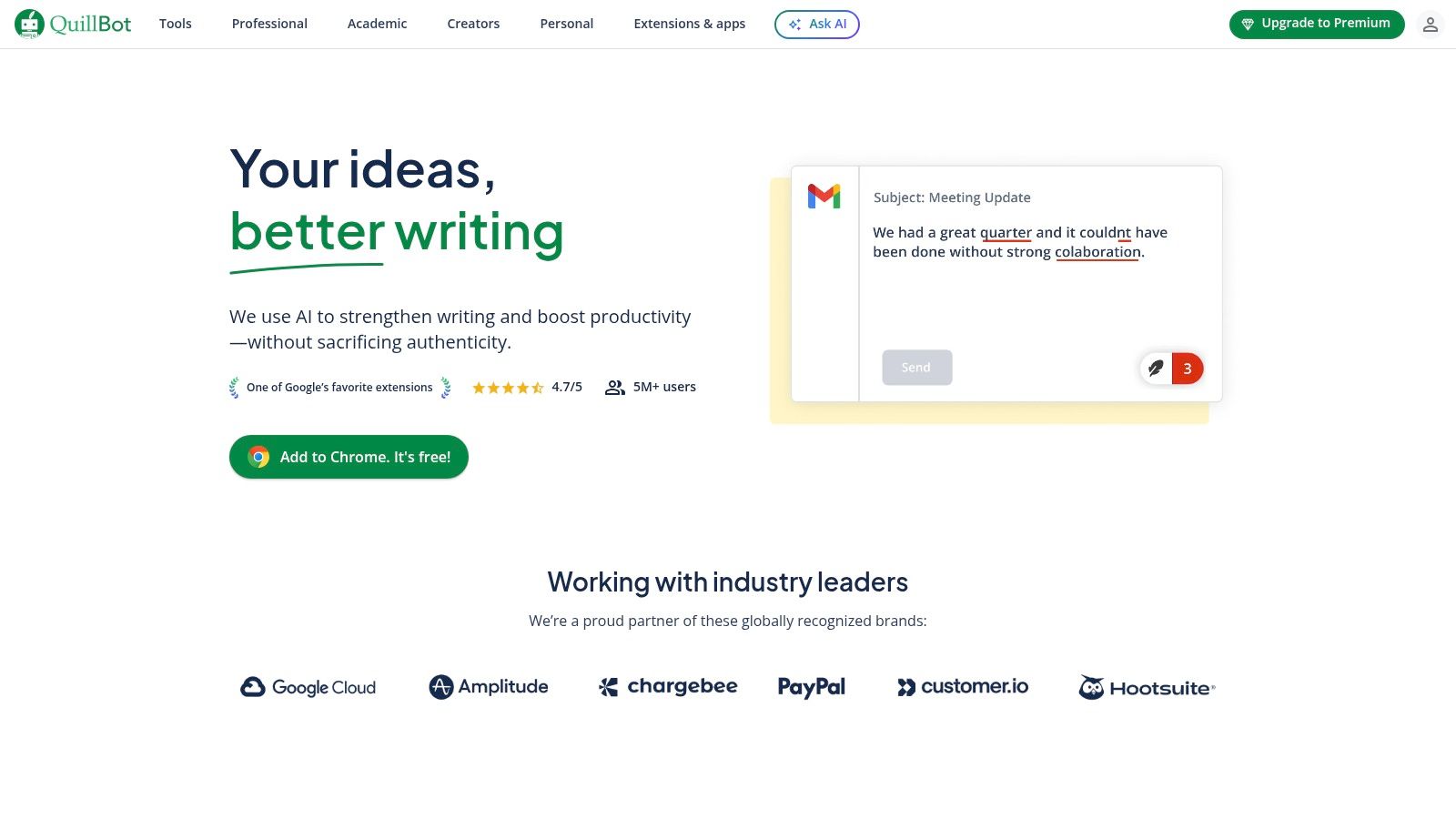
The free plan provides an excellent suite of tools, including a paraphraser, summarizer, and citation generator. For sales teams, this is a great way to rephrase a core message for different audiences. You can quickly create unique variations of your cold DMs, which can improve deliverability and engagement when scaling outreach with a tool like DMpro.ai.
Free Plan Details & Limits
- Generations: Paraphraser limited to 125 words at a time; Summarizer limited to 1,200 words.
- Features: Access to Standard and Fluency paraphrasing modes, grammar checker, and citation generator.
- Best For: Rewriting existing content, summarizing articles, and ensuring grammatical accuracy.
Our Take: QuillBot is indispensable for refining and repurposing content. While not a primary content generator, its free paraphrasing and summarizing capabilities are best-in-class for polishing your writing.
Pros & Cons
- Pros: Generous free utilities for core writing tasks, user-friendly interface, great for improving clarity.
- Cons: Strict word limits on the free plan can be restrictive, most advanced features require a Premium subscription.
8. Rytr
Rytr is an affordable and accessible ai writer free for a wide range of short-form content needs. It’s designed for users who want a straightforward, template-driven experience. Whether you need to generate social media posts, product descriptions, or ad copy, Rytr’s clean interface and specialized use cases make it easy to get started in minutes.
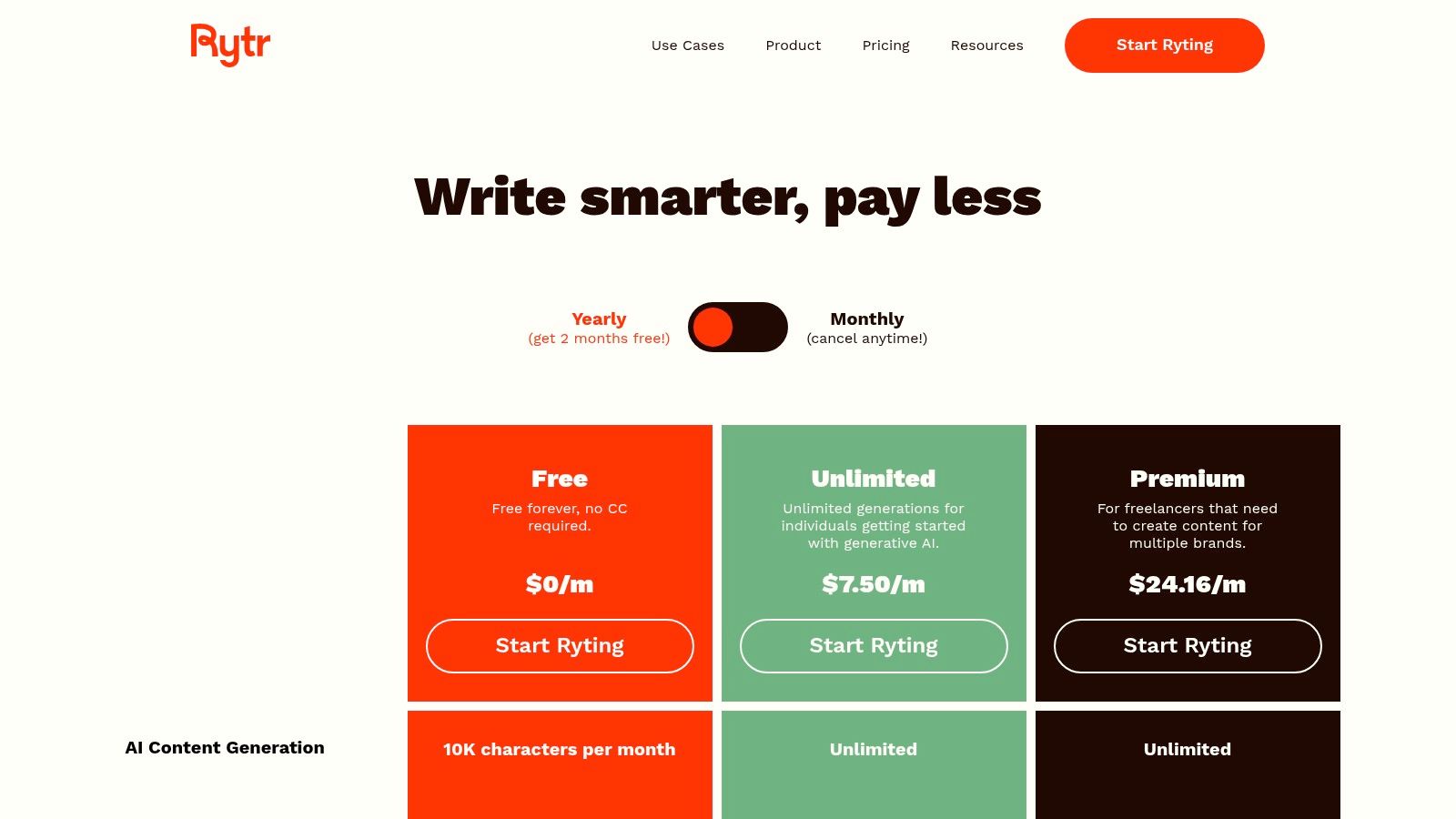
The platform is super useful for founders who need to produce consistent, high-quality copy on a budget. Its free plan offers one of the more generous character allowances, making it a sustainable option for ongoing, smaller tasks. Rytr’s simplicity allows you to quickly draft initial outreach messages or social media hooks that can then be loaded into a tool like DMpro for automated, personalized campaigns on Twitter.
Free Plan Details & Limits
- Generations: 10,000 characters per month.
- Features: Access to over 40 use cases, 30+ languages, and 20+ writing tones.
- Best For: Short-form content like social media updates, product descriptions, and ad variations.
Our Take: Rytr is a great choice for founders who feel overwhelmed by complex AI tools. Its template-based approach simplifies the writing process, making it a reliable workhorse for routine marketing copy.
Pros & Cons
- Pros: Generous free character limit, simple and fast interface, low-cost paid plans for unlimited use.
- Cons: Lacks advanced features like plagiarism checks, and long-form content may require more editing.
9. Canva (Magic Write)
Canva is known for design, but its integrated ai writer free tool, Magic Write, makes it a powerhouse for creating content where text and visuals work together. Embedded directly within Canva Docs, Magic Write allows you to generate copy for presentations, social media posts, and documents without leaving your project. This integration is a huge advantage for founders who need to produce visually appealing content quickly.
For teams focused on creating branded outreach materials or social media carousels, having the AI writer inside the design tool is a massive time-saver. You can brainstorm a caption for a LinkedIn post and immediately place it into a professional template. The free plan offers a limited number of lifetime uses, which is perfect for trying it out.
Free Plan Details & Limits
- Generations: 50 lifetime uses for free users. This is a one-time credit.
- Features: Access to Magic Write within the Canva editor, brainstorming and drafting text, integration with design templates.
- Best For: Creating copy that is tightly integrated with visual designs, like social media graphics and presentations.
Our Take: Canva’s Magic Write is the best choice when your words are part of a larger visual story. It streamlines the workflow for creating polished, ready-to-publish content by keeping your writing and design in one place.
Pros & Cons
- Pros: Seamlessly integrates AI writing with a world-class design platform, excellent for visual content.
- Cons: The free uses are very limited (lifetime cap), more advanced AI features are locked behind the Pro subscription.
10. Simplified AI Writer
Simplified is more than just an ai writer free tool; it's an all-in-one marketing platform. This integrated approach allows you to generate copy, create corresponding visuals, and schedule social media posts all within a single workspace. For founders juggling multiple roles, this can dramatically streamline the content workflow from start to finish.
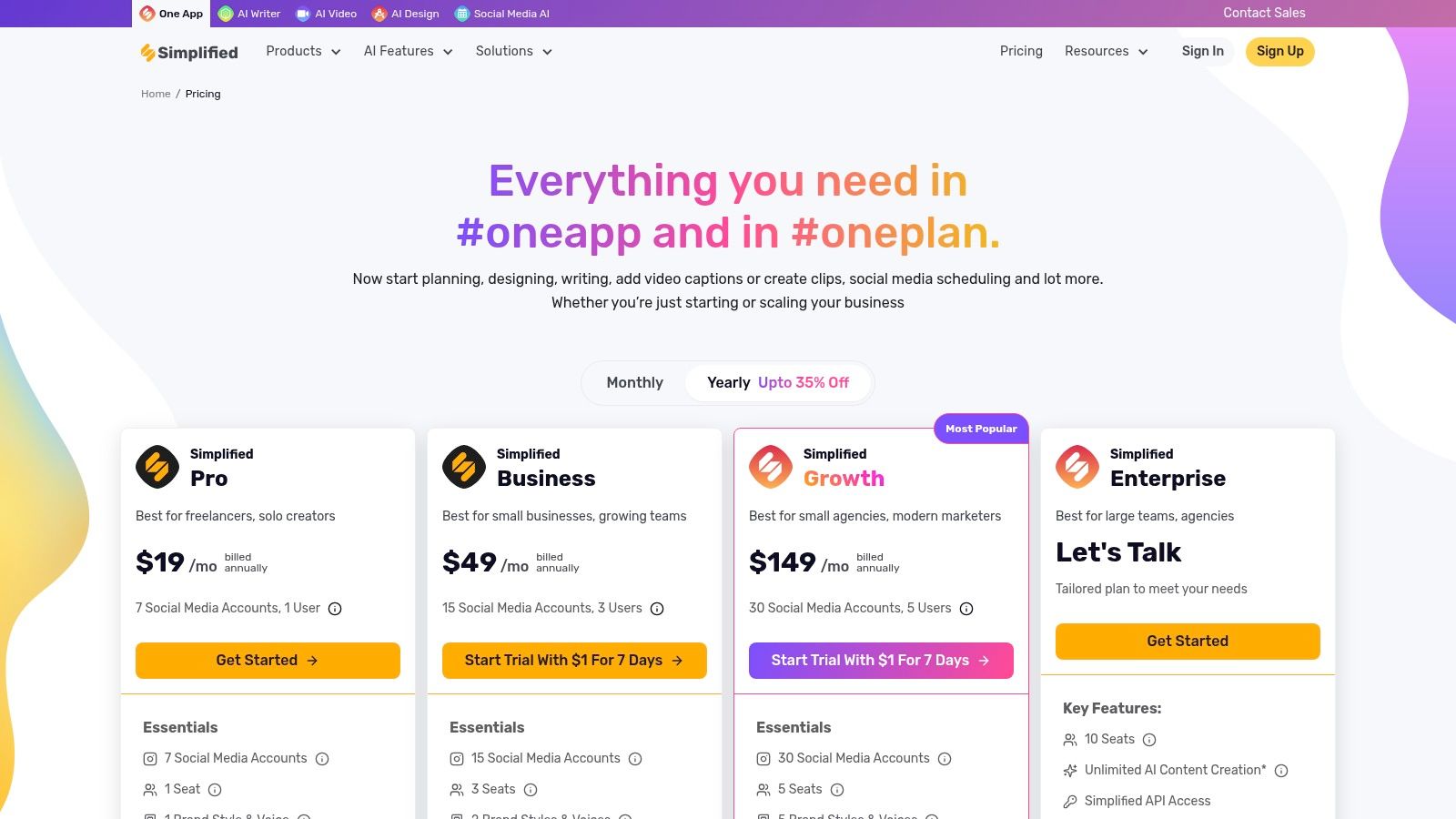
The platform offers a free forever plan that includes access to its AI writer, which is great for crafting short-form content like ad copy or social media updates. With over 80 templates, it’s easy for anyone to start generating content quickly. While the free word count is limited, it provides a solid taste of how an integrated AI marketing tool can boost productivity.
Free Plan Details & Limits
- Generations: 2,000 words per month on the free plan.
- Features: Access to 80+ AI templates, a chat-style AI assistant, and integration with design, video, and social media scheduling tools.
- Best For: Founders who need a single platform for both AI writing and visual content creation for social media.
Our Take: Simplified is an excellent choice for teams that want to consolidate their marketing tools. Its free AI writer is a great entry point into a much broader platform that handles design and publishing.
Pros & Cons
- Pros: All-in-one workspace for writing, design, and scheduling; intuitive interface; offers a permanently free plan.
- Cons: The free plan's word limit is quite low for heavy users; the platform's broad features may lack the depth of specialized writing tools.
11. Writesonic
Writesonic is more than just an ai writer free tool; it’s a comprehensive platform designed for creating SEO-optimized marketing copy and long-form content. It’s great at generating high-quality blog posts, articles, and landing pages that are built to rank. The platform offers a free trial that lets users test its core features without a credit card, making it a risk-free way to evaluate its capabilities.
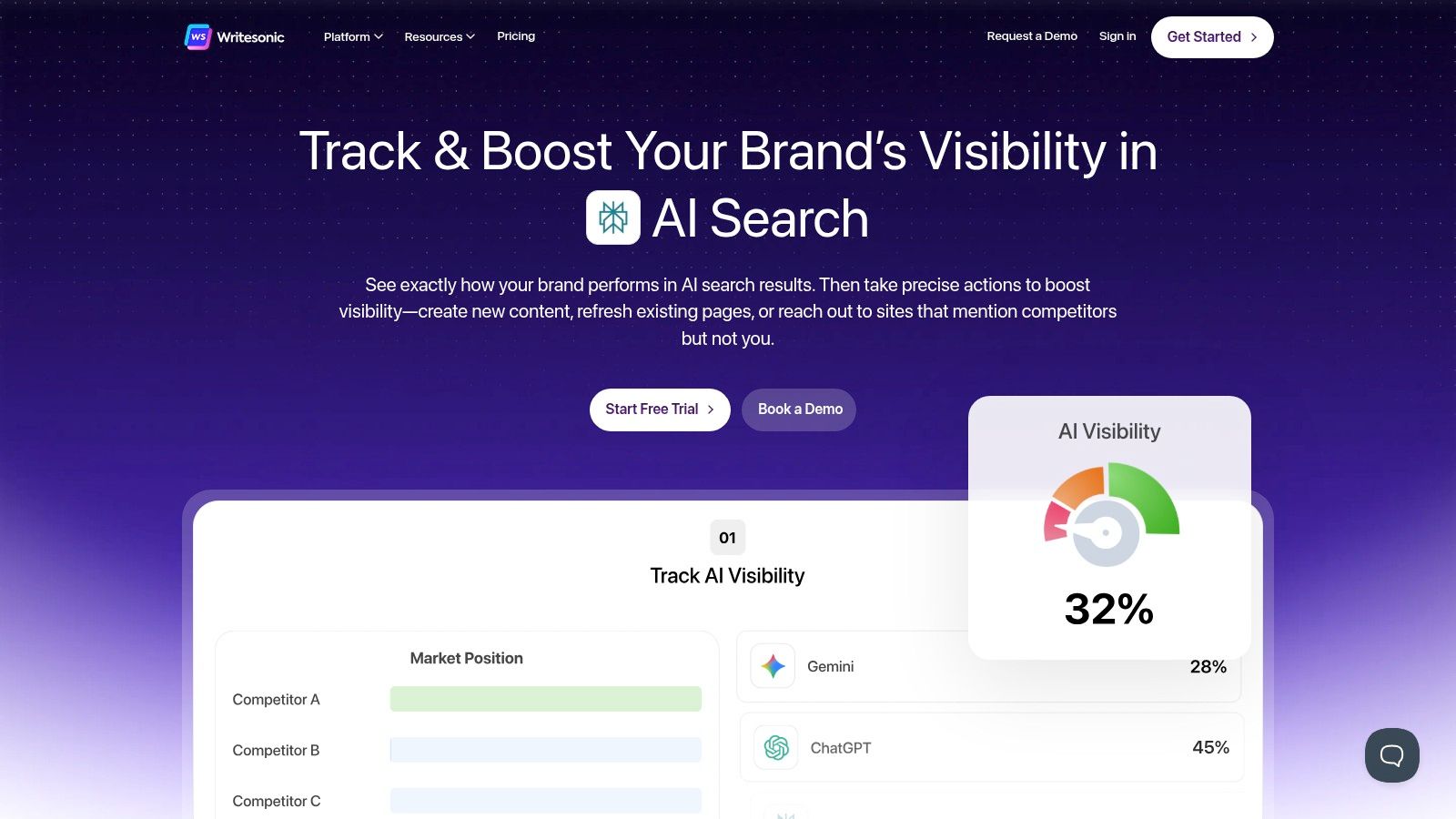
This try-before-you-buy model is perfect for founders who need to validate content quality before committing. While Writesonic’s ongoing plans are paid, its focus on SEO workflows provides a clear path to scaling content production. As your SaaS grows, you can explore their various tiers, and see how its costs compare to other tools by checking out different SaaS pricing models.
Free Plan Details & Limits
- Generations: A free trial with a limited word count (often around 10,000 words) to test features.
- Features: Access to core tools like the AI Article Writer, Chatsonic (a ChatGPT alternative), and various marketing copy templates.
- Best For: Founders wanting to test an SEO-focused AI writer before committing to a paid plan.
Our Take: Writesonic is an excellent option for those serious about content marketing and SEO. Its free trial provides a substantial opportunity to see if its specialized tools fit your workflow.
Pros & Cons
- Pros: Strong focus on SEO and marketing content, high-quality output for long-form articles, powerful Chatsonic feature.
- Cons: Not a permanently free plan (it's a trial), the variety of plans can be confusing.
12. Wordtune
Wordtune is less about creating content from scratch and more about perfecting what you’ve already written. It’s a powerful ai writer free tool that excels at rewriting sentences for clarity, tone, and impact. Instead of giving you a blank canvas, it acts as an intelligent editor, suggesting alternative phrasing to help your message land exactly as you intended. This makes it ideal for refining important drafts, from outreach DMs to ad copy.
Its browser extension integrates directly into your workflow, allowing you to polish your writing on platforms like LinkedIn, Gmail, and Twitter without switching tabs. For founders who want to ensure their outreach messages are crisp and professional, Wordtune provides an essential layer of quality control. The free plan is great for getting a feel for its core rewriting capabilities.
Free Plan Details & Limits
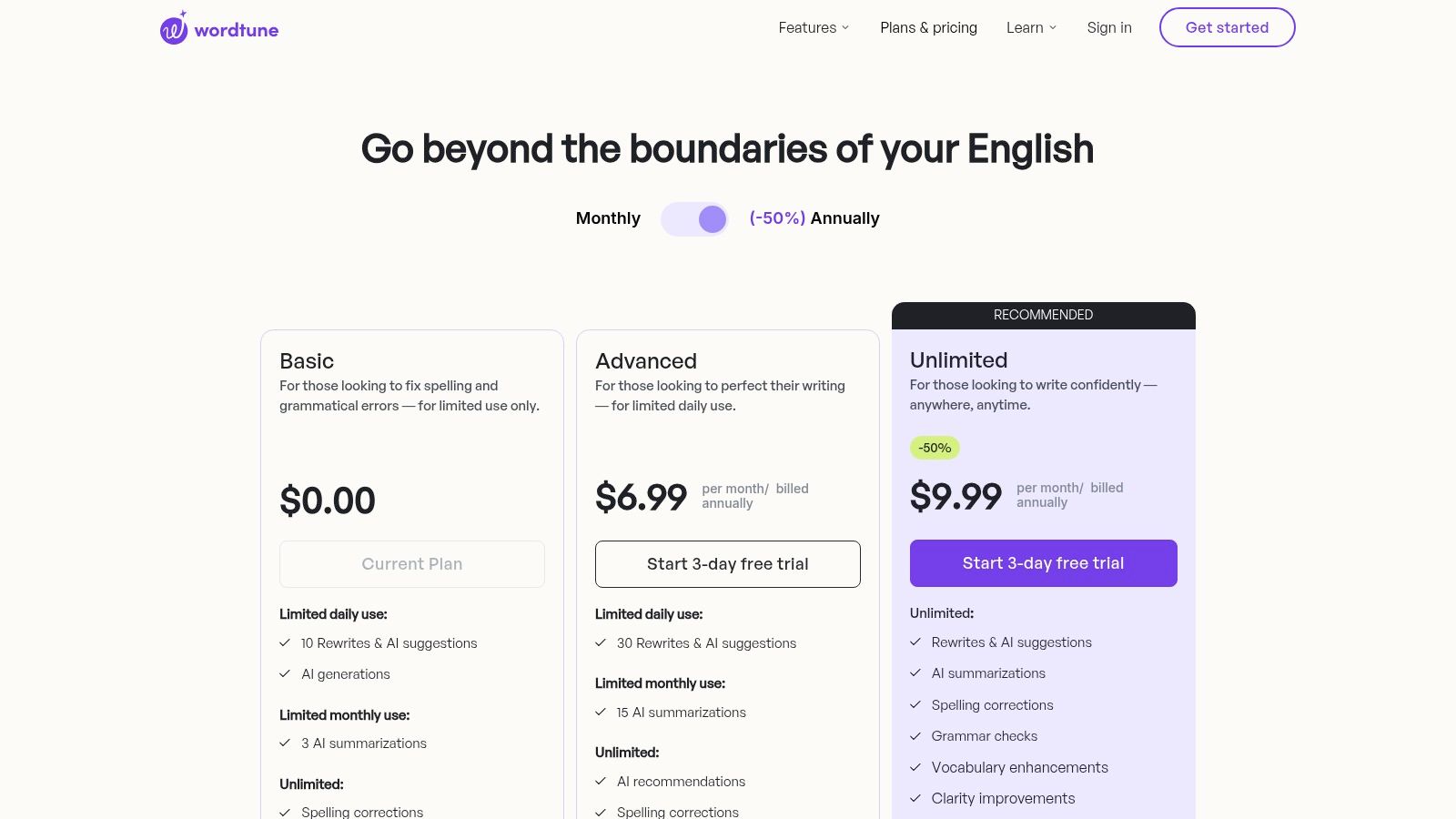
- Generations: 10 Rewrites and 3 AI prompts per day.
- Features: Core rewriting features (Casual, Formal, Shorten, Expand), grammar and spelling corrections, and limited access to other AI writing tools.
- Best For: Polishing existing drafts, improving sentence clarity, and refining the tone of important communications.
Our Take: Wordtune is a fantastic specialist tool for anyone who wants to improve the quality of their writing. While not a full content generator on its free plan, it's invaluable for adding a professional touch to your most important text.
Pros & Cons
- Pros: Excellent for enhancing clarity and finding better phrasing, easy-to-use browser extension, useful for daily editing tasks.
- Cons: The free plan has very low daily limits, core focus is on rewriting rather than generation, advanced features are paywalled.
Top 12 AI Writer Tools — Free Options Comparison
| Tool | Core features | Unique selling point | Best for | Free vs Paid (high-level) | UX / Limits & Integrations |
|---|---|---|---|---|---|
| ChatGPT (OpenAI) | General-purpose chat & writer; web/iOS/Android; files/images/voice; Custom GPTs | Broad plugin/feature ecosystem; Custom GPTs & synced history | General users, marketers, founders | Free tier with usage limits; paid plans expand limits & features | Fast, capable writer; occasional peak wait times; strong cross-device sync |
| Google Gemini | Web/mobile assistant; "Gems" custom assistants; Google app integration | Deep integration with Docs/Sheets/Slides and Google services | Workspace users, marketers using Google apps | Free access; Pro/Ultra paid tiers for advanced models & limits | Good for in-app drafts; availability/rollouts vary by region/account |
| Claude (Anthropic) | Safety-focused chat & writer; web/desktop/mobile; team tiers | Strong tone control and safety guardrails | Long-form writers, analysts, teams prioritizing safety | Free plan with limits; Pro/Team tiers for higher usage | High writing quality for long-form; daily free caps can be limiting |
| Microsoft Copilot | Integrated into Office/Windows; Copilot Vision; browser & mobile access | Native Office/Windows integration for docs, email, vision tasks | Enterprise, Office-heavy teams | Free web access; Copilot Pro or Microsoft 365 unlocks advanced features | Convenient in-app assistance; some features limited by region/subscription |
| Perplexity | Research-first assistant with citations; Comet browser | Strong citation/source grounding for research-backed answers | Researchers, content strategists, analysts | Free basic plan; Pro for advanced research, models & image gen | Excellent sourcing; free plan limits Pro searches and advanced features |
| Grammarly | Grammar, clarity, tone, and limited generative prompts; extensions | Industry-standard proofreading and cross-platform integrations | Professionals, writers, teams focused on polish | Free grammar checks; Pro/Enterprise for generative tools & teams | Seamless browser/keyboard integrations; heavier gen features are paid |
| QuillBot | Paraphrasing, summarization, citation help, Flow workspace | Focused rewriting & summarization tools with clear limits | Students, writers needing rewrites and summaries | Free with word limits; Premium unlocks unlimited modes & plagiarism checker | Generous free utilities for short text; free word caps restrict long docs |
| Rytr | Simple AI writer with templates & tones; 10k chars free/month | Affordable, template-driven quick copy generation | Solo creators, small businesses, social posts | Free 10,000 chars/month; low-cost Unlimited plan available | Fast, easy interface; long-form may need human editing |
| Canva (Magic Write) | AI writing inside Canva Docs & design tools; templates & collaboration | Copy tightly integrated with visual design and templates | Designers, marketers producing visual content | Free Magic Write allotment; Pro/Teams for higher limits | Great for design-led workflows; free generations are capped |
| Simplified AI Writer | All-in-one content + design + publishing; templates & chat prompts | Single workspace for content, design, scheduling & publishing | Social teams, marketers wanting unified workflow | Small free monthly word quota; paid tiers increase words/features | Integrates content → publish; free quotas small for heavy users |
| Writesonic | Blog/marketing AI with SEO tools, site audits & API | SEO-minded workflows and "try-before-buy" trial | Content marketers, agencies | Free trial (no credit card); paid plans add article quotas & audits | Good for SEO workflows; no persistent free plan beyond trial |
| Wordtune | Rewriting, clarity, summarization; browser extensions | Best-in-class sentence rewrites and tone refinement | Editors, students, professionals polishing drafts | Free with daily caps; paid plans remove limits & add features | Excellent for alternatives & clarity; free daily caps limit heavy use |
Choosing the Right Free Tool for Your Stage
We’ve explored a dozen powerful free AI writers. The sheer number of options can feel overwhelming, but the goal isn't to use every tool. The goal is to build a simple, effective tech stack that saves you time and scales your outreach.
The key takeaway is that no single ai writer free tool is perfect for everyone. Your choice depends entirely on your current stage and primary goal. What works for a solo founder testing a new outreach angle on Twitter will be different from what a growing B2B sales team needs.
Your Simple AI Growth Stack
To make this actionable, let's break it down based on where you are right now. Think of it as building your minimum viable growth stack.
-
For the Solo Founder: You need speed and versatility without complexity. Your ideal stack is lean. Start with an all-rounder like ChatGPT or Google Gemini for drafting initial outreach messages, brainstorming content, and creating first-pass blog posts. Pair it with Grammarly to ensure every message is polished. Your focus is on efficiency and making a strong first impression.
-
For the Early-Stage SaaS: Your needs are more structured. You're creating content across multiple channels. Here, a combination of tools works best. Use Rytr or Simplified for their templates, which can speed up social media post creation. Keep Claude on hand for its nuanced, conversational tone, which is perfect for drafting personalized cold DMs.
-
For the Scaling B2B Sales Team: At this stage, volume and personalization are critical. Your team needs to generate hundreds of unique outreach messages quickly. A tool like Writesonic can be invaluable for its focus on marketing-specific copy. More importantly, this is where you connect content creation with distribution.
From Creation to Conversation: The Final Step
Remember, creating the perfect outreach message is only half the battle. The best copy in the world is useless if it sits in a document. The real magic happens when you pair a great AI writer with an intelligent automation platform.
You can use ChatGPT to generate 10 unique DM variations, then use a tool like DMpro to send them to a targeted list of leads on Twitter. This combination allows you to test messaging at scale, find what resonates, and start conversations without spending your entire day on manual outreach. The AI writer handles the what (the message), and an automation tool handles the how (the delivery and scaling).
This strategic pairing is how you move from simply using AI to building a predictable lead generation engine for your SaaS. Start small, pick one or two tools from this list that fit your immediate needs, and focus on integrating them into a repeatable workflow.
If you’re tired of manually sending DMs every day, try DMpro.ai — it automates outreach and replies on Twitter while you sleep. Stop the manual grind and start scaling conversations with DMpro.
Ready to Automate Your Twitter Outreach?
Start sending personalized DMs at scale and grow your business on autopilot.
Get Started Free